
Customer reviews
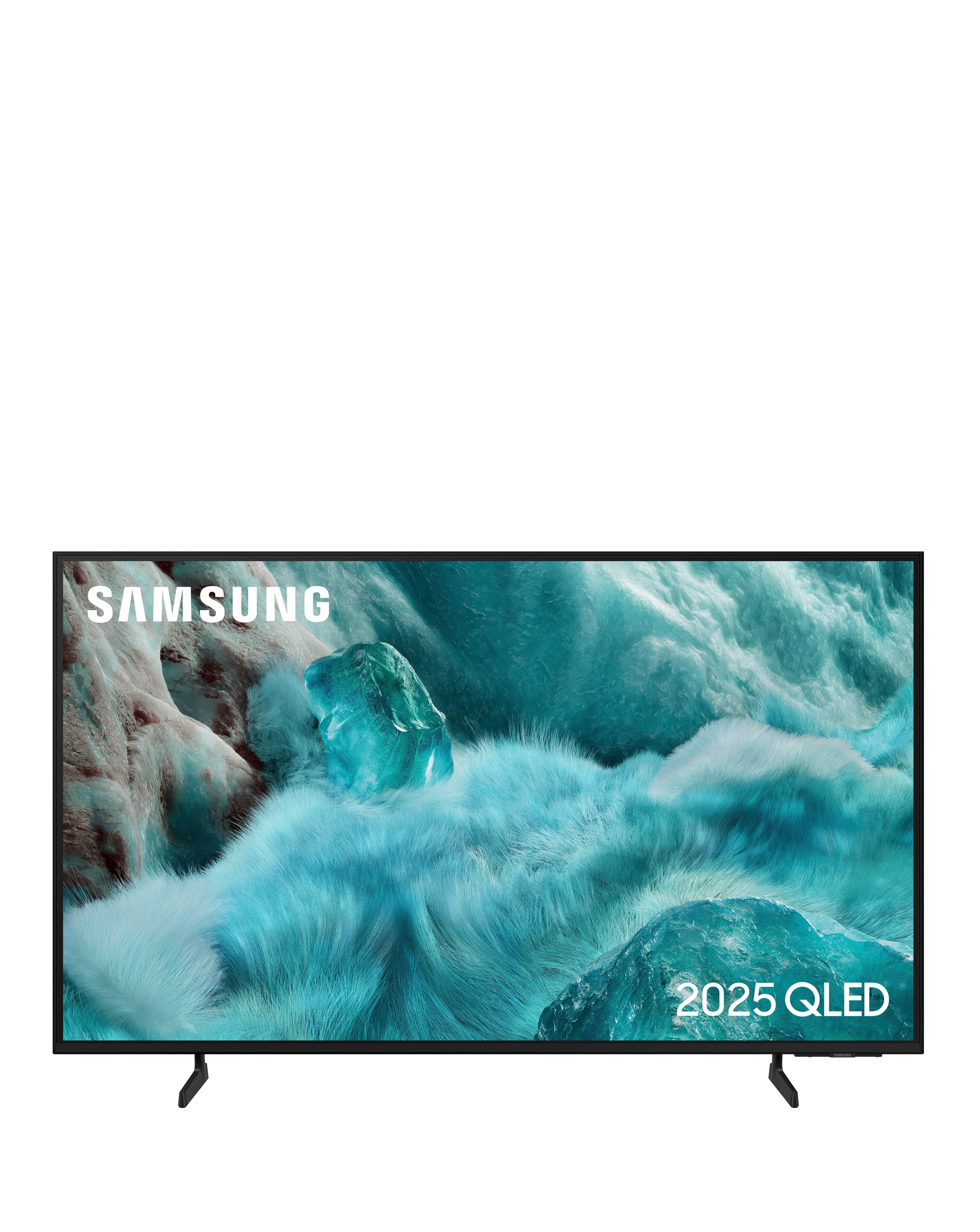
Samsung QE75Q7F2AUXXU 75in QLED 4K AI Smart TV
All reviews (55)
Poor sound
The sound is very poor and getting the colours to my liking is almost impossible not possible to connect sound bar as no optical ...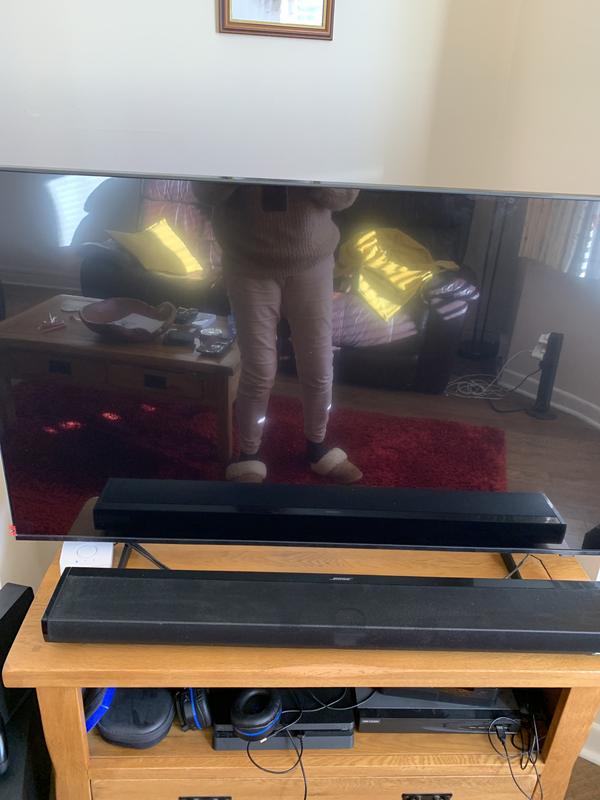
Samsung UK
CX|Replied Monday 5th Jan
We're sorry to see that you are having difficulty with the sound and the colour on your Q7F2 TV, Chris. This certainly isn't the experience we would expect from such a high quality model.
The following link from our colleagues abroad will run you through getting the best sound from your TV: https://www.samsung.com/ae/support/tv-audio-video/how-can-i-change-the-audio-settings-on-my-samsung-tv/
As for the colour settings, please check out the following guide: https://www.samsung.com/uk/tvs/tv-buying-guide/best-picture-quality-tv/
While this TV doesn't have an Optical connection, you can still connect a soundbar via Bluetooth or Wi-Fi, if you would like. For any further support, please reach out to our Support Teams, who will be happy to help. You can find their contact details and operating hours here: https://www.samsung.com/uk/support/contact/
You have a great TV, and we're here to ensure that you can thoroughly enjoy it. ^SK at Samsung SupportGreat Picture Quality
I love the picture quality on my TV , everything looks very natural.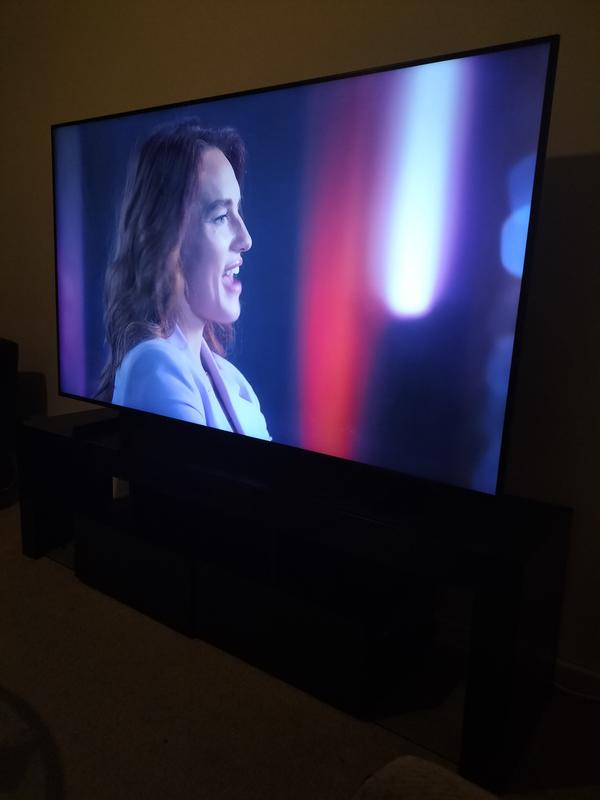
Samsung UK
Samsung|Replied Tuesday 18th Nov 2025
We love reading that we’ve given you that five-star feeling. Keep enjoying! ^KF at Samsung SupportGreat features
Great features - lovely picture- great sound- just the job
Samsung UK
Samsung|Replied Wednesday 24th Dec 2025
We appreciate the time you’ve taken to let us know your wonderful feedback, and we’re thrilled to know you’re loving your 50" QLED Q7F2 4K Vision AI Smart TV. ^KF at Samsung SupportTV basically fine, shame about the software set up
[This review was collected as part of a promotion.] Picture quality and sound are good for the price. Lots of features, many of wh...Samsung UK
CX|Replied Thursday 5th Mar
We're so pleased to hear that you're enjoying the superb picture quality and crisp audio of your 43" QLED Q7F2 TV, Eriba. It's also brilliant to know you're enjoying some of the many fantastic features available on your Smart TV. The two remotes are a solar remote, which acts as a smart remote, and a more traditional style remote. This is great for providing you with the best of both worlds and giving you a choice over which style you personally prefer.
We're sorry to learn that you're not finding the operation to be intuitive and that you've been confused by the extended warranty promotion, along with the Samsung account. This isn't what we'd expect to hear as our TV's are designed with user-friendliness in mind, and we'd love to help with these things.
For the Samsung Account, you can create a new account using an up to date email address at any time by selecting Create account on the following link: https://v3.account.samsung.com/dashboard/intro
Your TV comes with a 12 month warranty as standard, and you don't need to register for this. The 5 year extended warranty is a promotion which needs to be registered for separately. We're sad to hear that the system wouldn't accept your serial number, and we'd advise ensuring you are using the correct link for this, which is as follows: https://www.samsung.com/uk/offer/5-year-samsung-tv-warranty/
If you continue to experience issues with registering for your extended warranty, please don't worry, as our Support Teams are on hand to help. You can find contact details and opening times here: https://www.samsung.com/uk/support/contact/
The team can also help with getting to grips with using your new TV, and can even provide visual support, which is really helpful in showing you around the features and general usage.
We hope this information is helpful for you, and we're wishing you many happy years ahead with your TV. ^EW at Samsung SupportBright picture but …
Clear picture and good sound through soundbar but extremely difficult to connect to other devices and getting them to work. Also r...Samsung UK
CX|Replied Thursday 15th Jan
Thank you for sharing your in-depth experience with us, Chloe.
We’re delighted to hear that you’re enjoying the impressive 4K picture clarity and immersive sound performance of the 43" Q7F2 Smart TV, especially when paired with a soundbar.
We understand that making the most of all its features can feel challenging at first, particularly when connecting external devices or navigating a wide range of channels and settings. To improve compatibility and overall performance, please ensure the TV software is up to date and that you’re using certified HDMI cables. You can update the software by heading to:
Menu > Settings > All Settings > Support > Software update > Update now.
This link also offers a useful step-by-step guide on how to set up and navigate your TV like a pro, as well as customise its settings for a better experience tailored to your needs: https://www.samsung.com/uk/tvs/tv-buying-guide/how-to-set-up-your-tv/
Thank you also for highlighting the difficulty in locating the serial number for warranty registration. You can also find it in the TV’s on-screen menu by going to: Menu > Settings > All Settings > Support > About This TV.
We’ll share your comments about the usability and features of this model internally, as we continue improving our products to ensure a smarter and more intuitive overall experience. ^CL at Samsung Support
We are committed to authentic customer feedback on our products. Our reviews are moderated and verified as authentic by our independent third party, Bazaarvoice.
Bazaarvoice Authentication Policy