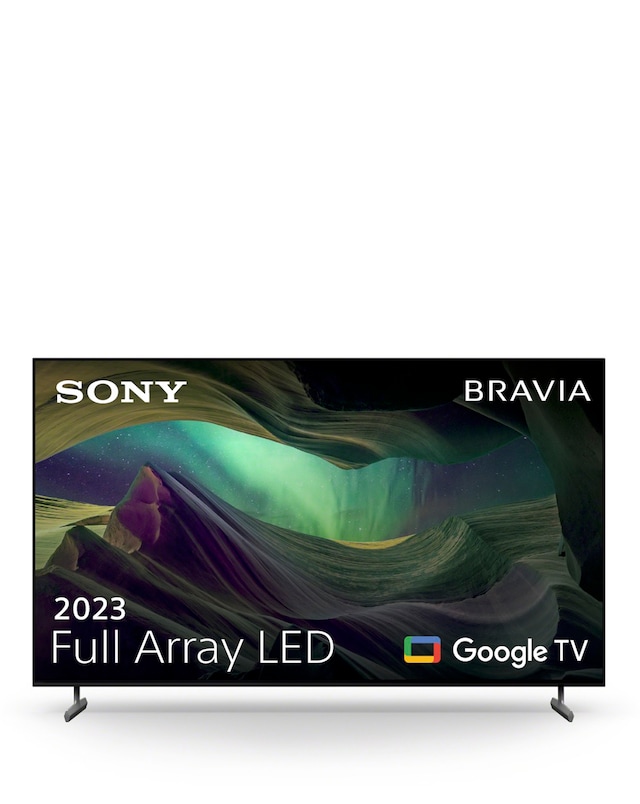
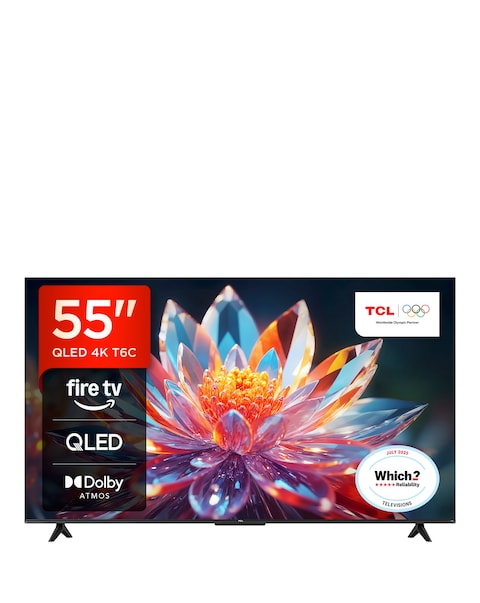
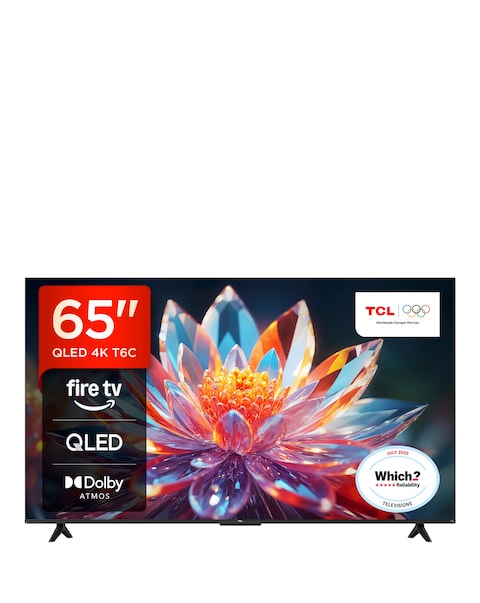
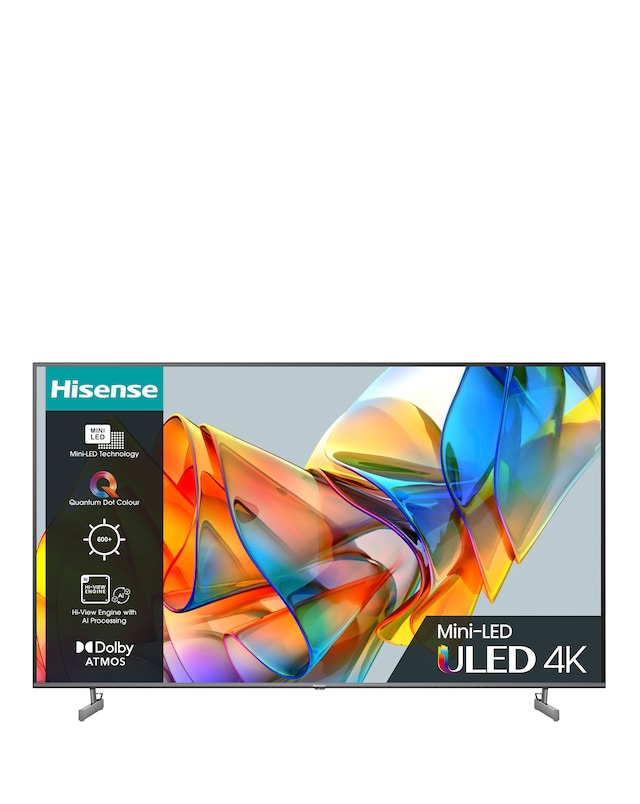
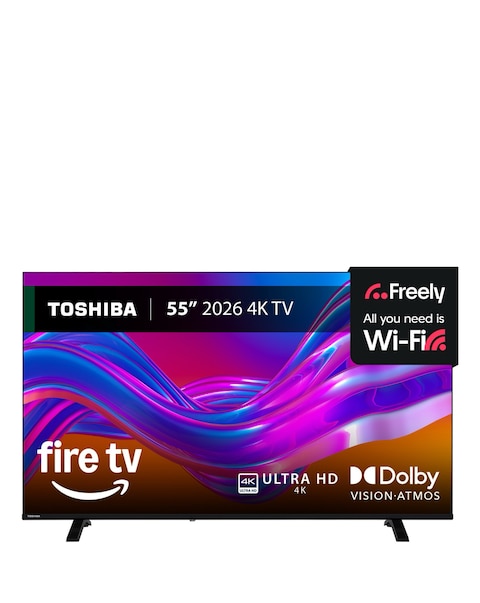
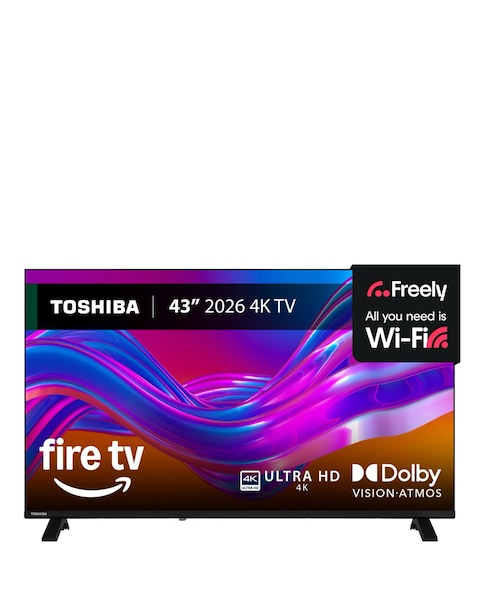
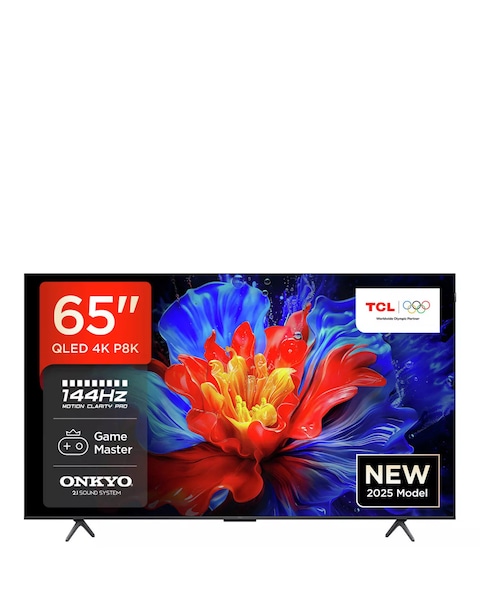
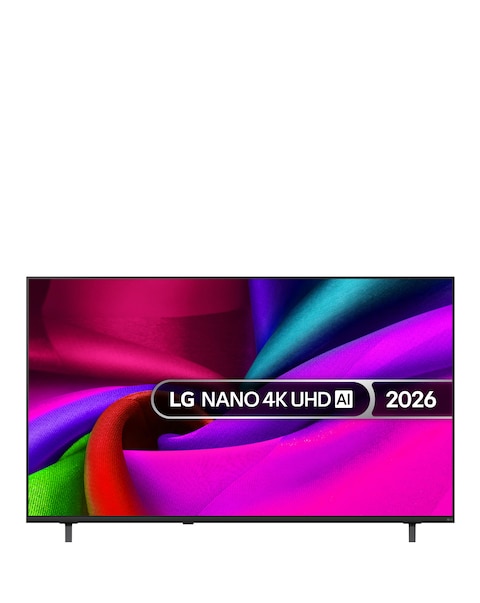
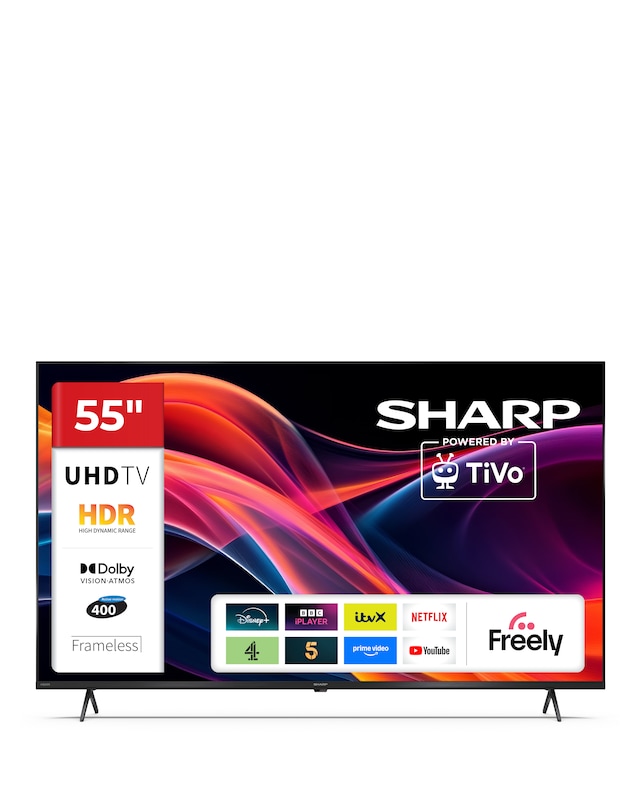
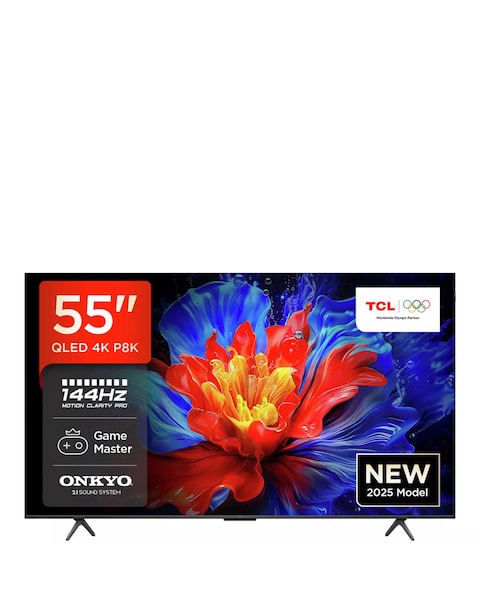
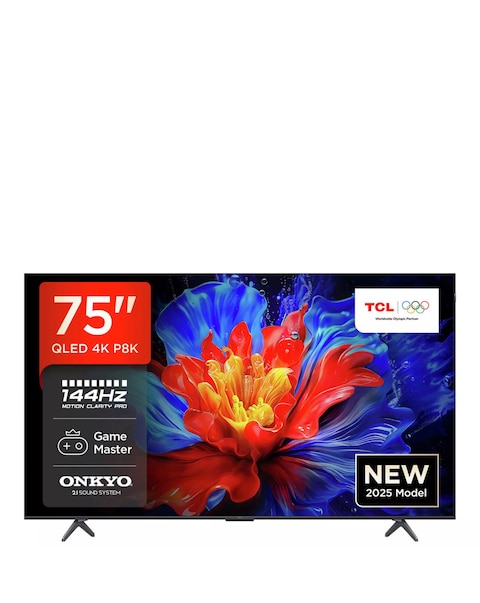
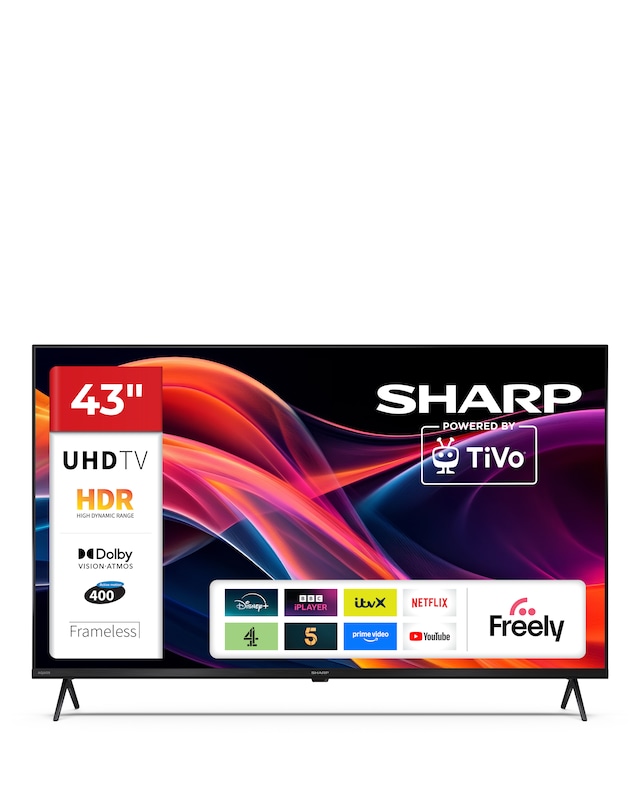
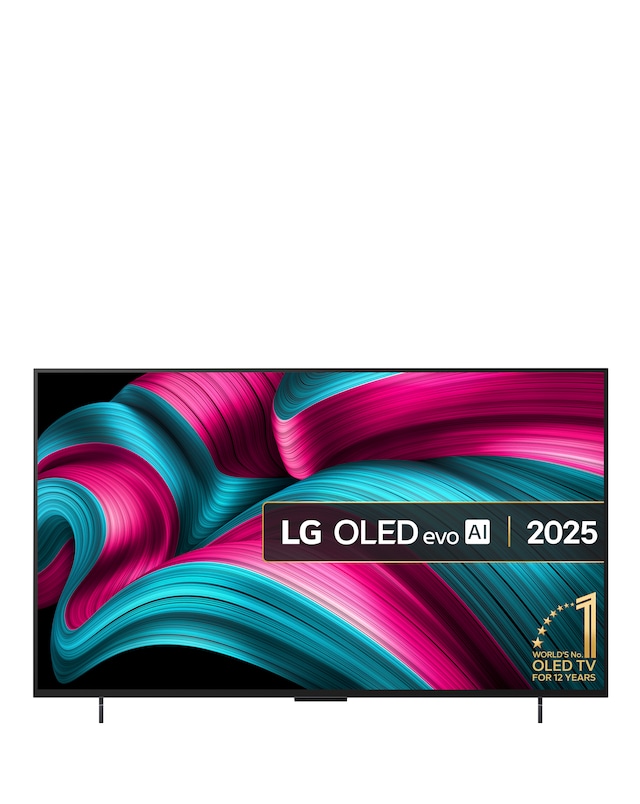
Discover the future of entertainment with our range of Wi-Fi enabled smart TVs, designed to elevate your viewing experience. These innovative devices seamlessly connect to your home network, allowing you to stream your favourite shows, movies, and music with ease. Enjoy access to a wide variety of apps and services, all while benefiting from stunning picture quality and immersive sound. With user-friendly interfaces and smart features, these TVs make it simple to control your viewing experience, whether you're binge-watching a series or hosting a movie night. Upgrade your home entertainment setup with a Wi-Fi enabled smart TV that brings the best of the digital world right to your living room!
What is a Wi-Fi enabled smart TV?
- A Wi-Fi enabled smart TV is a television that connects to the internet via Wi-Fi, allowing users to stream content from various online services. This connectivity enables access to apps, games, and other features that enhance the viewing experience. It combines traditional TV functionality with smart technology for a versatile entertainment option.
What are the benefits of a smart TV?
- Smart TVs offer numerous benefits, including access to streaming services, social media, and web browsing directly on your TV. They often come with built-in voice control and smart home integration, making them convenient to use. Additionally, many smart TVs receive regular software updates, ensuring you have the latest features and security enhancements.
Can you watch live TV on a smart TV?
- Yes, many smart TVs allow you to watch live TV through built-in tuners or by connecting to streaming services that offer live channels. You can also access live broadcasts through various apps available on the TV. This flexibility makes it easy to enjoy both on-demand and live programming.
Do smart TVs require a subscription?
- While smart TVs themselves do not require a subscription, many of the streaming services available on them do. Some popular services may charge a monthly fee for access to their content. However, there are also free apps and channels available that can be enjoyed without a subscription.
How do I connect my smart TV to Wi-Fi?
- Connecting a smart TV to Wi-Fi is typically straightforward. You can access the settings menu on your TV, select the network option, and choose your Wi-Fi network from the list. After entering your Wi-Fi password, your TV should connect to the internet, allowing you to start streaming content.