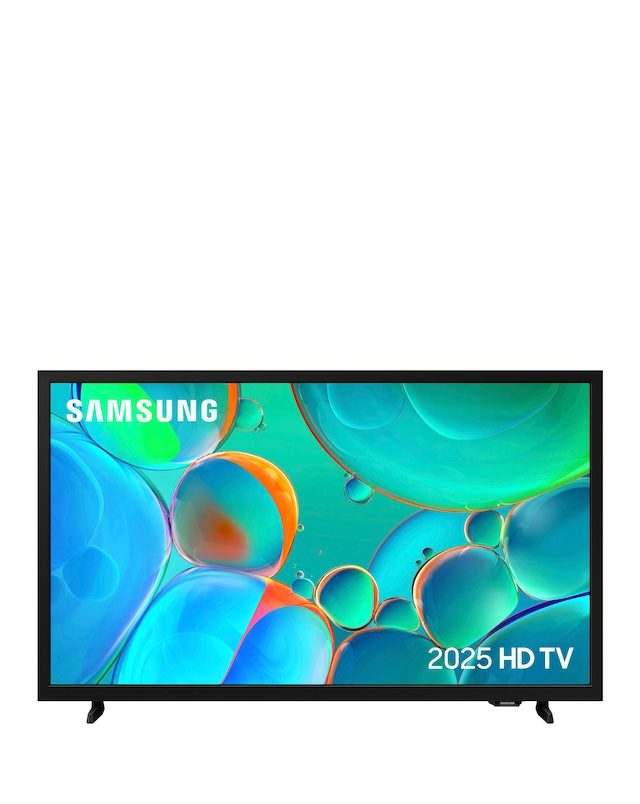
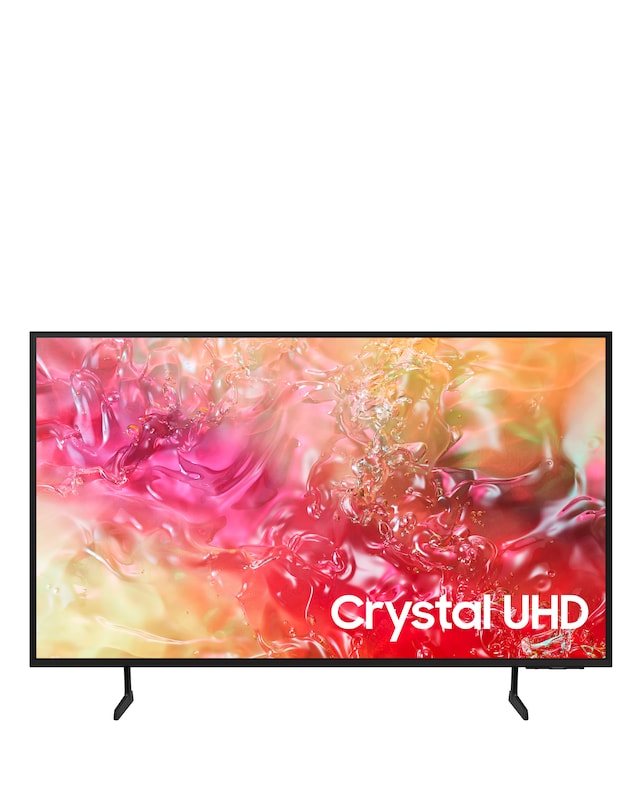
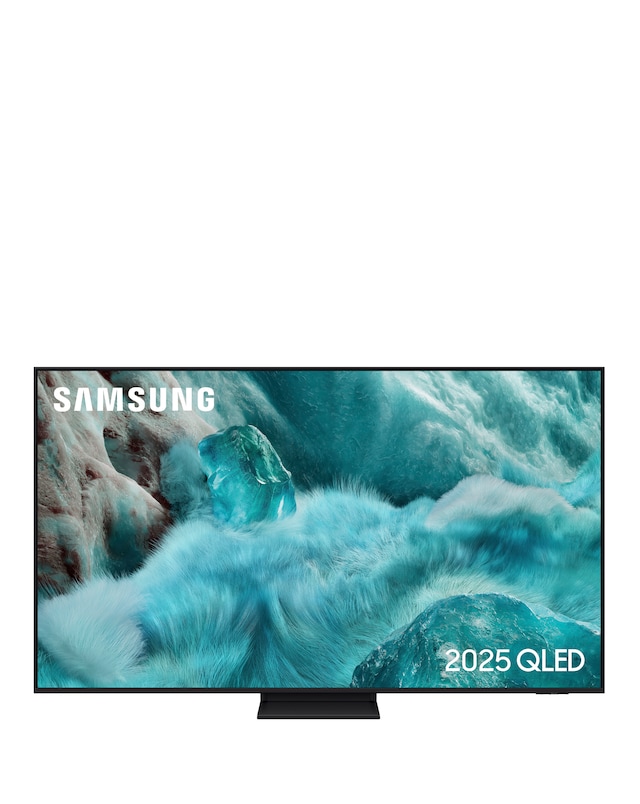
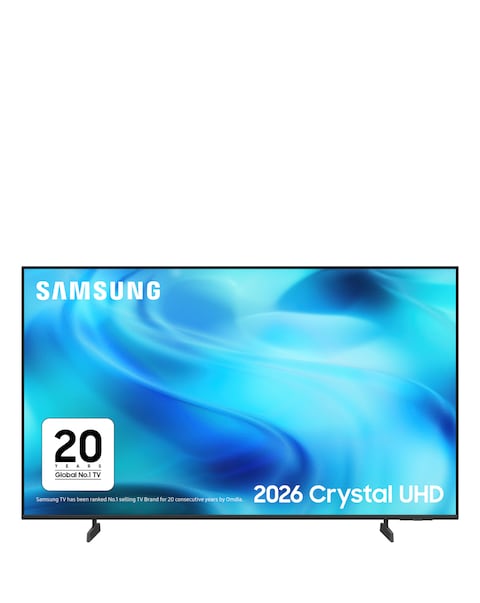
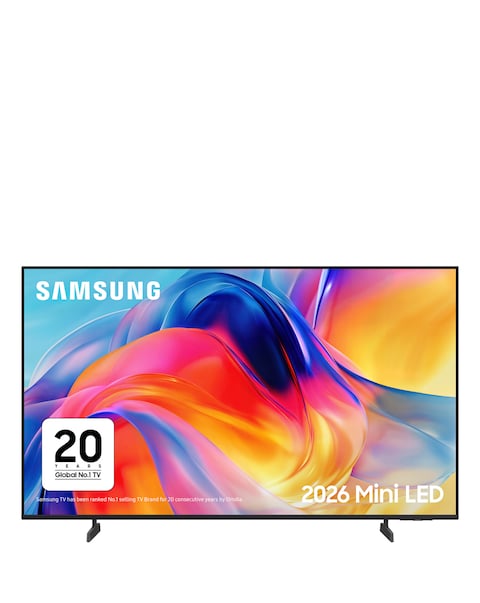
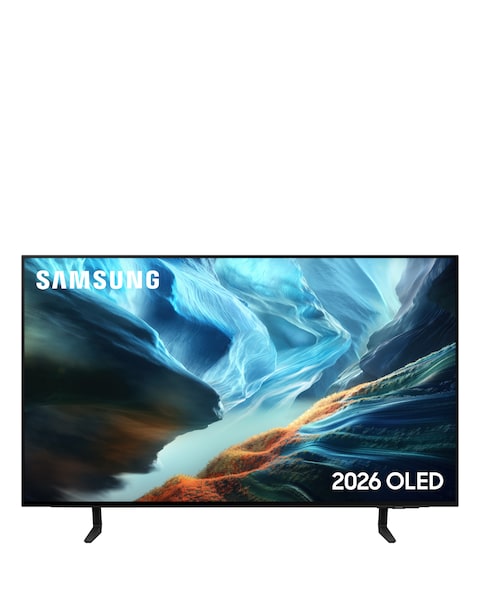
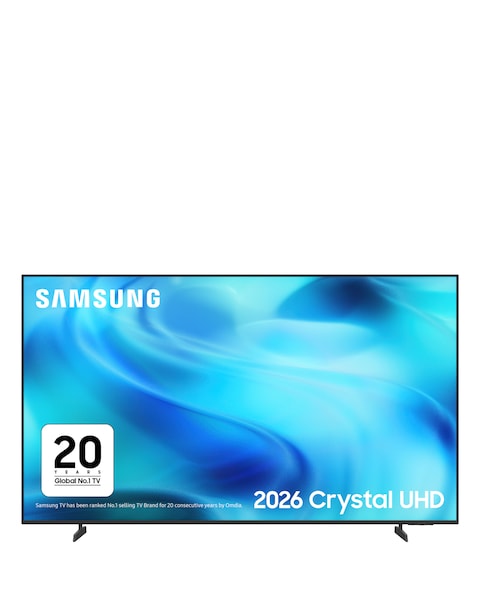
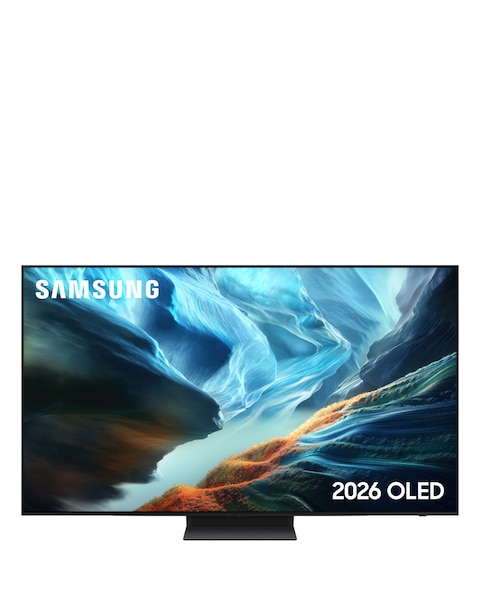
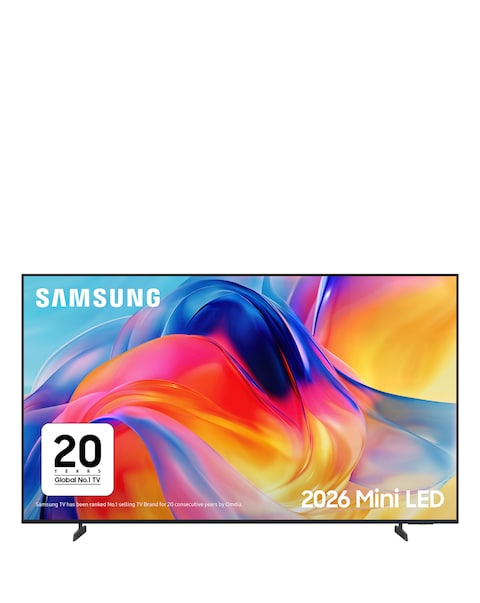
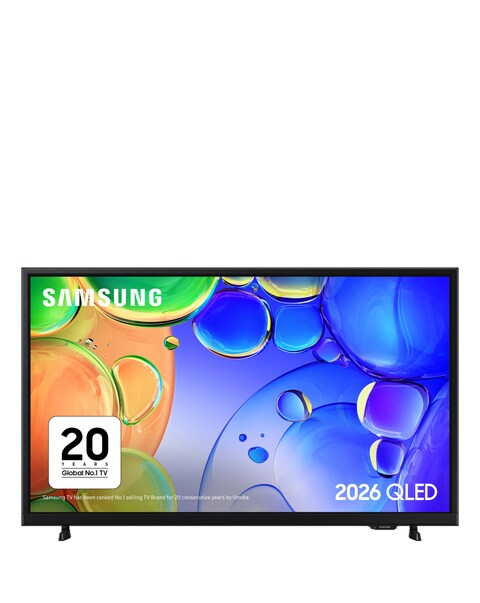
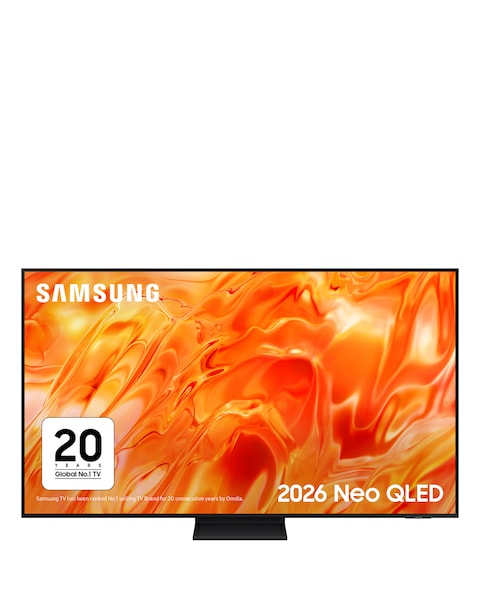
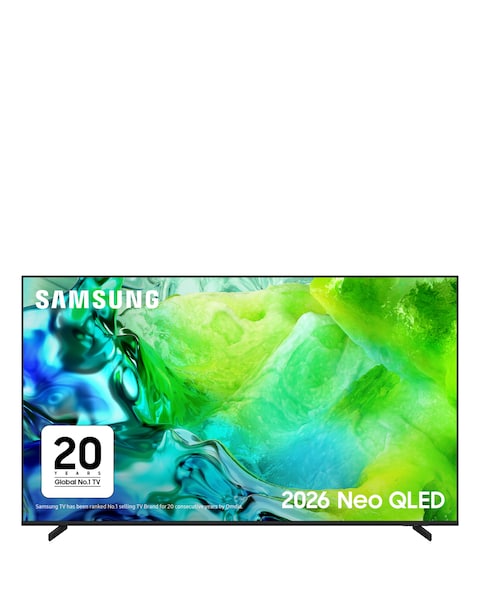
Discover the ultimate viewing experience with our collection of black smart TVs, designed to elevate your home entertainment. Featuring stunning 4K resolution and advanced OLED technology, these TVs deliver vibrant colours and deep contrasts for an immersive experience. With built-in smart capabilities, you can easily access your favourite streaming services, browse the web, and enjoy a variety of apps right from your screen. The sleek black design seamlessly fits into any décor, making it a stylish addition to your living space. Upgrade your home cinema setup with our range of black smart TVs and enjoy a world of entertainment at your fingertips!
What features should I look for in a smart TV?
- When choosing a smart TV, consider features like screen resolution, display technology, and smart capabilities. Look for 4K resolution for sharp images and OLED technology for vibrant colours. Additionally, check for user-friendly interfaces and compatibility with popular streaming services.
Are black smart TVs better than other colours?
- Black smart TVs are often preferred for their sleek and modern appearance, which complements various interior styles. The dark finish can also enhance the viewing experience by reducing reflections and distractions. Ultimately, the choice of colour is a matter of personal preference.
Can I connect my smart TV to the internet?
- Yes, most smart TVs come with built-in Wi-Fi or Ethernet ports, allowing you to connect to the internet easily. This connectivity enables access to streaming services, apps, and online content. Make sure to check the specifications for the type of connectivity options available.
What is the difference between OLED and LED TVs?
- OLED TVs use organic compounds that emit light when electricity is applied, resulting in deeper blacks and more vibrant colours. In contrast, LED TVs use a backlight to illuminate the screen, which can lead to less contrast. OLED technology generally offers superior picture quality, especially in dark scenes.
How do I set up a smart TV?
- Setting up a smart TV typically involves connecting it to a power source, attaching any external devices, and connecting to your home Wi-Fi network. Follow the on-screen instructions to complete the setup process, which usually includes signing into your streaming accounts and personalising settings.