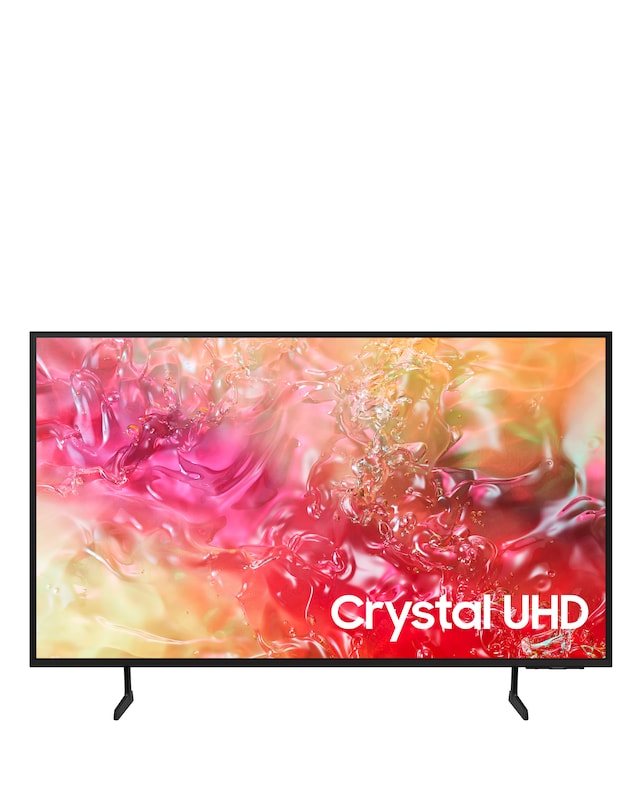
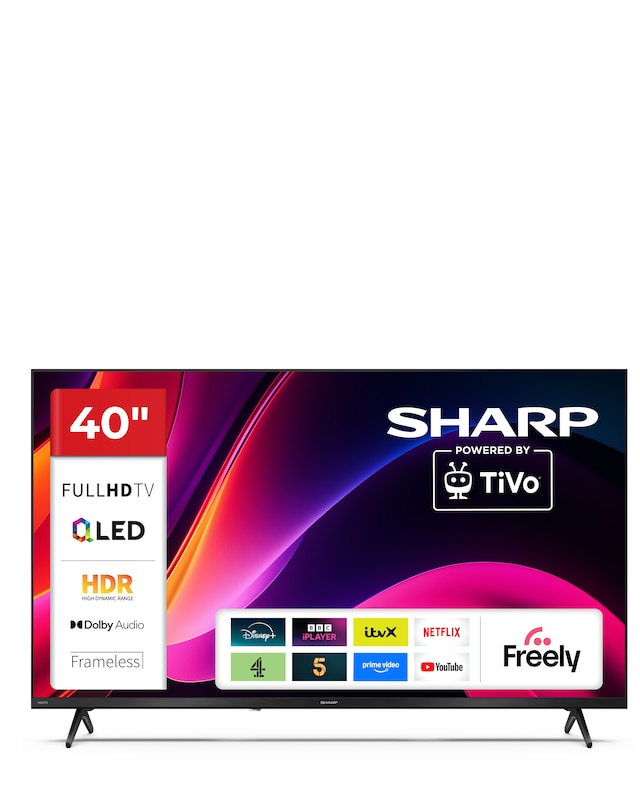
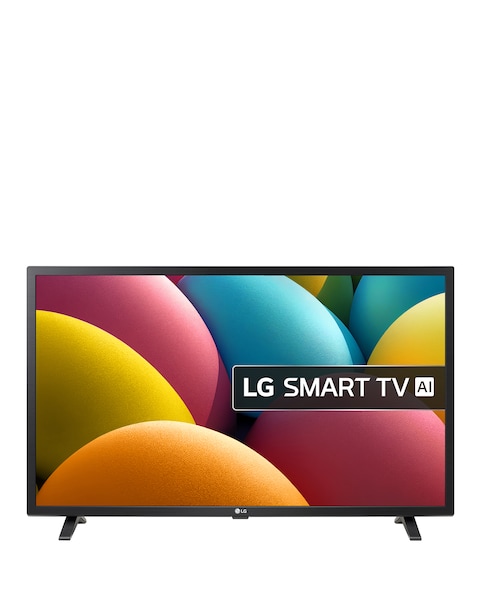
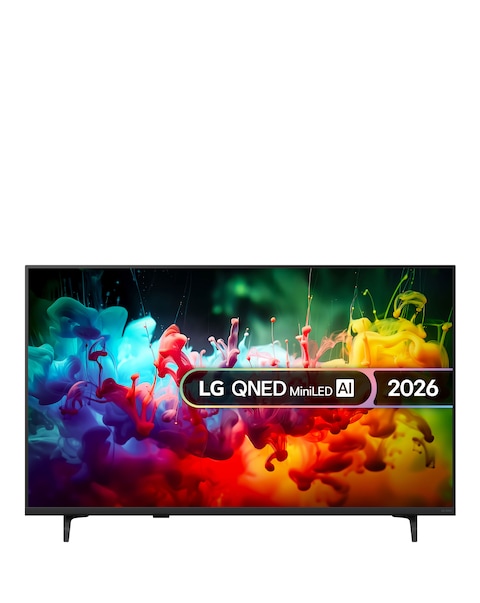
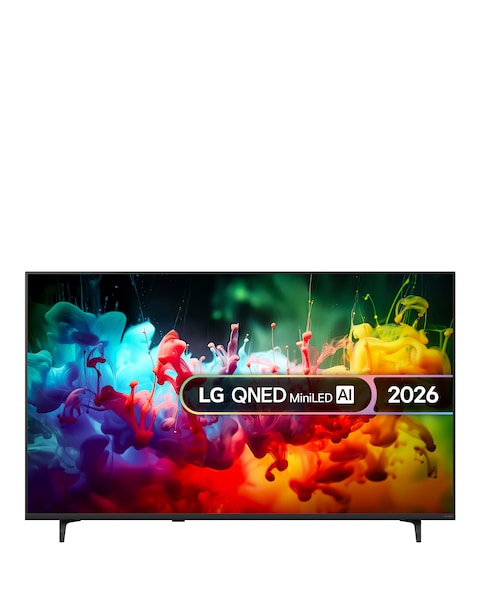
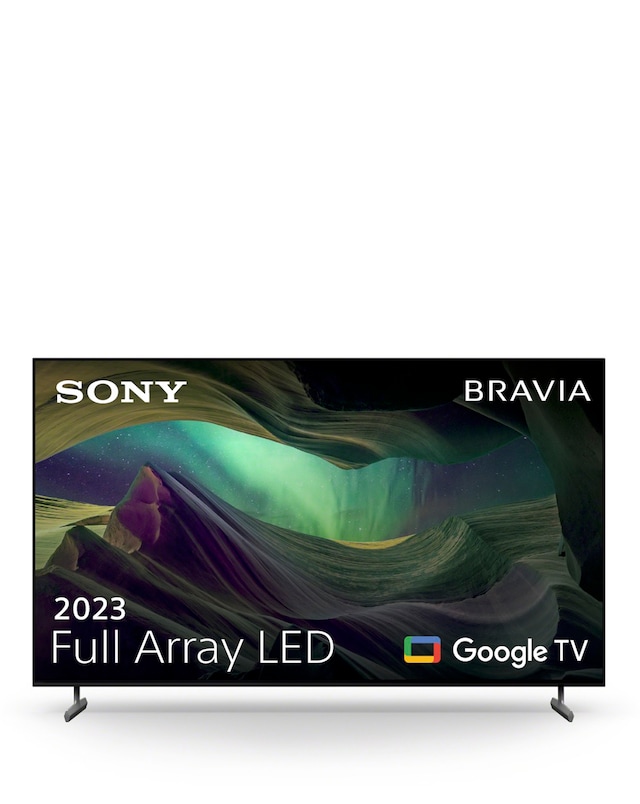
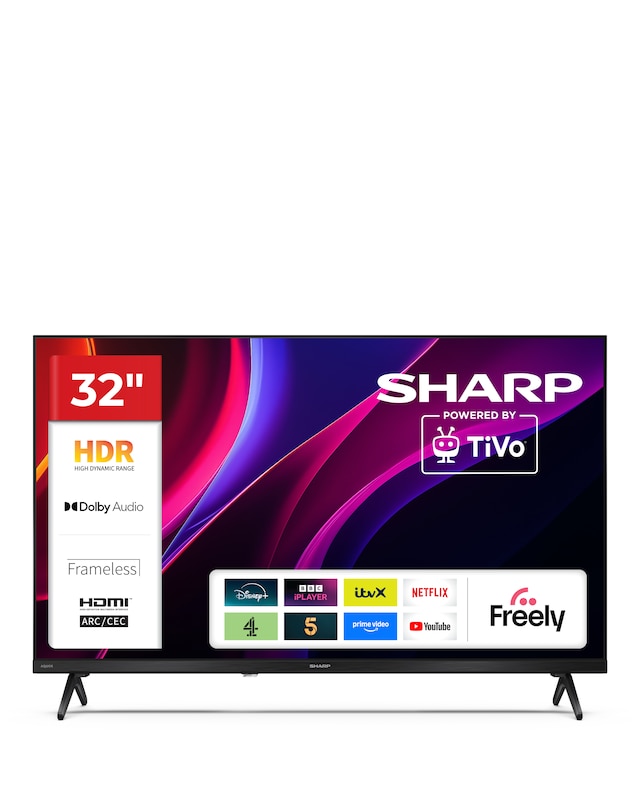
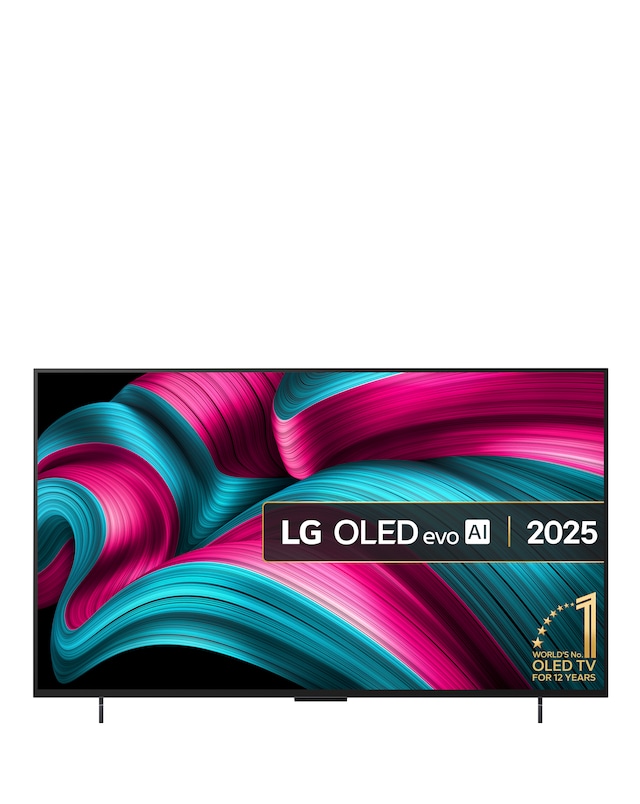
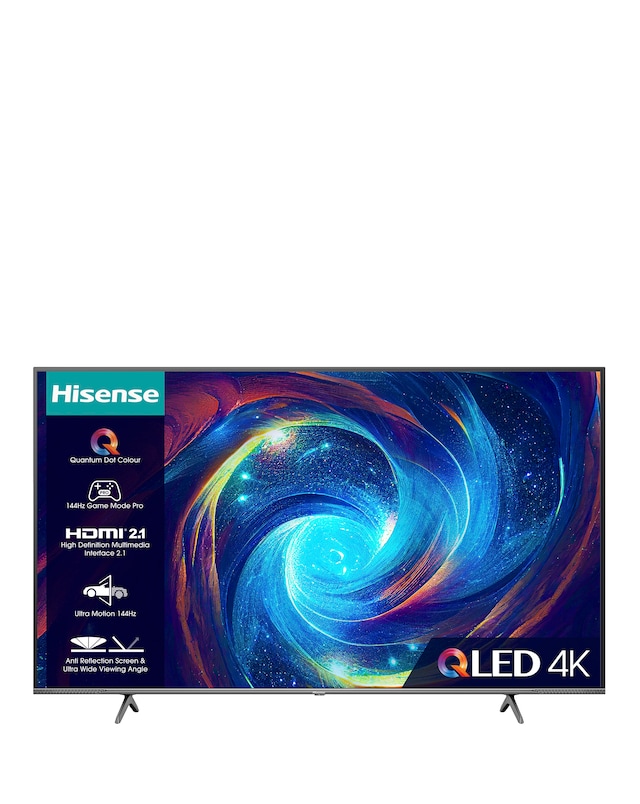
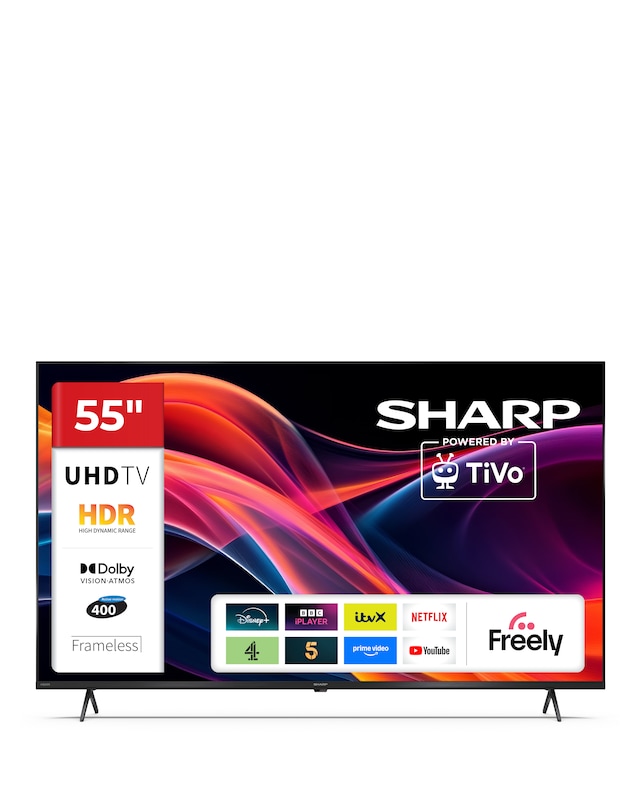
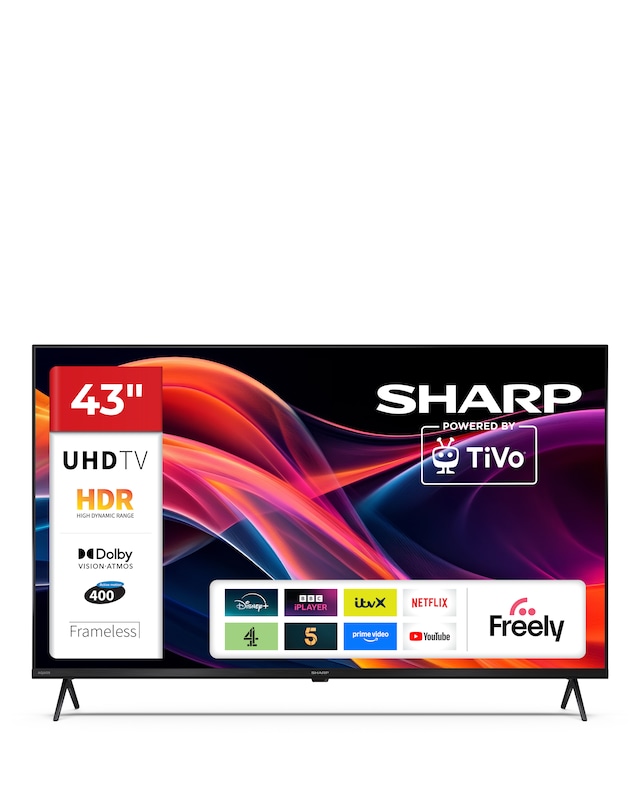
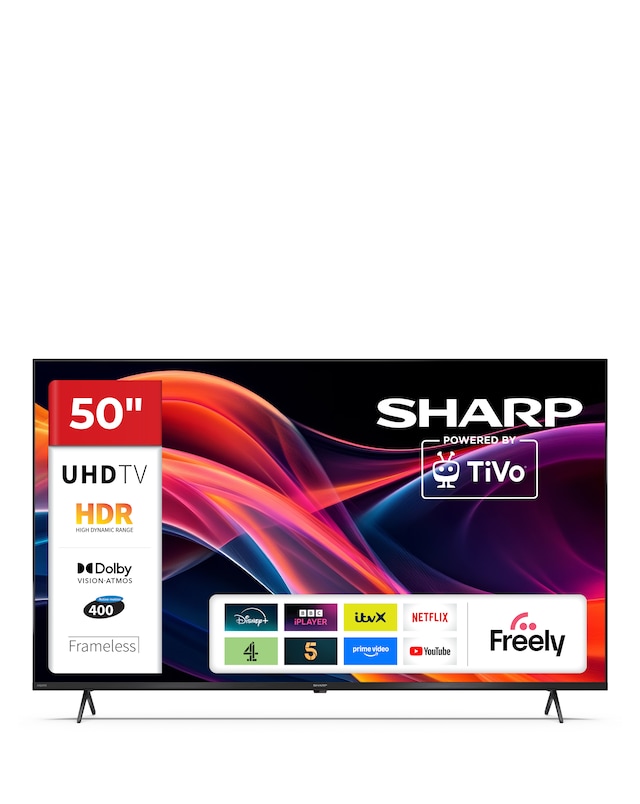
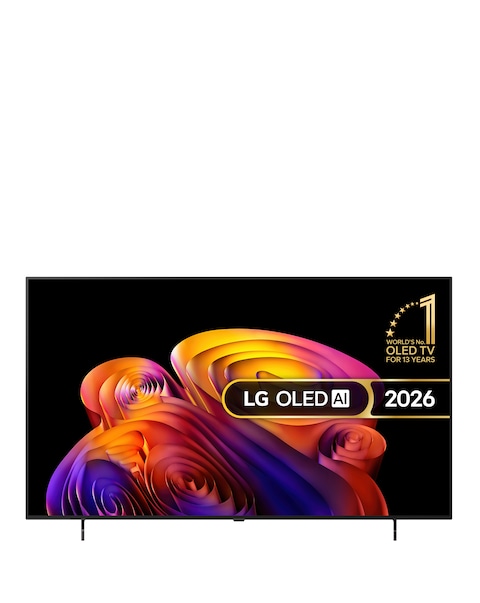
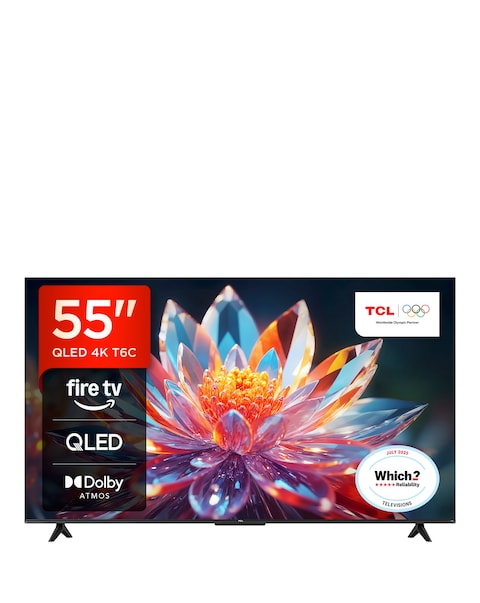
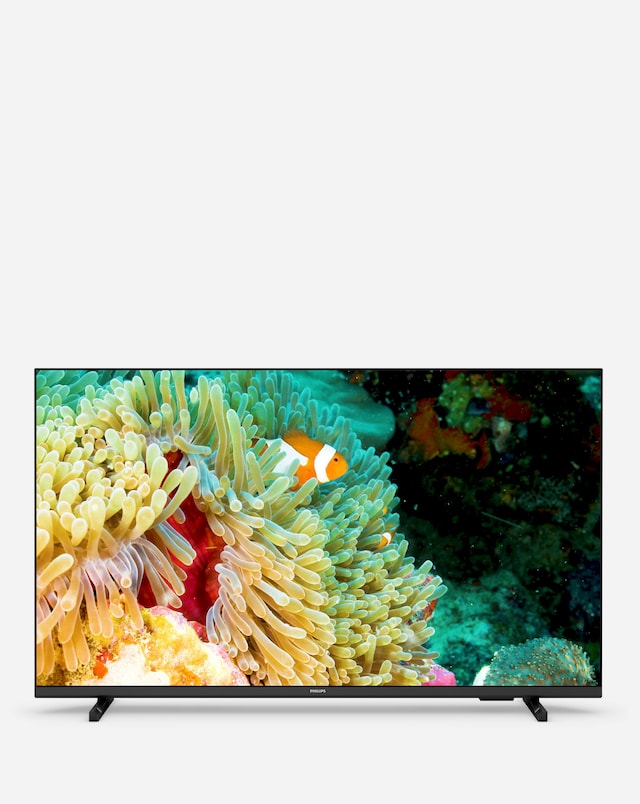
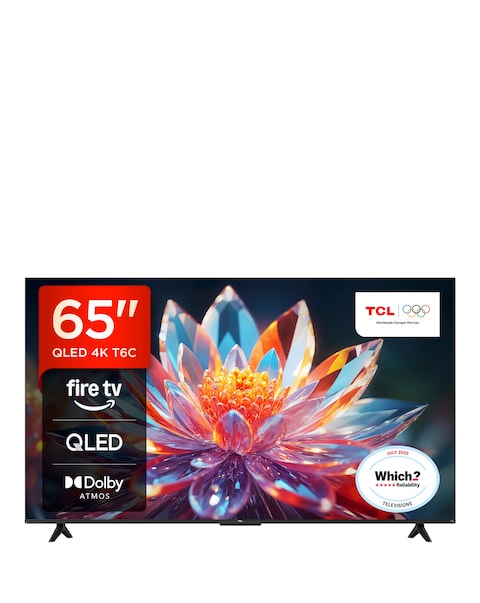
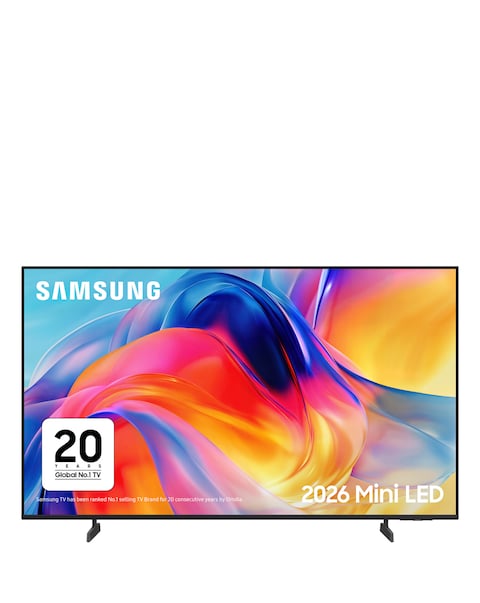
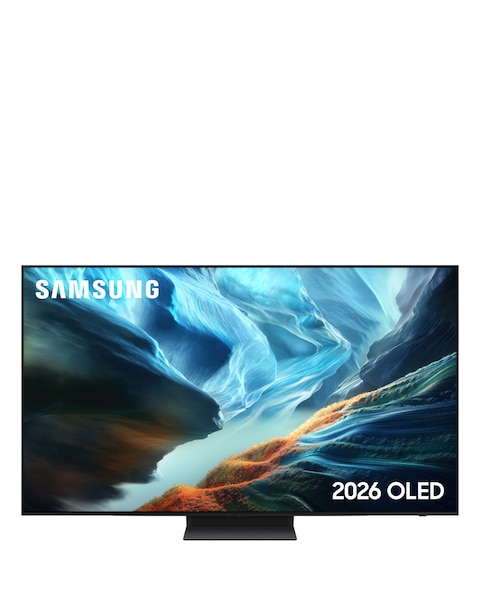
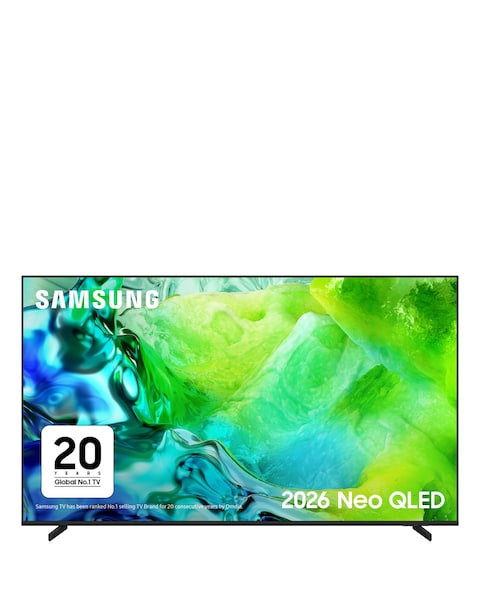
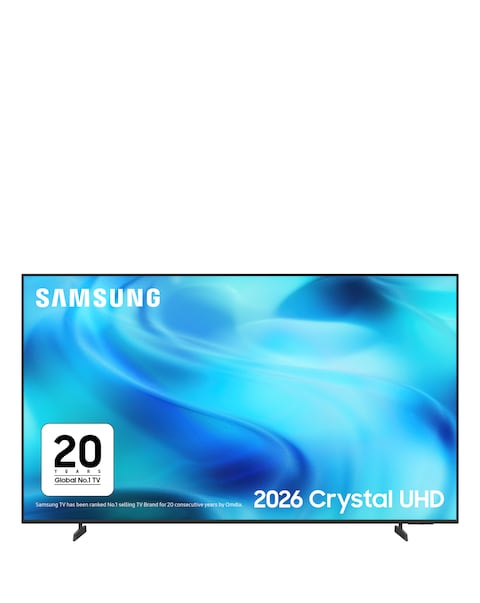
Discover the ultimate viewing experience with our collection of black smart TVs, designed to elevate your home entertainment. Featuring stunning 4K resolution and advanced smart technology, these TVs offer seamless access to your favourite streaming services and apps. With sleek designs that complement any decor, our black smart TVs provide vibrant colours and sharp images, ensuring you enjoy every detail of your favourite shows and movies. Whether you're watching sports, playing games, or binge-watching series, these TVs deliver exceptional performance and connectivity options, making them the perfect addition to your living space.
What features should I look for in a smart TV?
- When choosing a smart TV, consider features like screen resolution, smart platform compatibility, and connectivity options. Look for 4K resolution for enhanced picture quality and a user-friendly interface for easy navigation. Additionally, check for HDMI and USB ports for connecting external devices.
Are black smart TVs better than other colours?
- Black smart TVs are often preferred for their sleek and modern appearance, which can seamlessly blend into any room decor. The darker finish can also enhance the viewing experience by reducing reflections and distractions. Ultimately, the choice of colour is a matter of personal preference.
Can I connect my smart TV to the internet?
- Yes, most smart TVs come with built-in Wi-Fi or Ethernet ports, allowing you to connect to the internet easily. This connectivity enables access to streaming services, apps, and online content. Ensure your home network is set up for a smooth connection.
What is the difference between LED and OLED smart TVs?
- LED TVs use a backlight to illuminate the screen, while OLED TVs have self-lighting pixels that provide deeper blacks and more vibrant colours. OLED technology typically offers better contrast and viewing angles, making it ideal for cinematic experiences. However, LED TVs can be more affordable and still deliver excellent picture quality.
How do I set up a smart TV?
- Setting up a smart TV usually involves connecting it to a power source, linking it to your Wi-Fi network, and following on-screen prompts to configure settings. Most smart TVs guide you through the setup process, making it user-friendly. You may also need to download apps for your preferred streaming services.