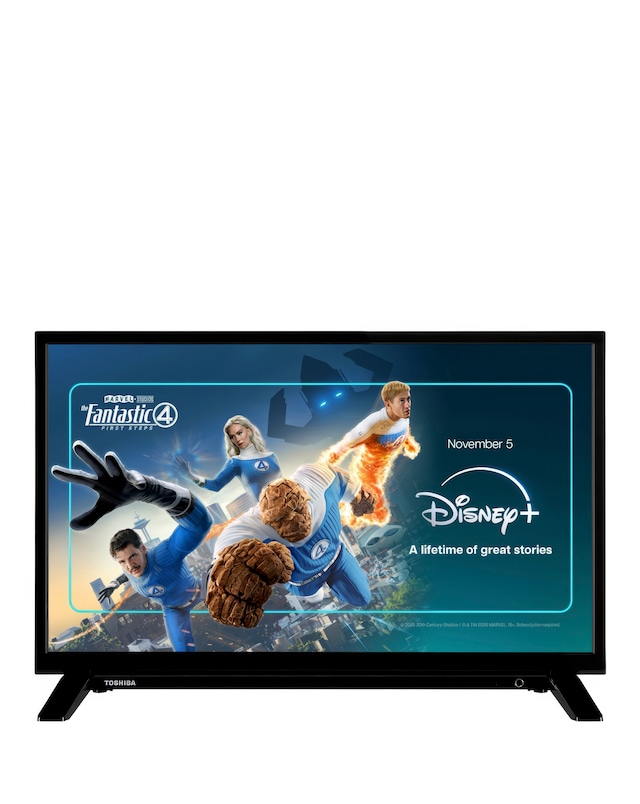
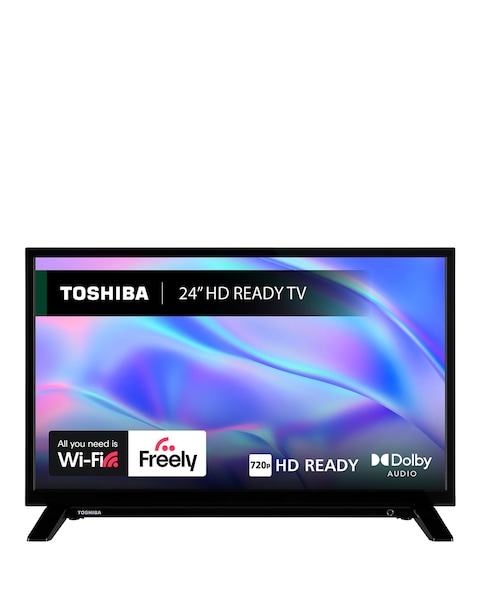
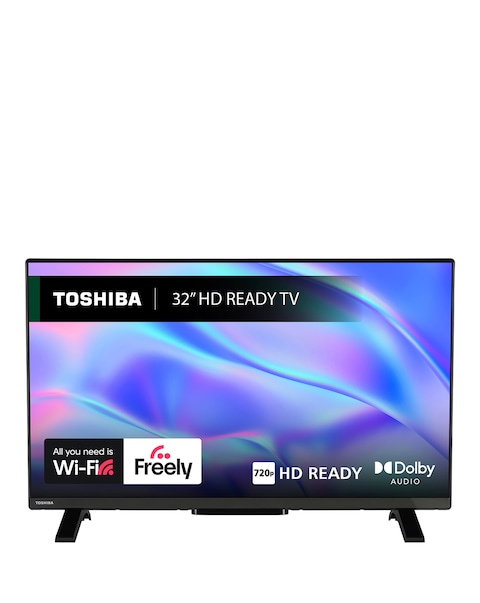
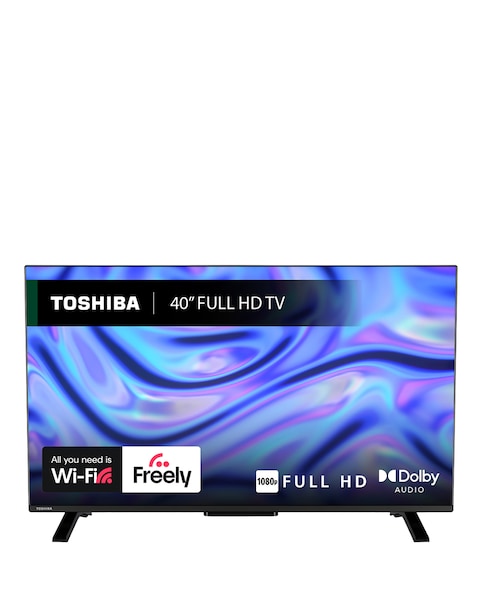
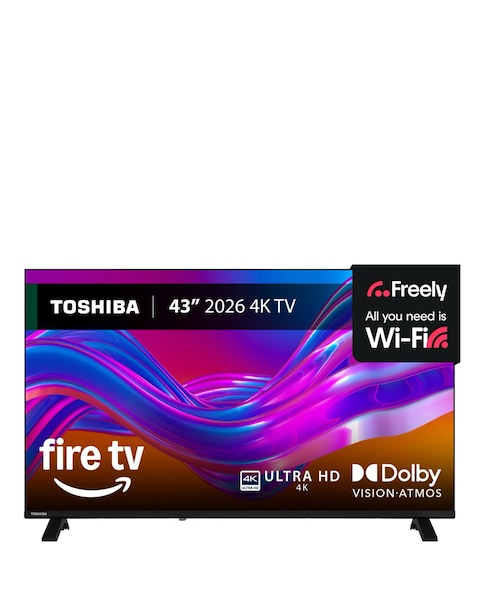
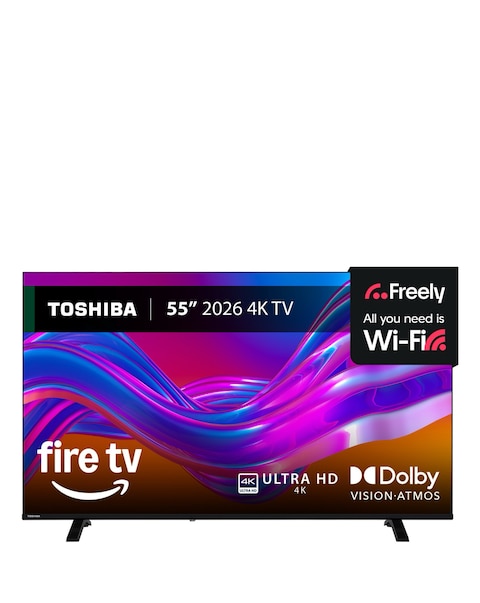
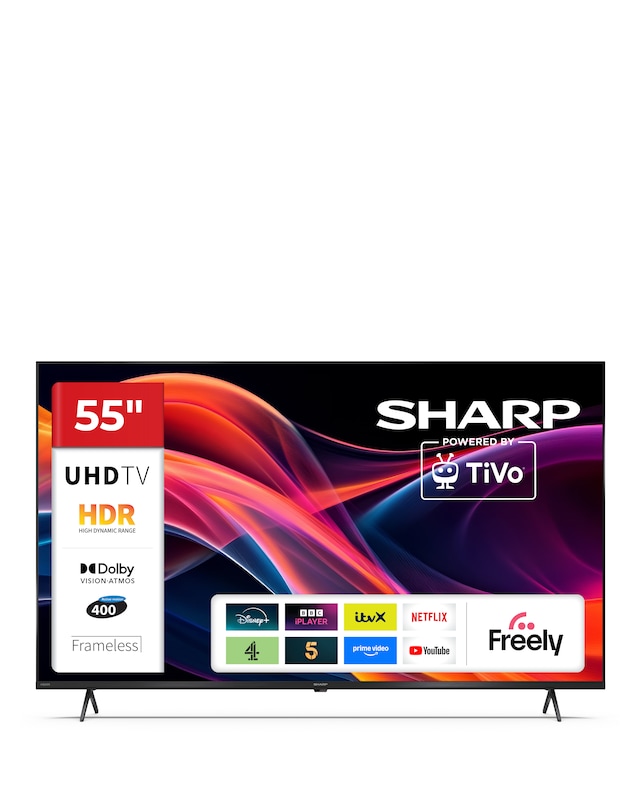
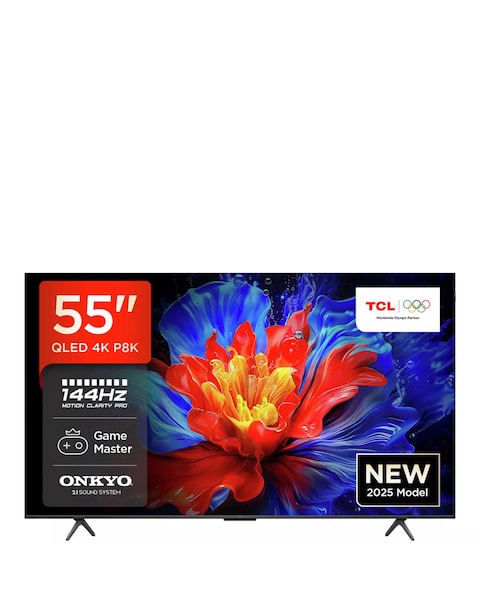
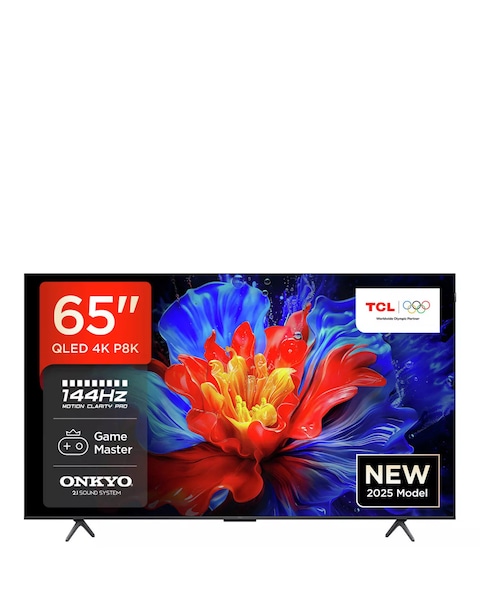
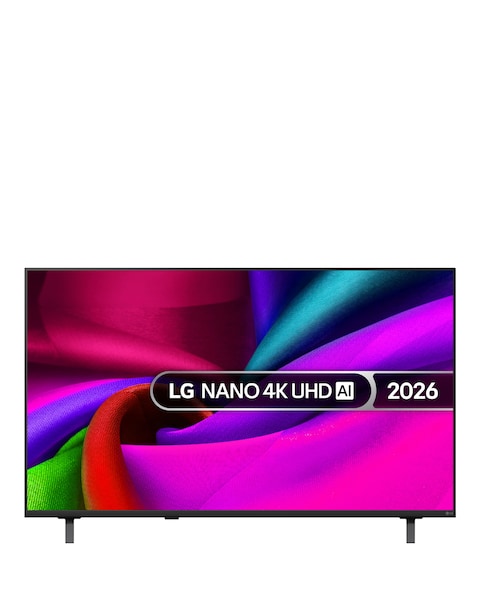
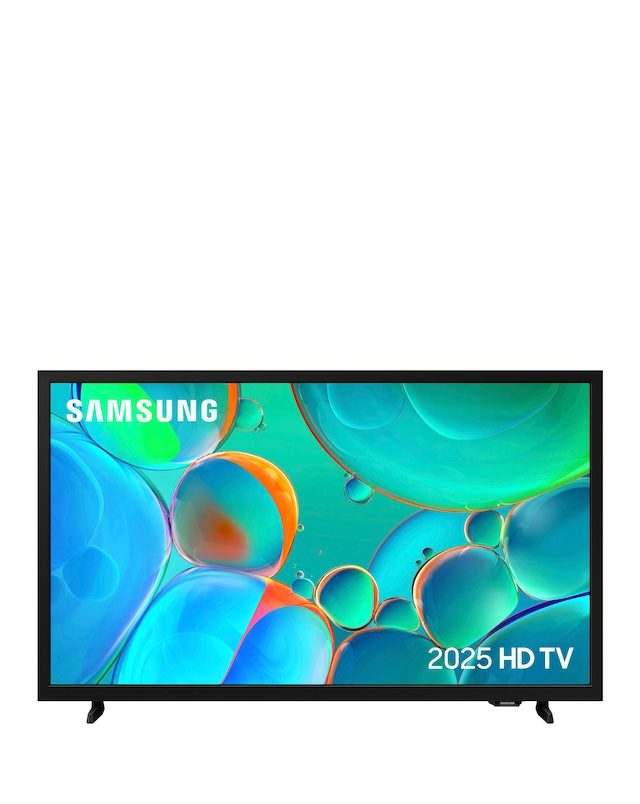
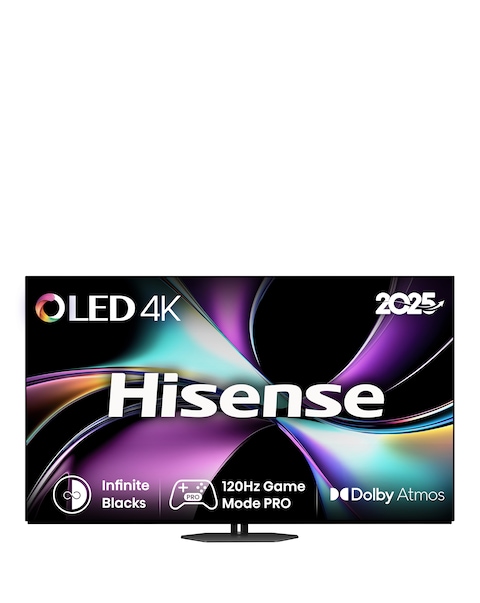
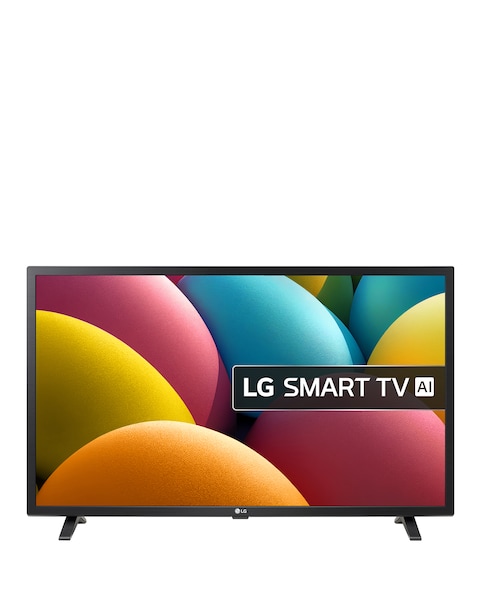
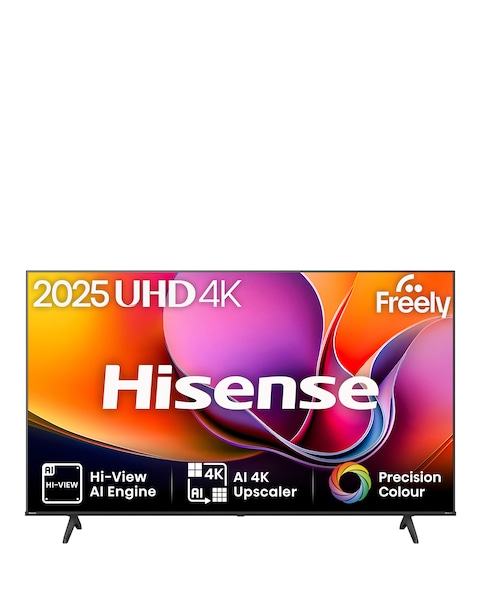
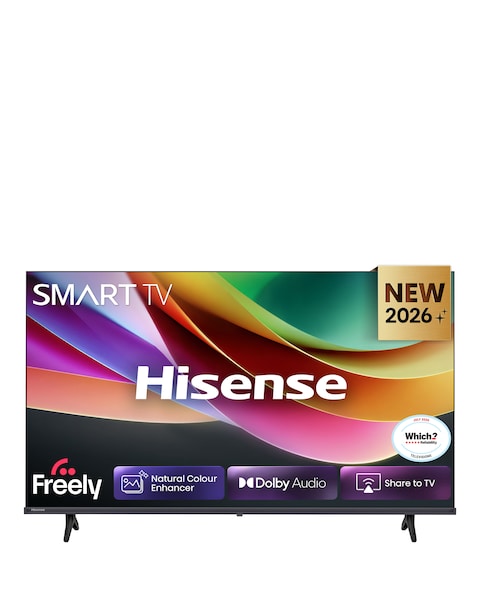
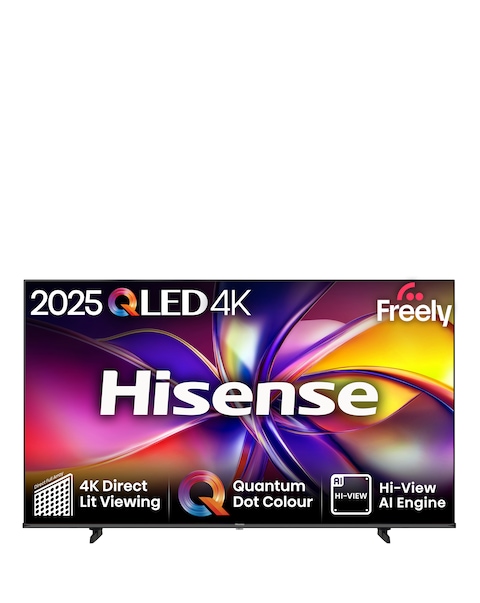
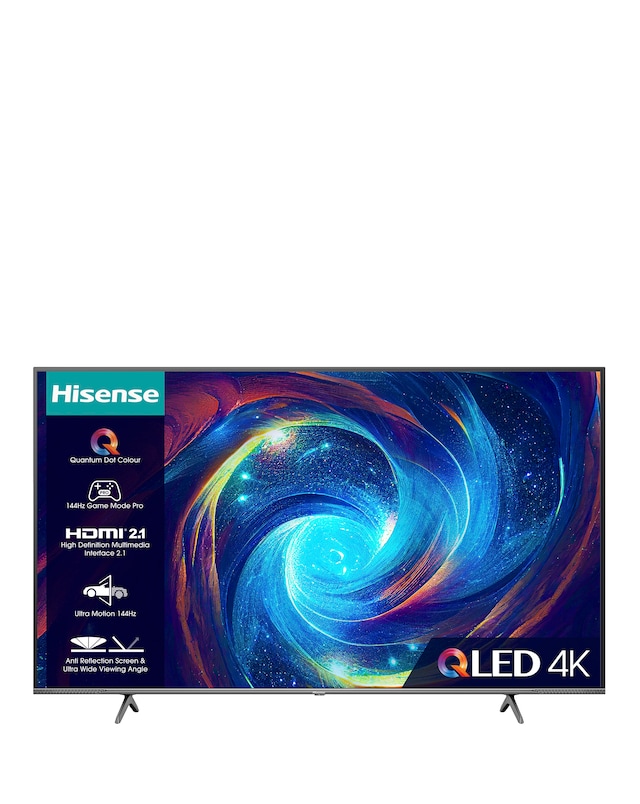
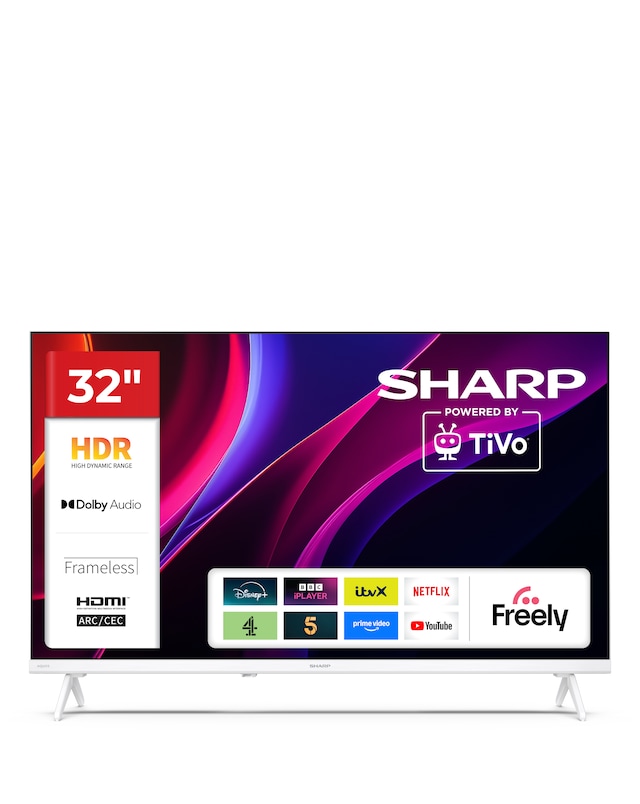
Discover the ultimate viewing experience with our range of Toshiba Vidaa TVs, designed to elevate your home entertainment. Featuring stunning picture quality and vibrant colours, these TVs offer a variety of screen sizes to fit any space, from compact options perfect for bedrooms to larger models ideal for living rooms. With smart technology integration, you can easily access your favourite streaming services and apps, making it simple to enjoy your favourite shows and movies. Enhanced audio performance ensures an immersive experience, while sleek designs complement any décor. Explore our collection to find the perfect Toshiba Vidaa TV that meets your entertainment needs!
What features do Toshiba Vidaa TVs offer?
- Toshiba Vidaa TVs typically come with high-definition displays, smart technology for easy streaming, and various screen sizes to suit different spaces. They also often include enhanced audio systems for a richer sound experience. Additionally, many models feature user-friendly interfaces for seamless navigation.
Are Toshiba Vidaa TVs suitable for gaming?
- Yes, Toshiba Vidaa TVs are generally suitable for gaming, especially those with low input lag and high refresh rates. Many models support popular gaming consoles, providing a smooth and responsive gaming experience. Check specifications for features like Game Mode for optimal performance.
Can I connect my Toshiba Vidaa TV to the internet?
- Yes, Toshiba Vidaa TVs typically come with built-in Wi-Fi, allowing you to connect to the internet easily. This enables access to various streaming services, apps, and online content. Wired connections via Ethernet are also often supported for stable connectivity.
What is the difference between smart and non-smart Toshiba TVs?
- Smart Toshiba TVs come with built-in internet connectivity and access to streaming services, while non-smart models do not have these features. Smart TVs allow for app downloads and online browsing, enhancing your viewing options. Non-smart TVs usually require external devices for similar functionalities.
How do I set up my Toshiba Vidaa TV?
- Setting up your Toshiba Vidaa TV is straightforward and usually involves connecting it to a power source, attaching any external devices, and following on-screen prompts for initial configuration. You can connect to Wi-Fi during setup to access smart features. Detailed instructions are typically included in the user manual.