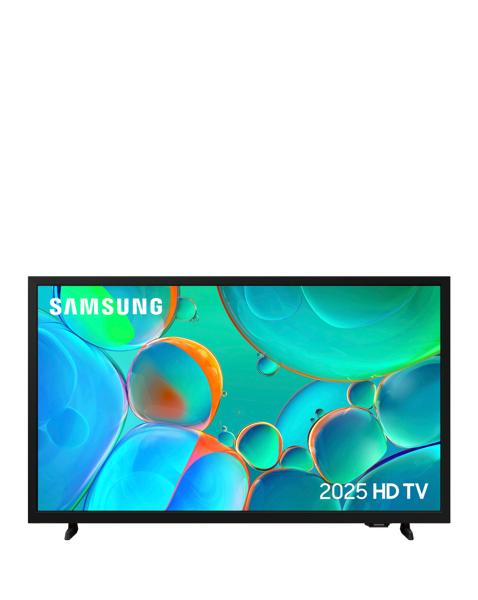
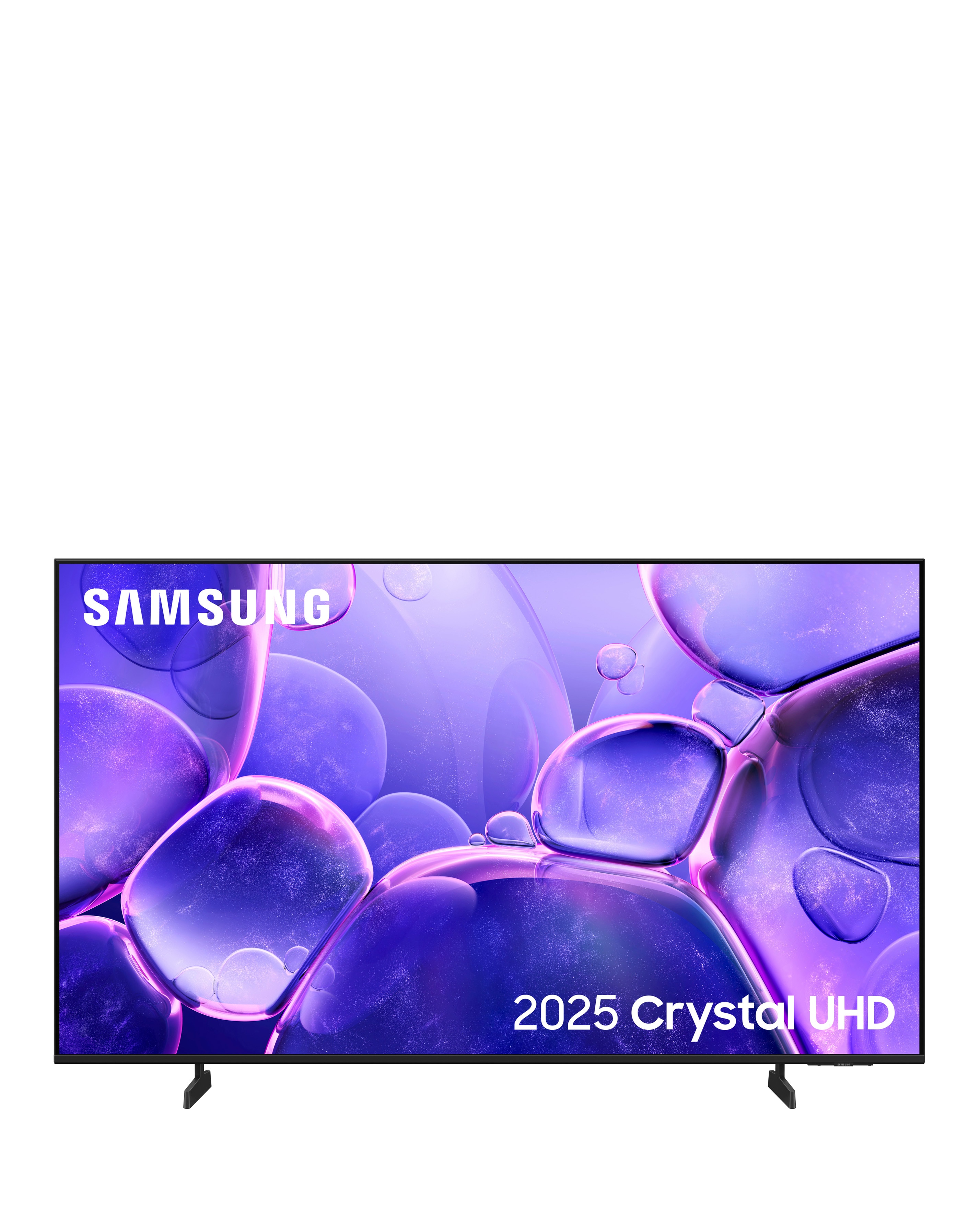
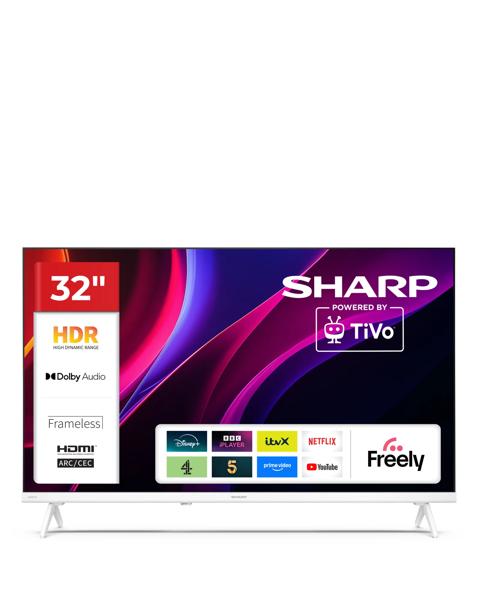
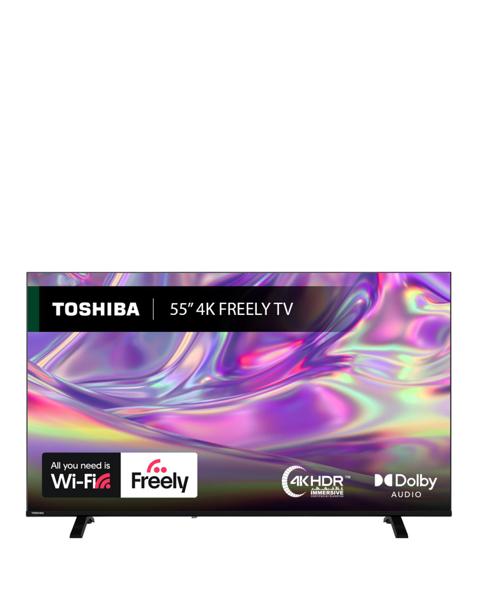
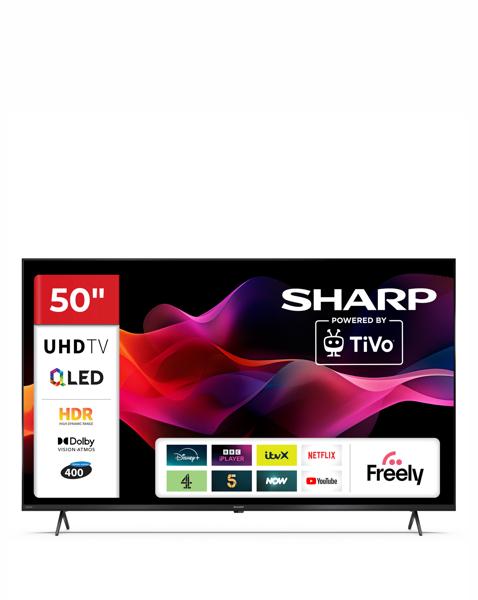
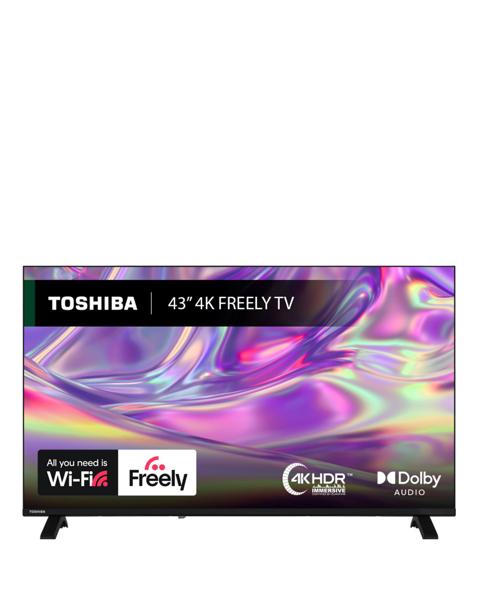
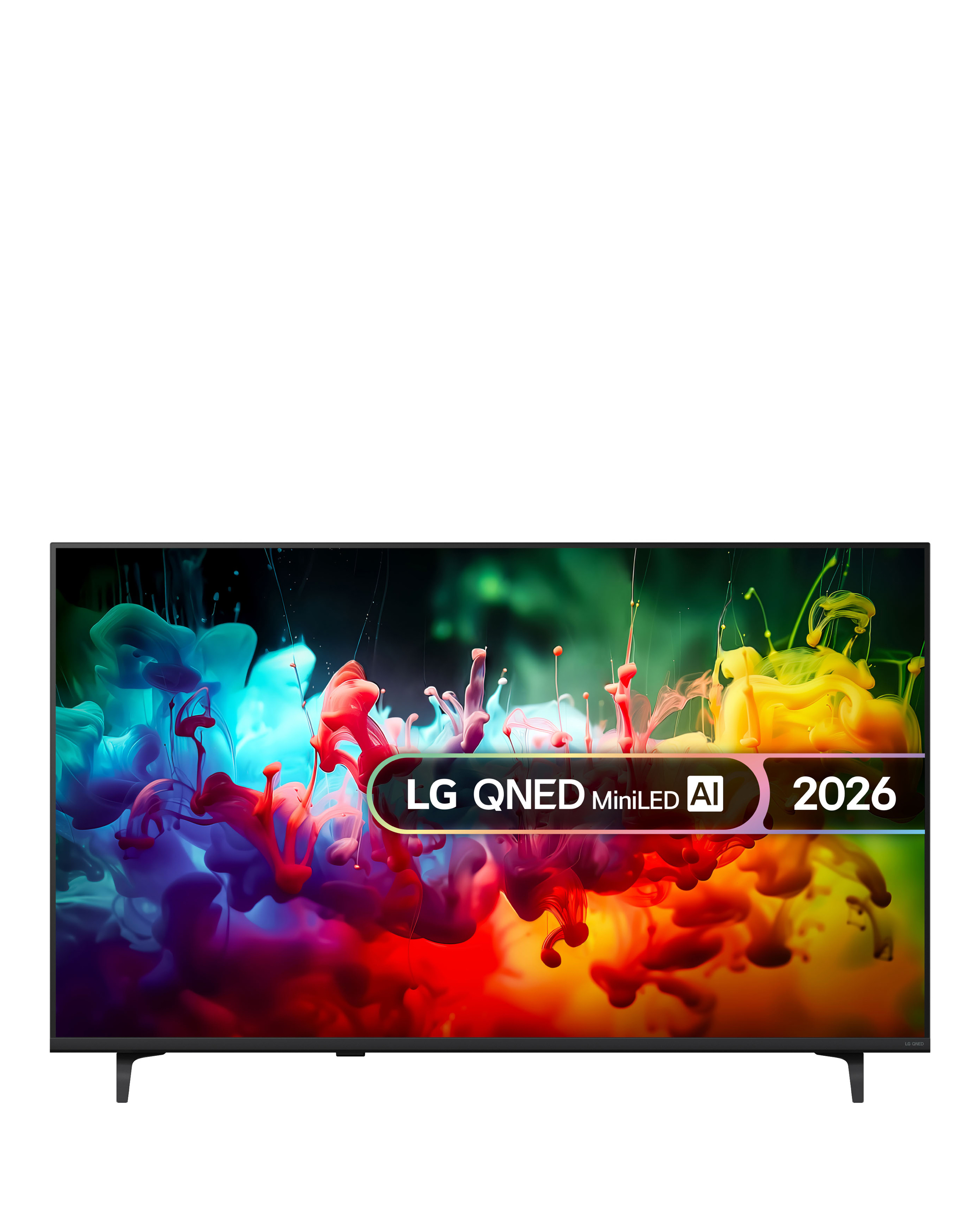
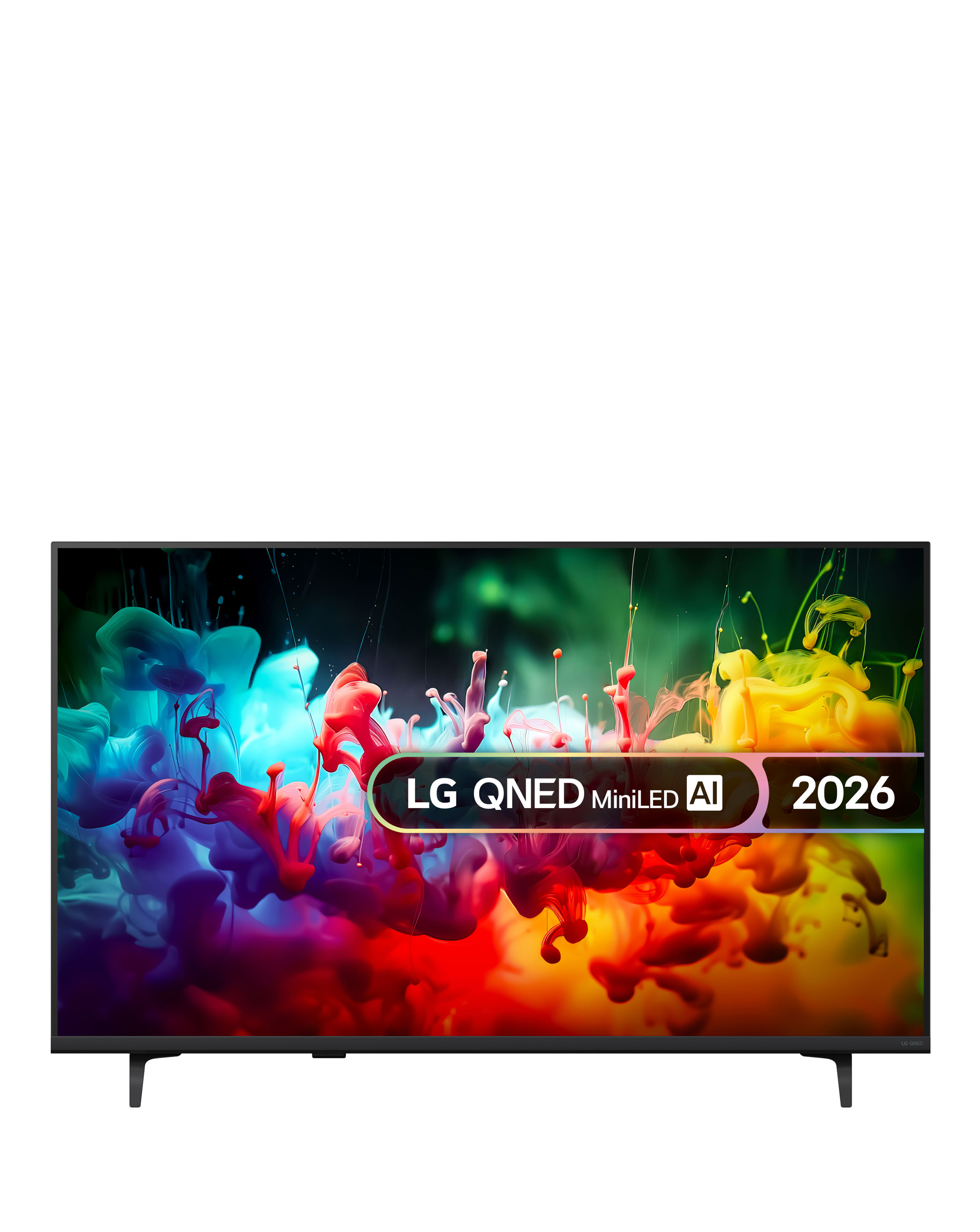
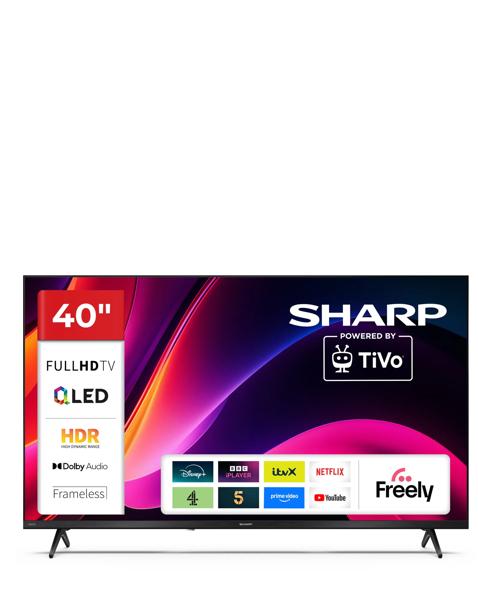
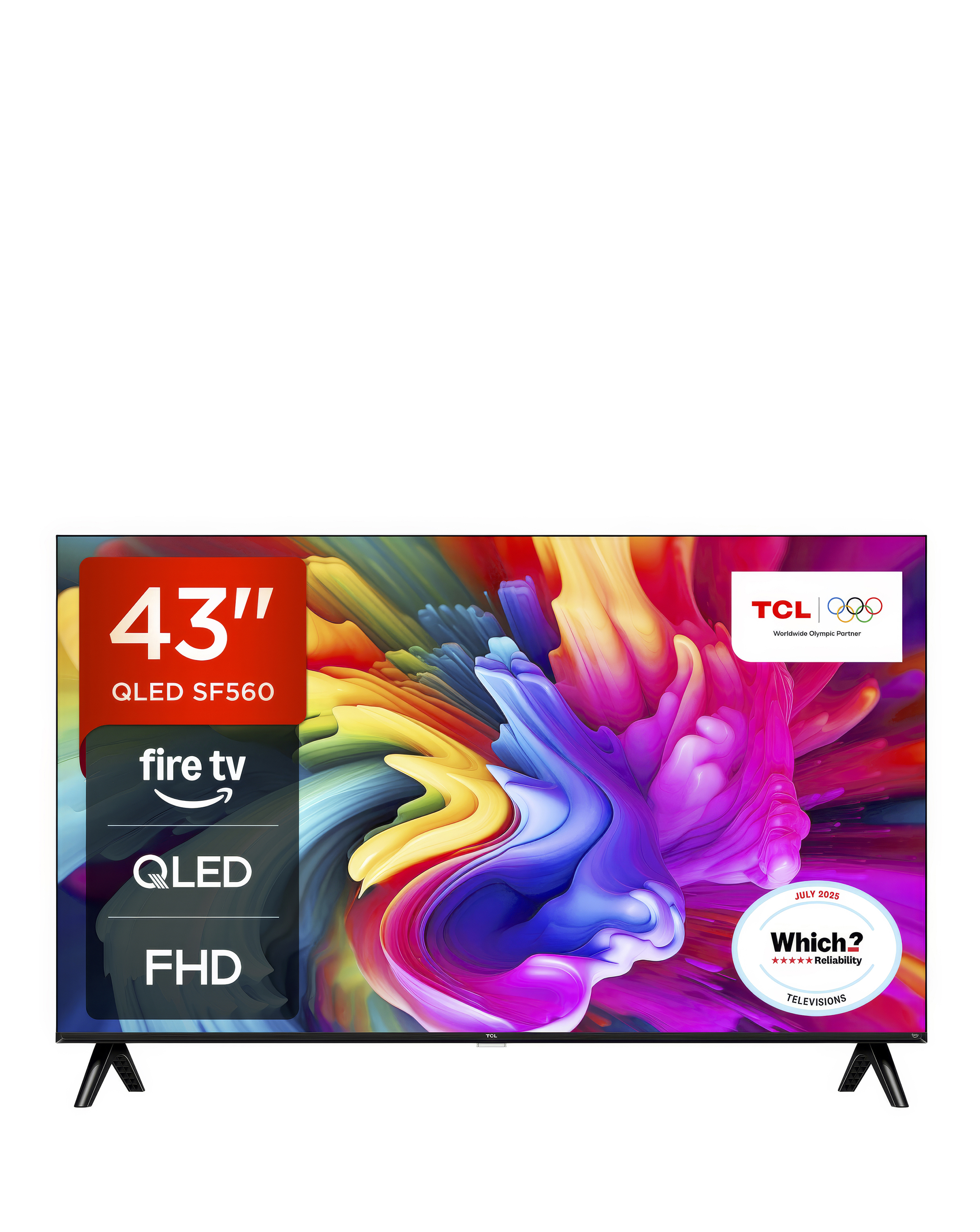
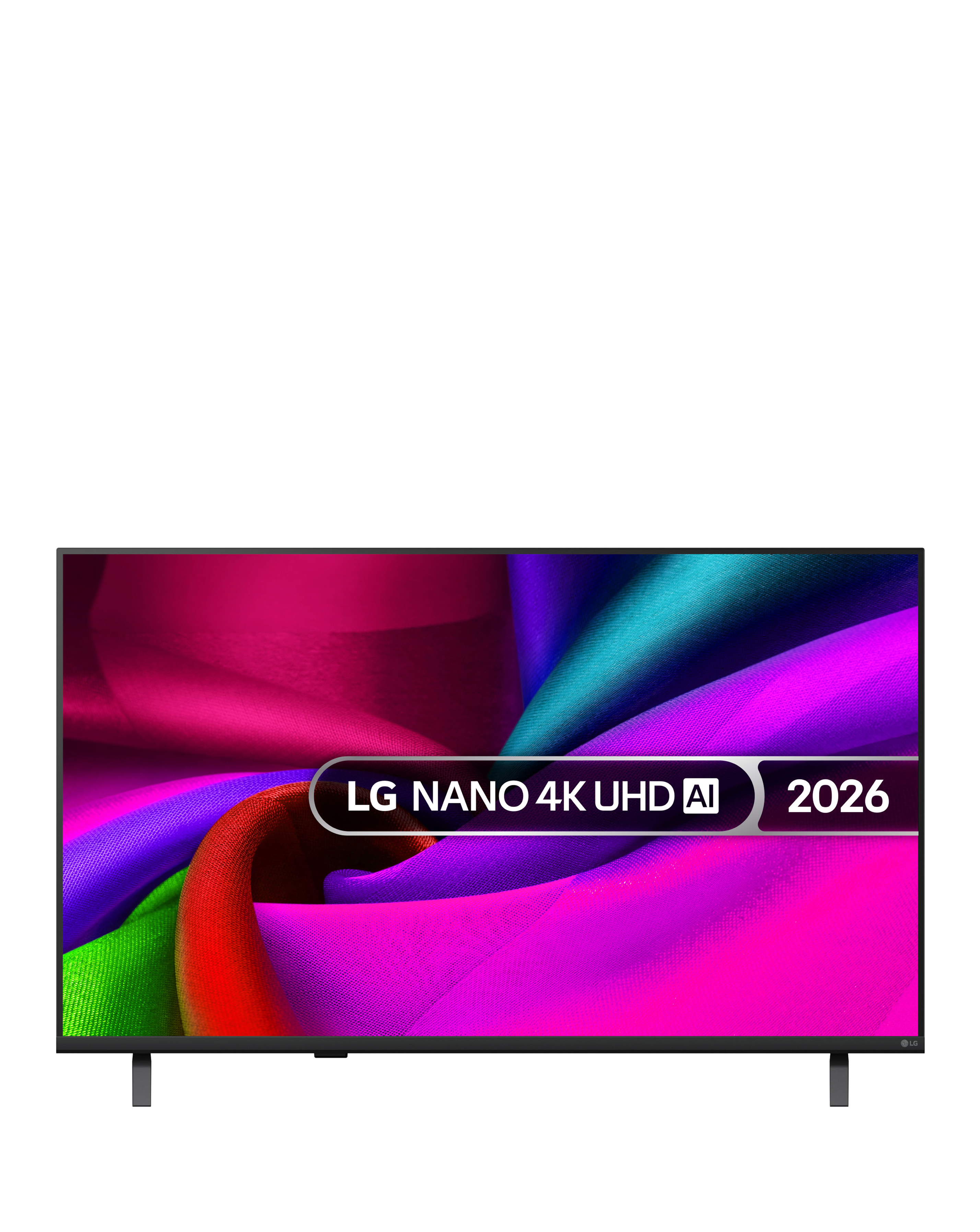
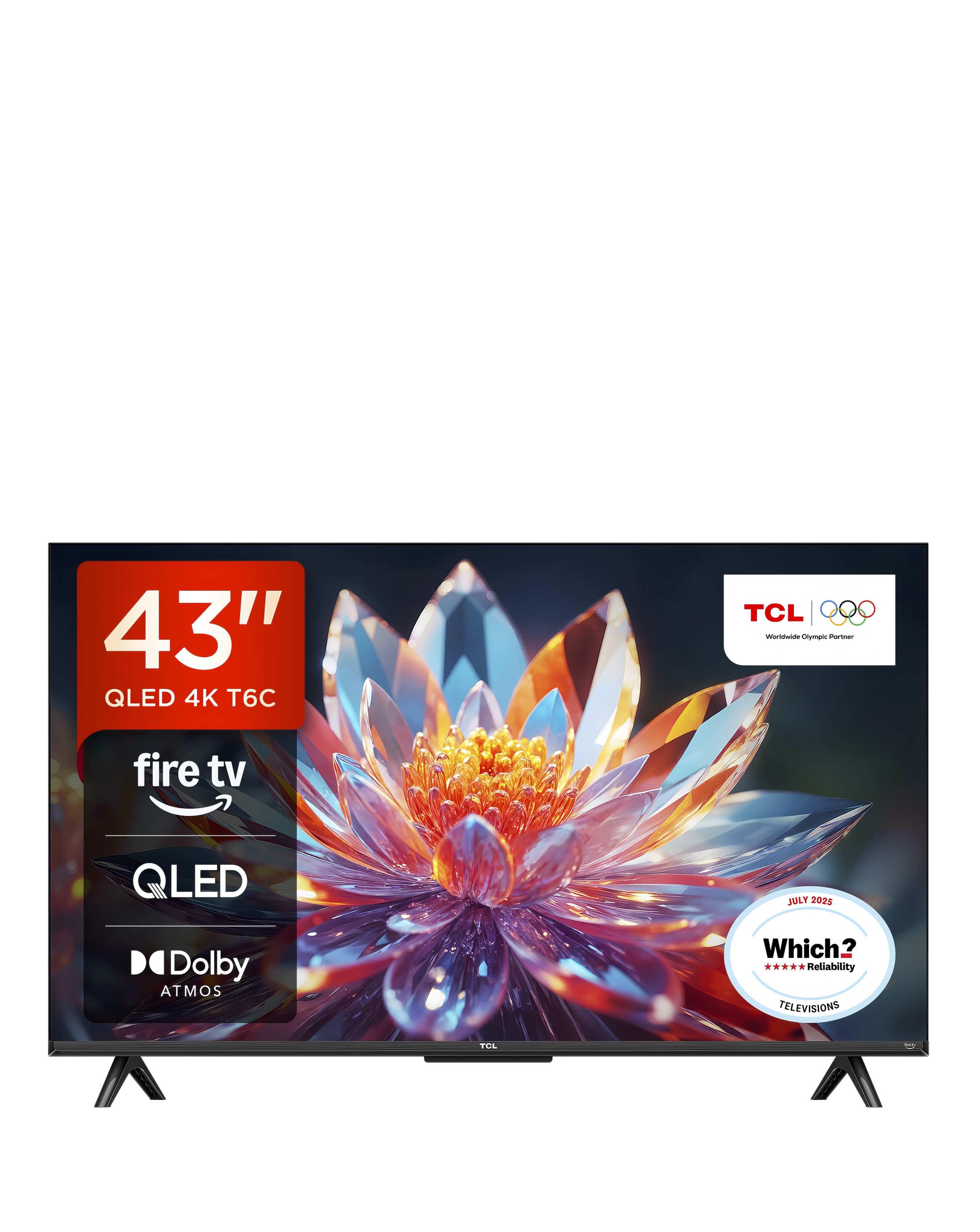
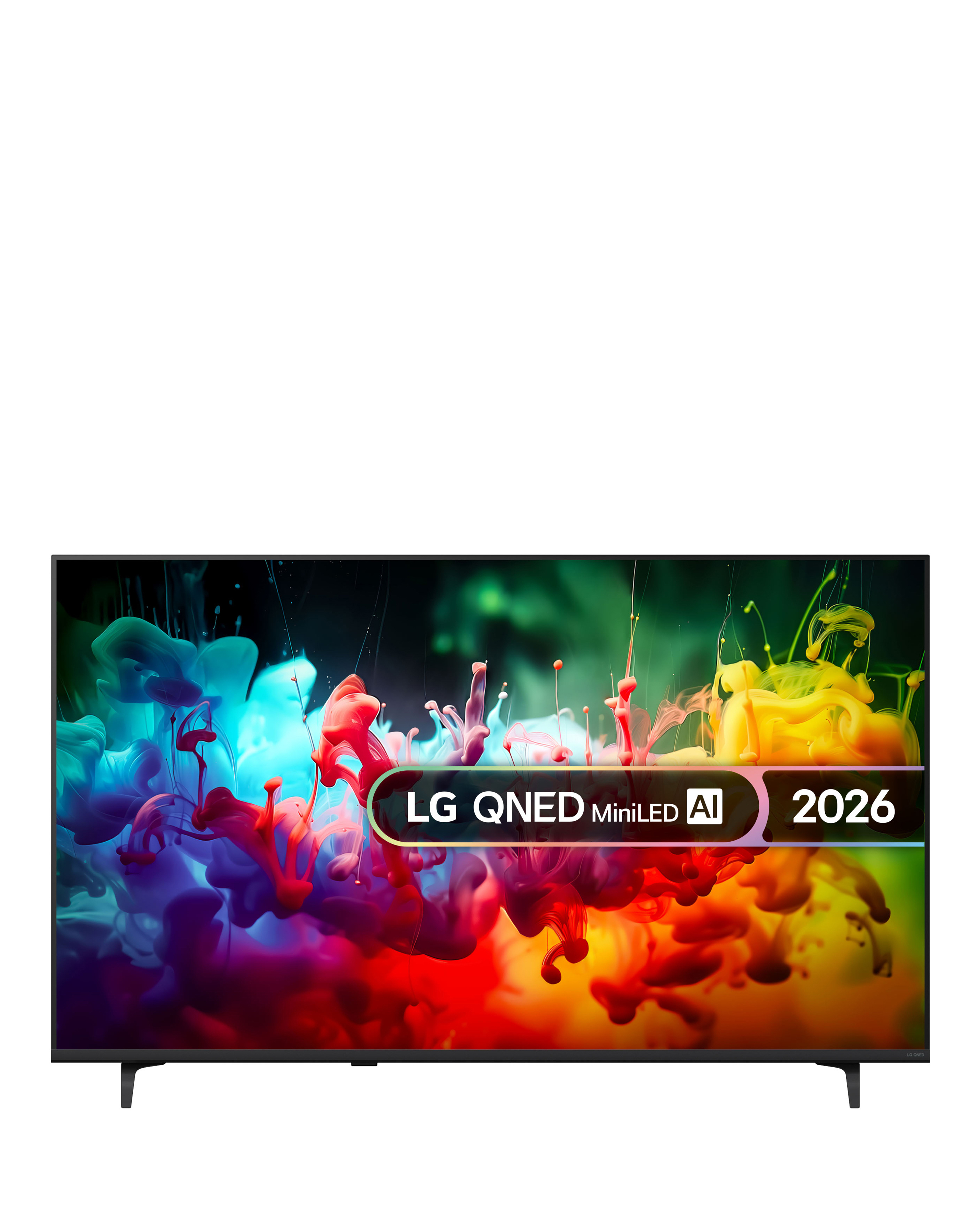
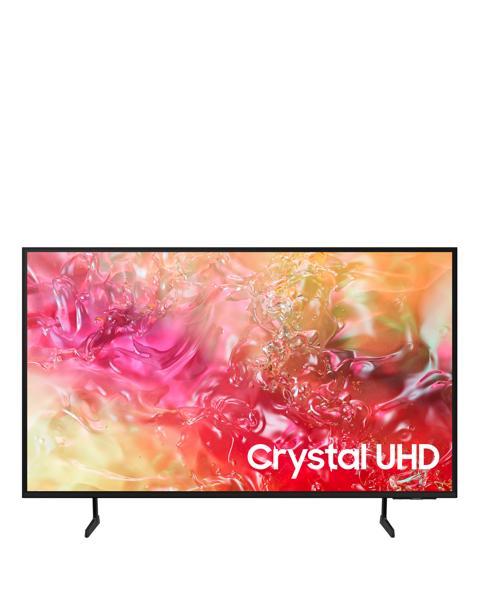
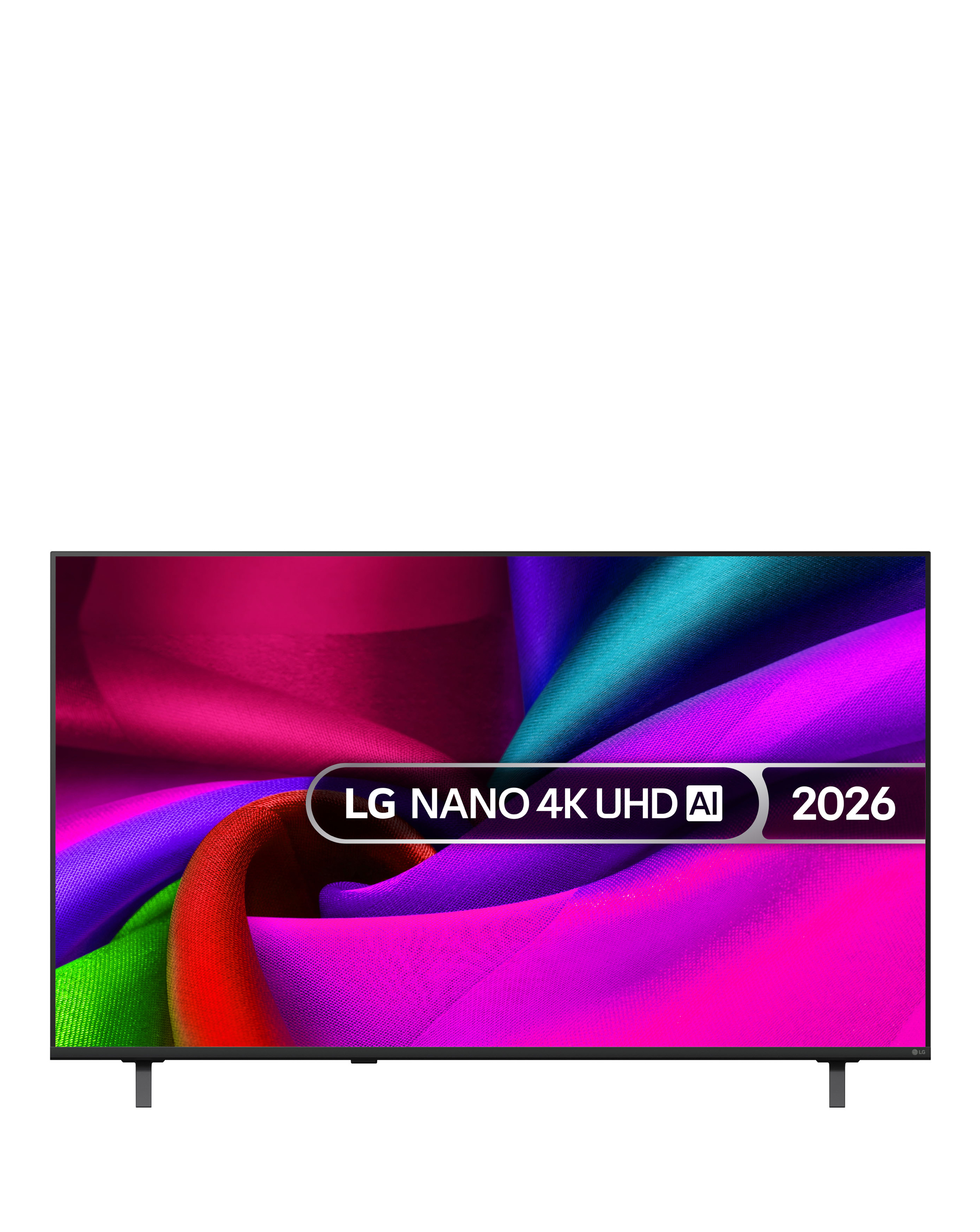
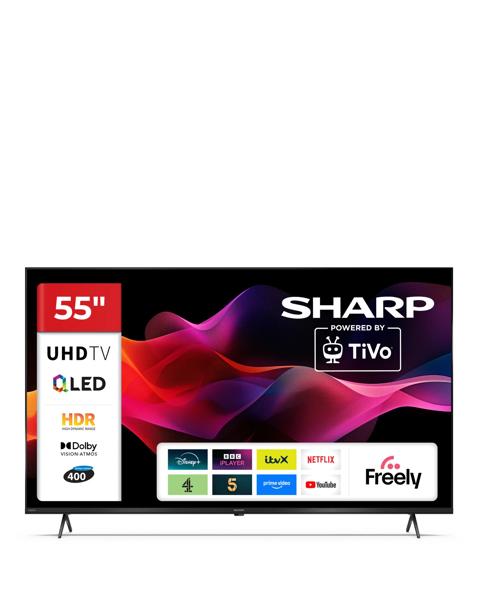
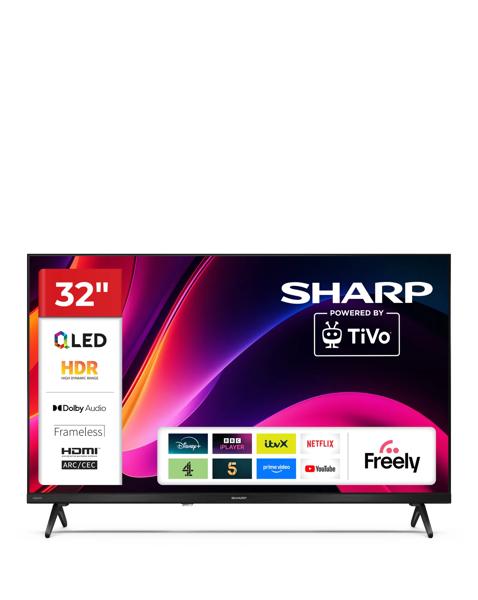
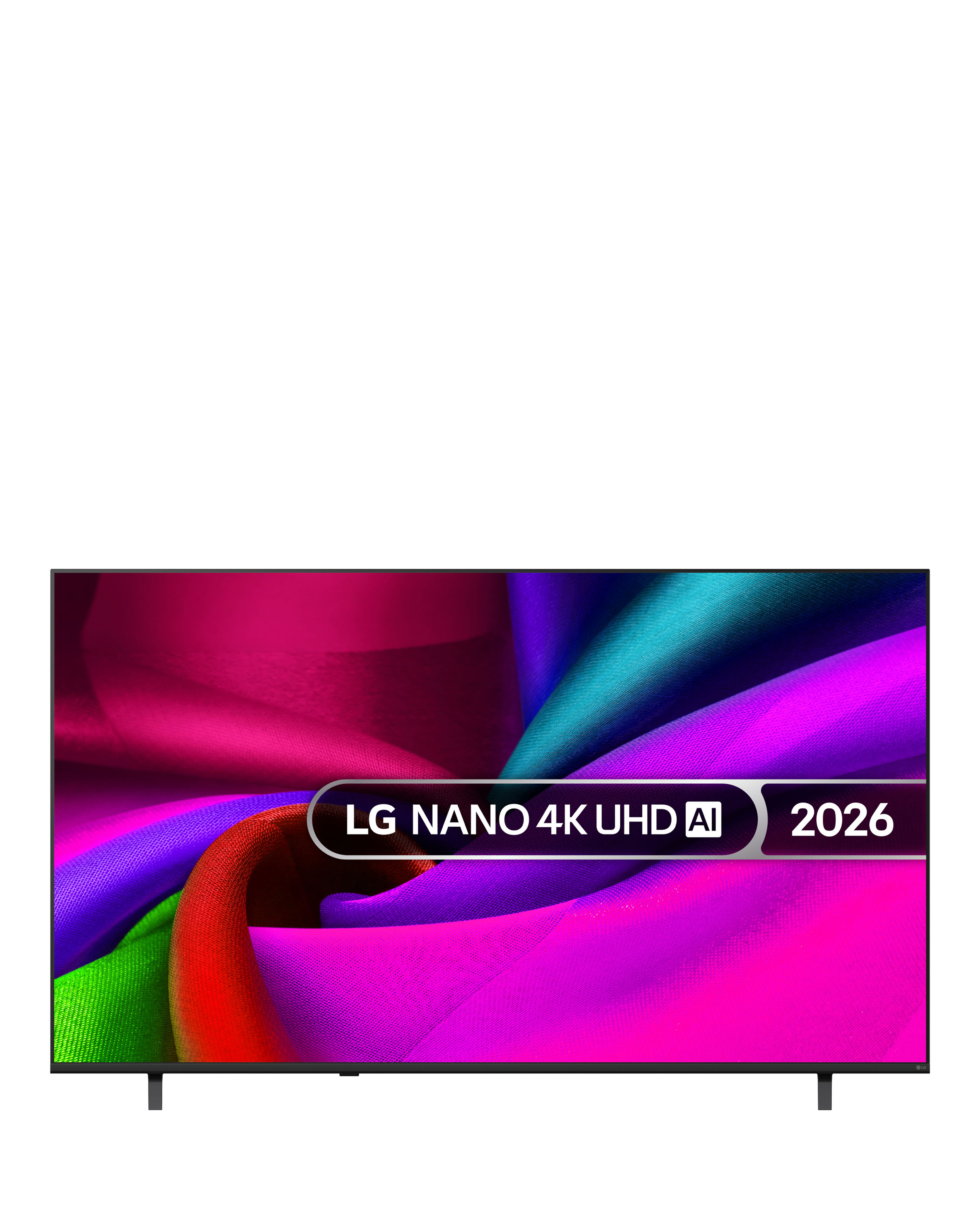
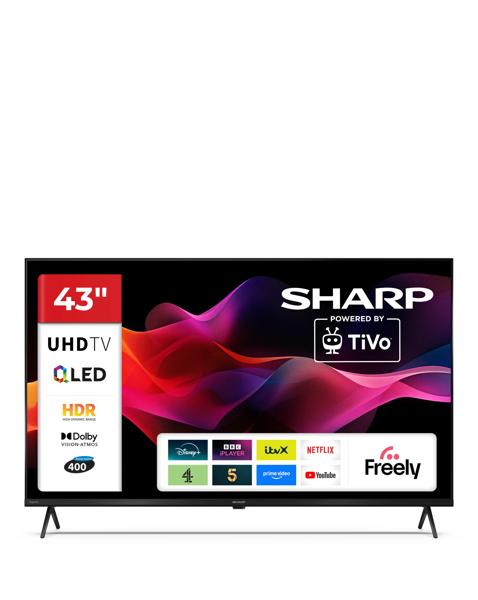
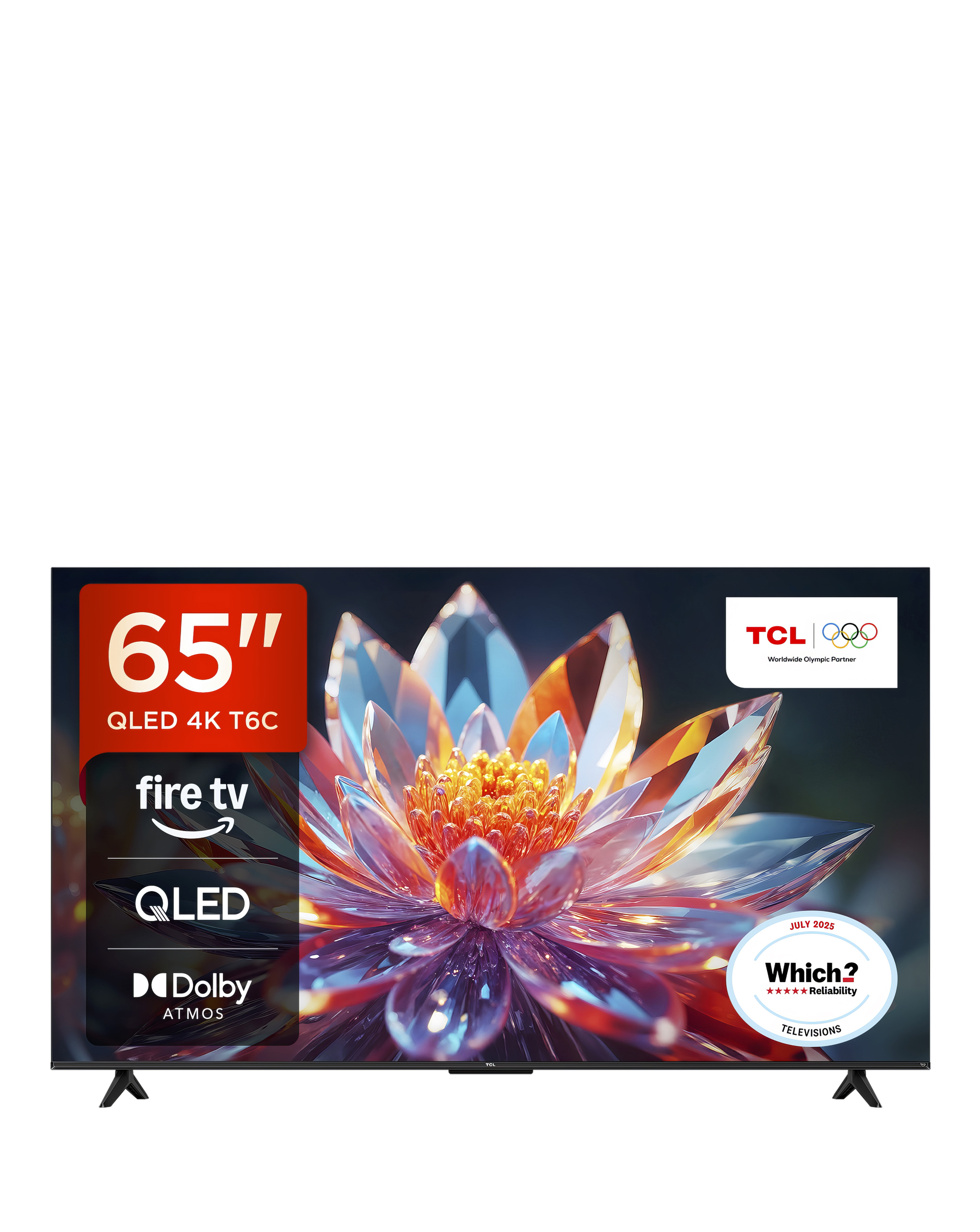
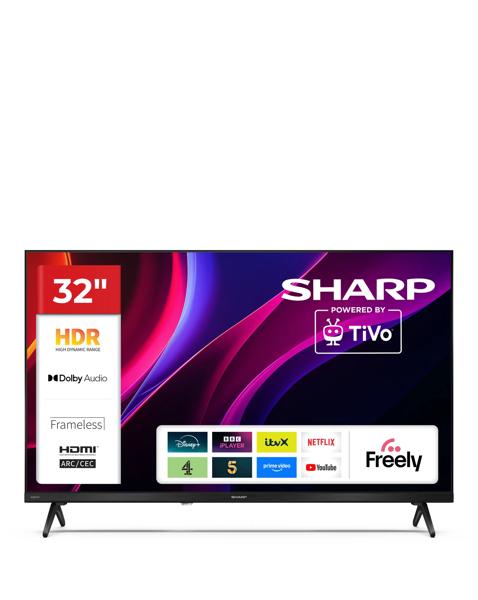
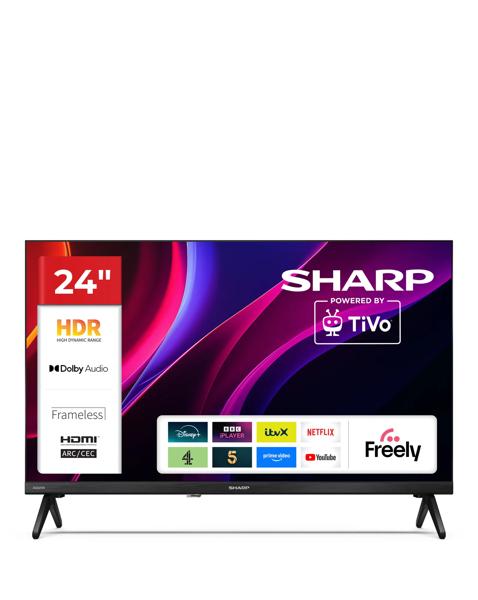
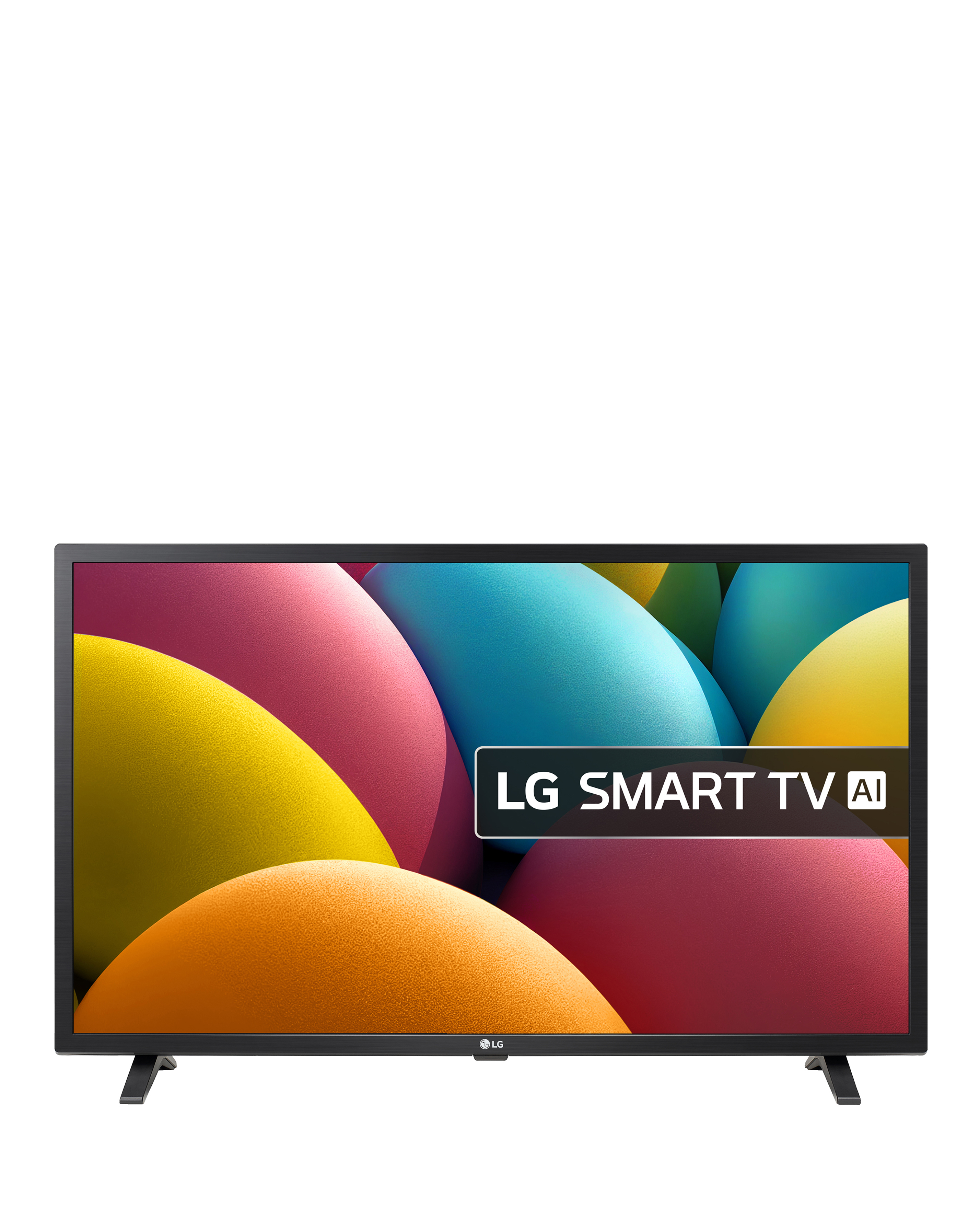
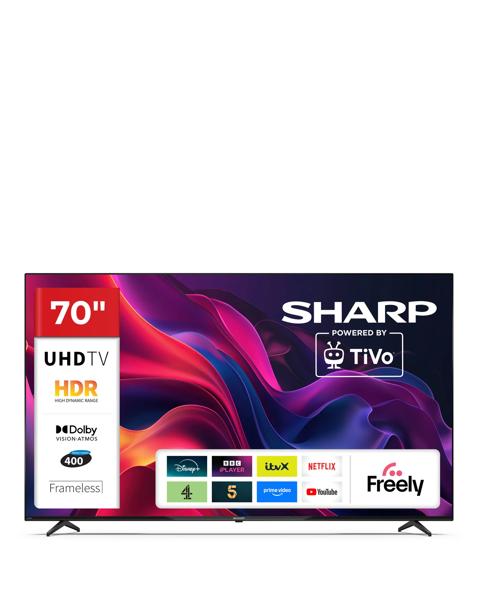
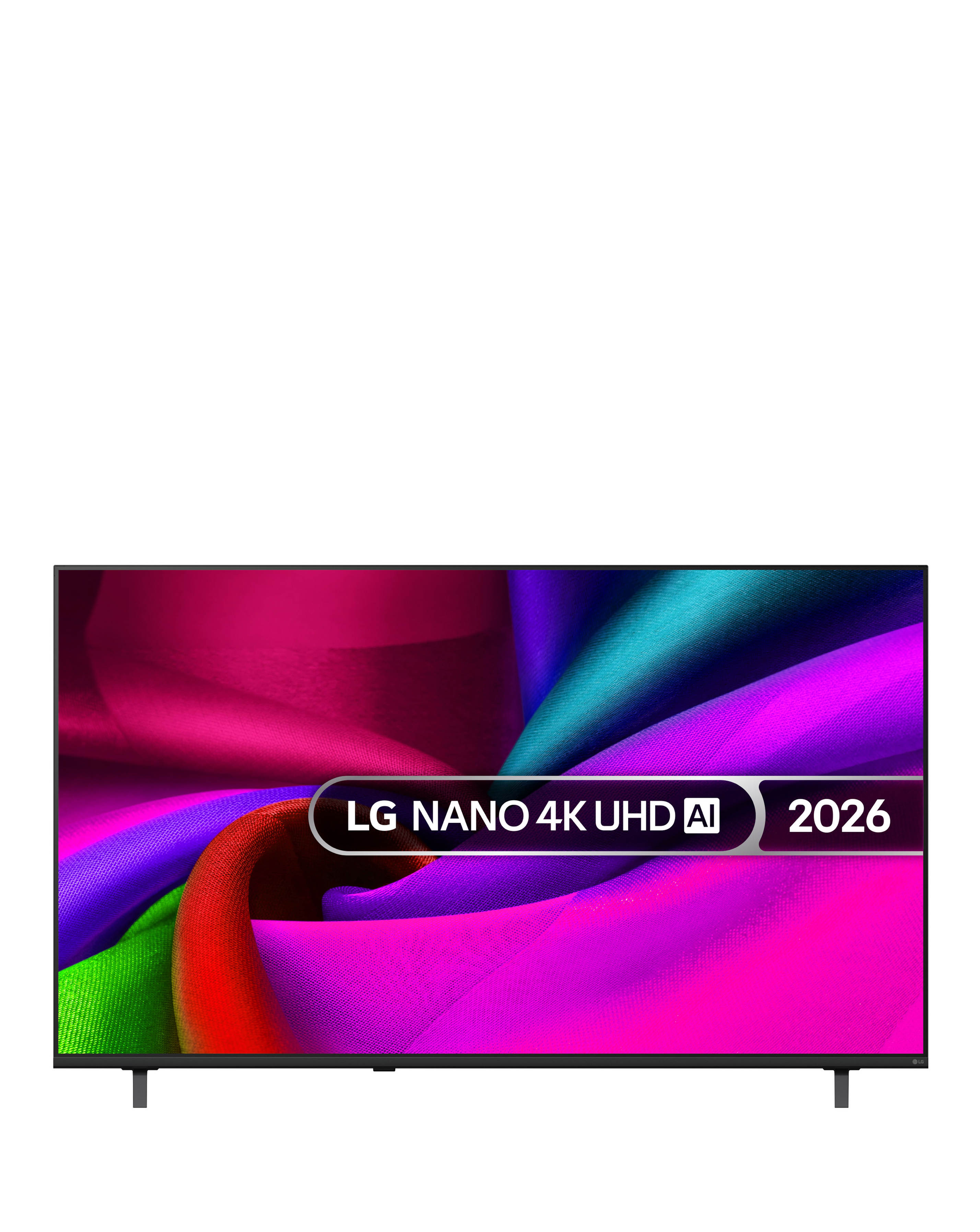
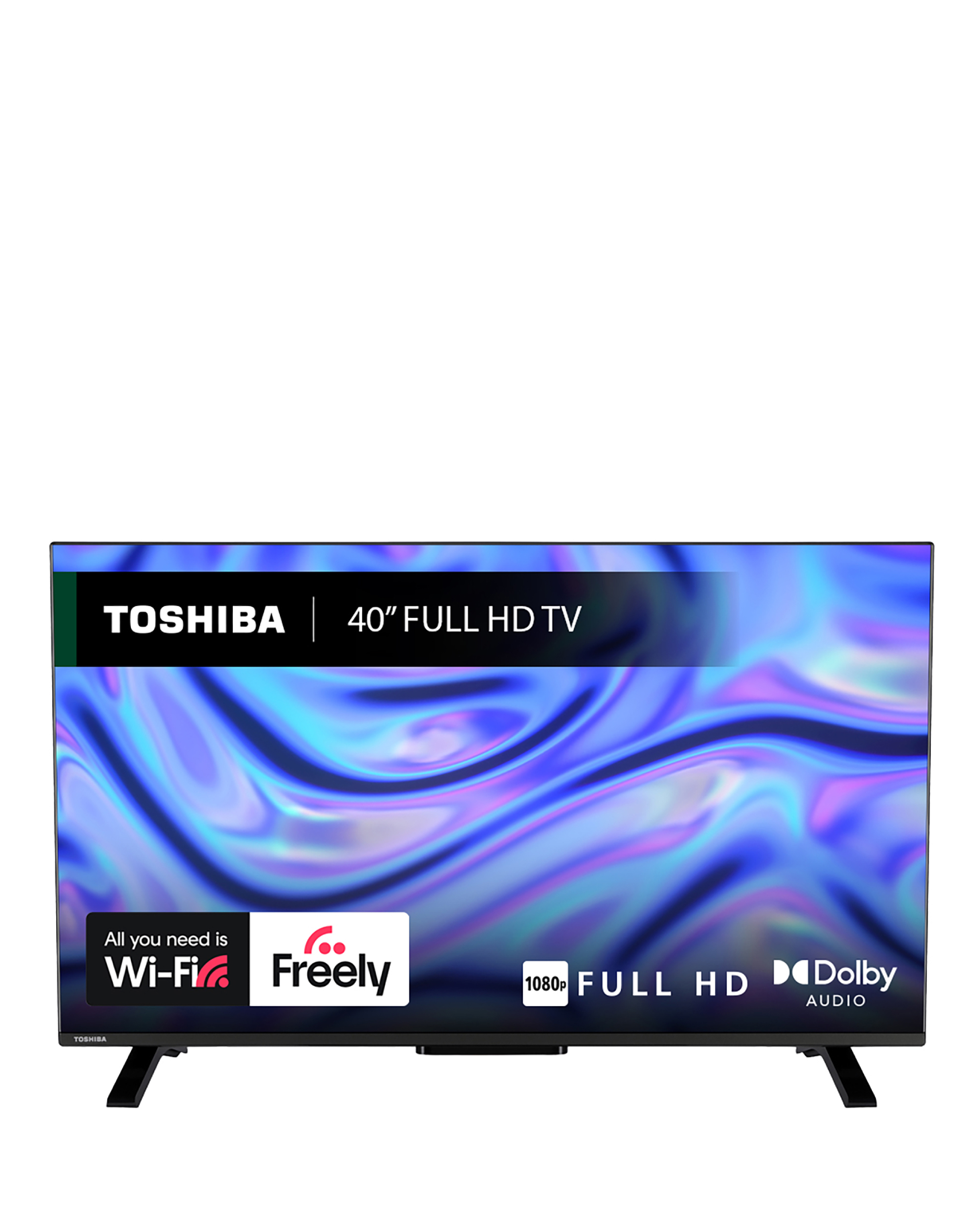
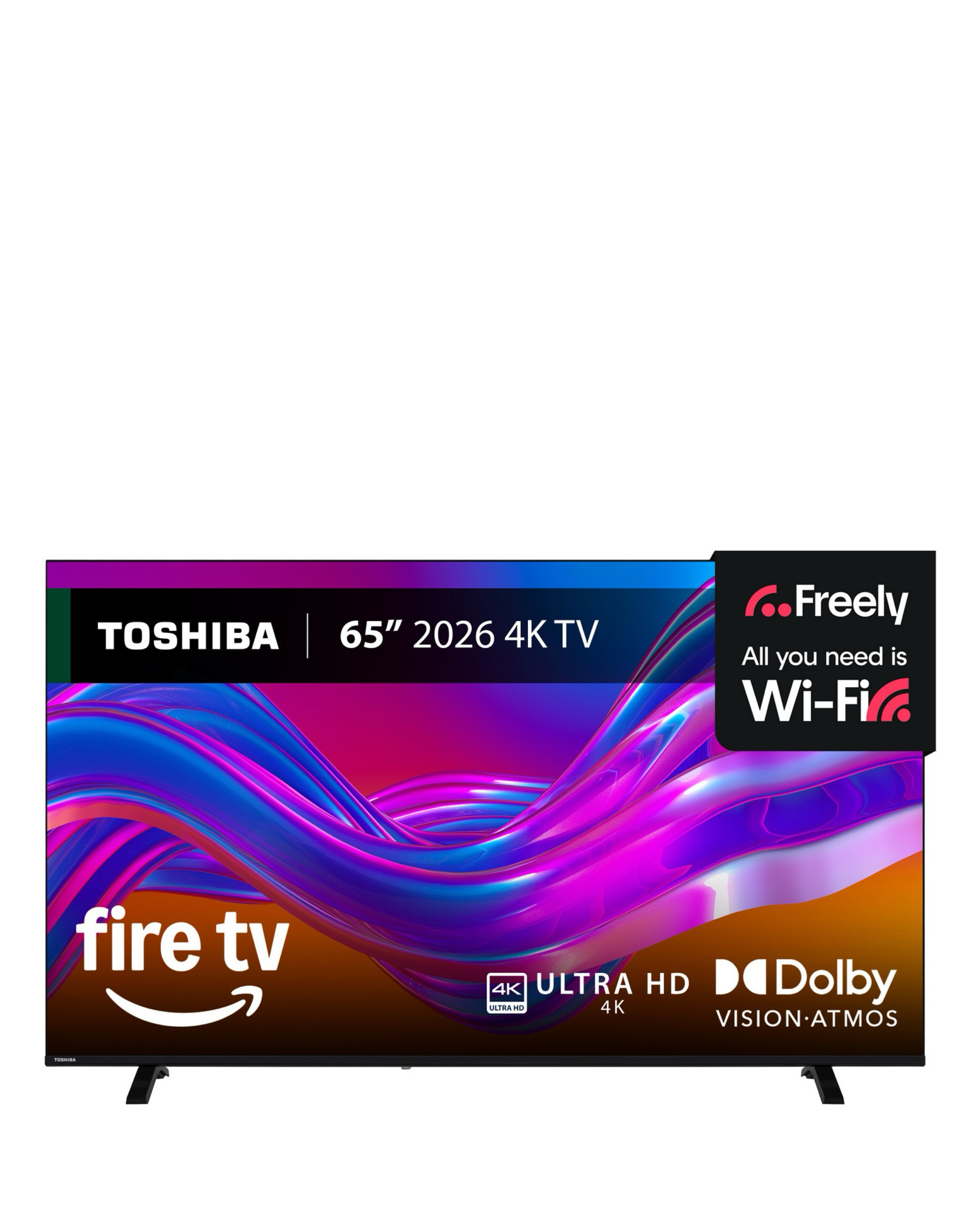
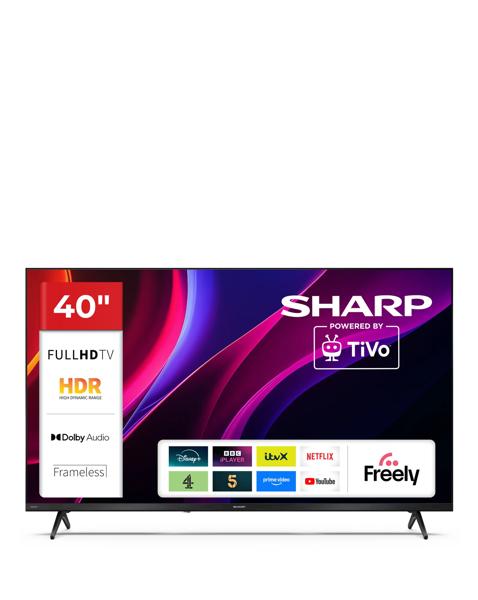
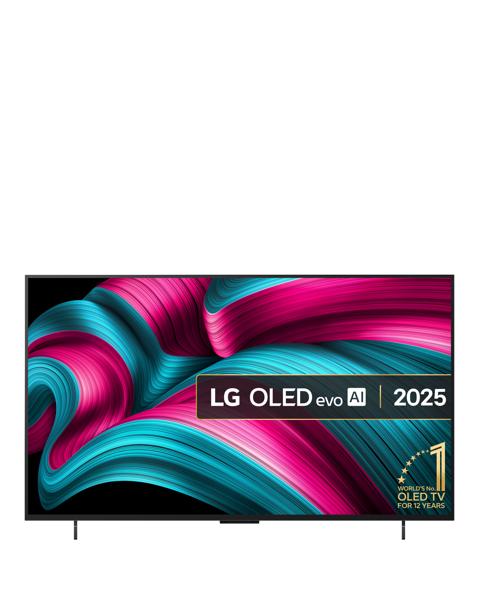
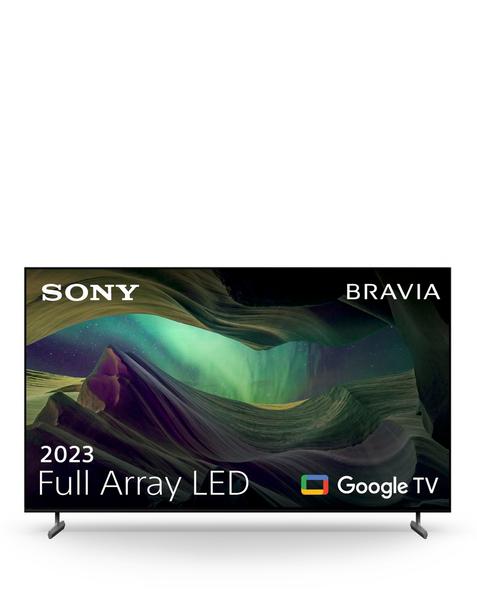
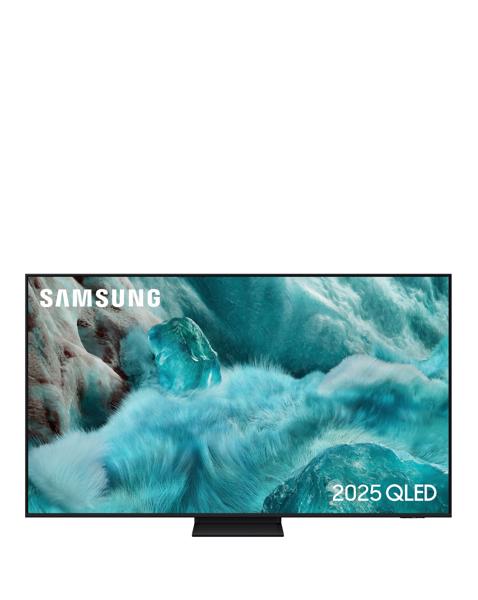
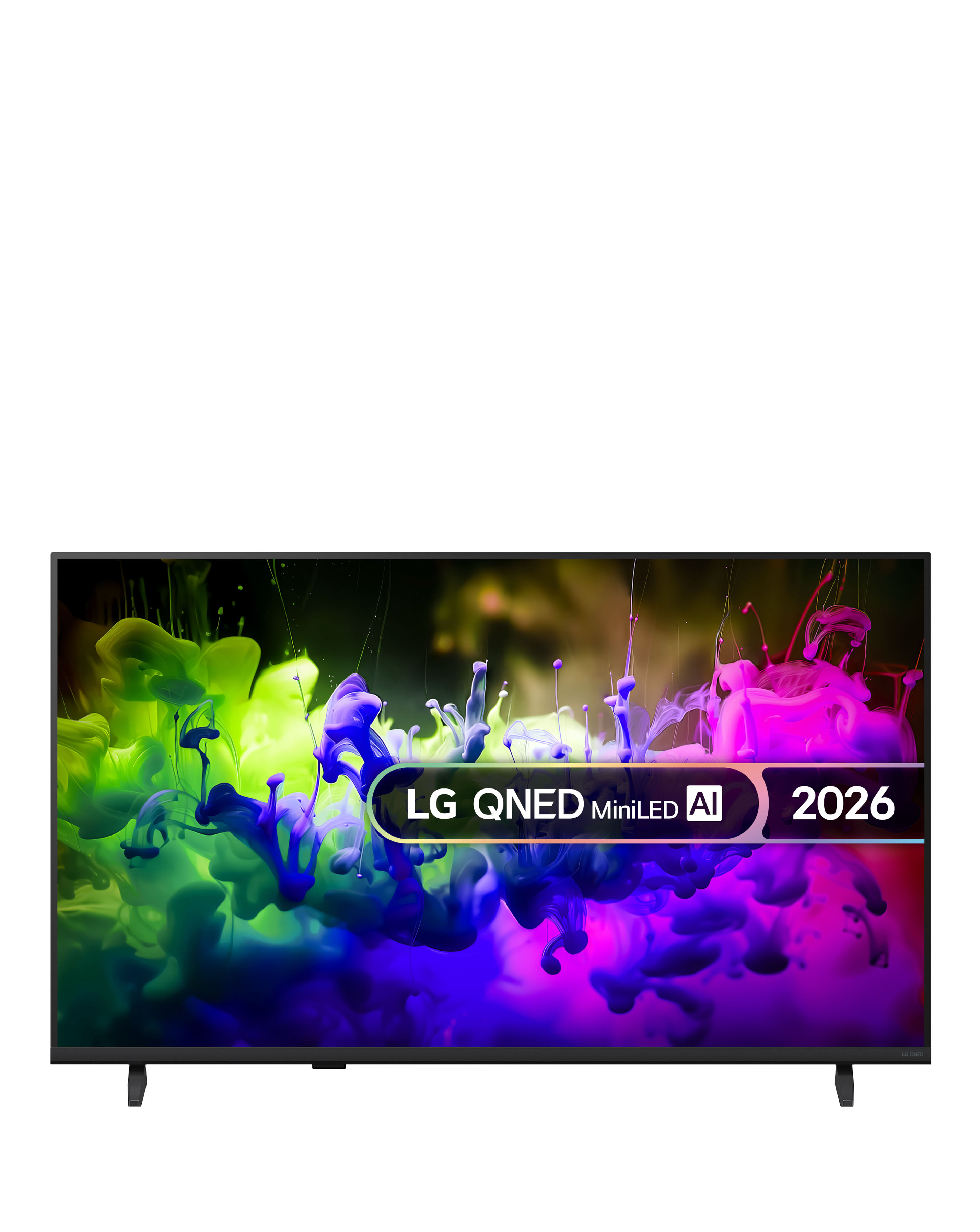
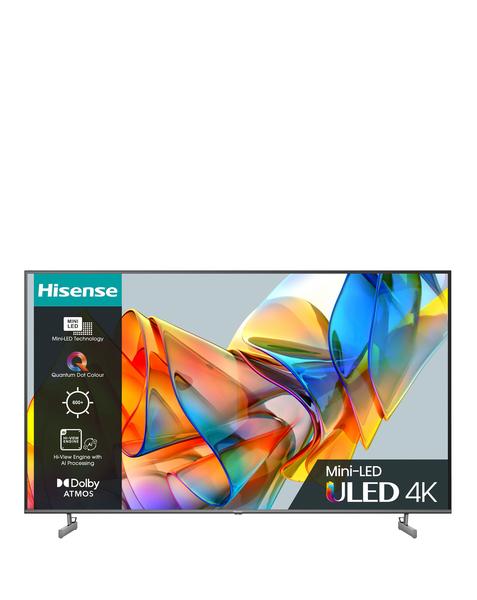
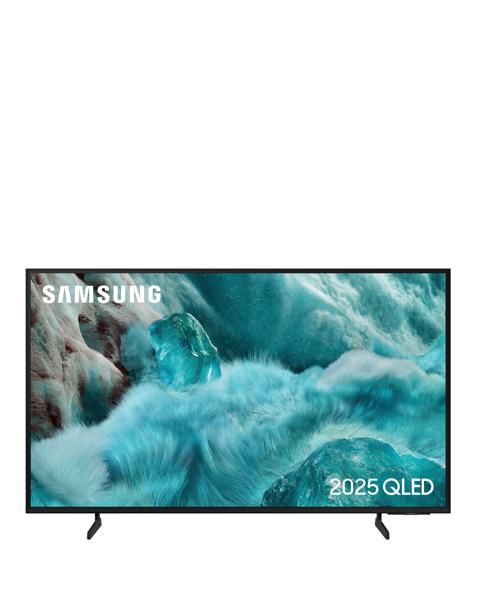
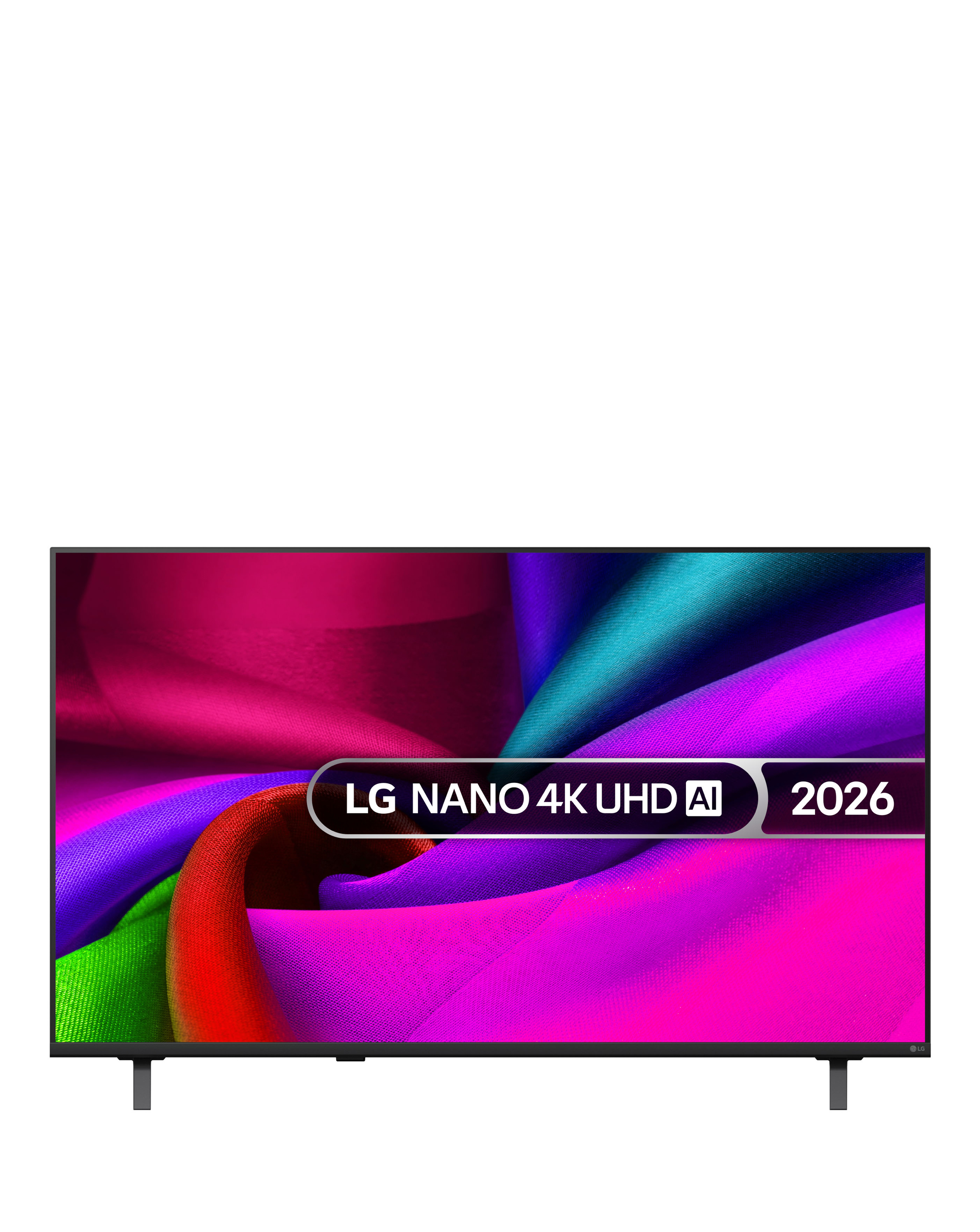
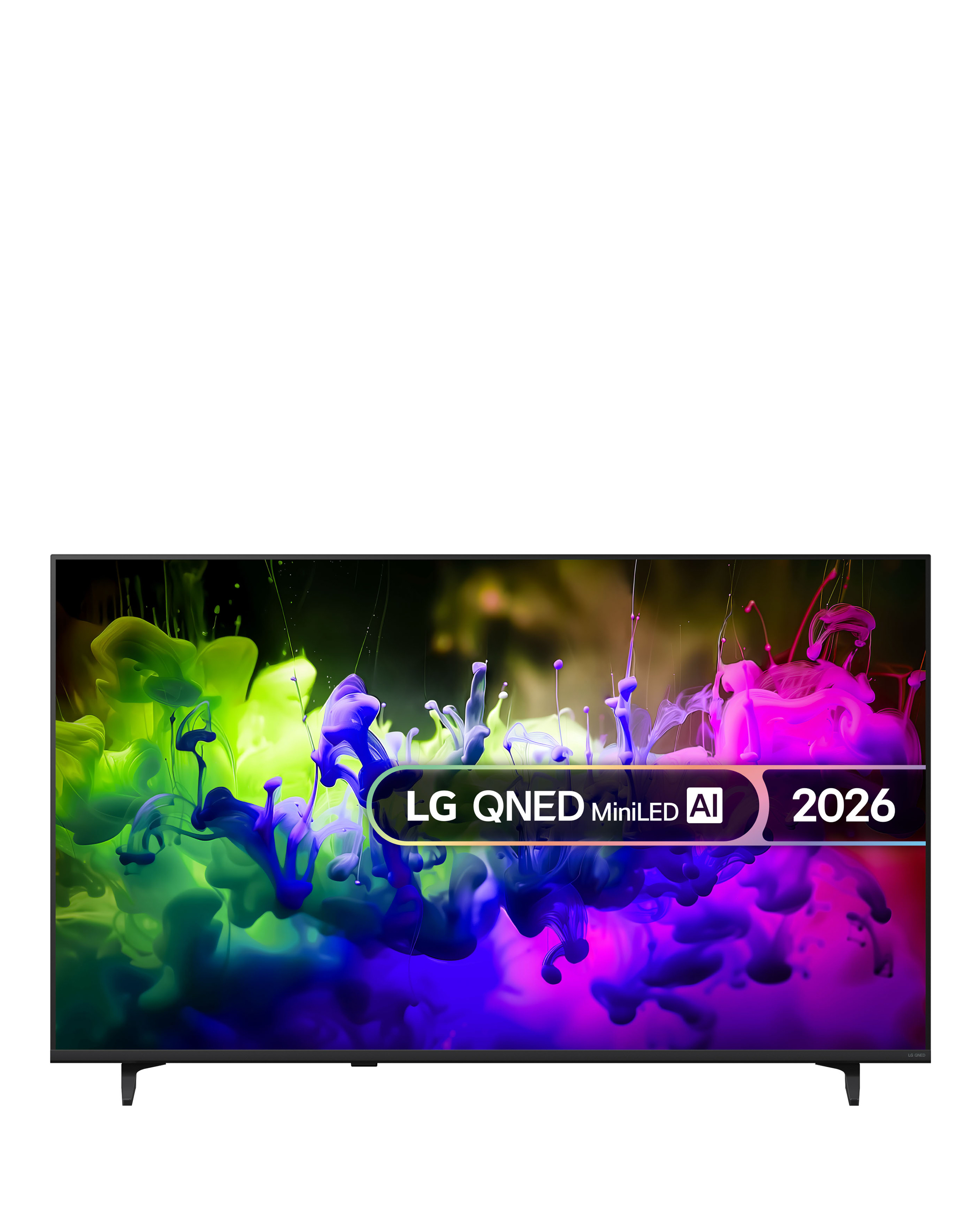
Explore our extensive range of smart TVs with video capabilities, designed to elevate your viewing experience. These televisions combine stunning picture quality with advanced smart features, allowing you to stream your favourite shows, movies, and videos seamlessly. With various screen sizes and resolutions available, you can find the perfect fit for your space, whether it's a compact model for a bedroom or a large screen for an immersive home theatre experience. Enjoy user-friendly interfaces and access to popular streaming services, making it easier than ever to enjoy your entertainment. Upgrade your home viewing setup with our selection of smart TVs that bring together technology and convenience for an unparalleled experience.
What are smart TVs with video capabilities?
- Smart TVs with video capabilities are televisions that allow users to stream video content from the internet, access apps, and connect to various devices. They typically feature built-in Wi-Fi and support for popular streaming services. This makes it easy to watch movies, shows, and videos without needing additional devices.
What features should I look for in a smart TV?
- When choosing a smart TV, consider features such as screen size, resolution (HD, 4K, or UHD), smart platform compatibility, and connectivity options. Look for models with user-friendly interfaces and access to a wide range of apps and streaming services. Additional features like voice control and built-in speakers can enhance your viewing experience.
Can I use a smart TV without an internet connection?
- While you can use a smart TV without an internet connection for basic functions like watching cable or satellite TV, many of the smart features will be limited. Access to streaming services, app downloads, and online content requires an internet connection. For the full smart experience, connecting to Wi-Fi is recommended.
Are smart TVs suitable for gaming?
- Yes, many smart TVs are suitable for gaming, especially those with low input lag and high refresh rates. Look for models that support 4K resolution and HDR for the best gaming experience. Additionally, some smart TVs offer dedicated gaming modes to optimise performance.
How do I connect my smart TV to the internet?
- Connecting your smart TV to the internet is typically straightforward. You can connect via Wi-Fi by selecting your network from the TV's settings menu and entering the password. Alternatively, you can use an Ethernet cable for a wired connection, which may provide a more stable internet experience.