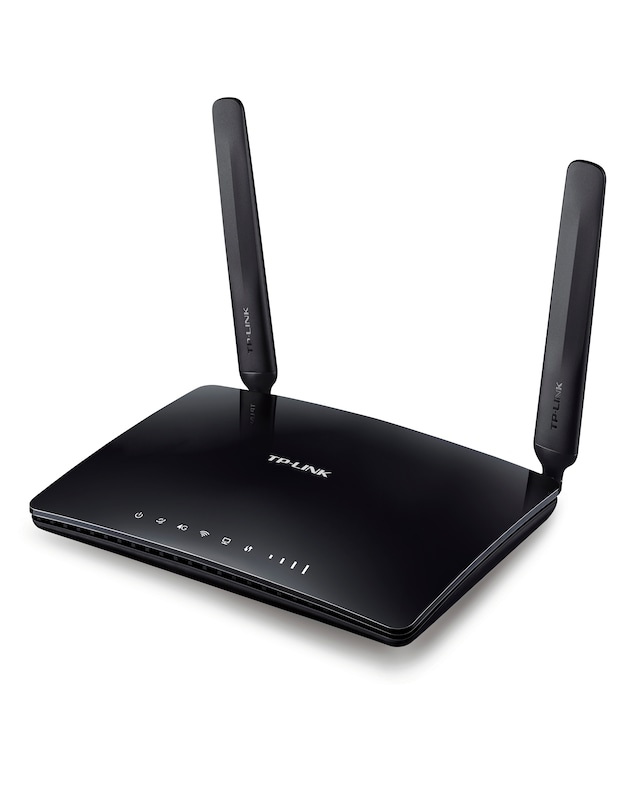
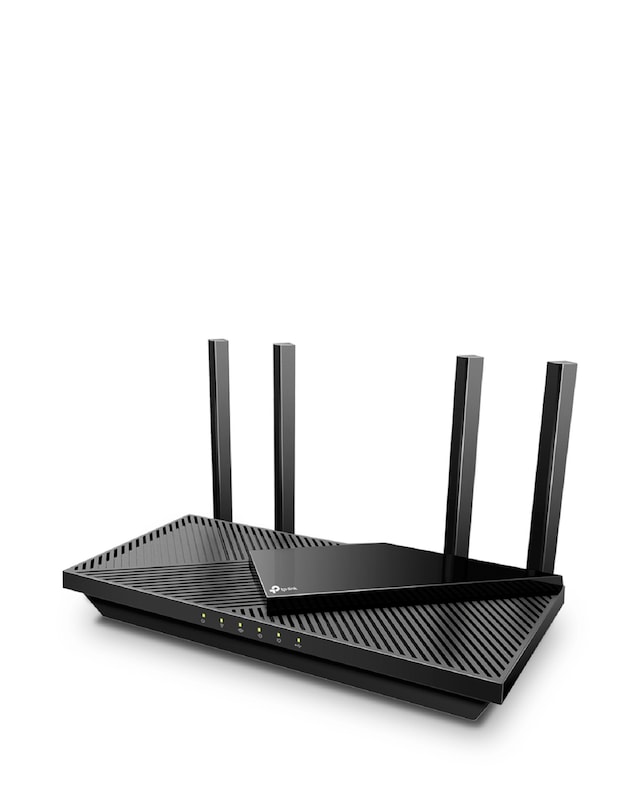
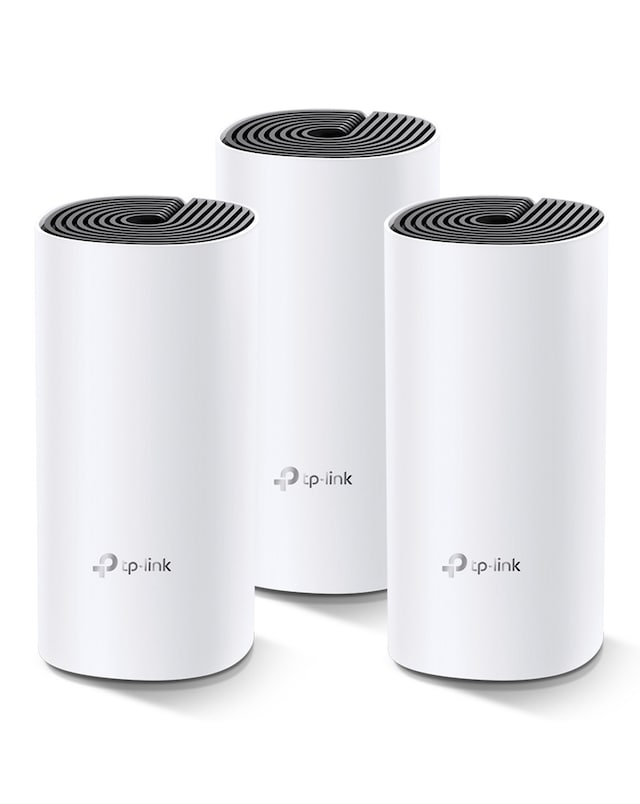
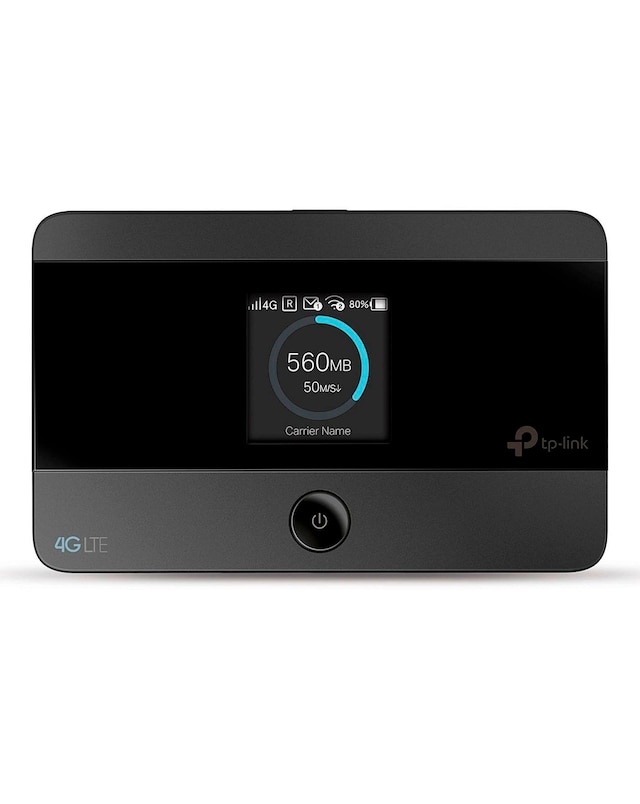
Discover the perfect solution for your home or office with our range of routers for multiple devices, designed to provide seamless connectivity for all your gadgets. These routers offer dual-band technology, ensuring fast and reliable internet access for streaming, gaming, and browsing across various devices simultaneously. With features like multiple Ethernet ports and extensive coverage, you can connect everything from smartphones to smart TVs without compromising on speed or performance. Ideal for busy households or small businesses, our selection of routers ensures that everyone stays connected effortlessly, making your online experience smooth and enjoyable.
What are routers for multiple devices?
- Routers for multiple devices are networking devices designed to connect several gadgets to the internet simultaneously. They manage data traffic efficiently, ensuring that each device receives a stable and fast connection. This is essential for households or offices with numerous connected devices.
How many devices can a router support?
- The number of devices a router can support varies depending on its specifications and capabilities. Many modern routers can handle anywhere from 10 to over 50 devices without significant performance drops. It's essential to choose a router that matches your specific connectivity needs.
What features should I look for in a router for multiple devices?
- When selecting a router for multiple devices, look for features such as dual-band capability, multiple Ethernet ports, and strong Wi-Fi coverage. Additionally, consider routers with advanced security features and easy setup options to enhance your user experience. These features ensure reliable connectivity for all your devices.
Can I use a router for both wired and wireless devices?
- Yes, most routers are designed to support both wired and wireless devices. They typically come with Ethernet ports for wired connections and Wi-Fi capabilities for wireless devices. This versatility allows you to connect a variety of devices according to your preferences.
Do I need a special router for gaming and streaming?
- While you don't necessarily need a special router for gaming and streaming, choosing one with high speed and low latency can enhance your experience. Look for routers that support Quality of Service (QoS) settings, which prioritise bandwidth for gaming and streaming activities. This ensures a smoother performance during high-demand usage.