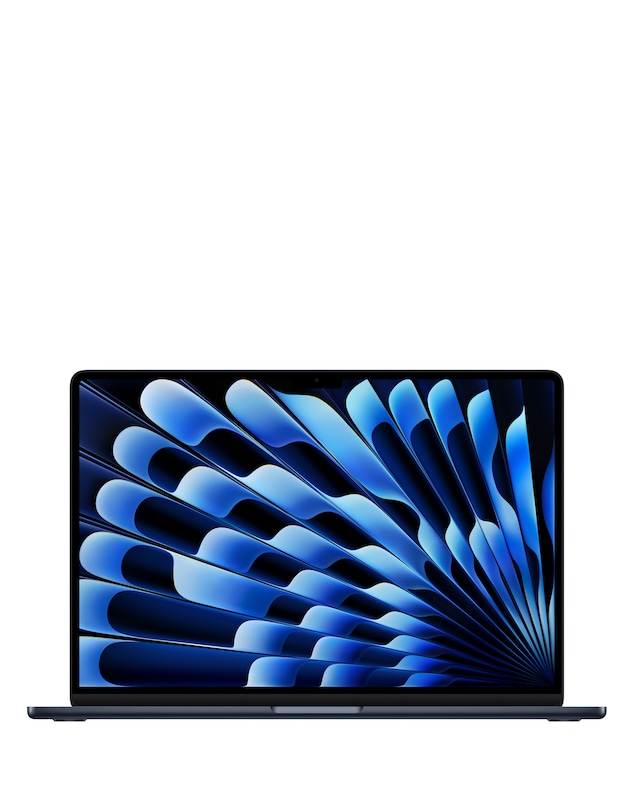
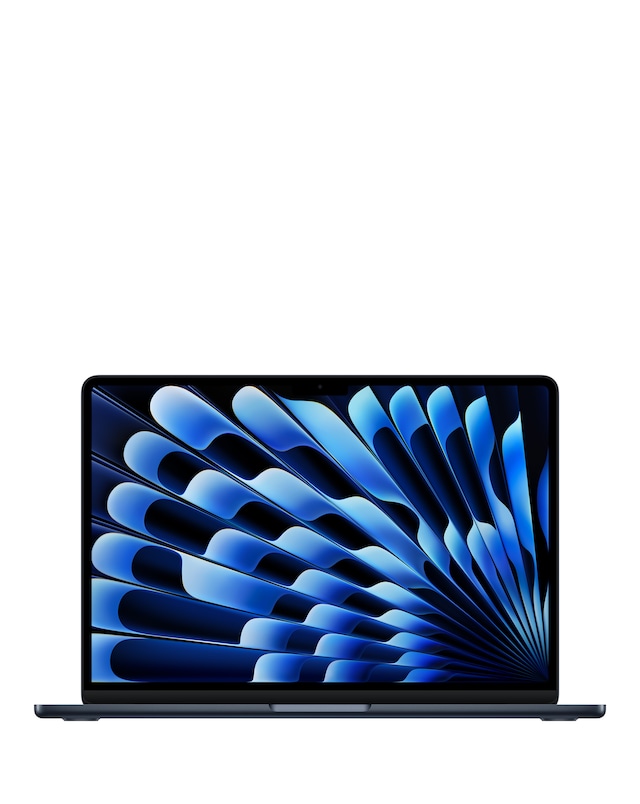
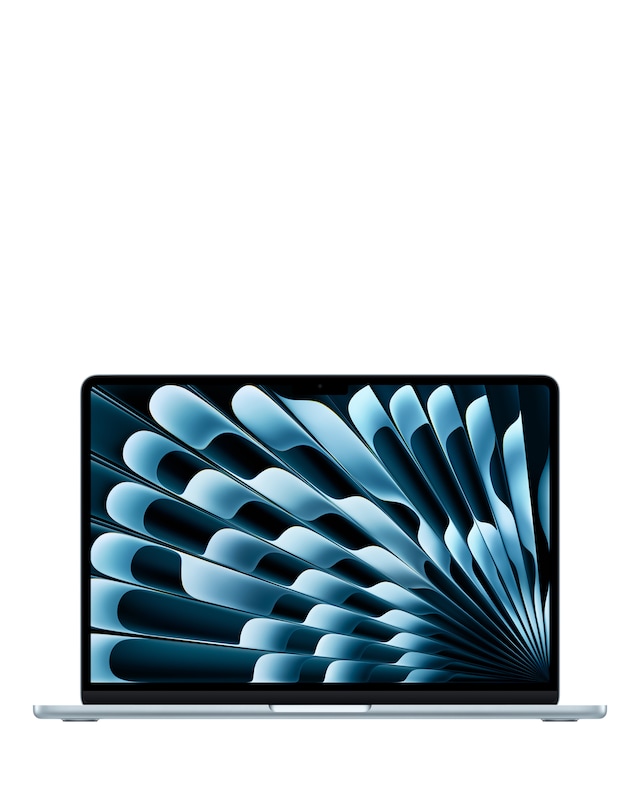
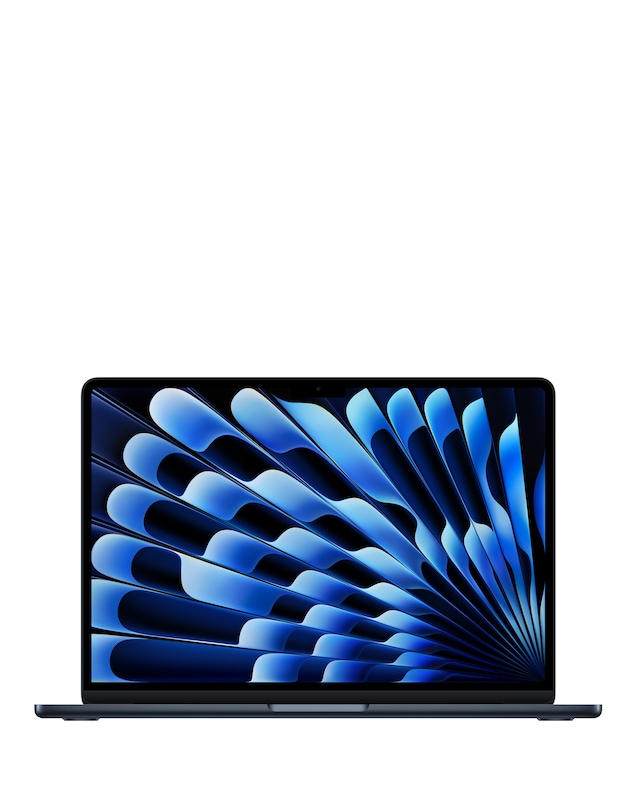
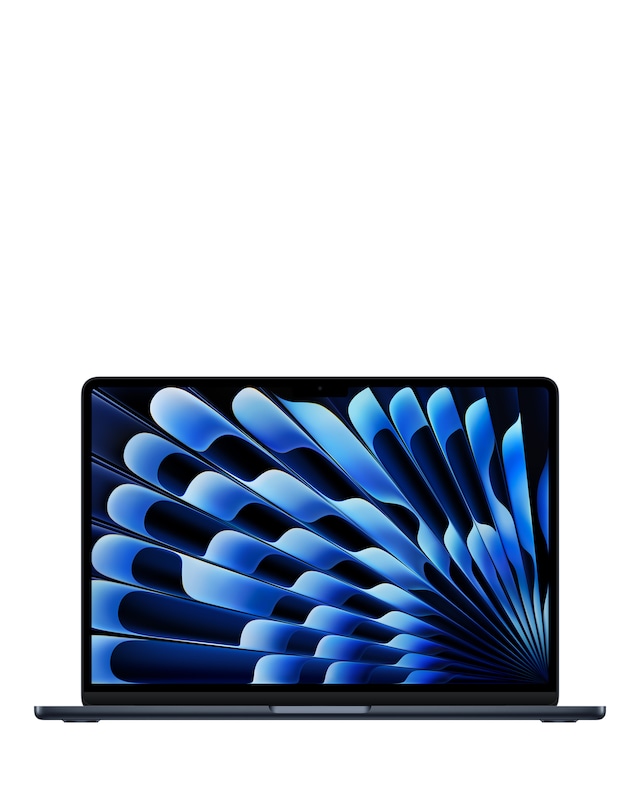
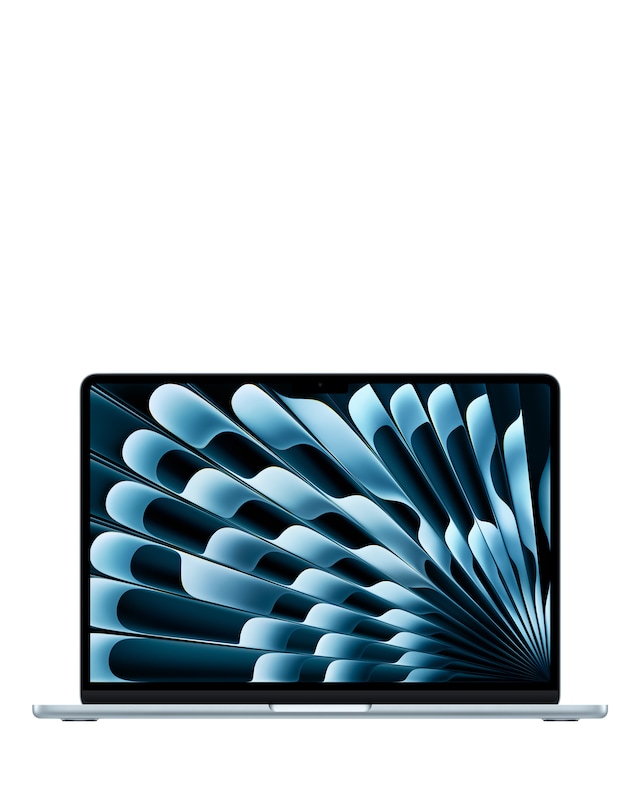
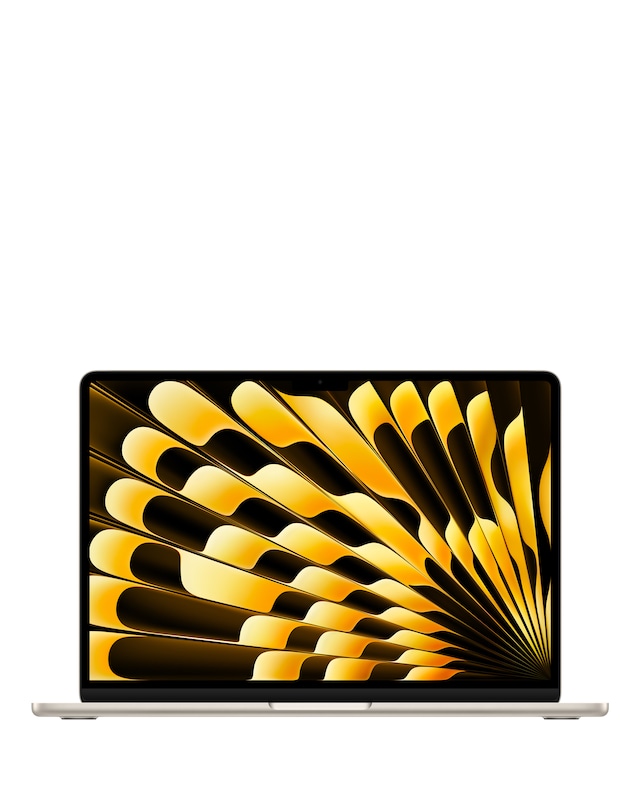
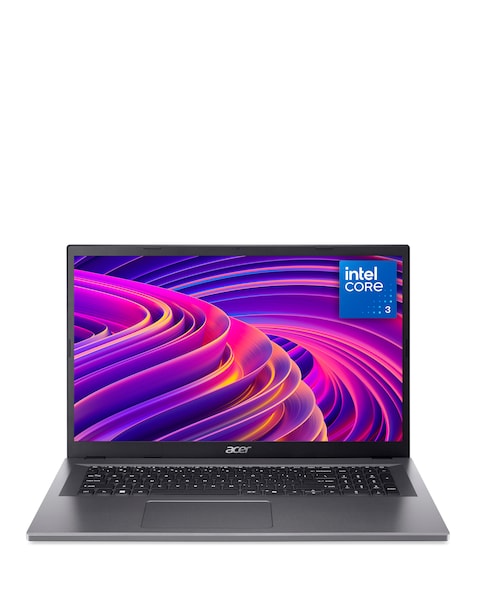
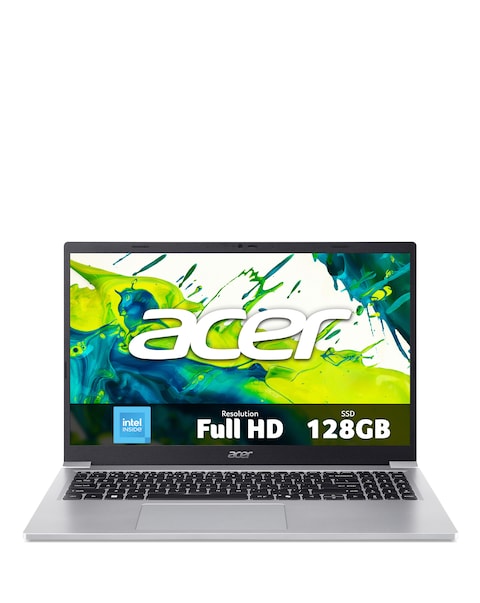
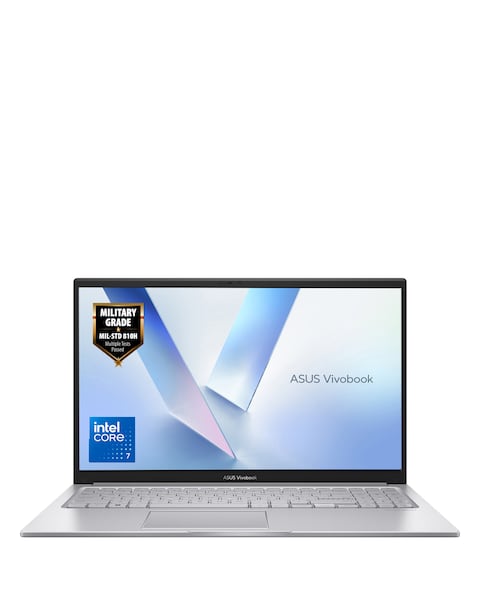
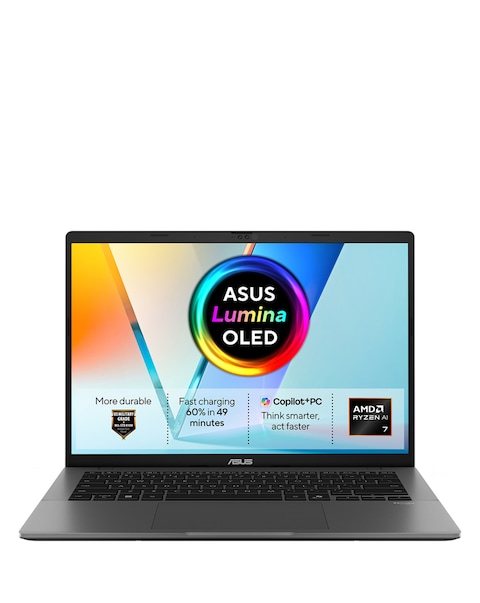
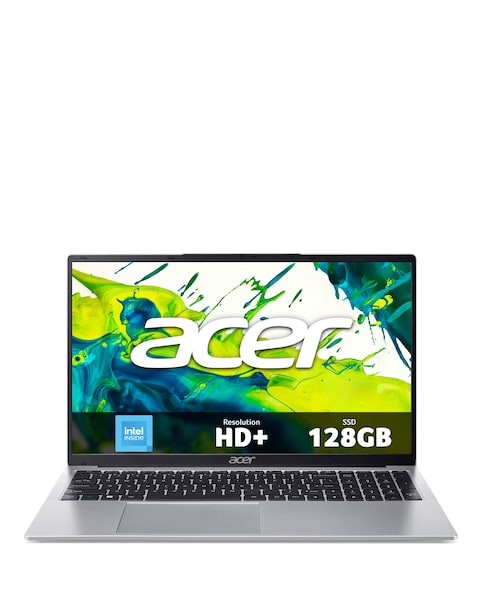
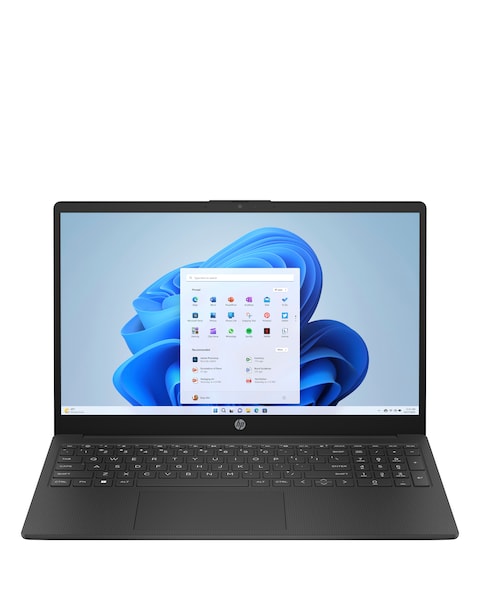
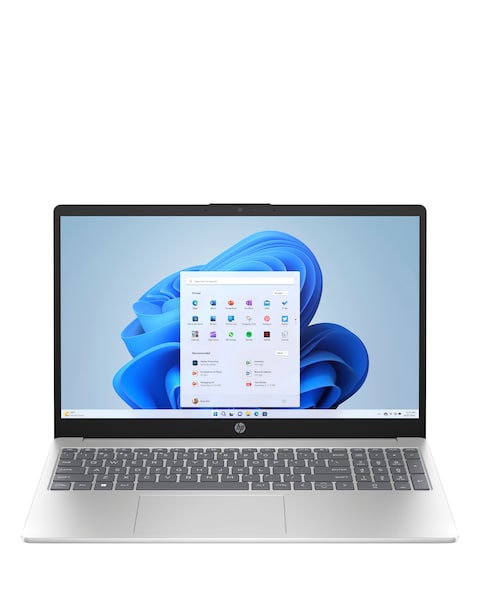
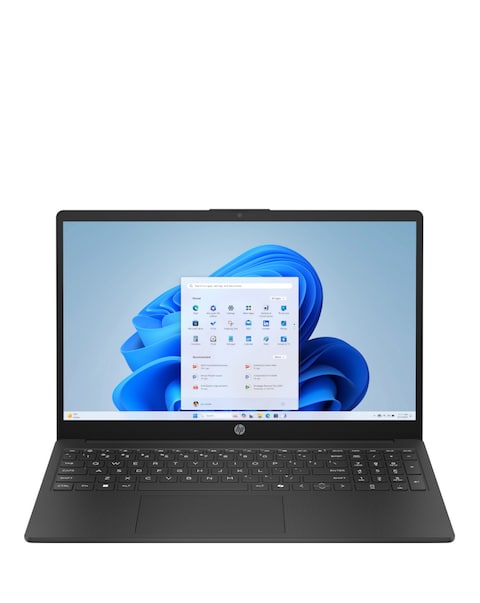
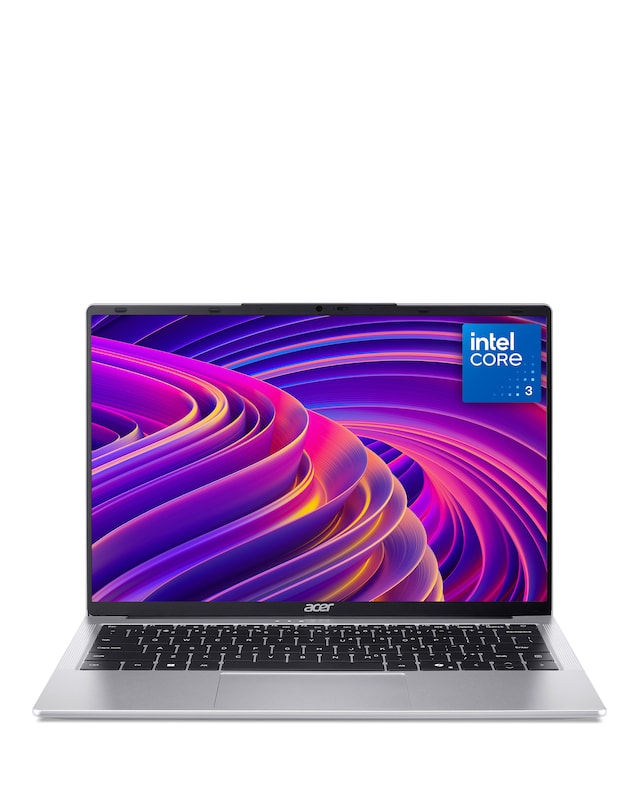
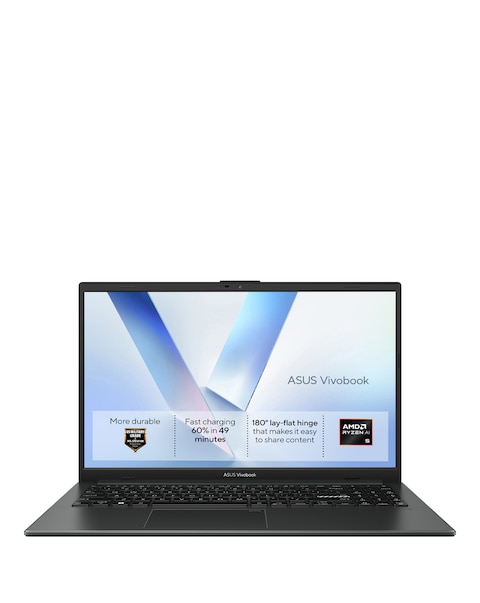
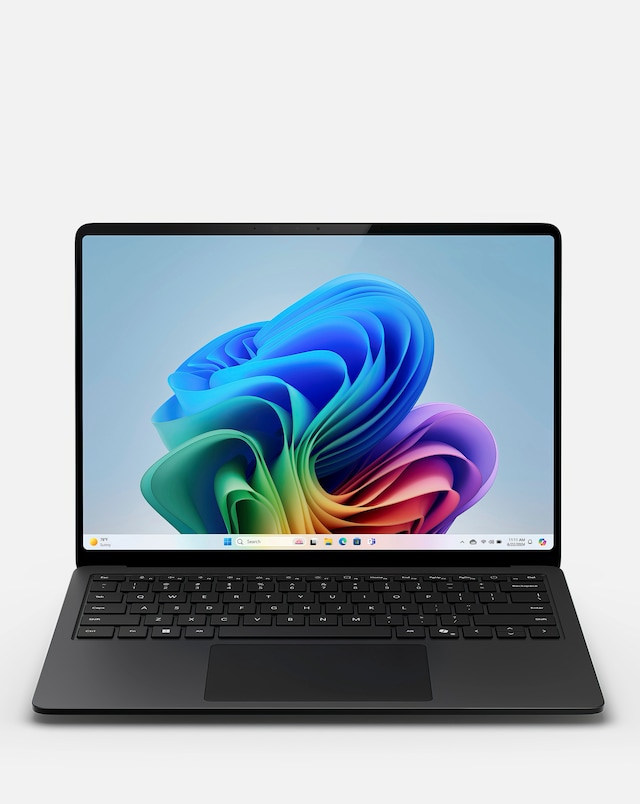
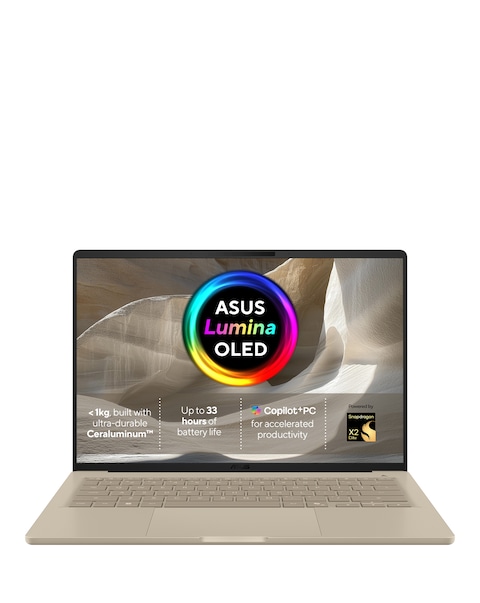
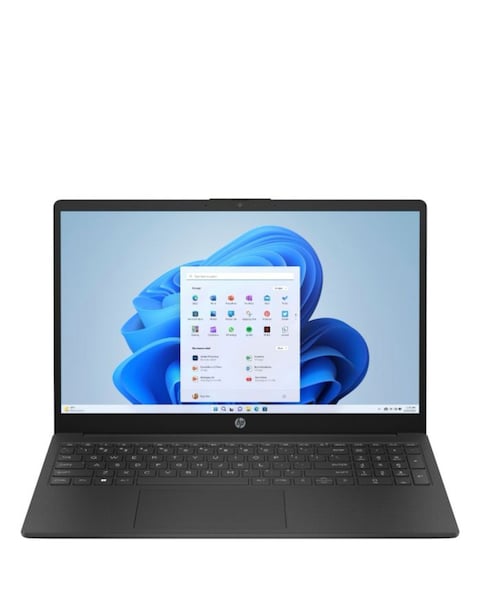
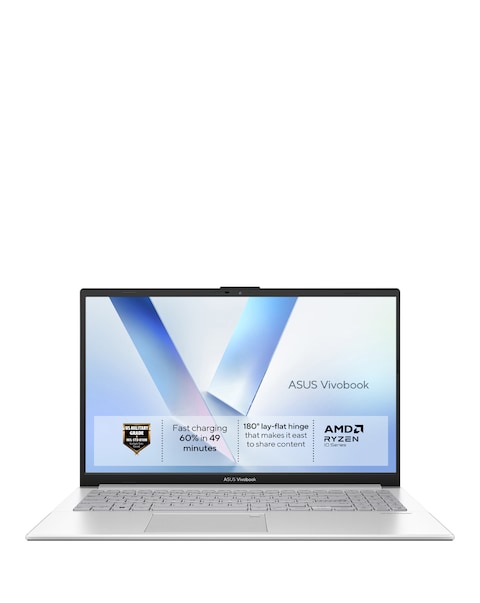
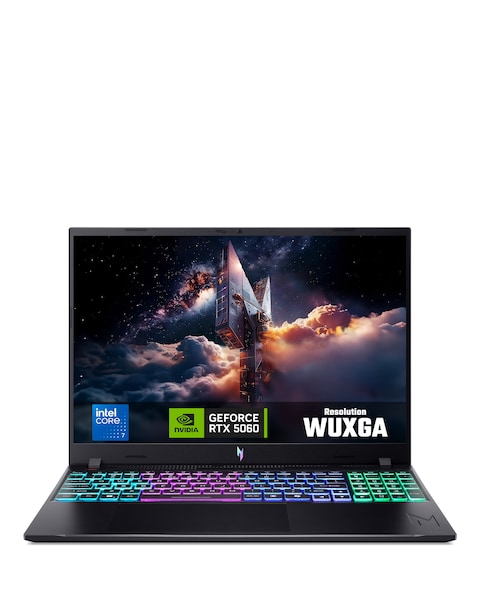
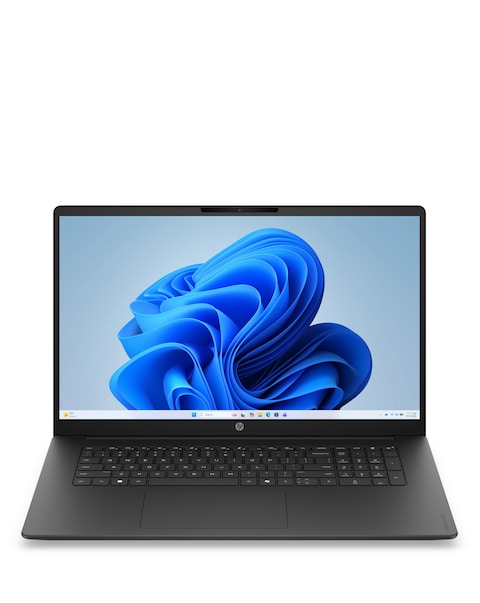
Discover our range of laptops for video conferencing, designed to enhance your virtual communication experience. These laptops feature high-definition displays, powerful processors, and ample RAM to ensure smooth video calls and seamless multitasking. With integrated webcams and quality audio systems, you can connect with colleagues, friends, and family effortlessly. Lightweight and portable, these laptops are perfect for remote work or on-the-go meetings, making them an essential tool for anyone looking to stay connected in today's digital world.
What features should I look for in a laptop for video conferencing?
- When selecting a laptop for video conferencing, look for a high-resolution webcam, good microphone quality, and a powerful processor to handle video calls smoothly. Additionally, ensure it has sufficient RAM and a reliable internet connection capability for optimal performance.
Can I use any laptop for video conferencing?
- While most laptops can support video conferencing, not all are equipped with the necessary features for a quality experience. It's best to choose a laptop with a decent webcam, microphone, and processing power to ensure clear video and audio during calls.
Is battery life important for laptops used in video conferencing?
- Yes, battery life is crucial for laptops used in video conferencing, especially if you plan to attend meetings away from a power source. A laptop with long battery life ensures you can stay connected without interruptions during important calls.
What is the ideal screen size for a laptop used for video conferencing?
- The ideal screen size for a laptop used for video conferencing typically ranges from 14 to 17 inches. A larger screen can enhance visibility and make it easier to see participants, while still being portable enough for remote work.
Are laptops with touchscreens better for video conferencing?
- Laptops with touchscreens can offer added convenience during video conferencing, allowing for easy navigation and interaction with applications. However, the primary focus should be on performance and audio-visual quality rather than touchscreen capability.