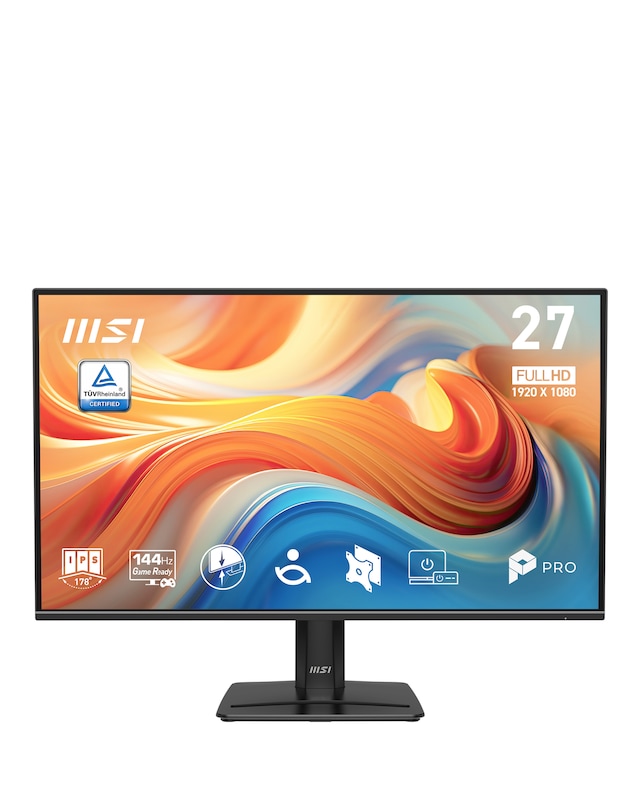
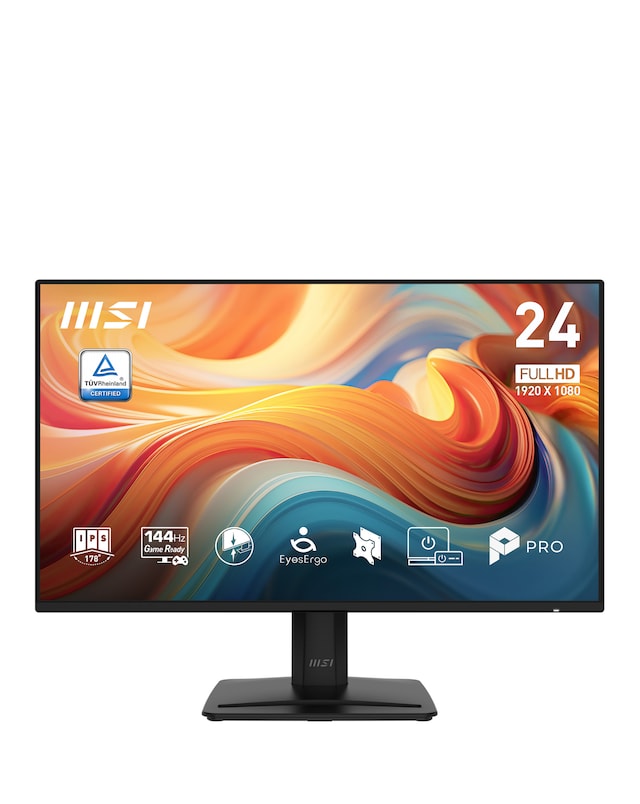
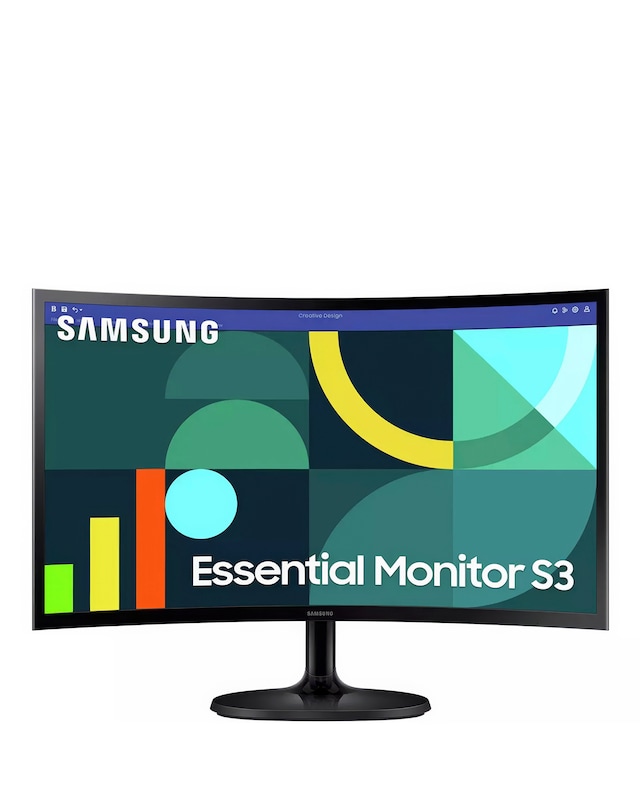
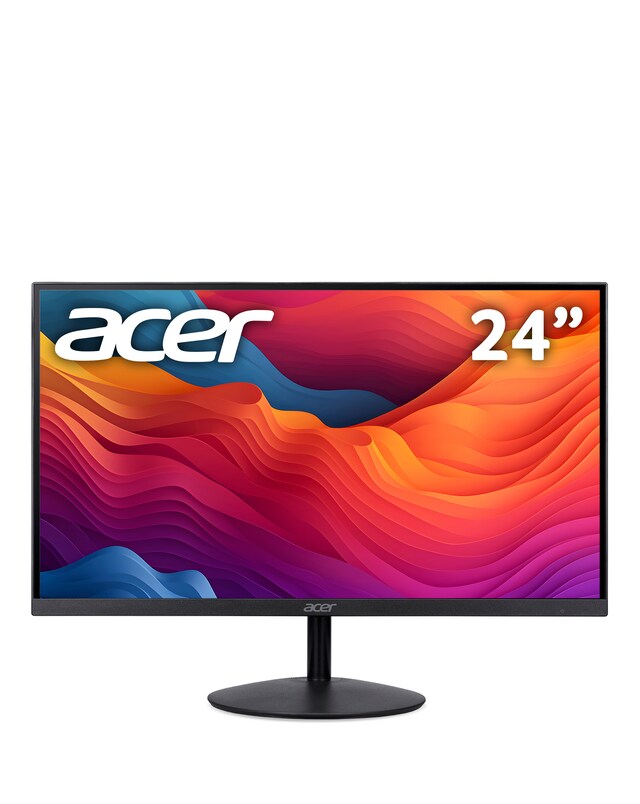
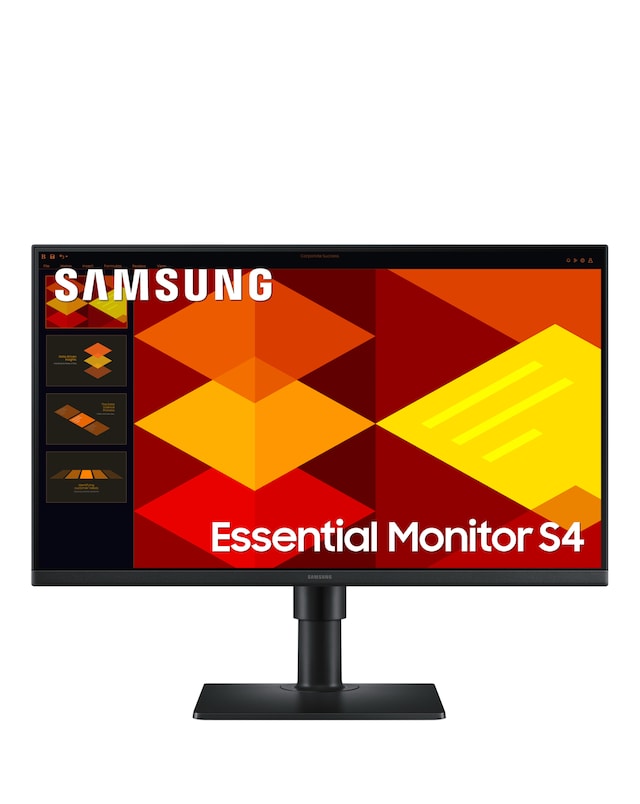
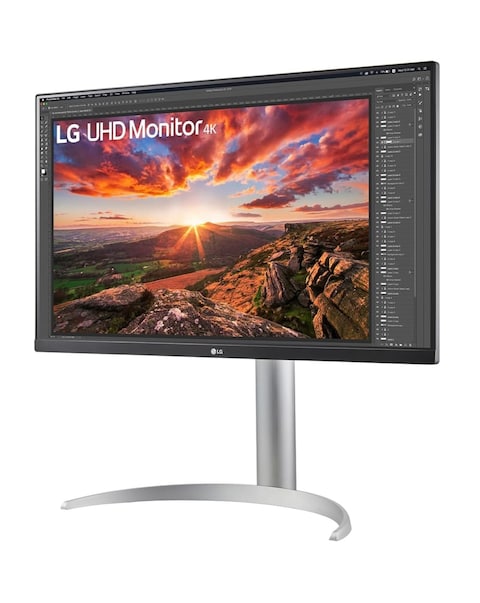
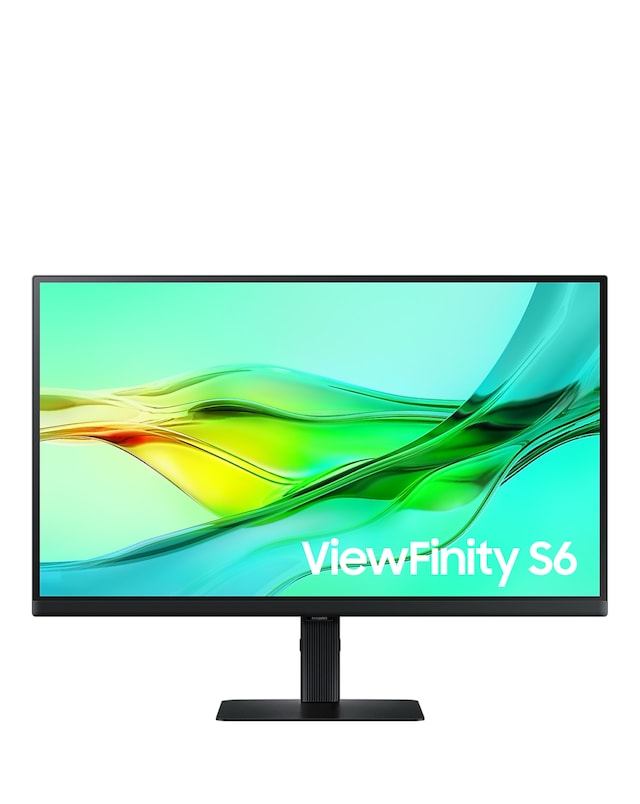
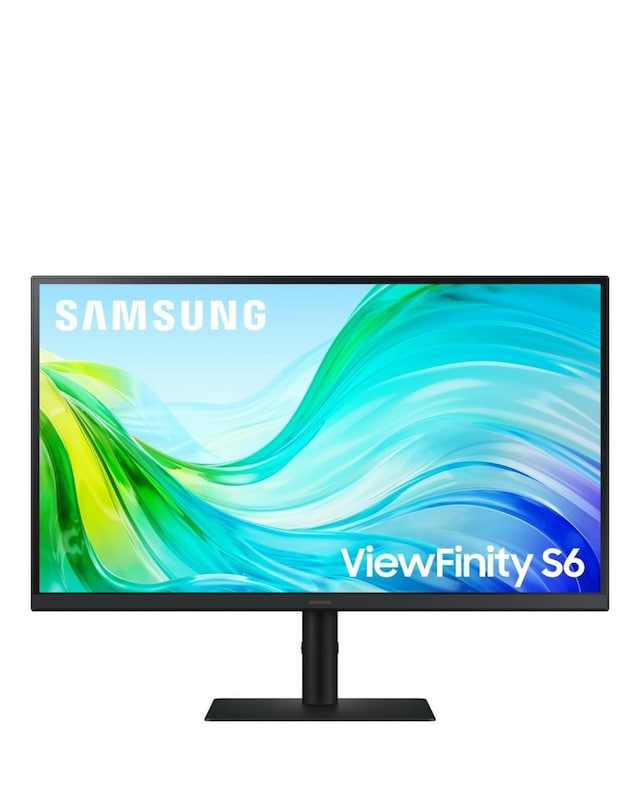
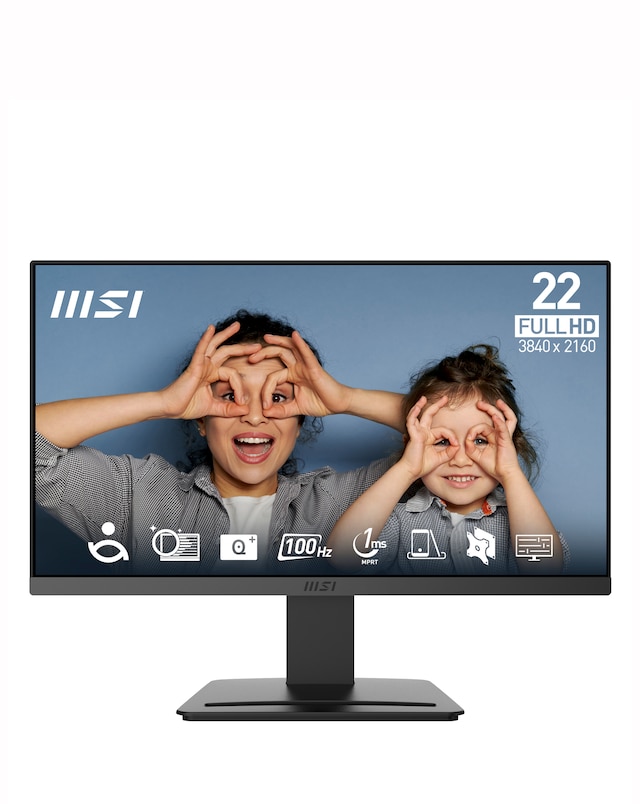
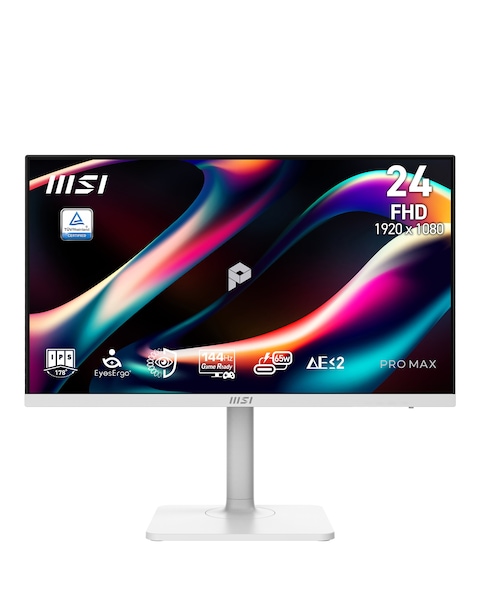
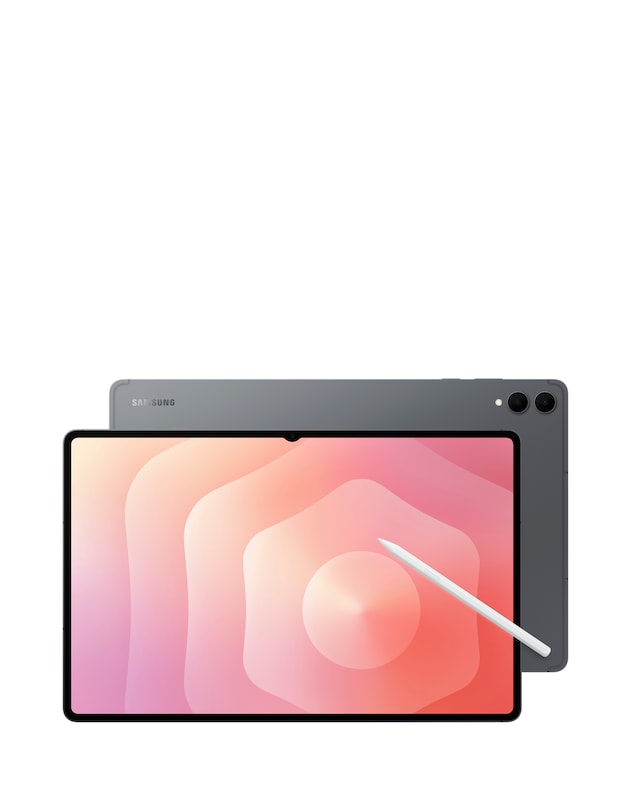
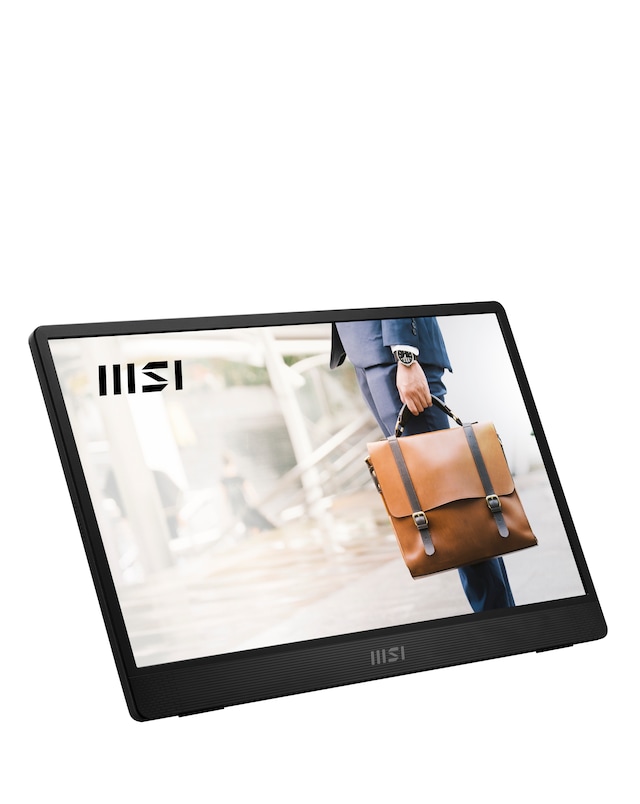
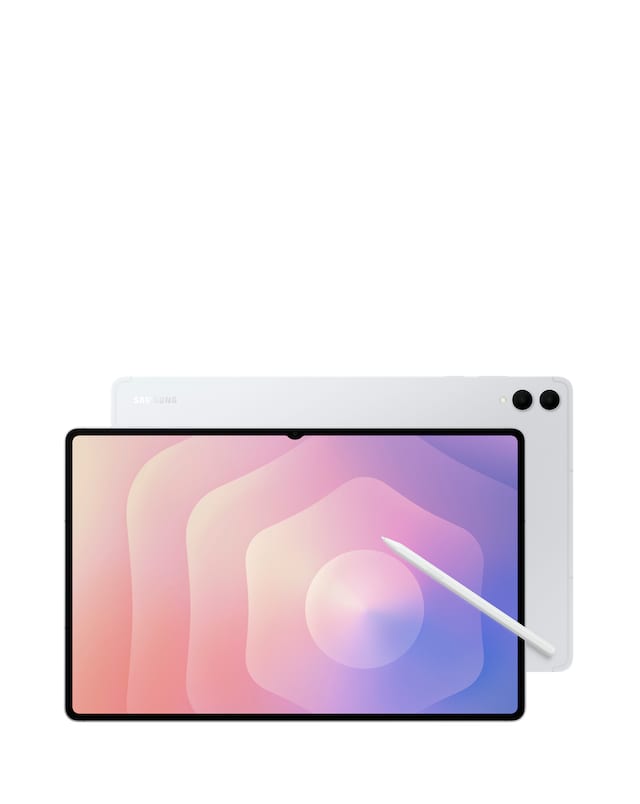
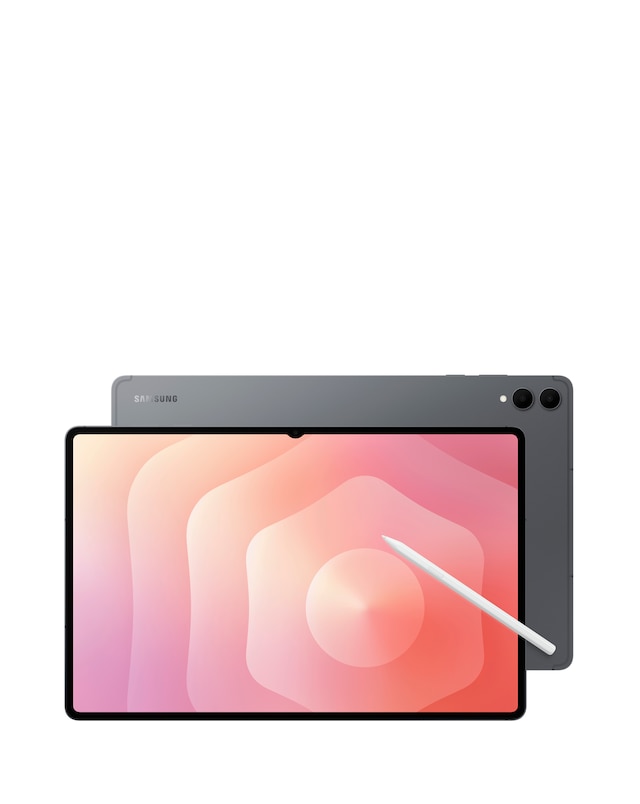
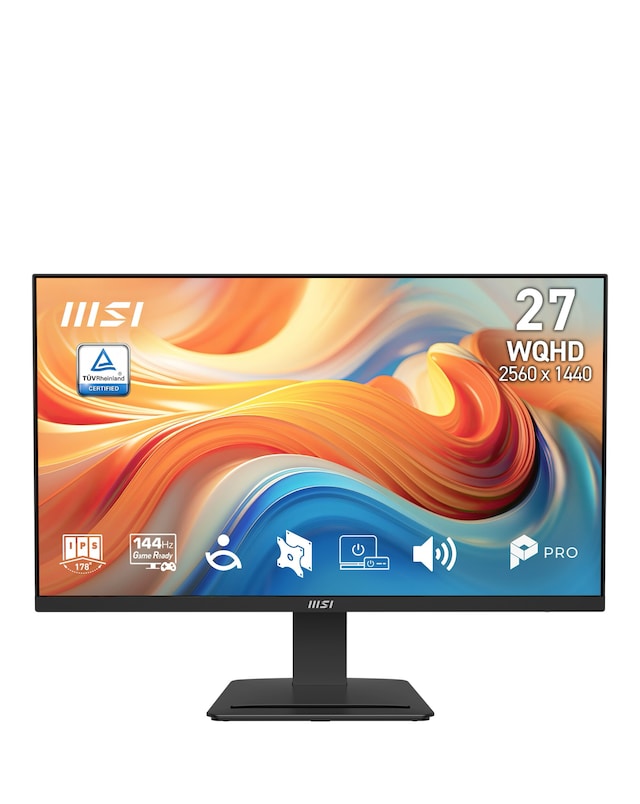
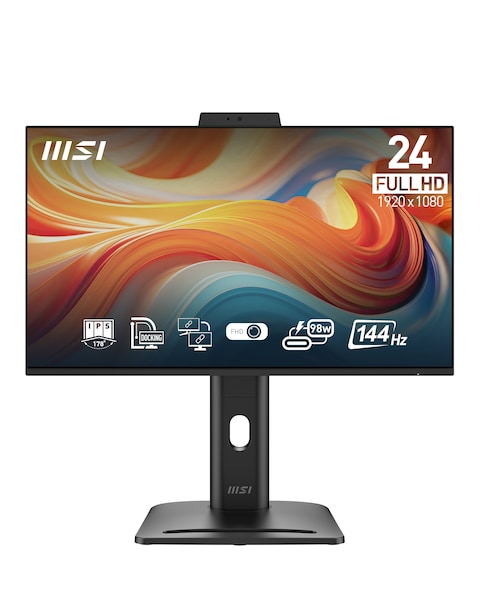
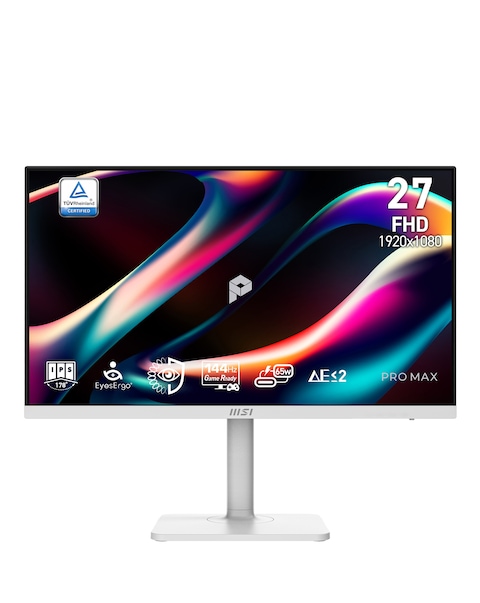
Explore our extensive range of VGA and HDMI monitors, designed to enhance your viewing experience with stunning clarity and vibrant colours. These monitors offer versatile connectivity options, making them ideal for both home and office use. With features such as Full HD resolution, fast response times, and sleek designs, they cater to a variety of needs, whether for gaming, professional work, or casual browsing. Enjoy seamless compatibility with your devices and elevate your productivity or entertainment with our selection of high-quality monitors that combine performance and style.
What is the difference between VGA and HDMI monitors?
- VGA monitors use an analogue signal, which can result in lower image quality compared to HDMI, which transmits digital signals. HDMI also supports audio transmission, while VGA only carries video. This makes HDMI a more versatile option for modern devices.
Are HDMI monitors better than VGA monitors?
- HDMI monitors generally provide better image quality and support higher resolutions compared to VGA monitors. They also offer additional features like audio support and enhanced colour depth. However, the choice depends on your specific needs and the devices you plan to connect.
Can I connect a VGA monitor to an HDMI port?
- Yes, you can connect a VGA monitor to an HDMI port using a VGA to HDMI adapter. This adapter converts the analogue signal from the VGA monitor to a digital signal for the HDMI port. However, keep in mind that you may need a separate audio solution, as VGA does not transmit audio.
What are the benefits of using HDMI monitors?
- HDMI monitors offer superior image quality, support for high-definition resolutions, and the convenience of carrying both video and audio signals through a single cable. They are also compatible with a wide range of devices, making them ideal for both entertainment and professional use.
What should I consider when buying a VGA or HDMI monitor?
- When purchasing a VGA or HDMI monitor, consider factors such as screen size, resolution, response time, and connectivity options. Additionally, think about the primary use of the monitor, whether for gaming, work, or general use, to ensure it meets your specific requirements.