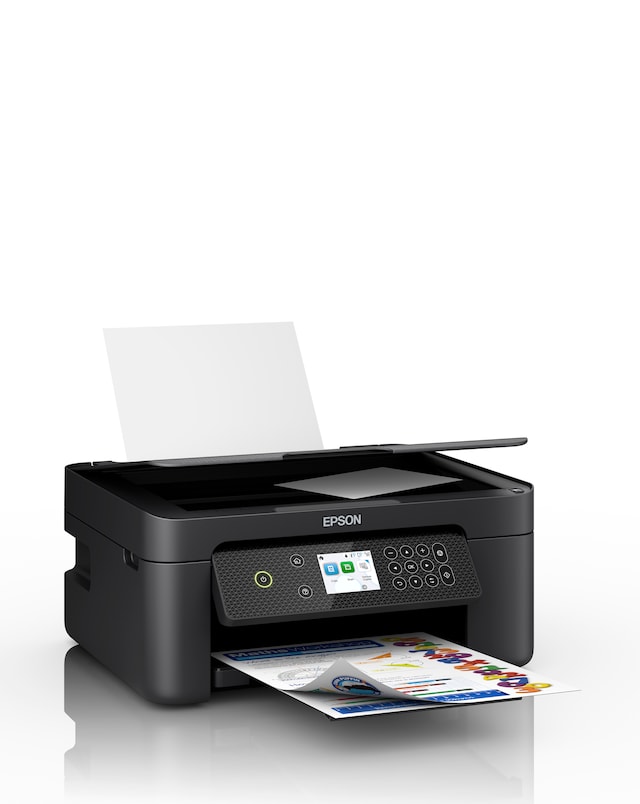
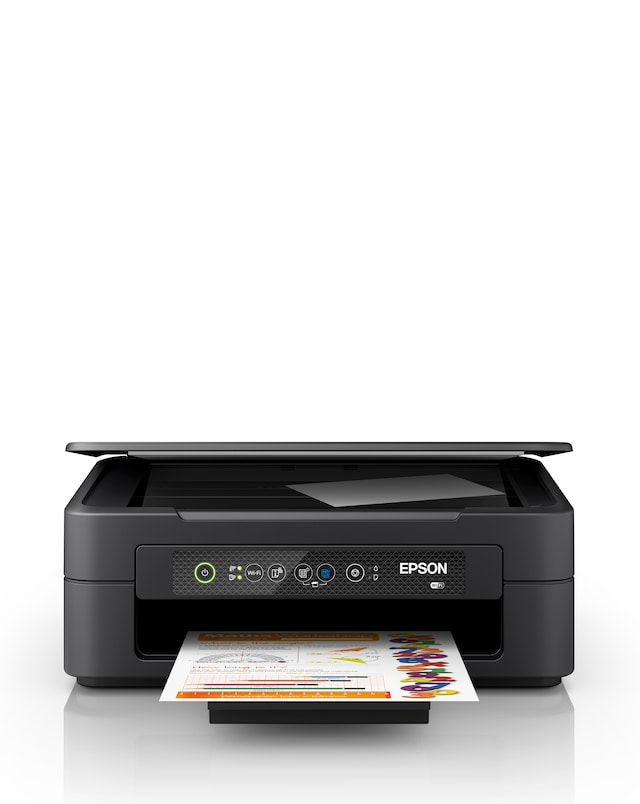
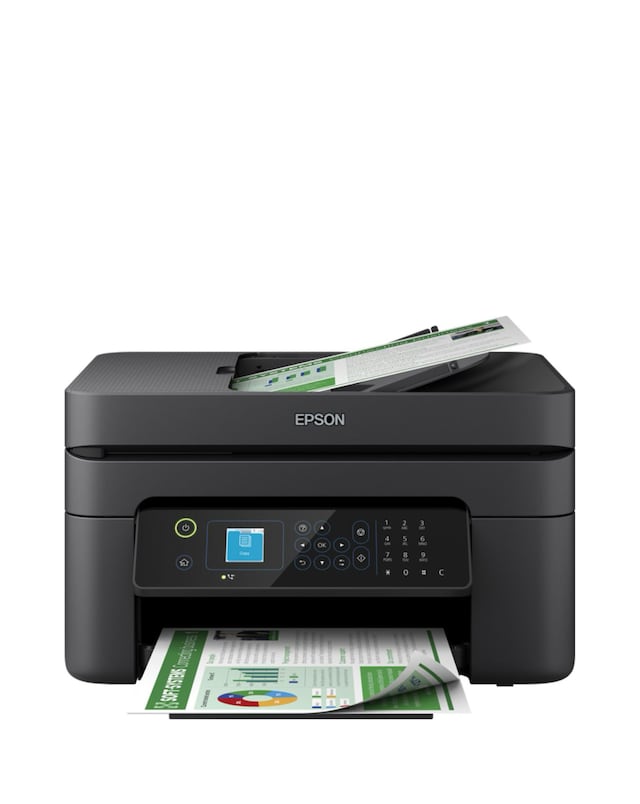
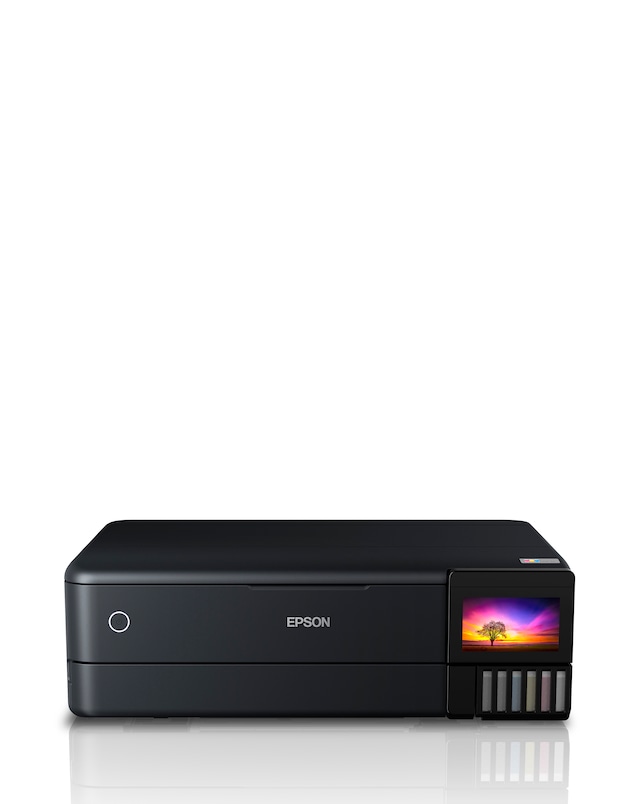
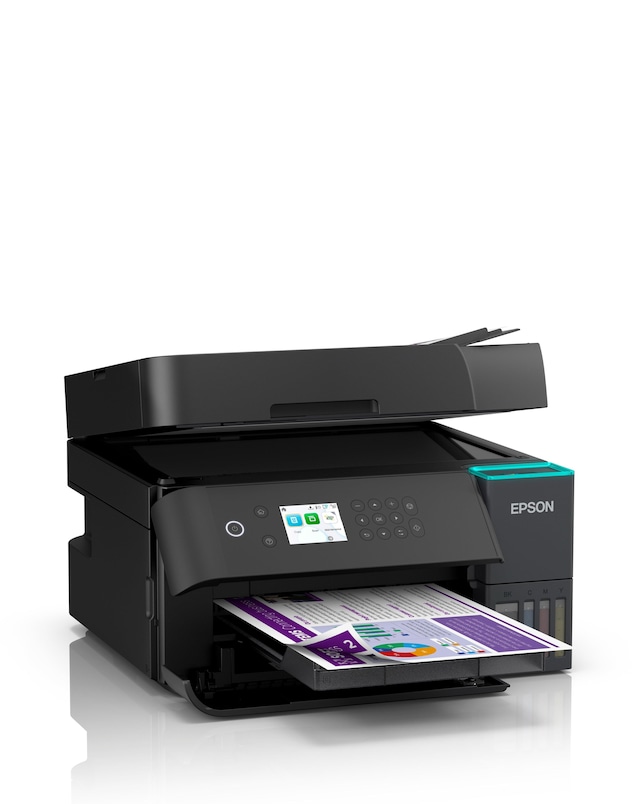
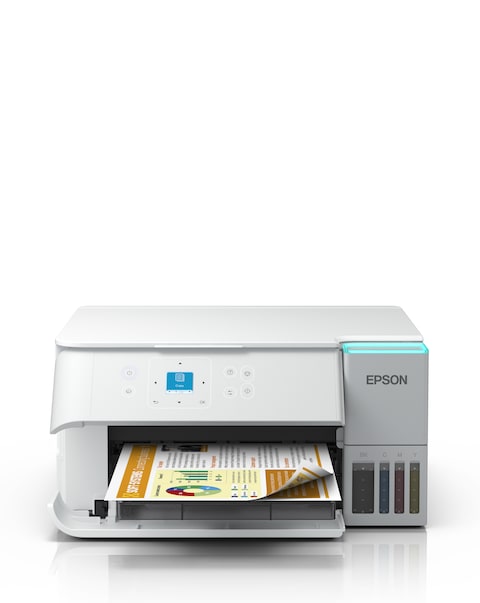
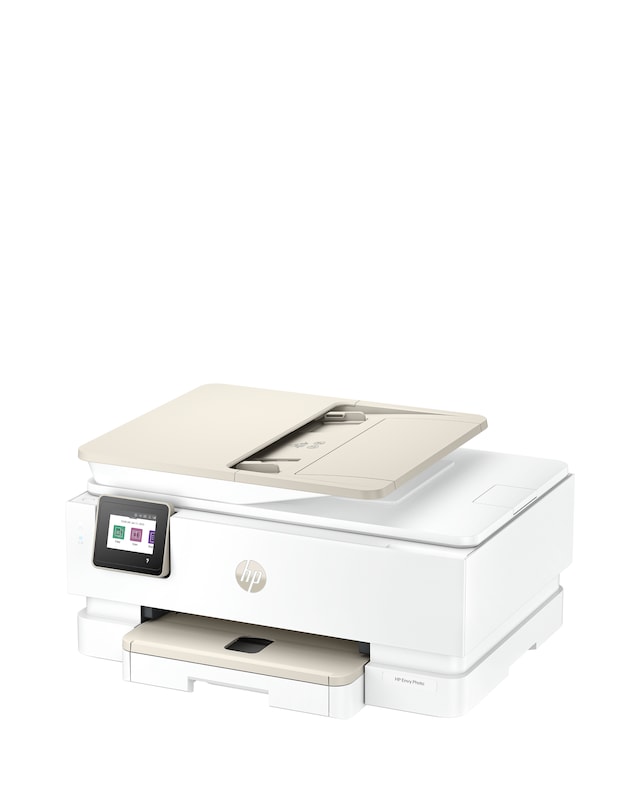
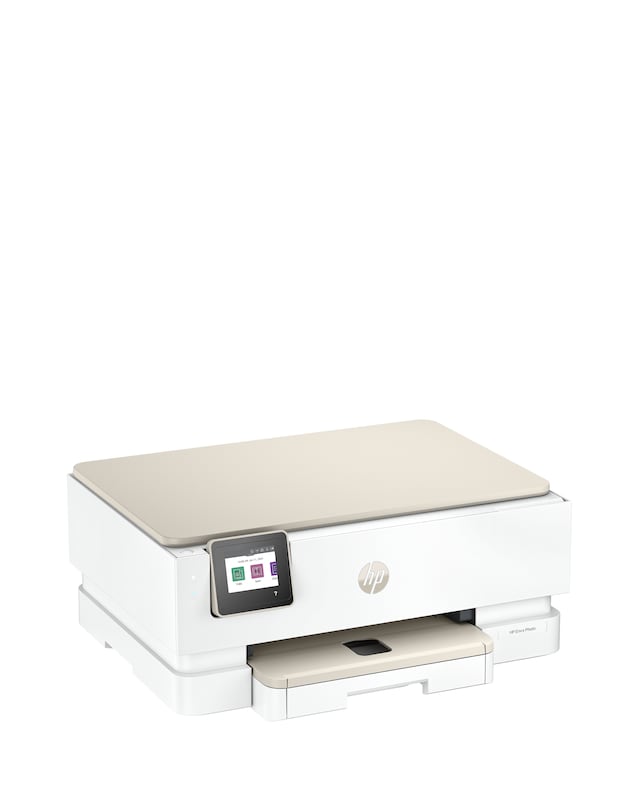
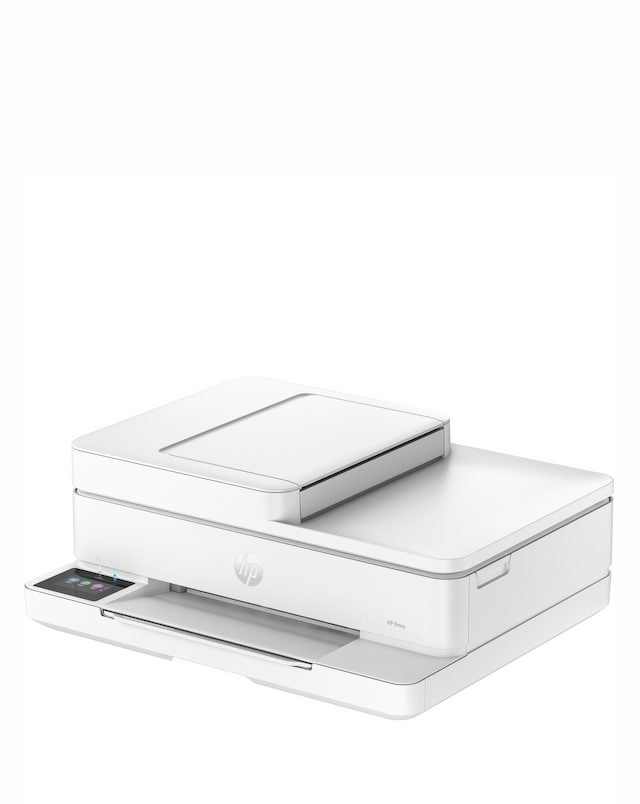
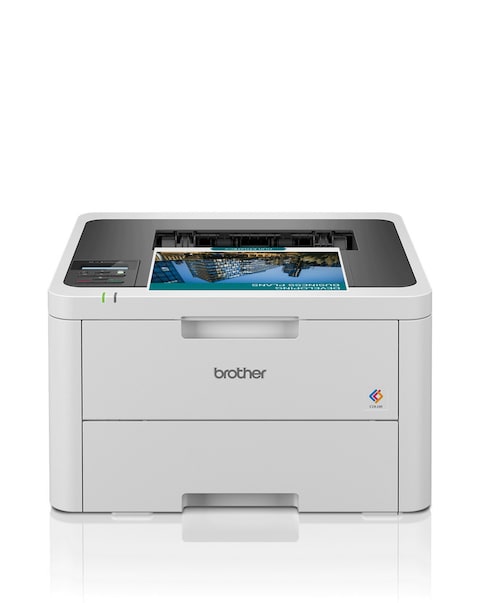
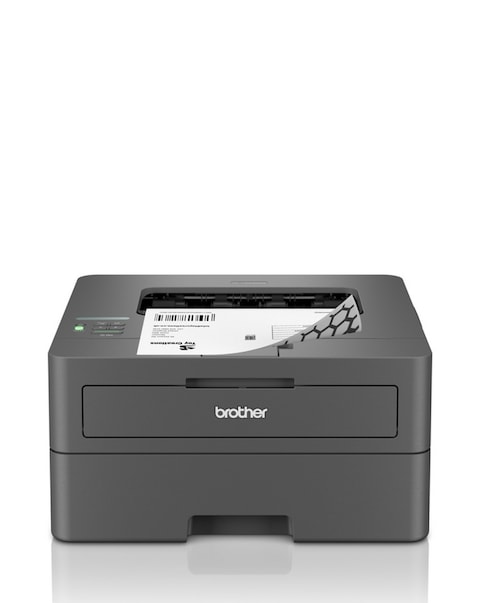
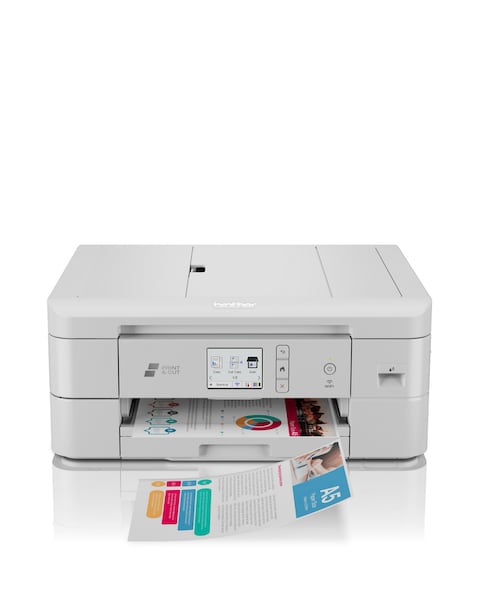
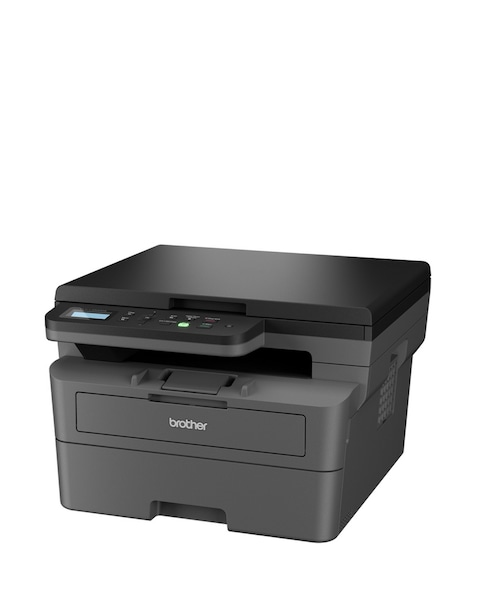
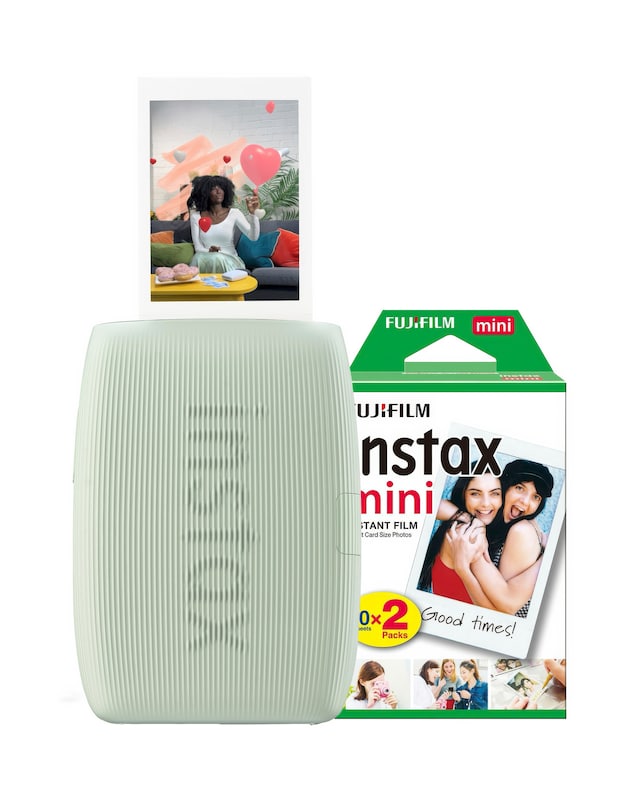
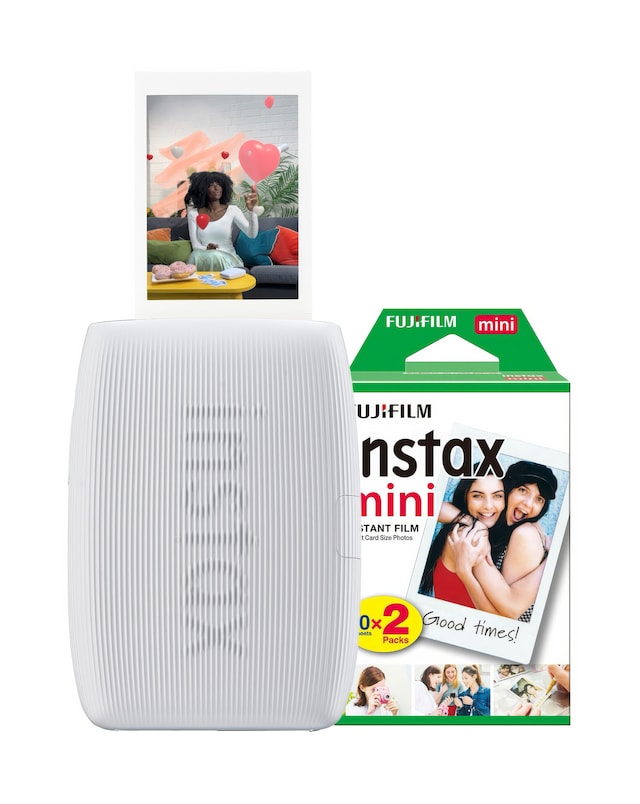
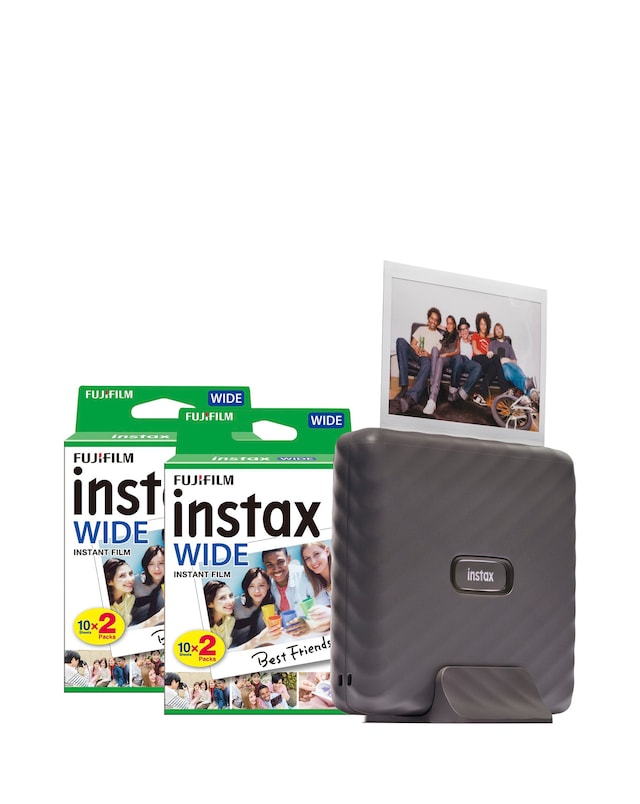
Discover the versatility and convenience of all-in-one printers, designed to meet all your printing, scanning, and copying needs in one compact device. These printers offer high-quality output, wireless connectivity, and user-friendly interfaces, making them perfect for both home and office use. With features like cost-effective ink solutions and fast printing speeds, you can enjoy seamless performance for all your document and photo printing tasks. Whether you need to print everyday documents or vibrant images, these all-in-one printers provide reliable functionality and exceptional results, ensuring you have everything you need at your fingertips.
What are the benefits of an all-in-one printer?
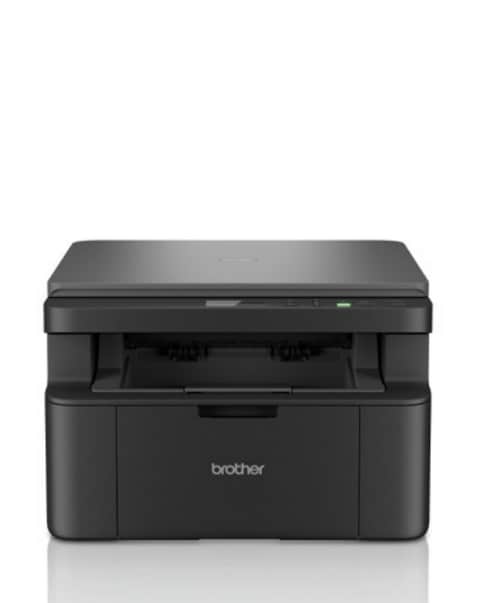
- All-in-one printers combine multiple functions—printing, scanning, and copying—into a single device, saving space and reducing clutter. They are often more cost-effective than purchasing separate machines. Additionally, they offer convenience by allowing users to perform various tasks without needing to switch devices.
Can all-in-one printers print in colour?
- Yes, most all-in-one printers are capable of printing in both black and colour. This feature allows users to create vibrant documents and photos, making them suitable for a variety of printing needs. Colour printing is especially beneficial for presentations, marketing materials, and personal projects.
Are all-in-one printers suitable for home use?
- Absolutely! All-in-one printers are ideal for home use due to their multifunctionality and compact design. They cater to various needs, from printing homework and family photos to scanning important documents, making them a practical choice for households.
How do I connect an all-in-one printer to my Wi-Fi?
- Connecting an all-in-one printer to Wi-Fi typically involves using the printer's control panel to access the network settings. You will need to select your Wi-Fi network and enter the password. Many models also support easy setup through mobile apps, simplifying the process further.
What type of ink do all-in-one printers use?
- All-in-one printers generally use either ink cartridges or ink tank systems. Ink cartridges are common and can be replaced when empty, while ink tank systems offer larger reservoirs for extended use. The choice depends on your printing volume and budget considerations.
How fast can an all-in-one printer print?
- Printing speeds for all-in-one printers can vary based on the model and settings, but many can print documents at speeds ranging from 10 to 30 pages per minute. Factors such as print quality and type of document can affect speed, so it's advisable to check the specifications for exact performance details.