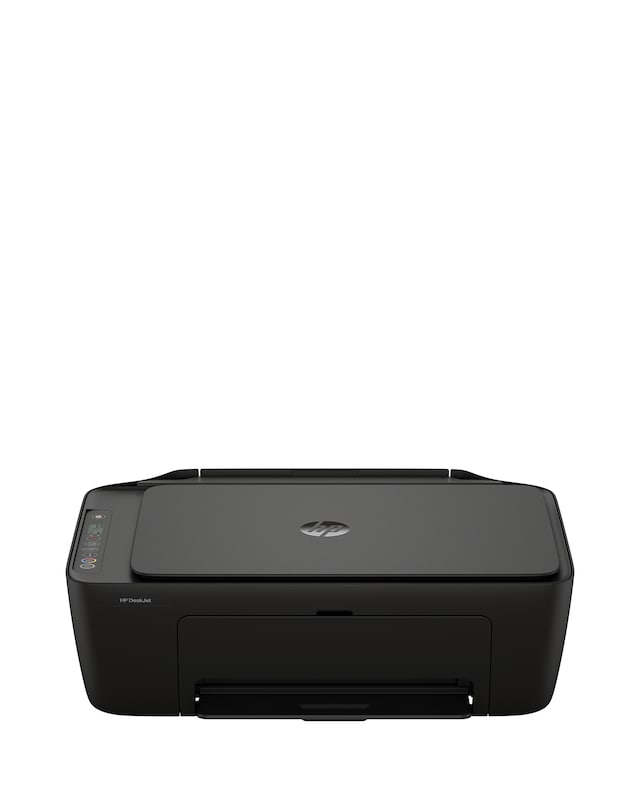
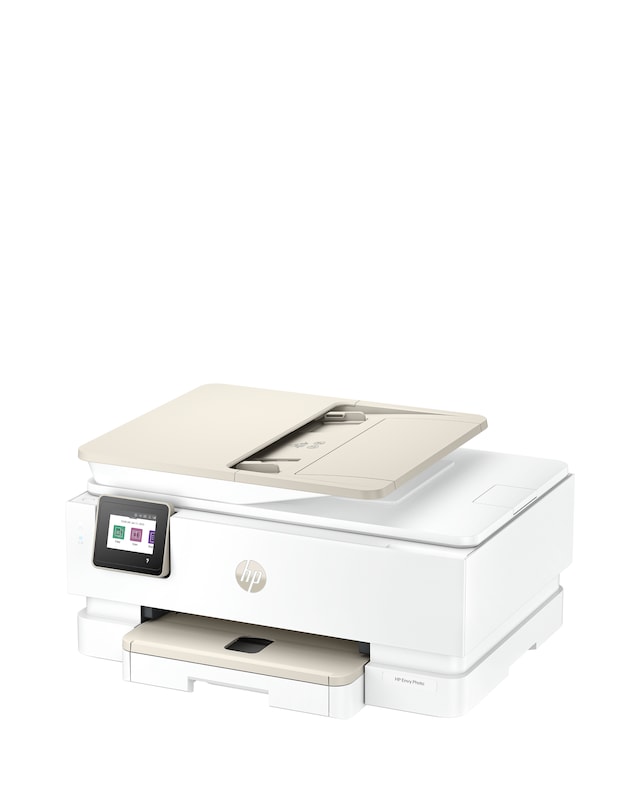
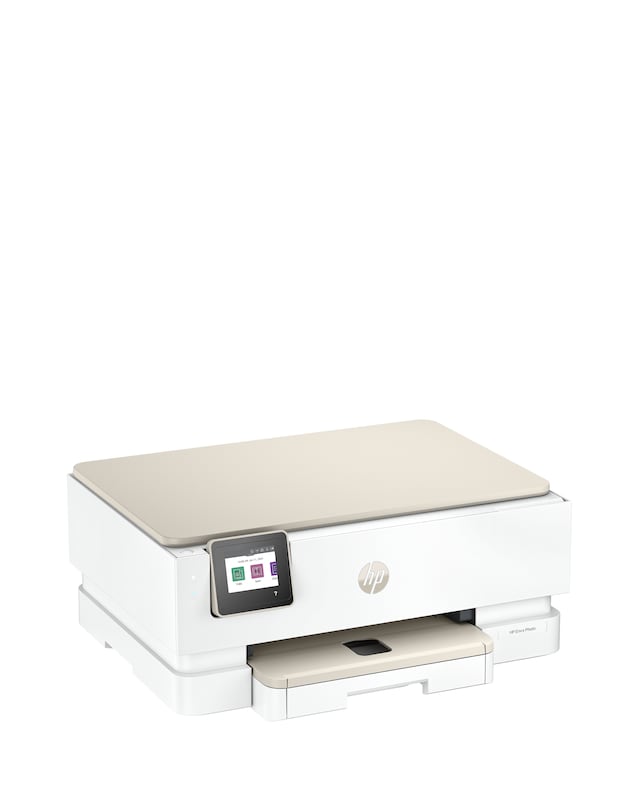
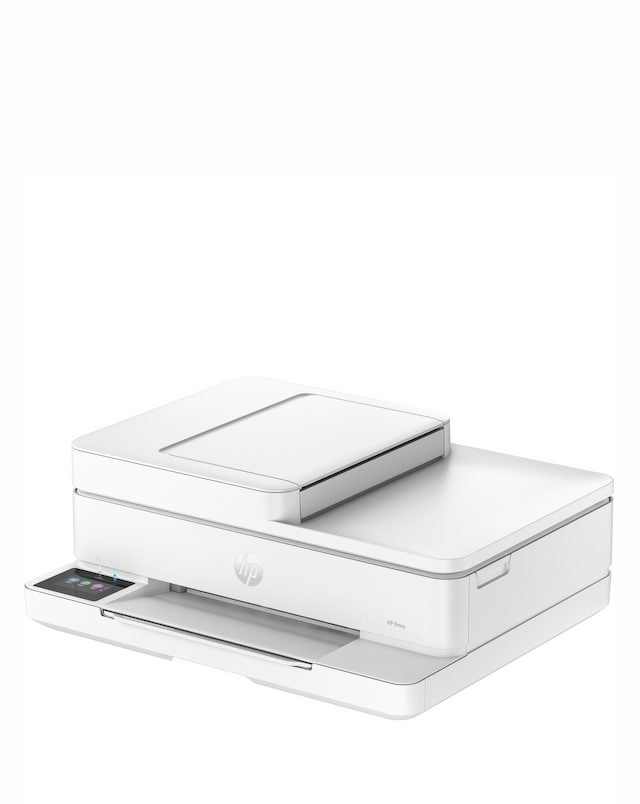
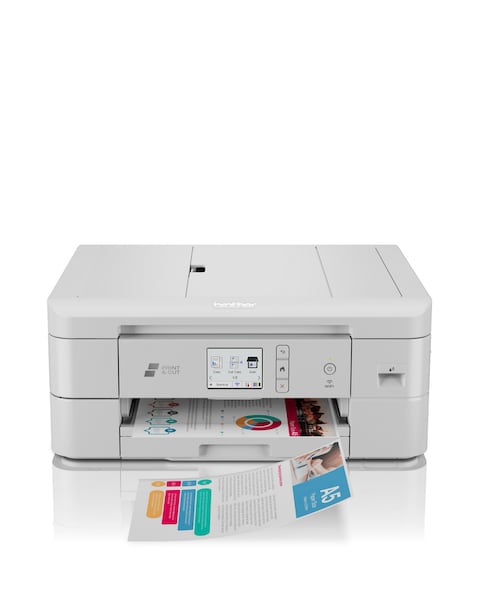
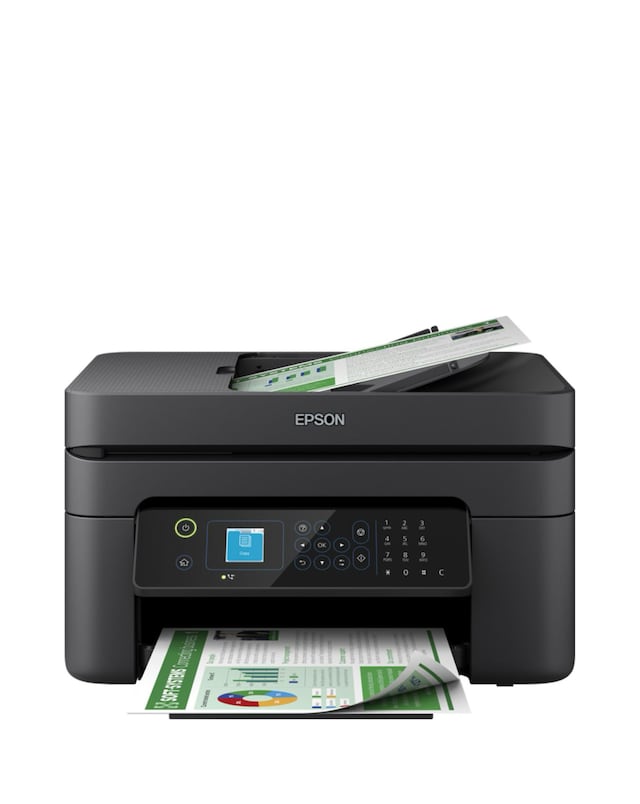
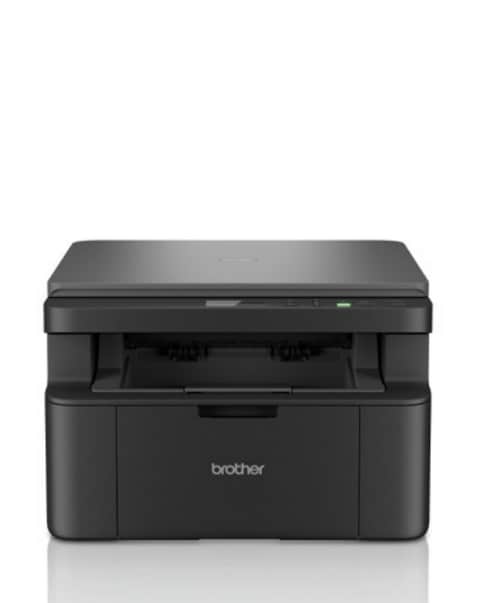
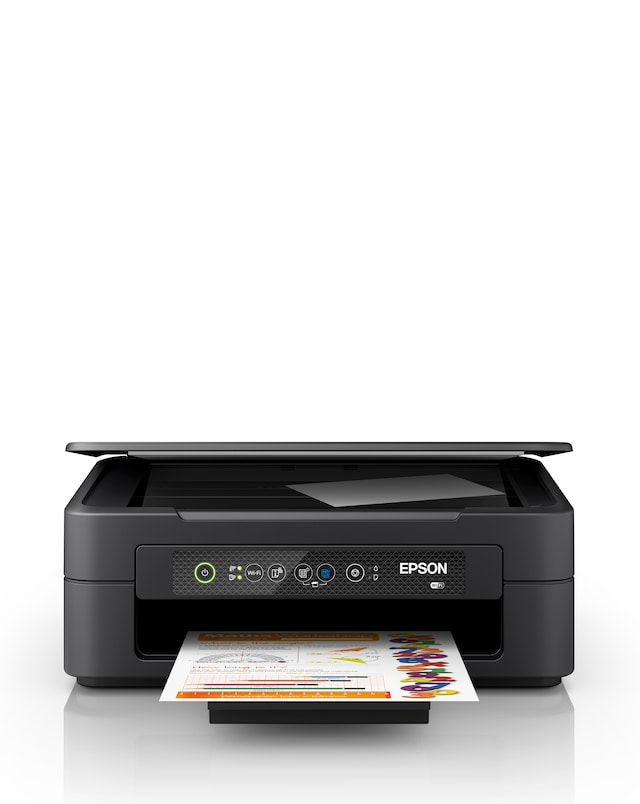
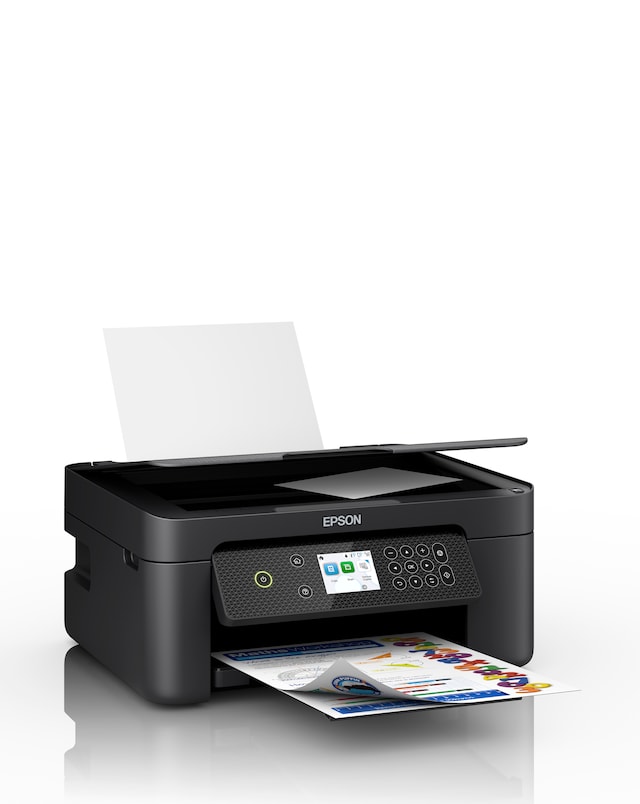
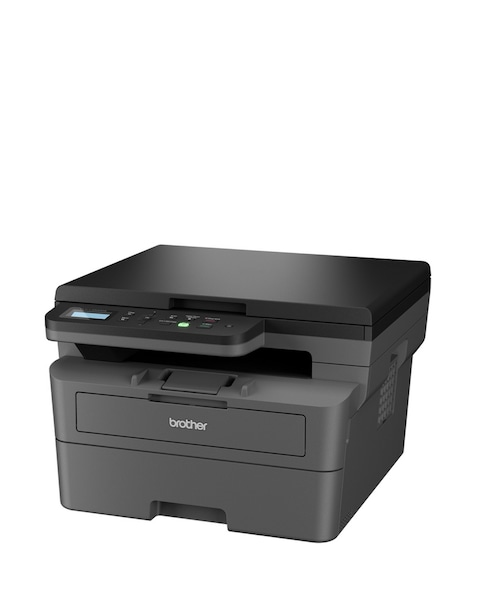
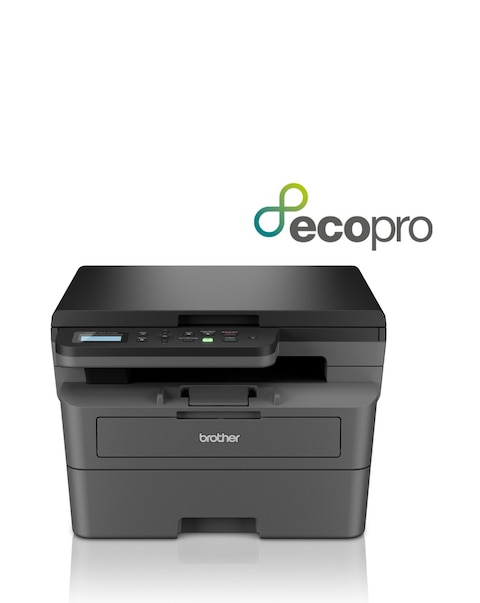
Discover the convenience of compact all-in-one printers, designed to meet all your printing, scanning, and copying needs in a space-saving format. These versatile devices are perfect for home offices or small workspaces, offering high-quality performance without compromising on functionality. With features such as wireless connectivity, user-friendly interfaces, and energy-efficient designs, compact all-in-one printers make it easy to handle various tasks efficiently. Whether you need to print documents, photos, or presentations, these printers provide reliable solutions that fit seamlessly into your lifestyle.
What is a compact all-in-one printer?
- A compact all-in-one printer is a multifunction device that combines printing, scanning, and copying capabilities in a single unit. These printers are designed to save space while providing essential features for home or office use. They are ideal for users who need versatility without a bulky footprint.
What are the benefits of using a compact all-in-one printer?
- Compact all-in-one printers offer several benefits, including space efficiency, multifunctionality, and ease of use. They eliminate the need for multiple devices, saving both space and money. Additionally, many models come with wireless connectivity, allowing for convenient printing from various devices.
Can compact all-in-one printers print photos?
- Yes, many compact all-in-one printers are capable of printing high-quality photos. They often support various paper sizes and types, making it easy to produce professional-looking prints. Check the specifications to ensure the printer meets your photo printing needs.
Are compact all-in-one printers suitable for home offices?
- Absolutely, compact all-in-one printers are ideal for home offices due to their multifunctionality and space-saving design. They provide essential printing, scanning, and copying capabilities without taking up too much room. This makes them a practical choice for remote workers and students alike.
How do I connect a compact all-in-one printer to my Wi-Fi?
- Connecting a compact all-in-one printer to Wi-Fi typically involves using the printer's control panel to access the network settings. Follow the on-screen instructions to select your Wi-Fi network and enter the password. Most modern printers also support mobile apps for easy setup and management.