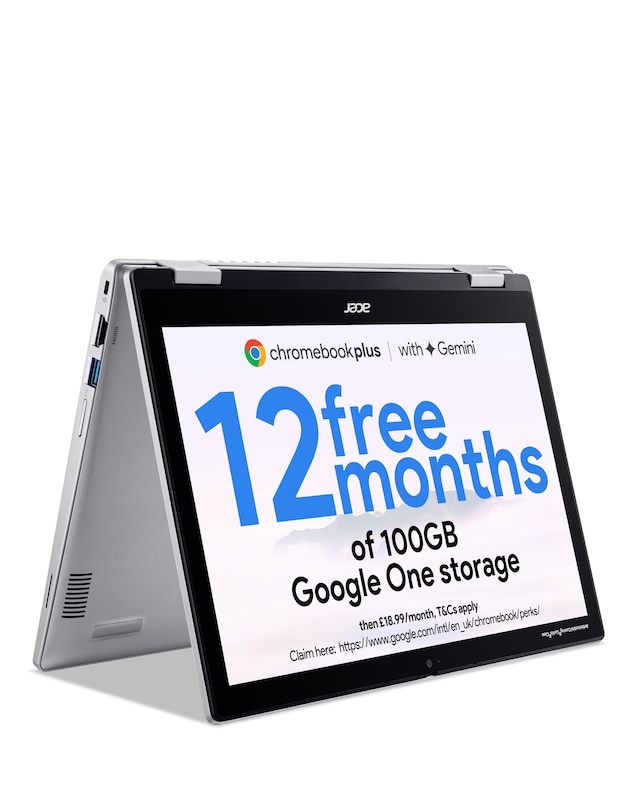
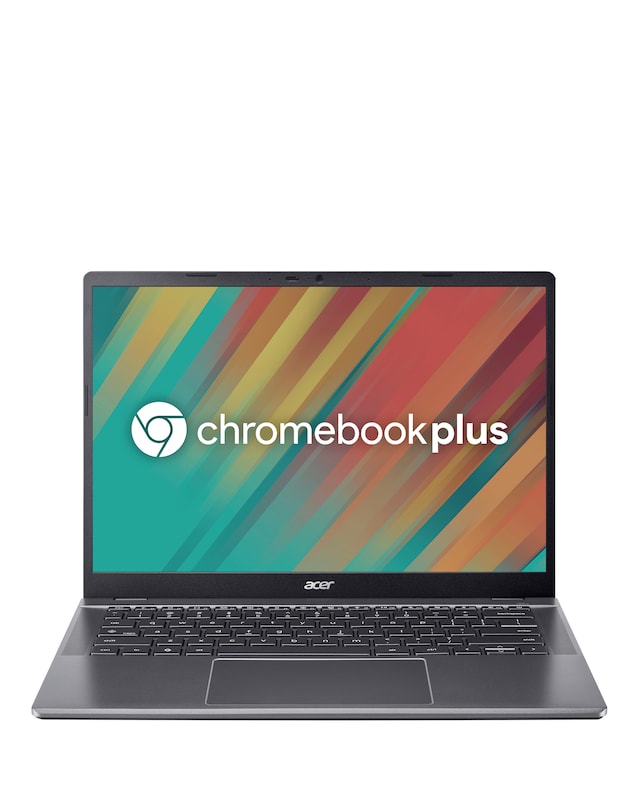
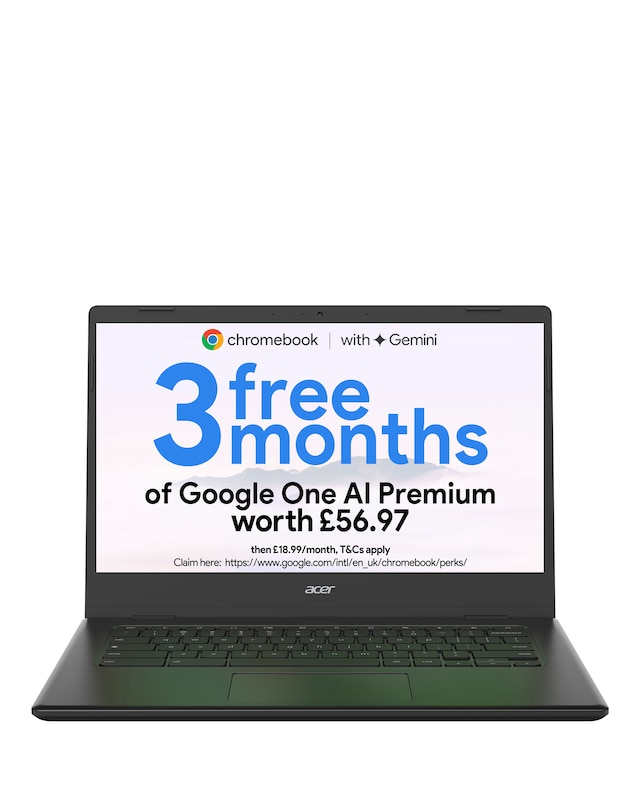
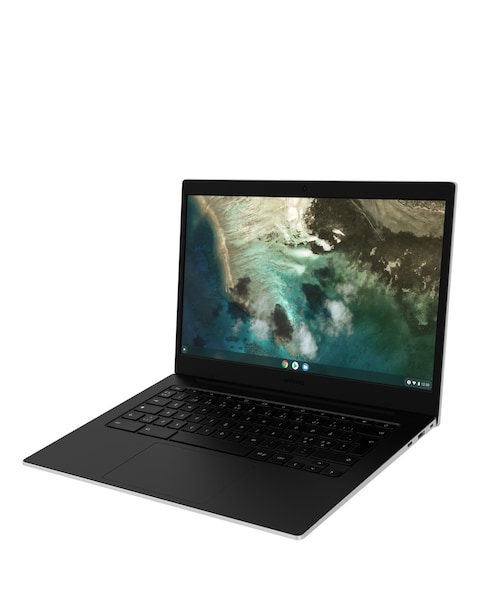
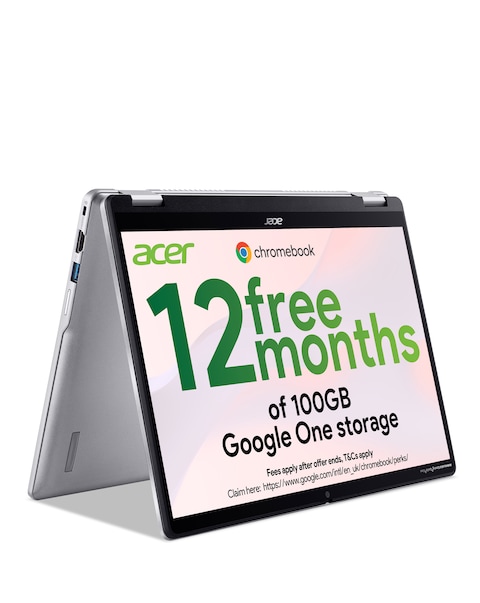
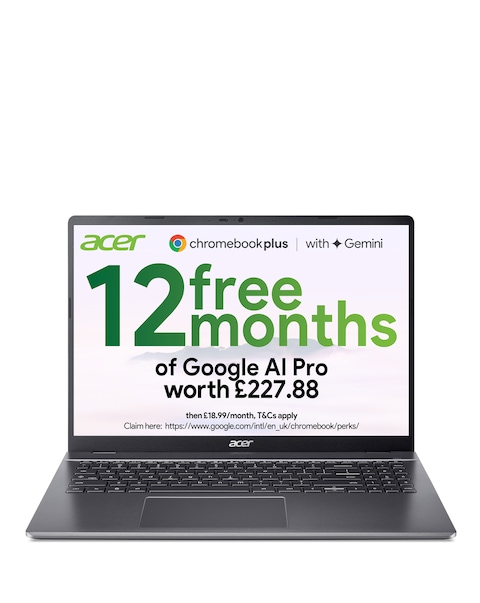
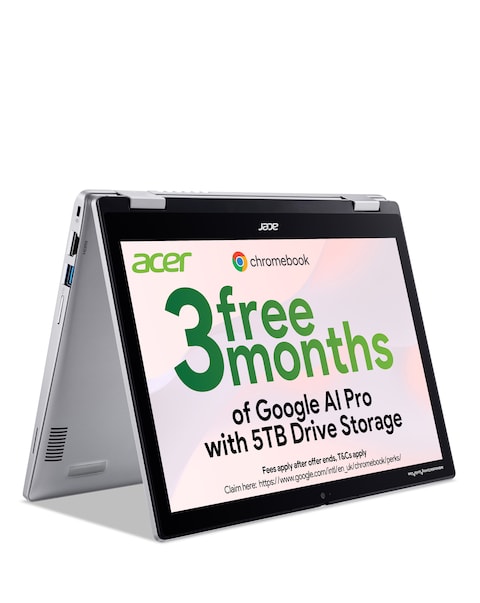
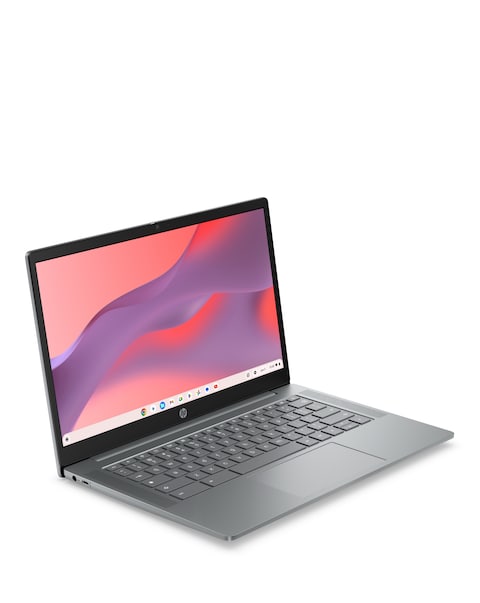
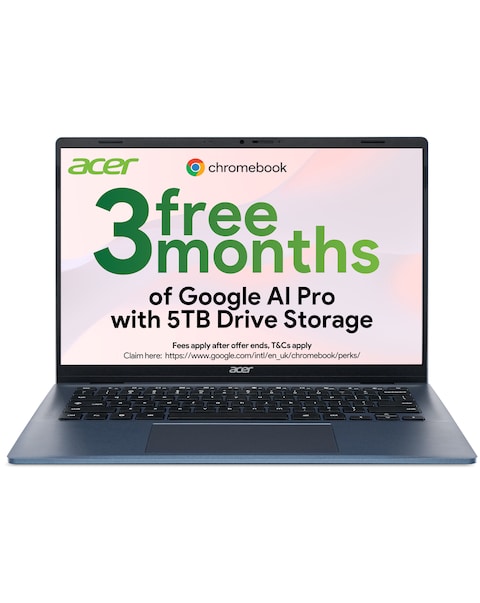
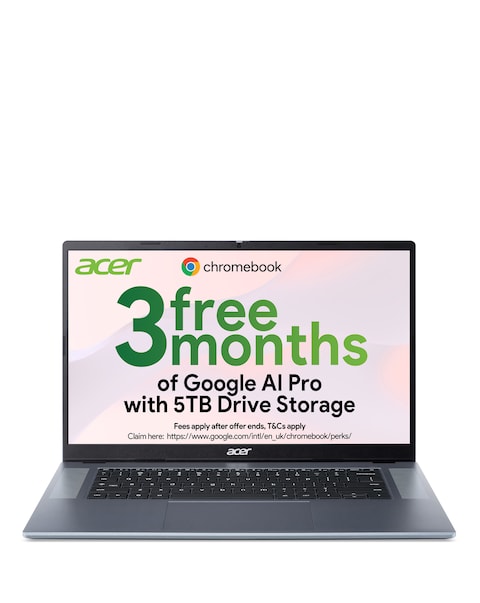
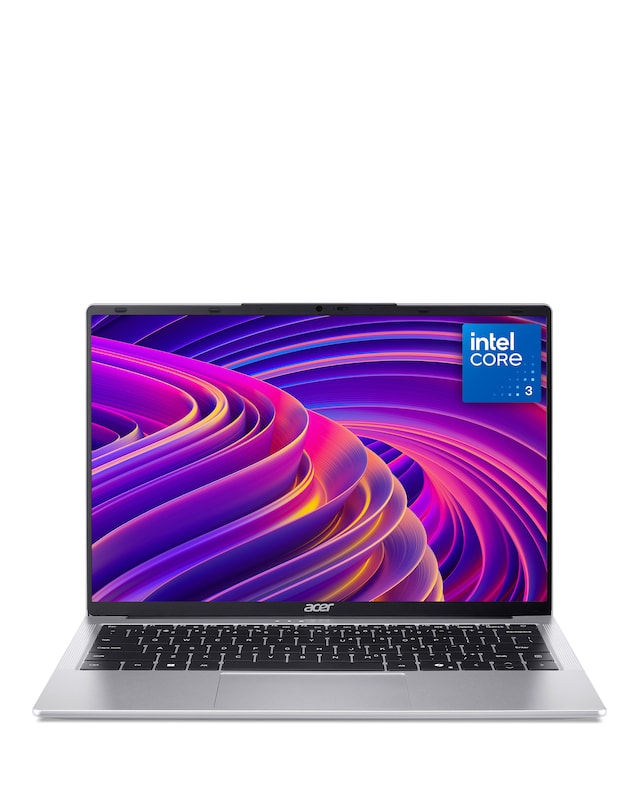
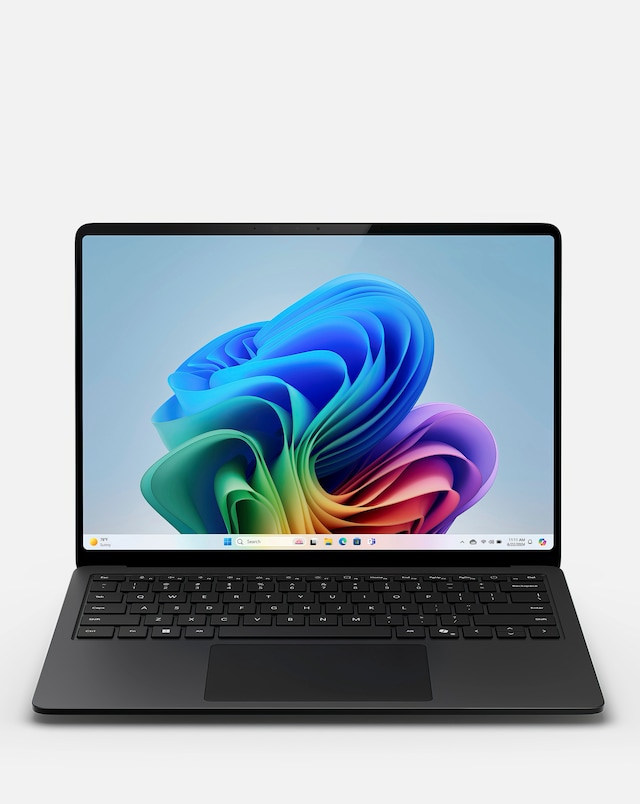
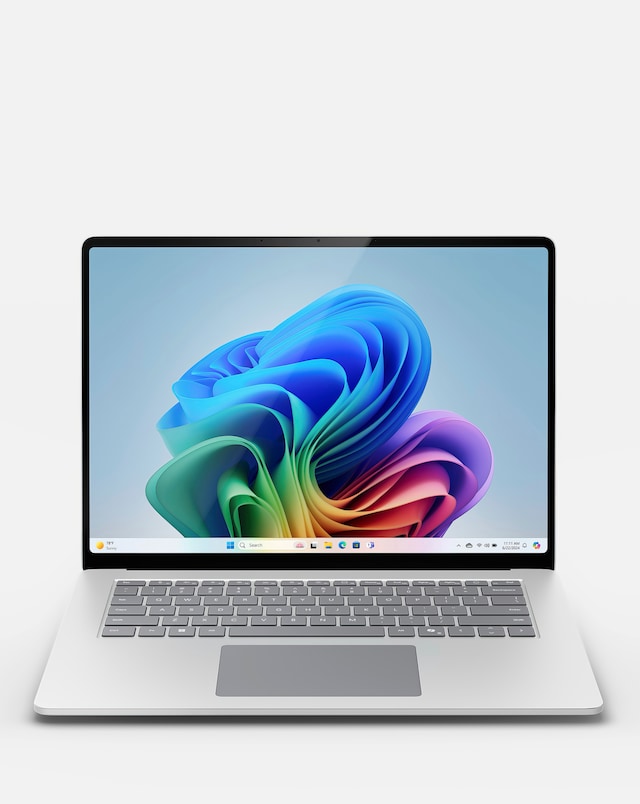
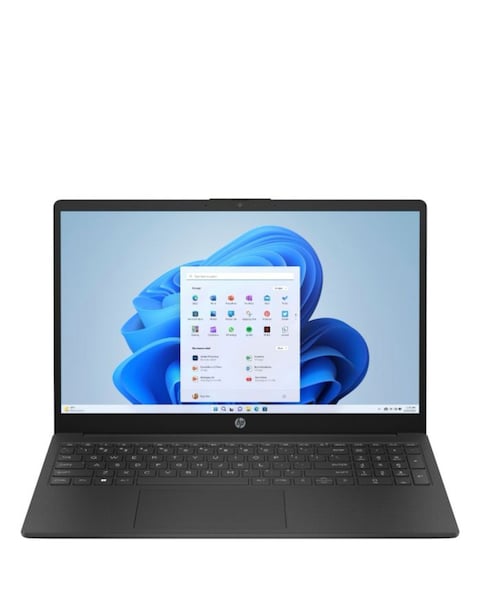
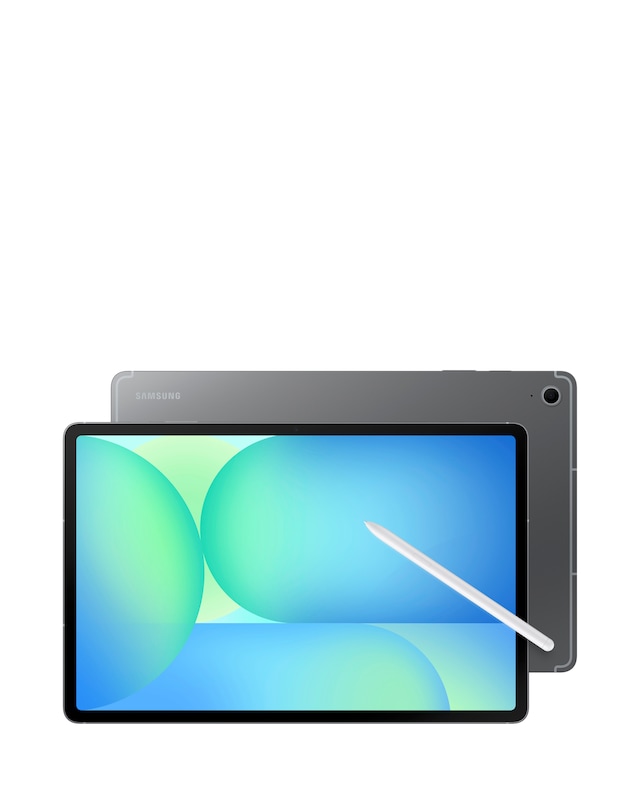
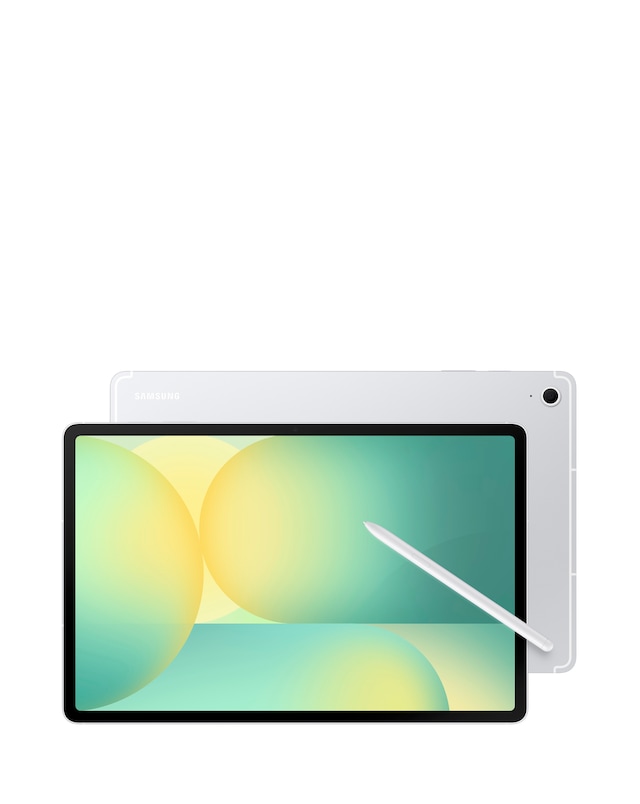
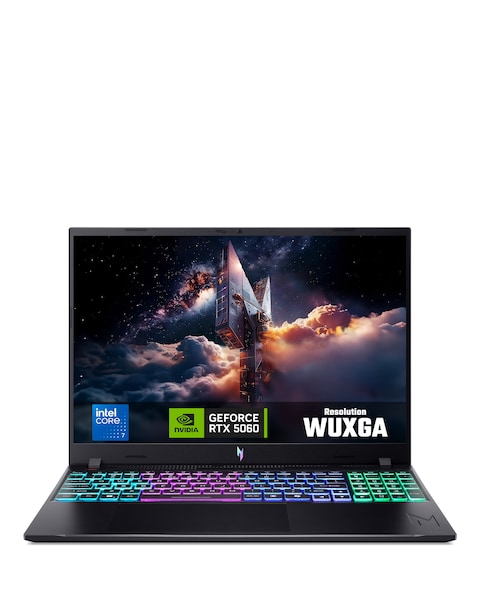
Explore our extensive range of student Chromebooks, designed to meet the needs of modern learners. These lightweight and portable devices offer seamless performance for browsing, studying, and multitasking, making them ideal for both classroom and home use. With long battery life, fast boot-up times, and user-friendly interfaces, our Chromebooks provide a reliable solution for students of all ages. Whether for research, assignments, or entertainment, these versatile laptops are equipped with essential features to enhance productivity and learning experiences. Discover the perfect Chromebook that combines functionality and style to support your educational journey!
What is a Chromebook and how is it different from a laptop?
- A Chromebook is a type of laptop that runs on Chrome OS, designed primarily for web-based tasks. Unlike traditional laptops, Chromebooks rely heavily on cloud storage and applications, making them lightweight and fast. They are ideal for students who primarily use online resources for their studies.
Are Chromebooks good for students?
- Yes, Chromebooks are excellent for students due to their affordability, ease of use, and long battery life. They are perfect for tasks such as browsing the internet, using educational apps, and completing assignments. Their lightweight design also makes them easy to carry around campus.
Can you install software on a Chromebook?
- While Chromebooks primarily use web-based applications, many can run Android apps and some Linux applications. However, traditional software that requires Windows or macOS may not be compatible. Students can access a wide range of educational tools through the Chrome Web Store and Google Play Store.
How long do Chromebooks last?
- Chromebooks typically have a lifespan of around 5 to 8 years, depending on usage and maintenance. Regular software updates from Google help keep them running smoothly throughout their lifespan. Their durability and battery efficiency make them a great long-term investment for students.
What features should I look for in a student Chromebook?
- When choosing a student Chromebook, consider factors such as screen size, battery life, processing power, and RAM. A full HD display can enhance viewing experiences, while a lightweight design is beneficial for portability. Additionally, look for models with good build quality to withstand daily use.