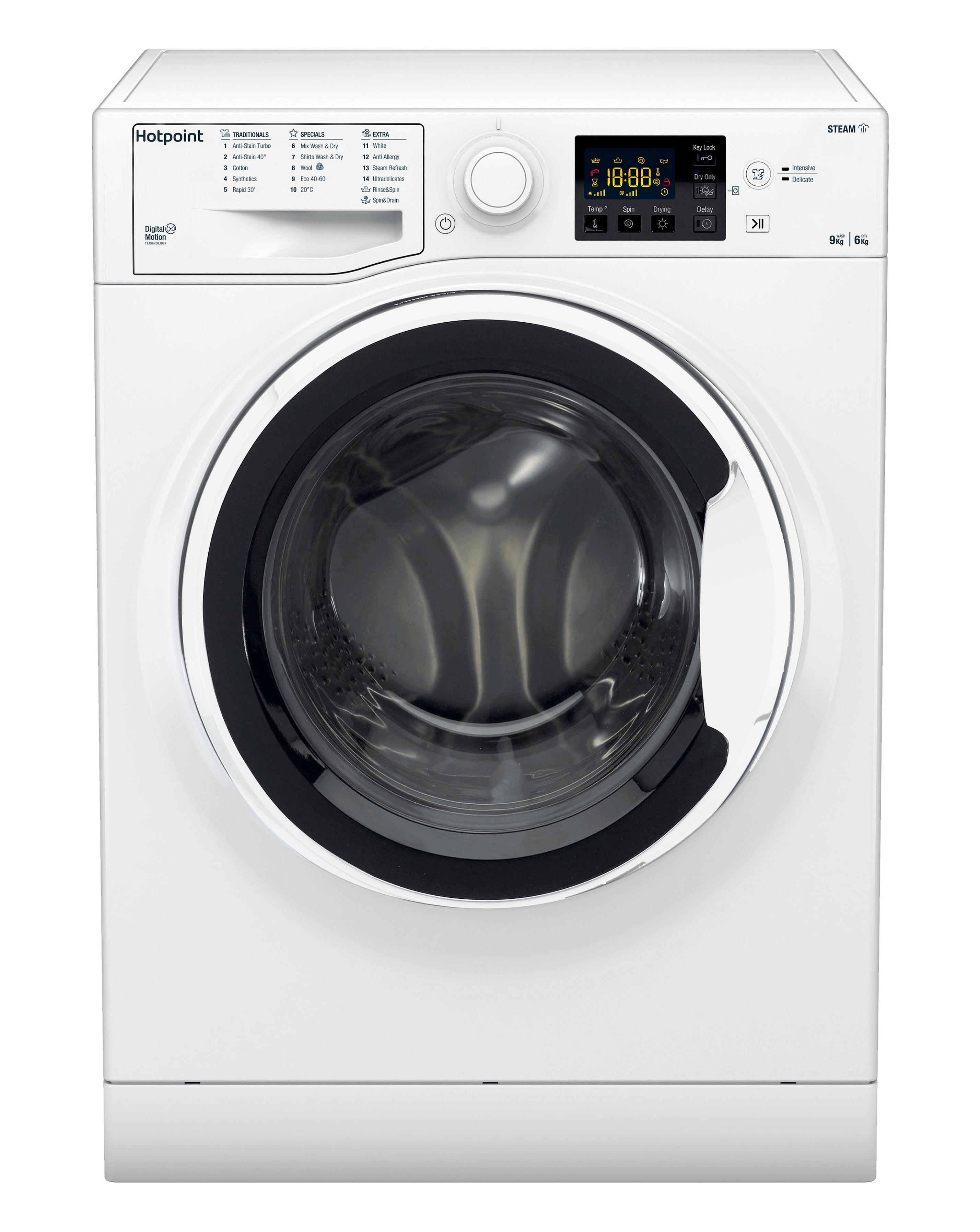
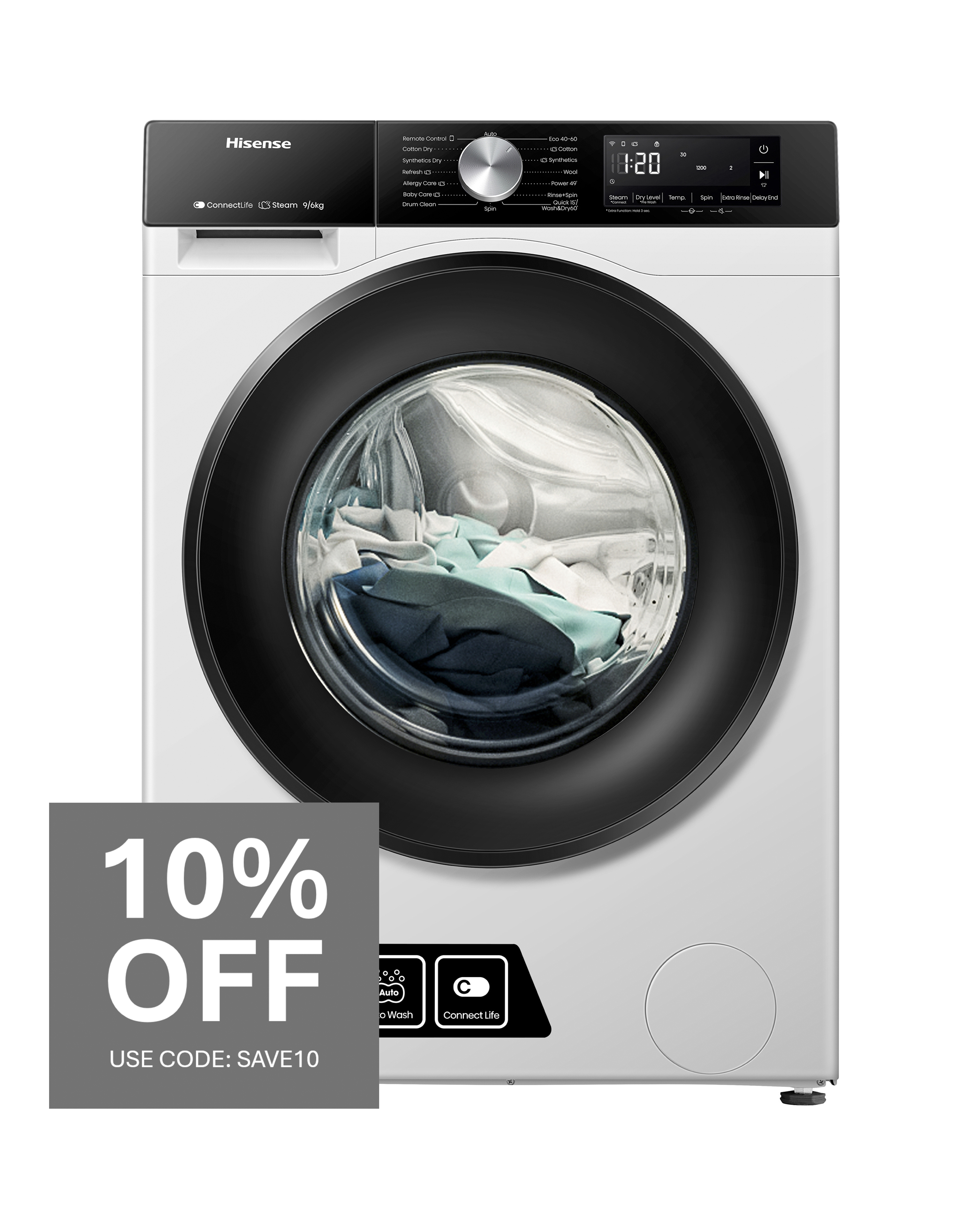
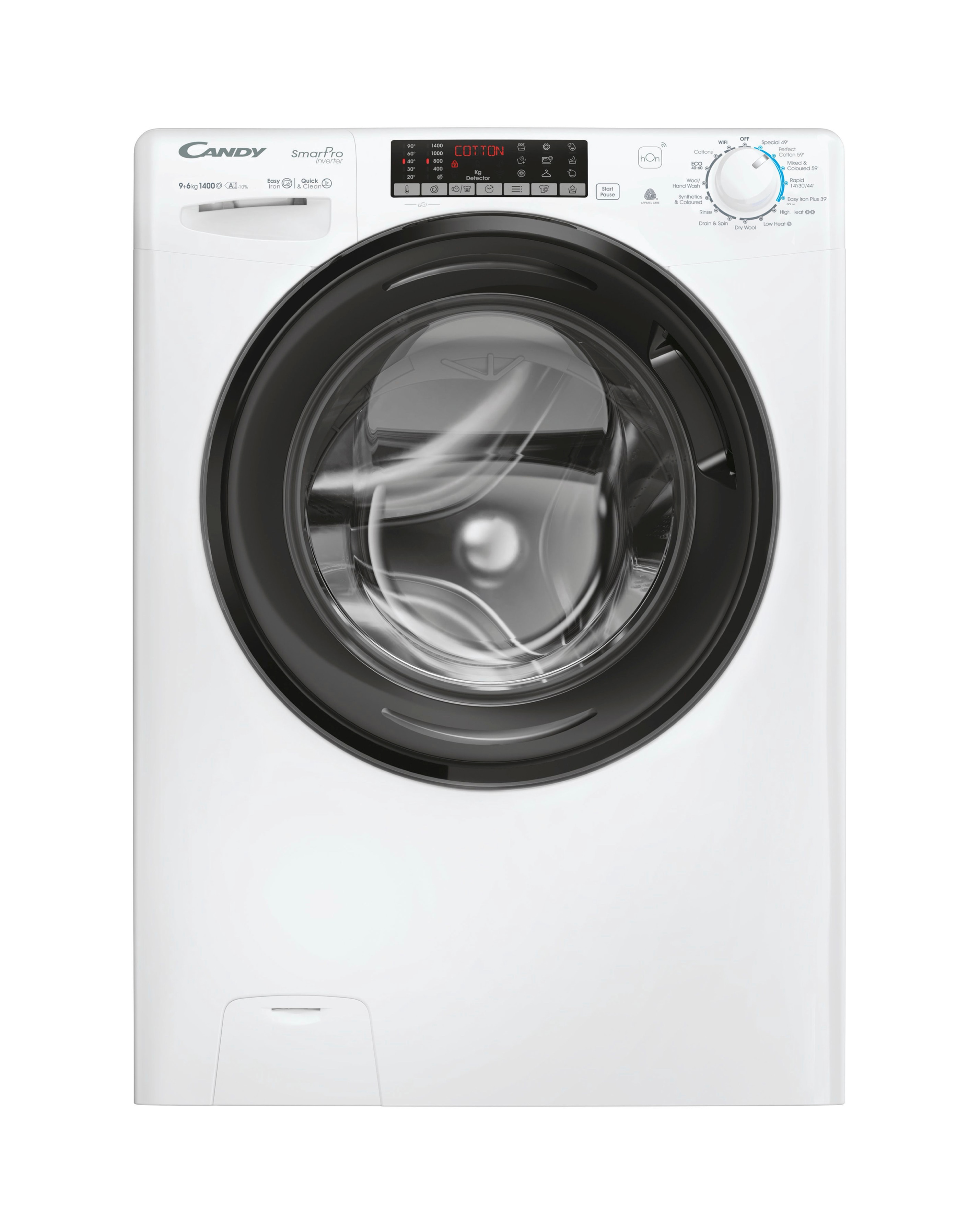
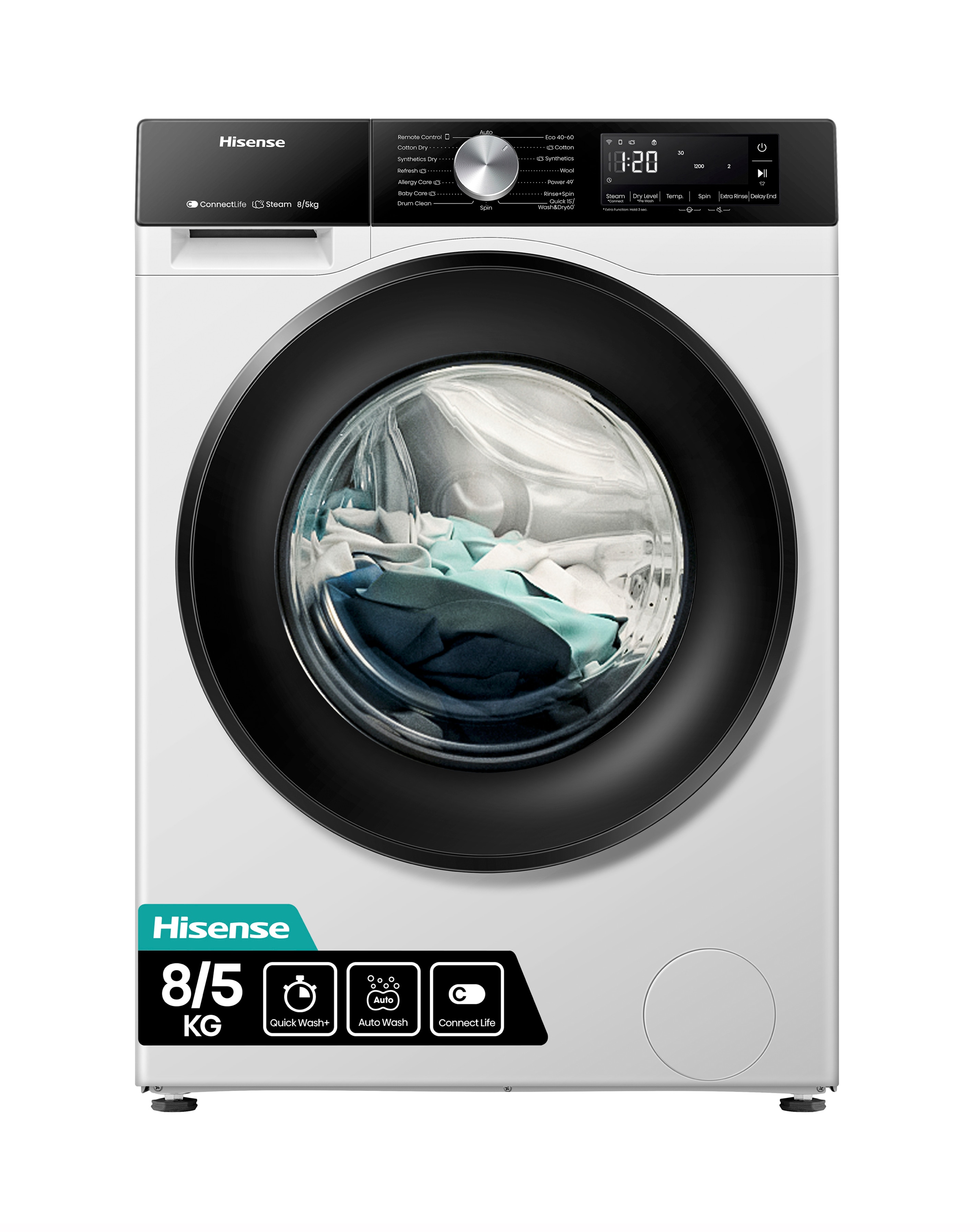
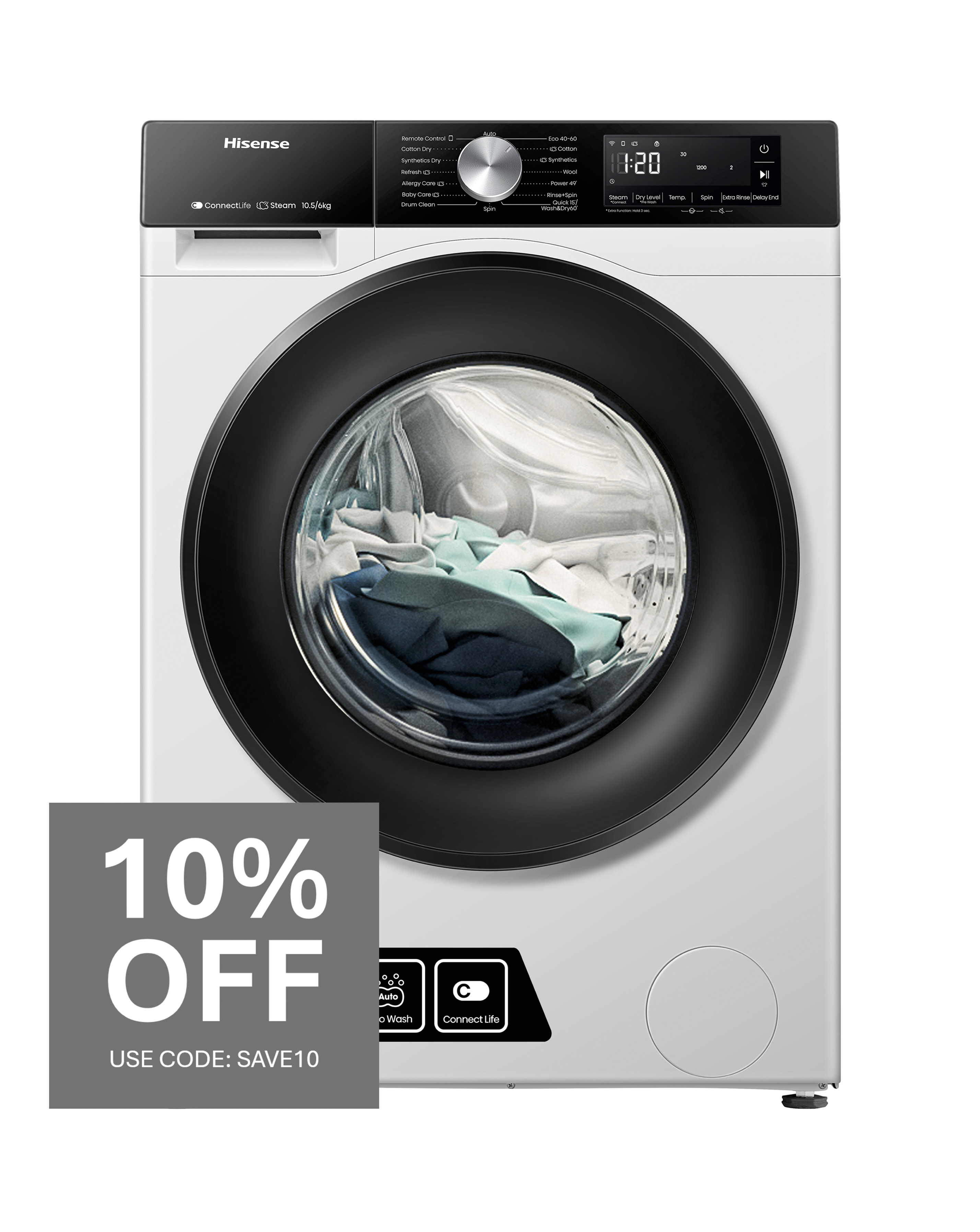
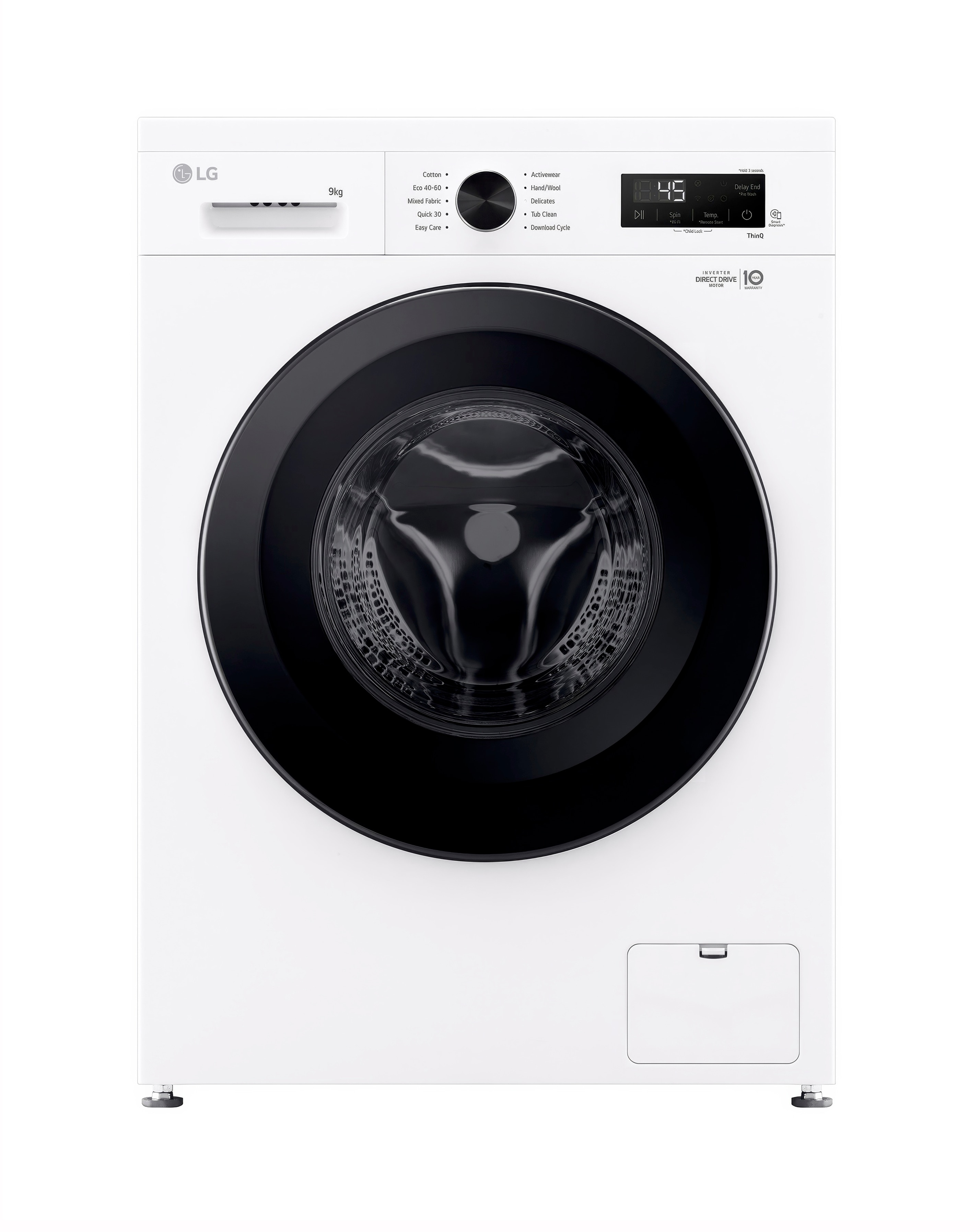
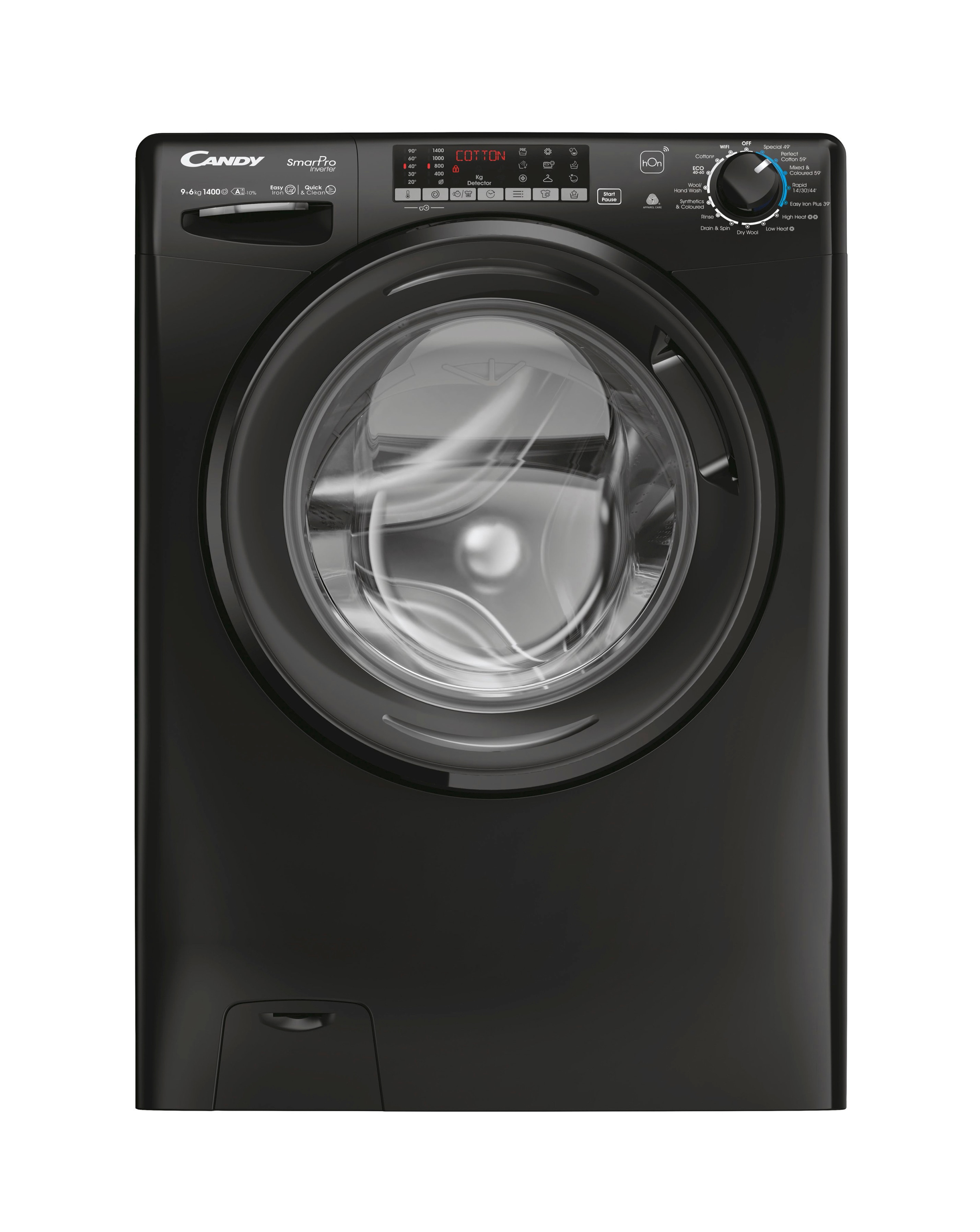
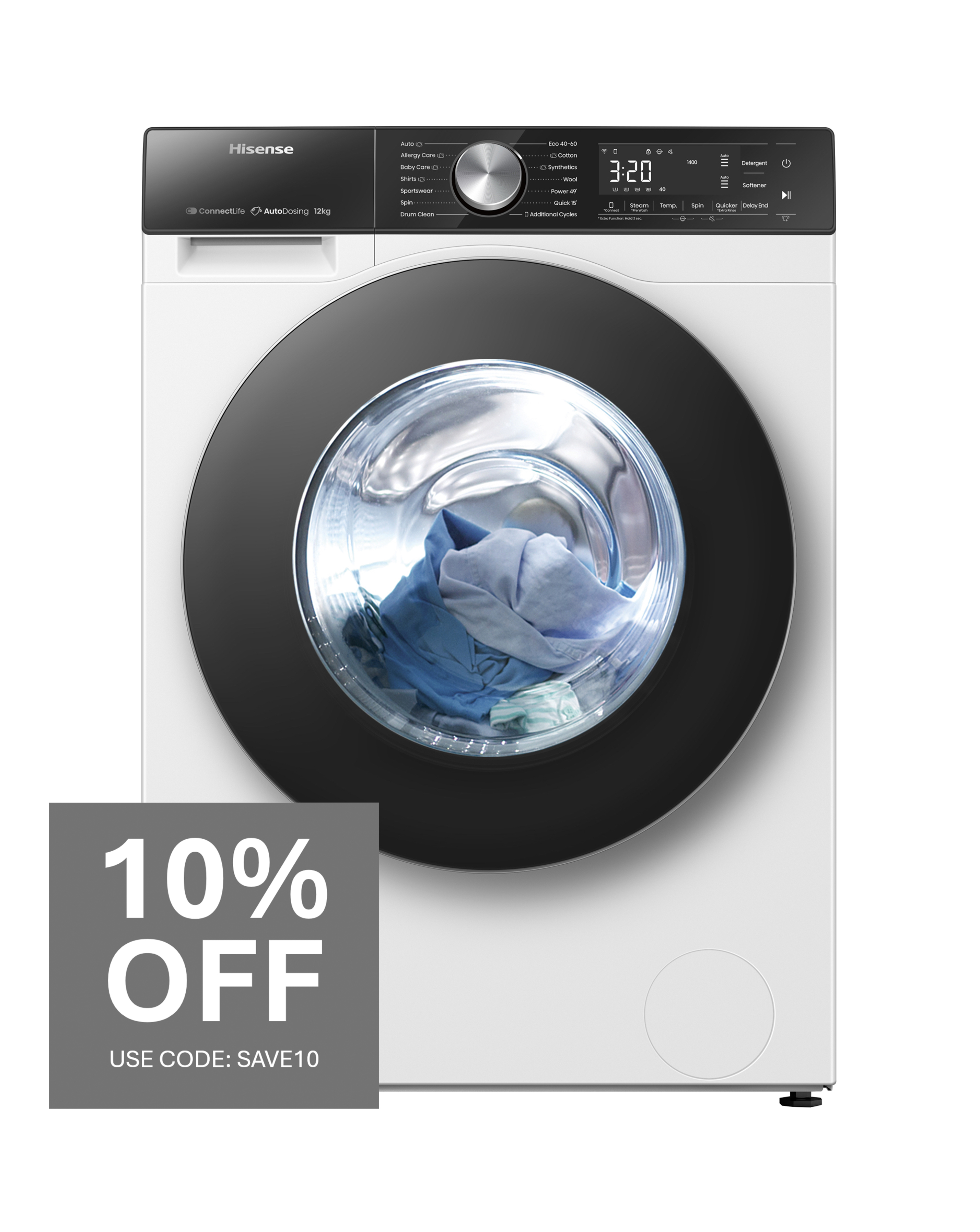
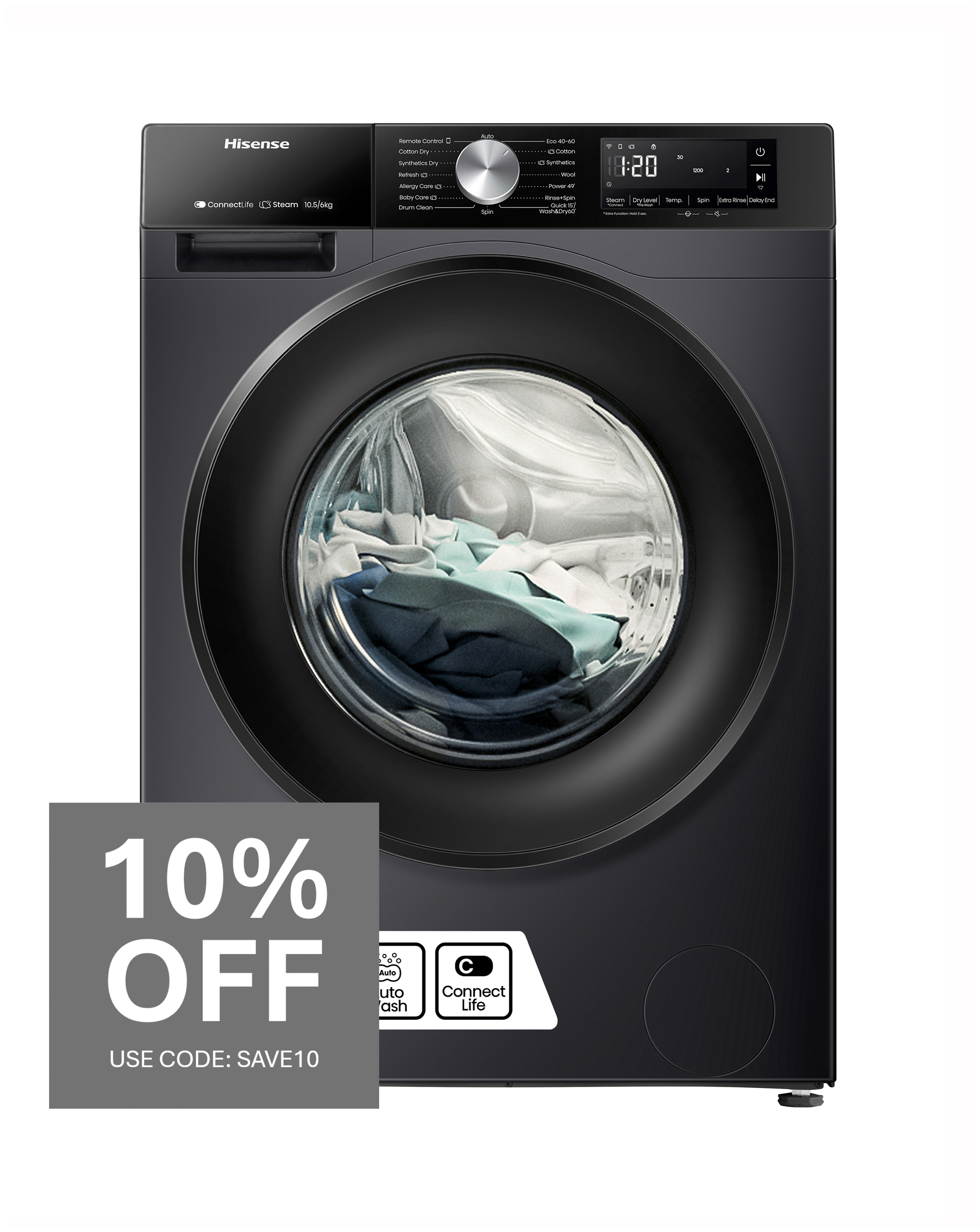
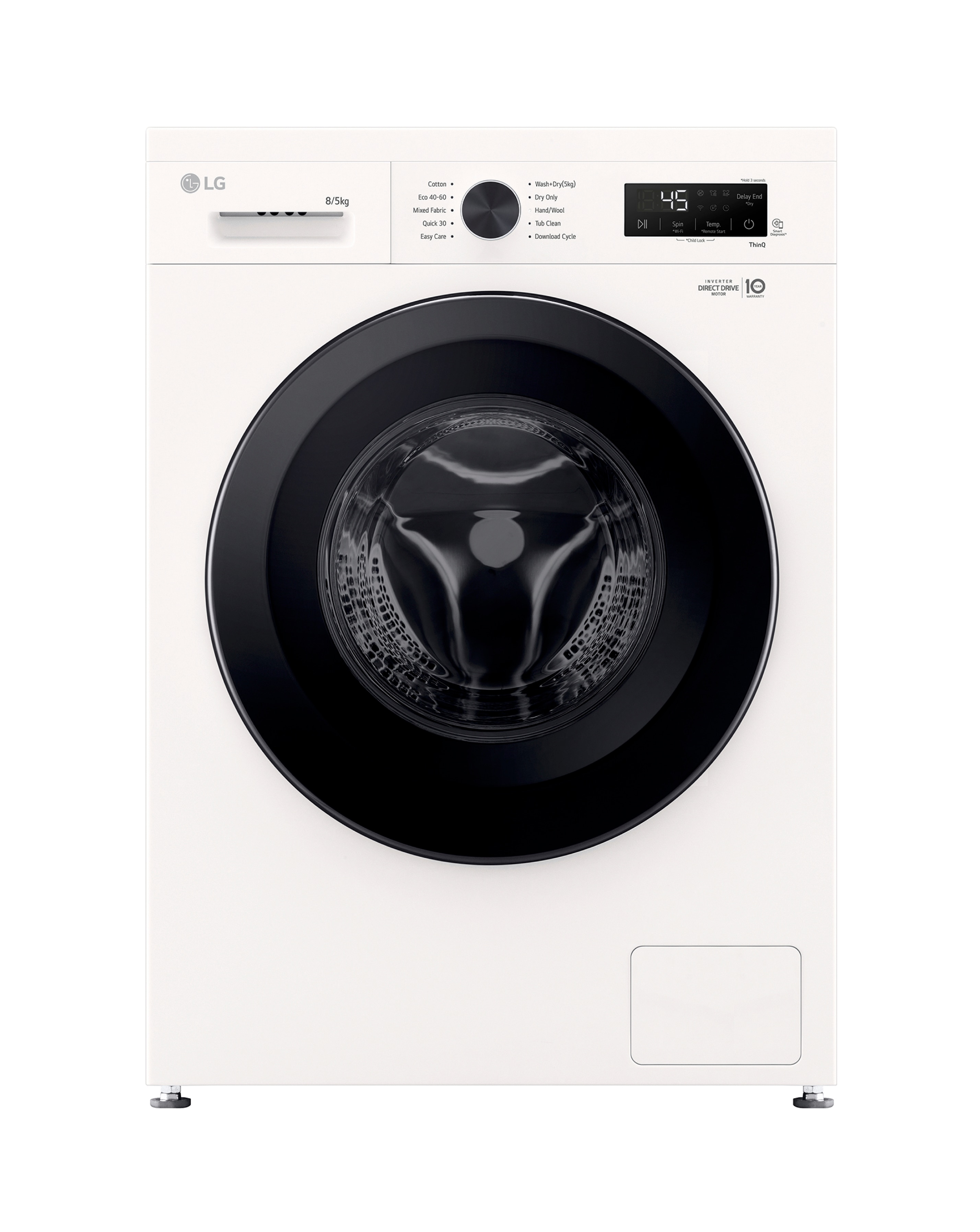
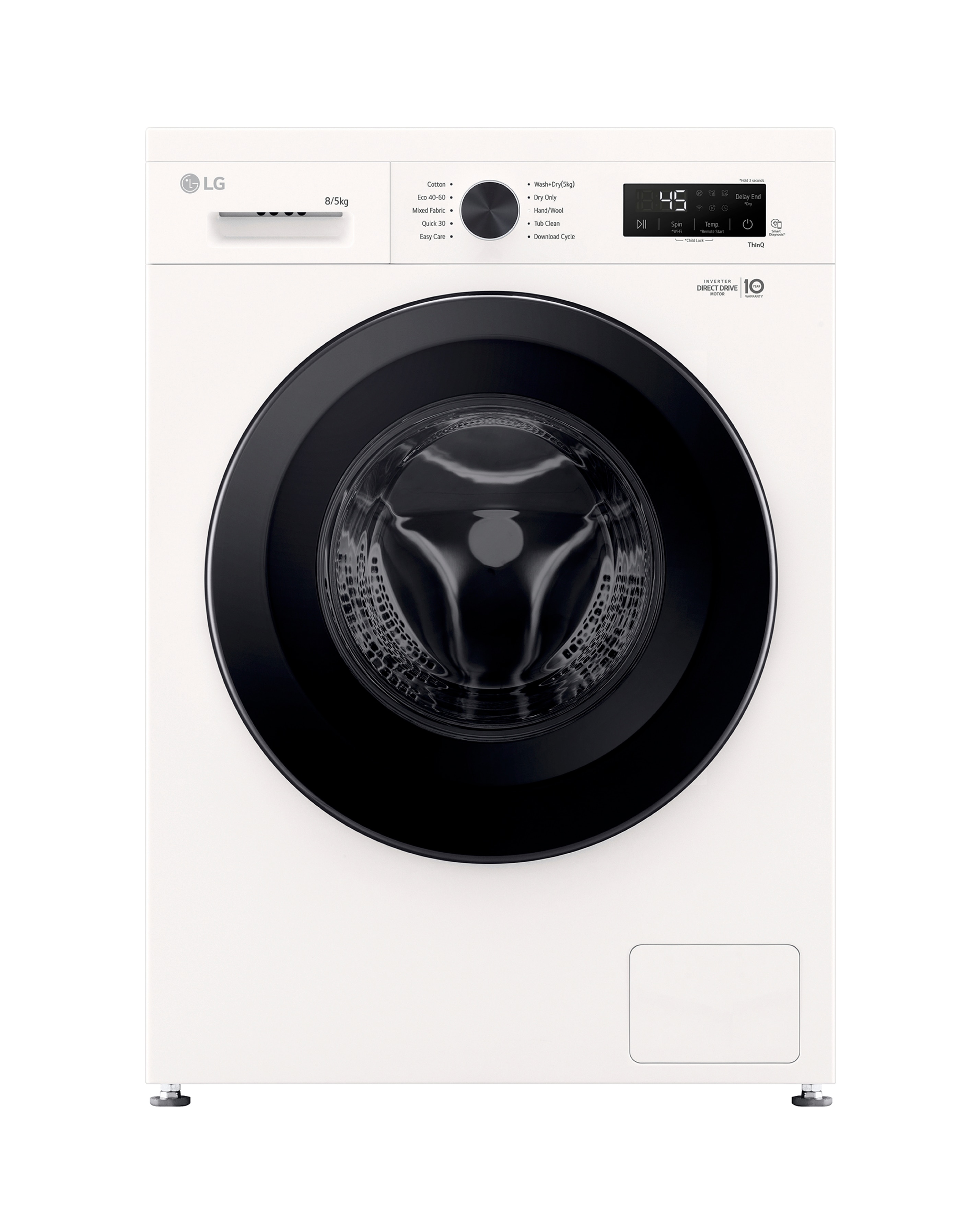
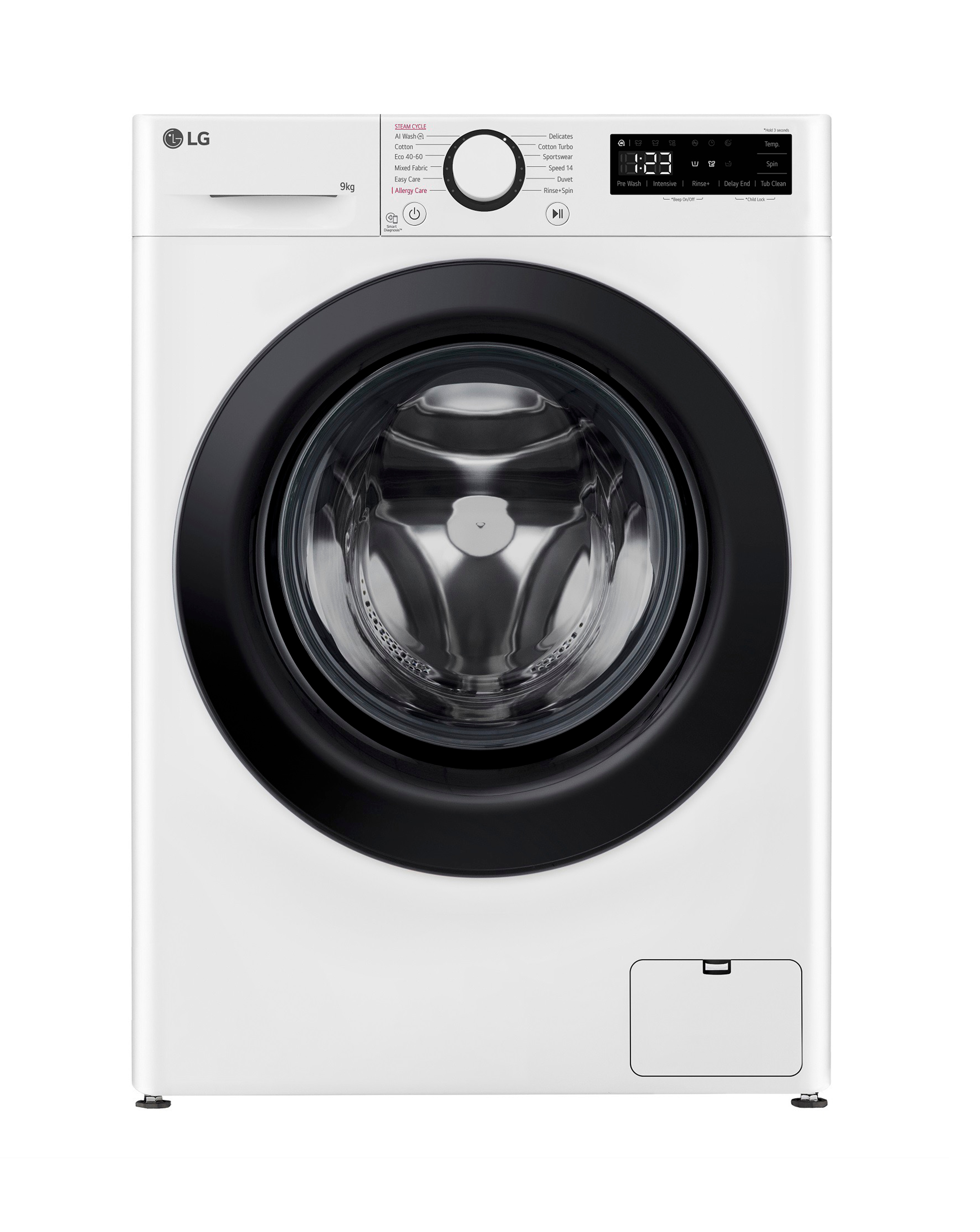
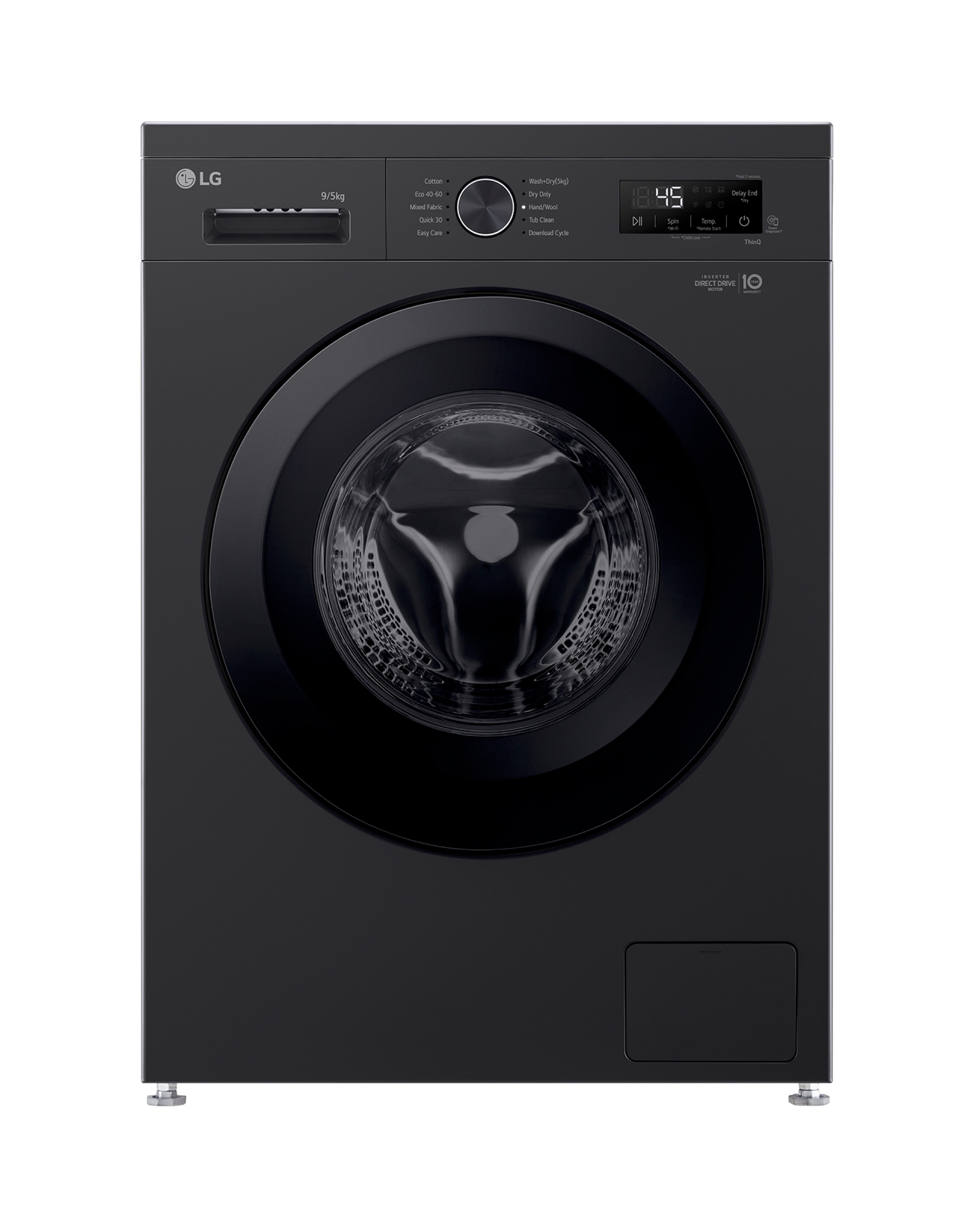
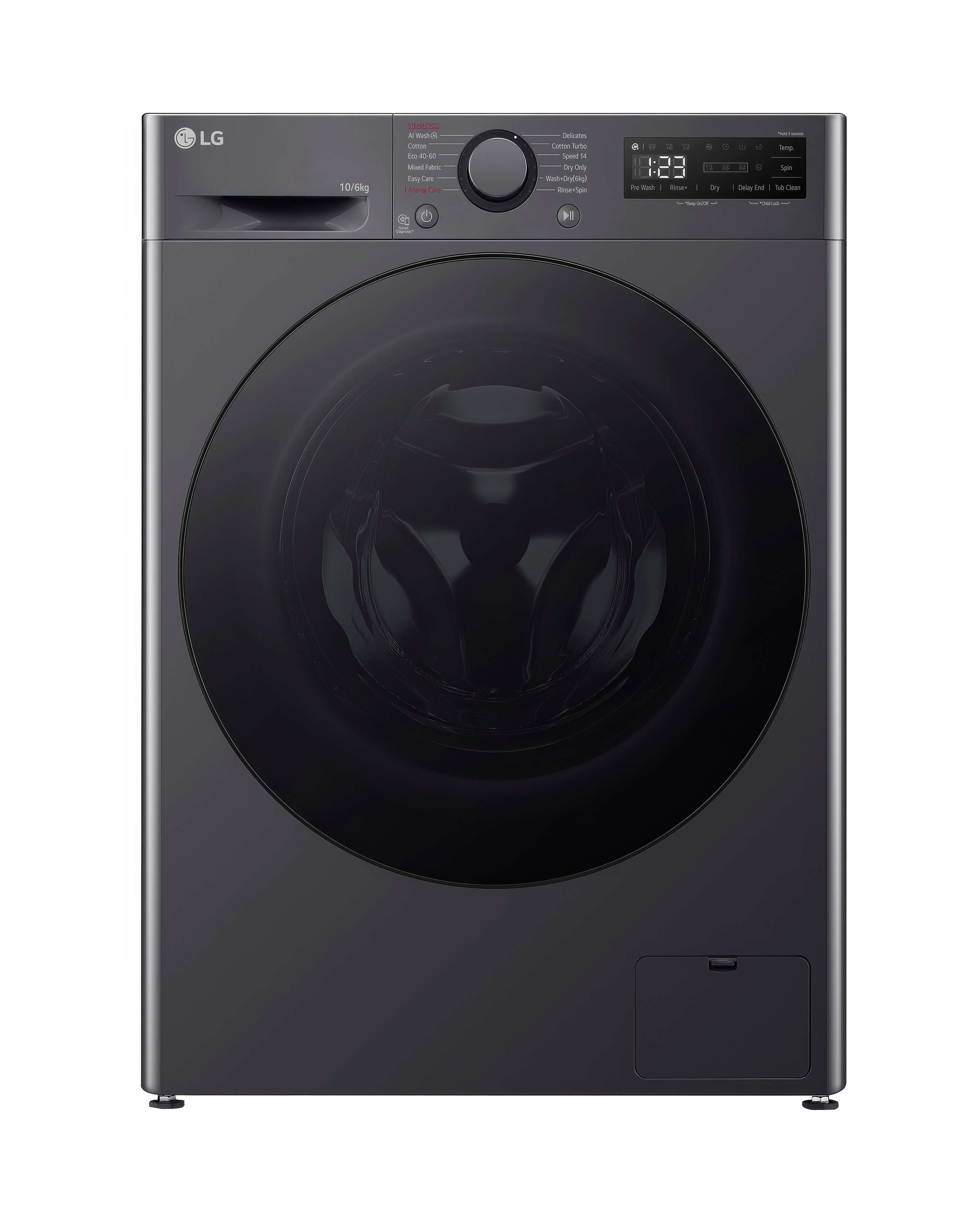
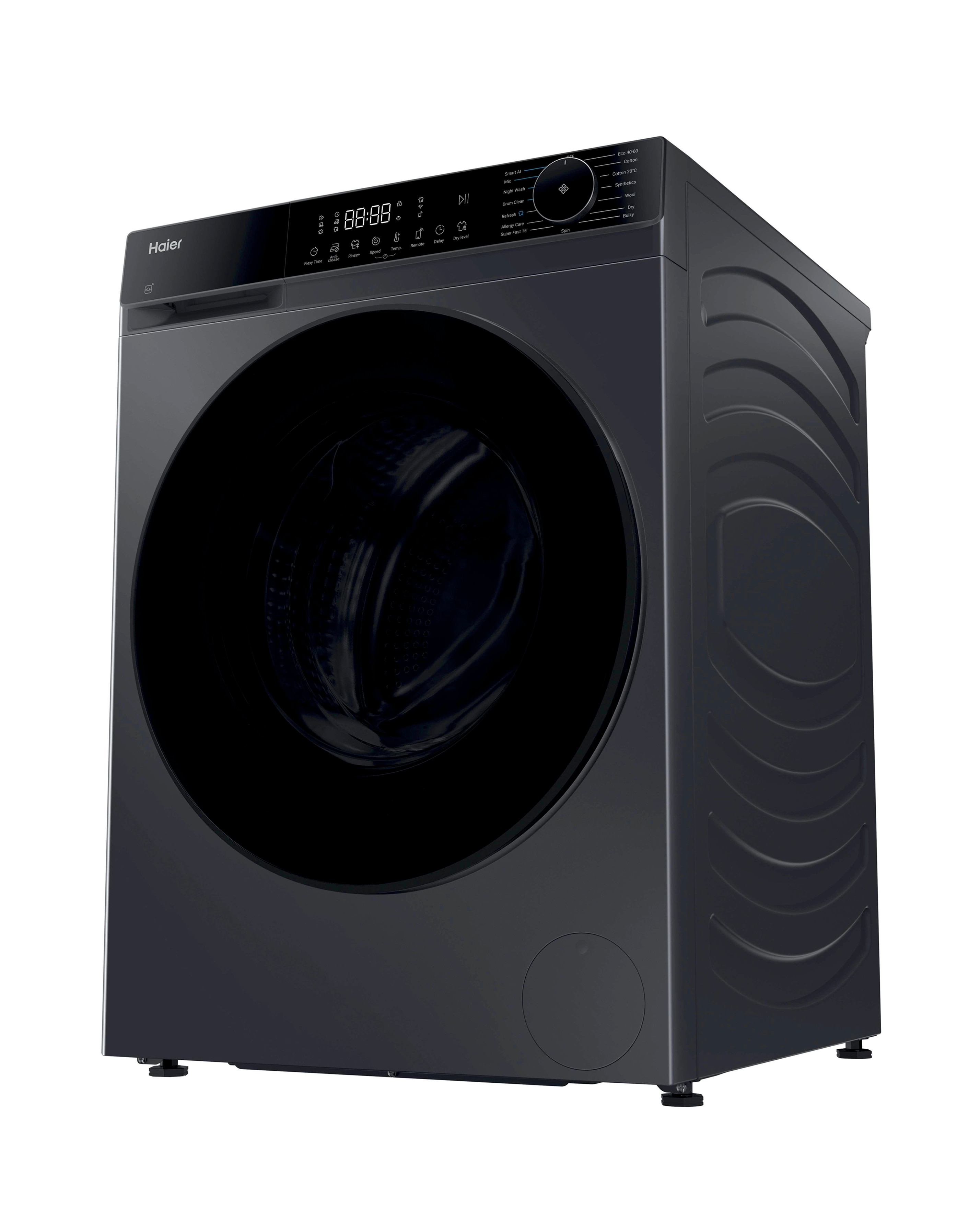
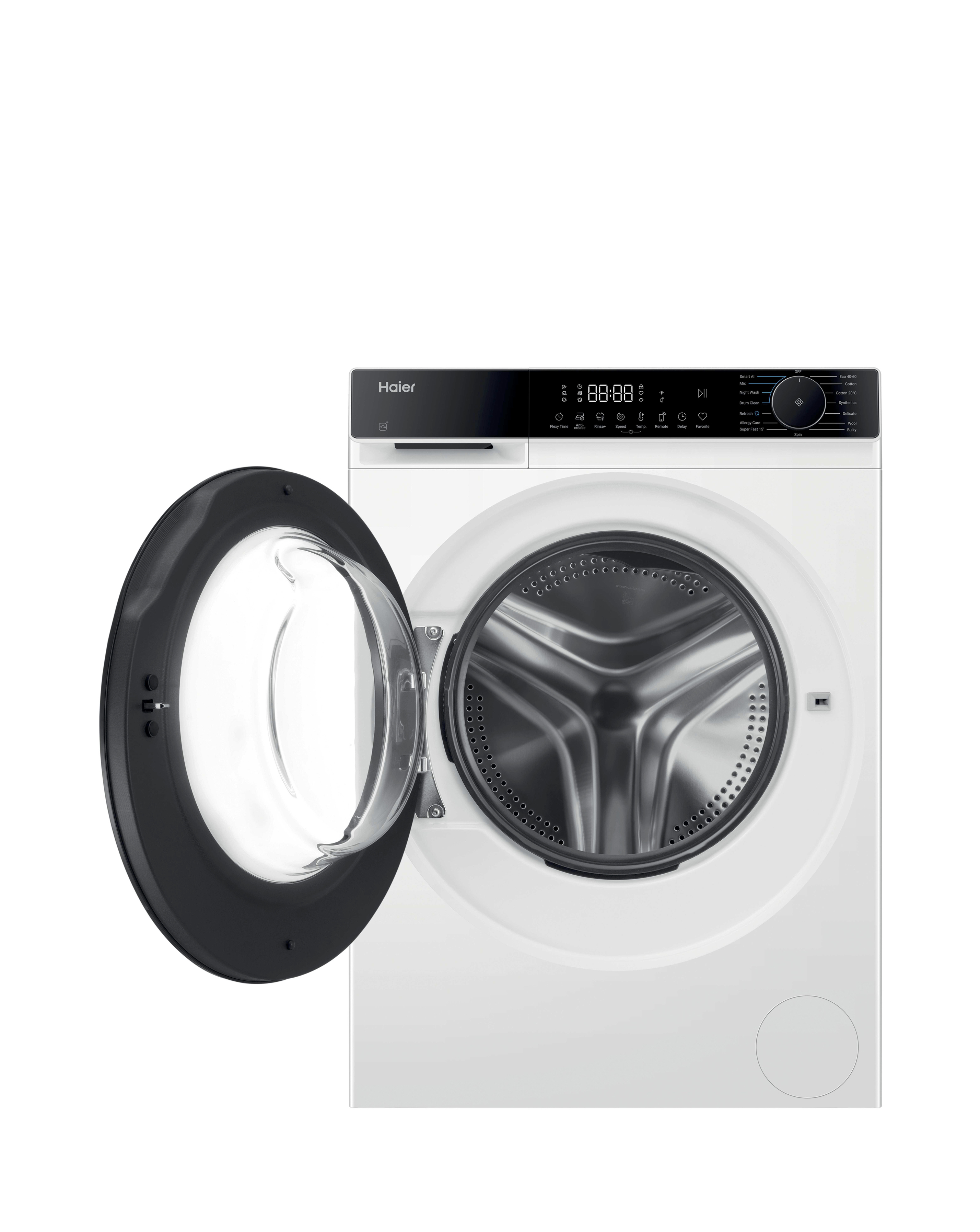
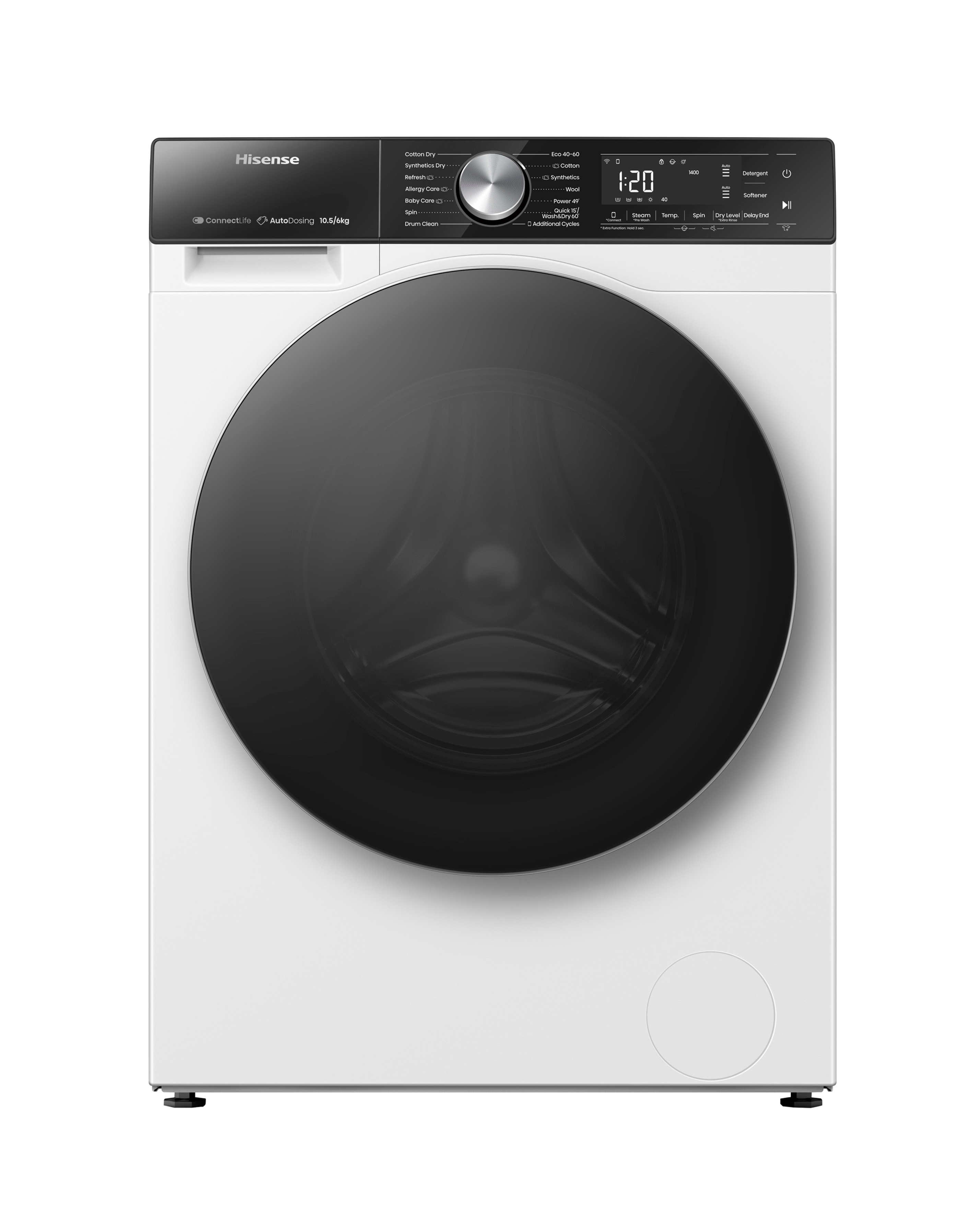
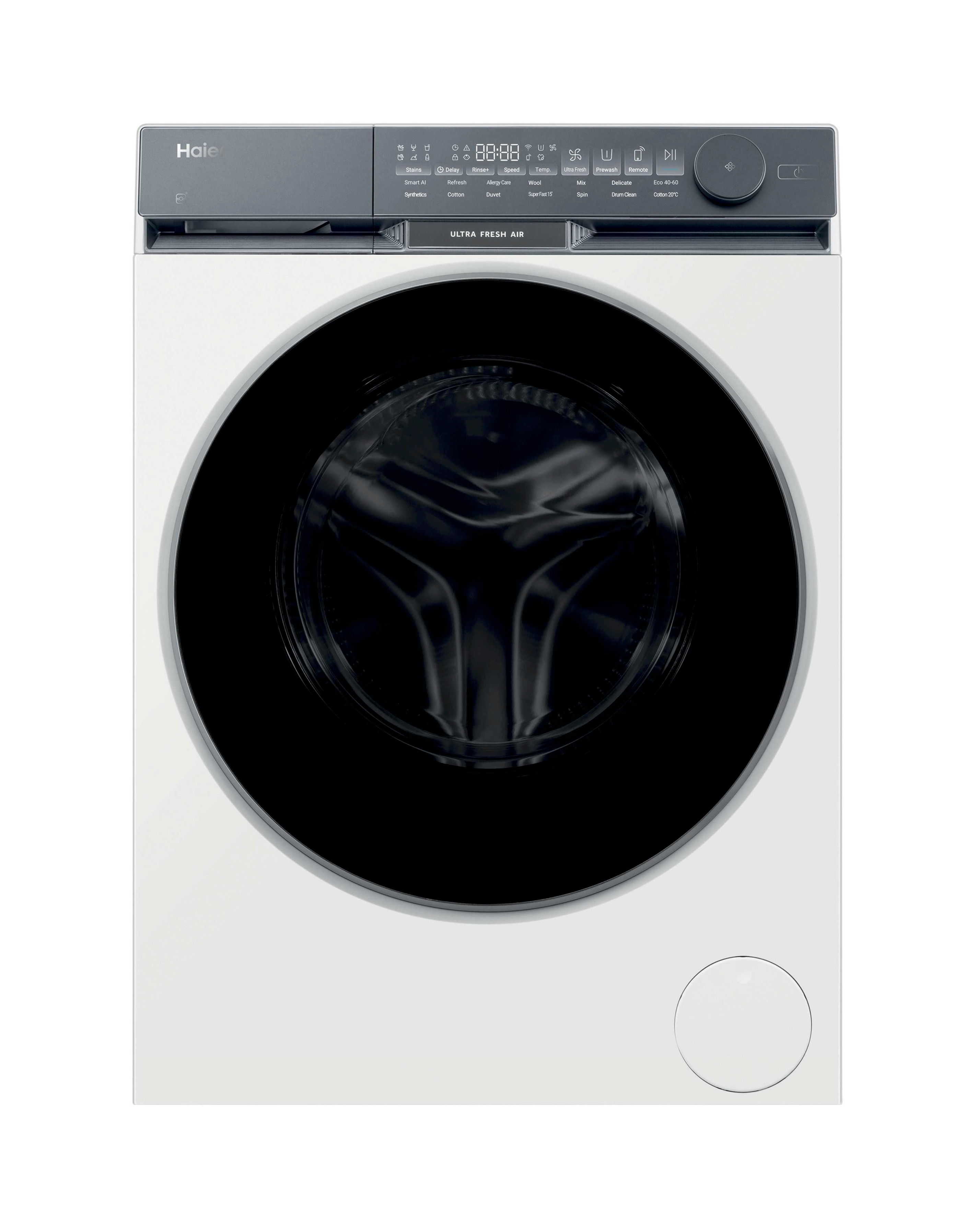
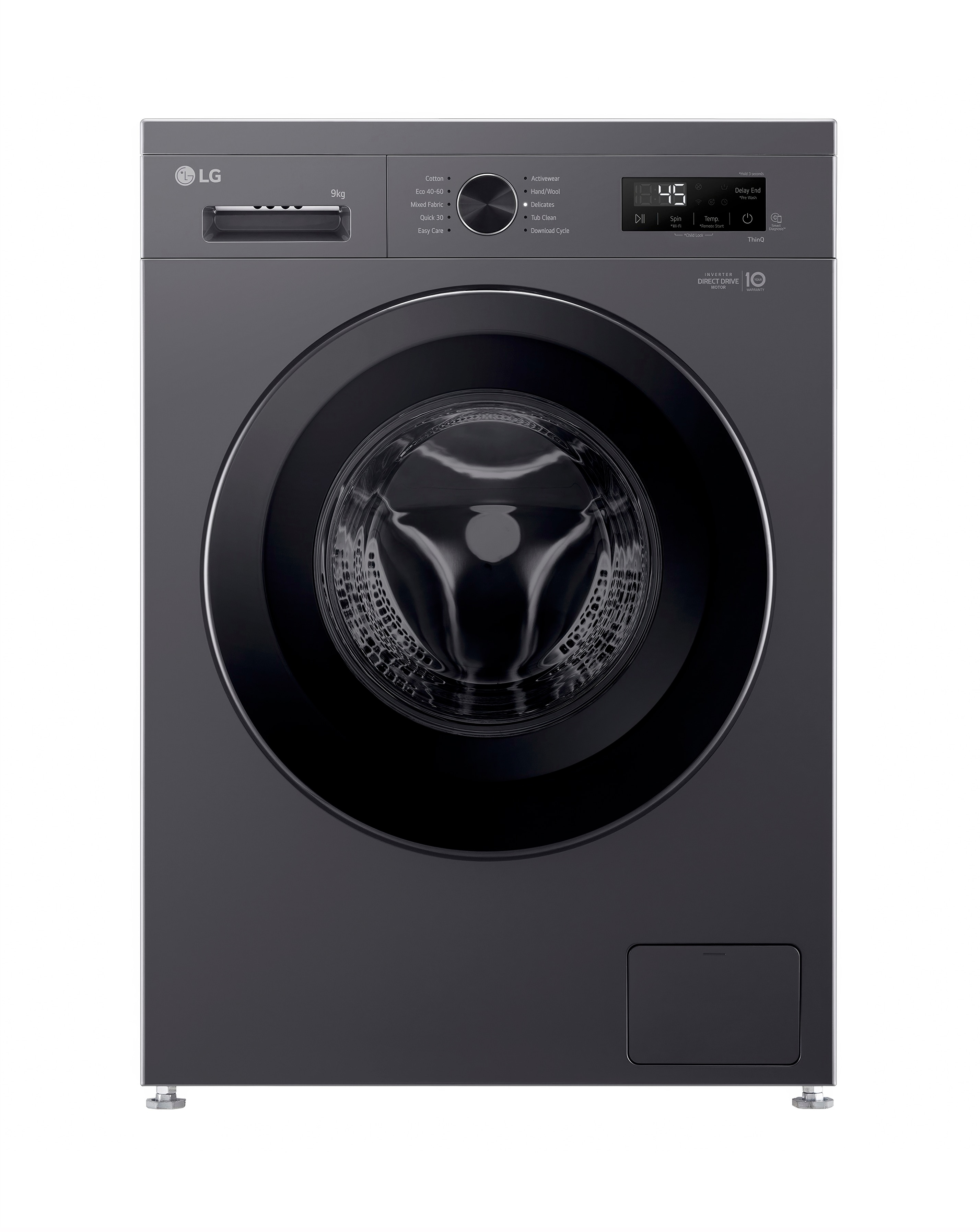
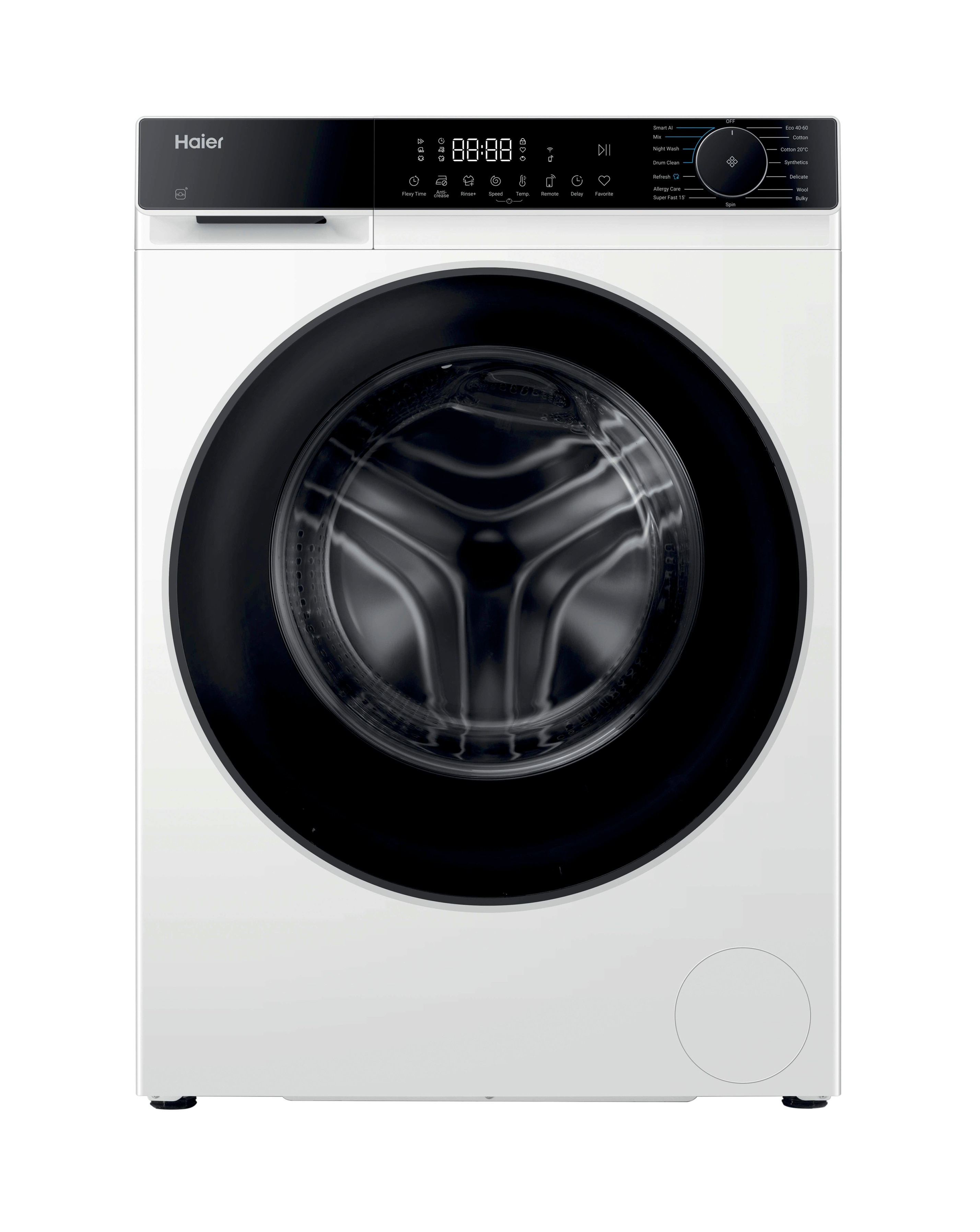
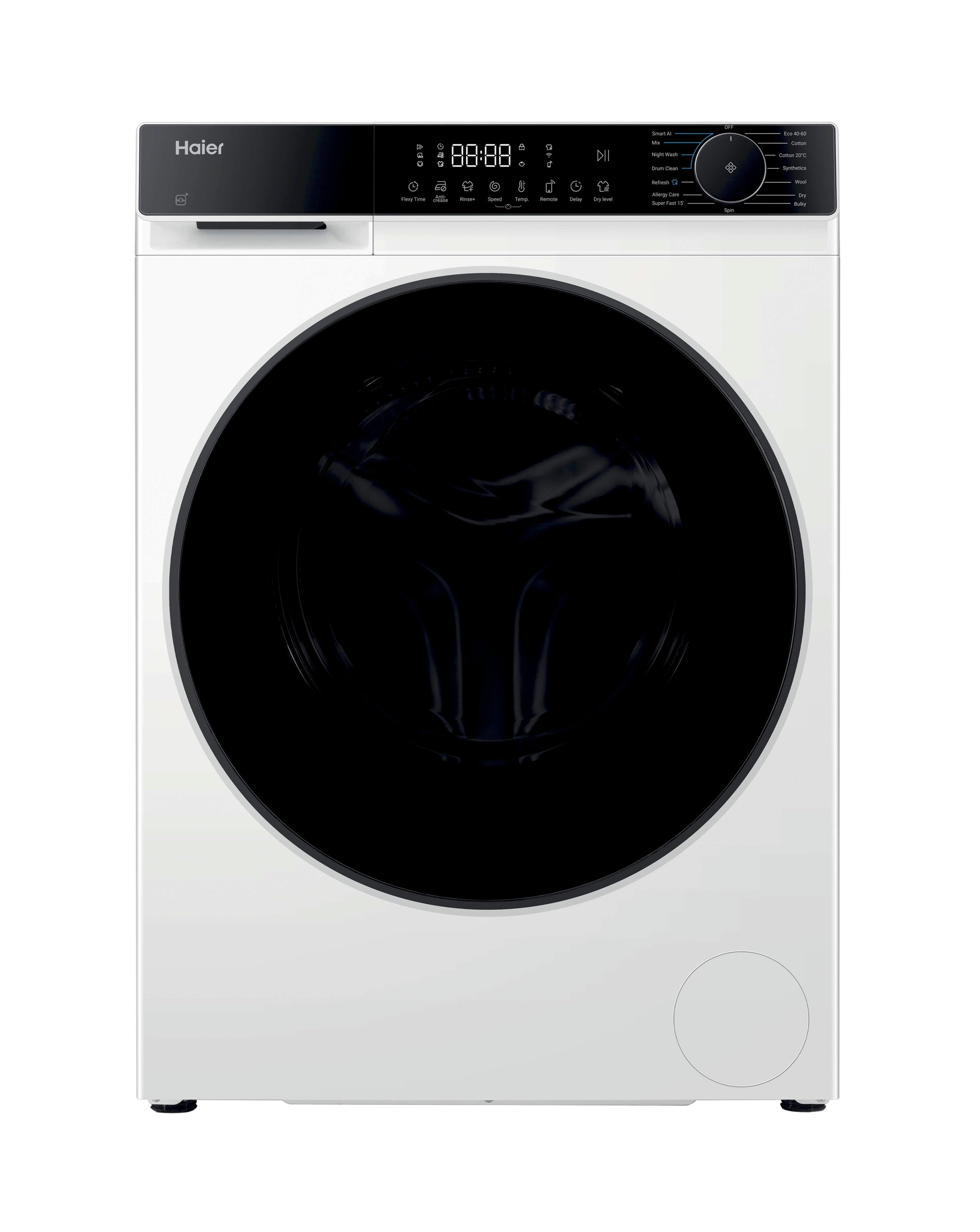
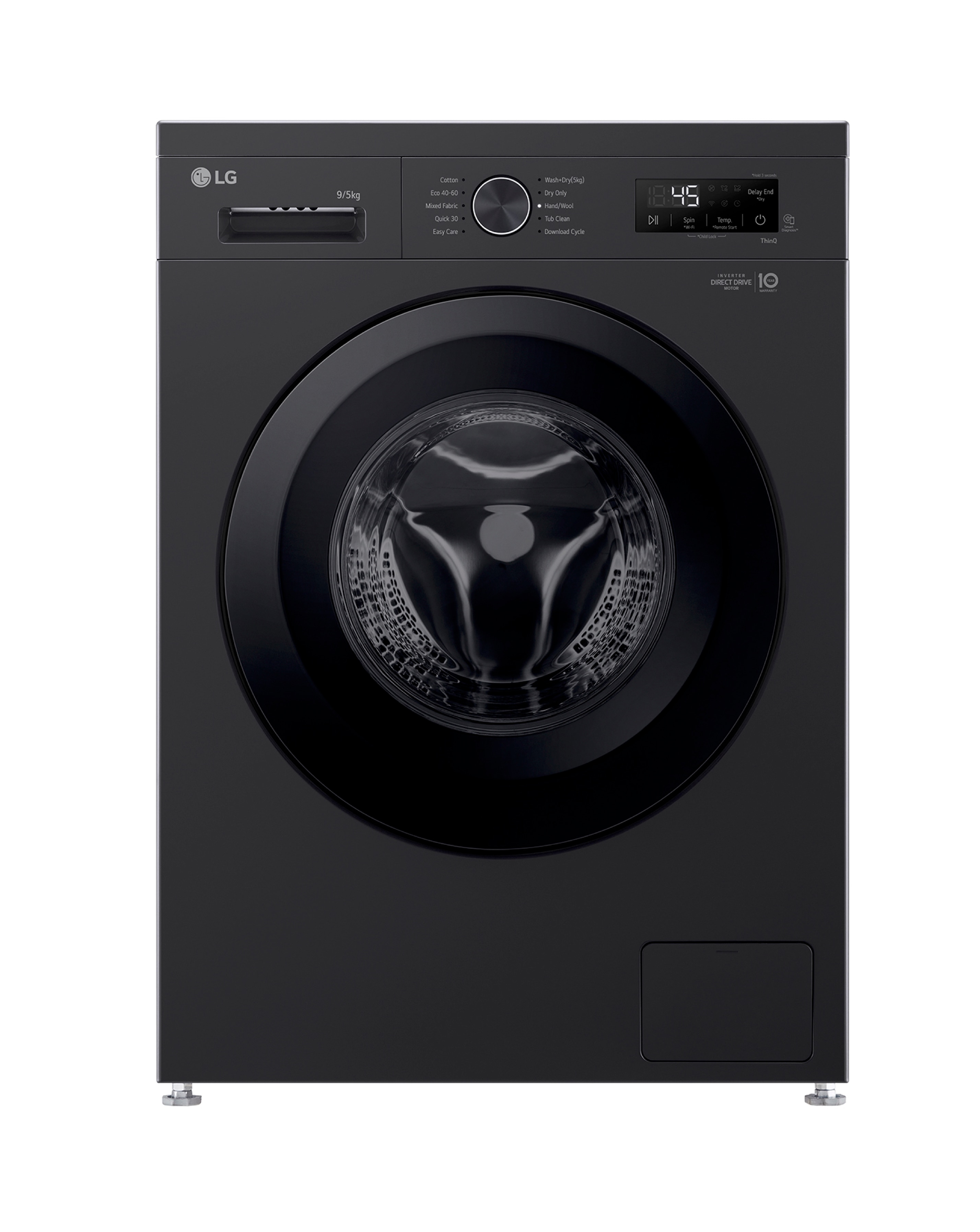
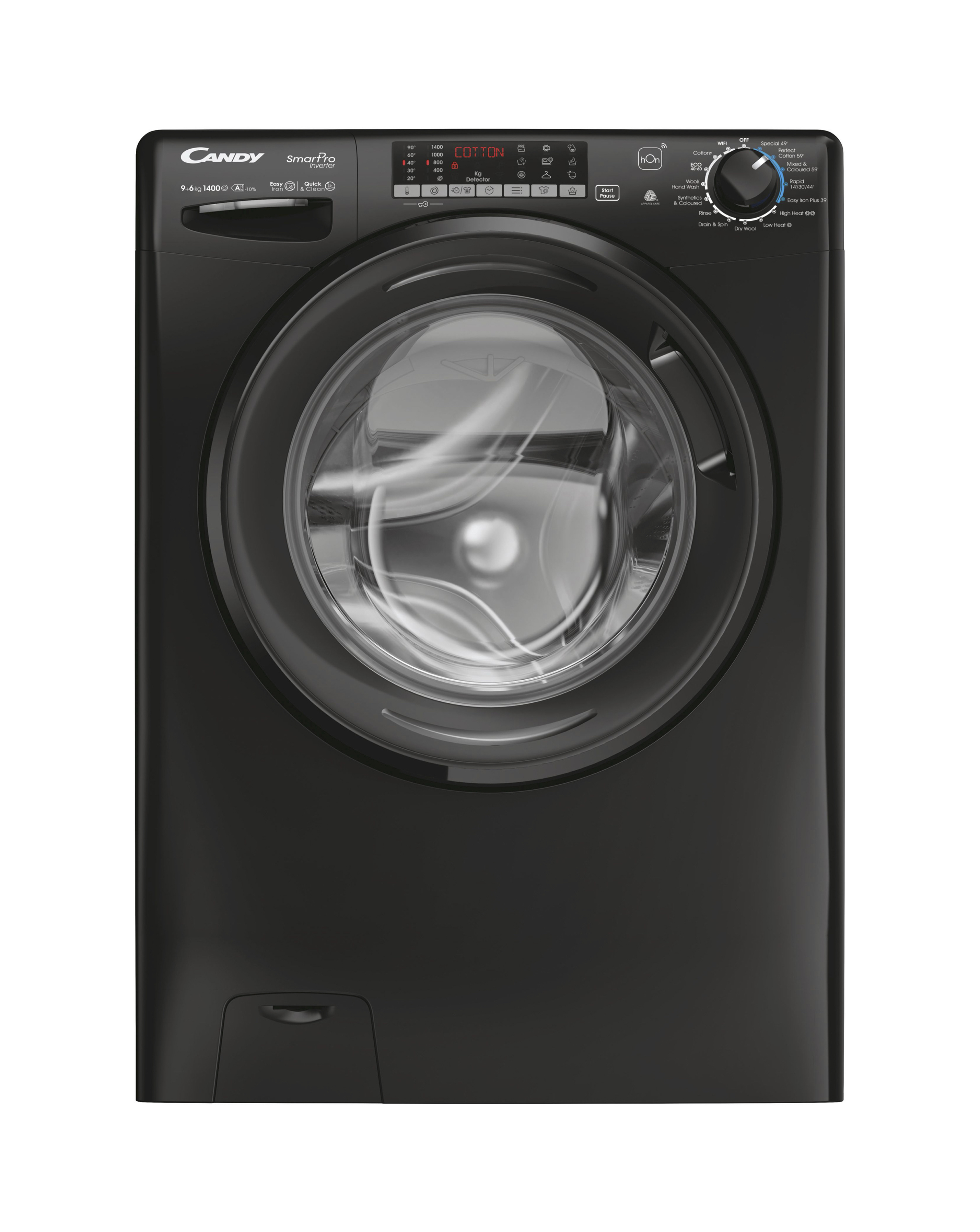
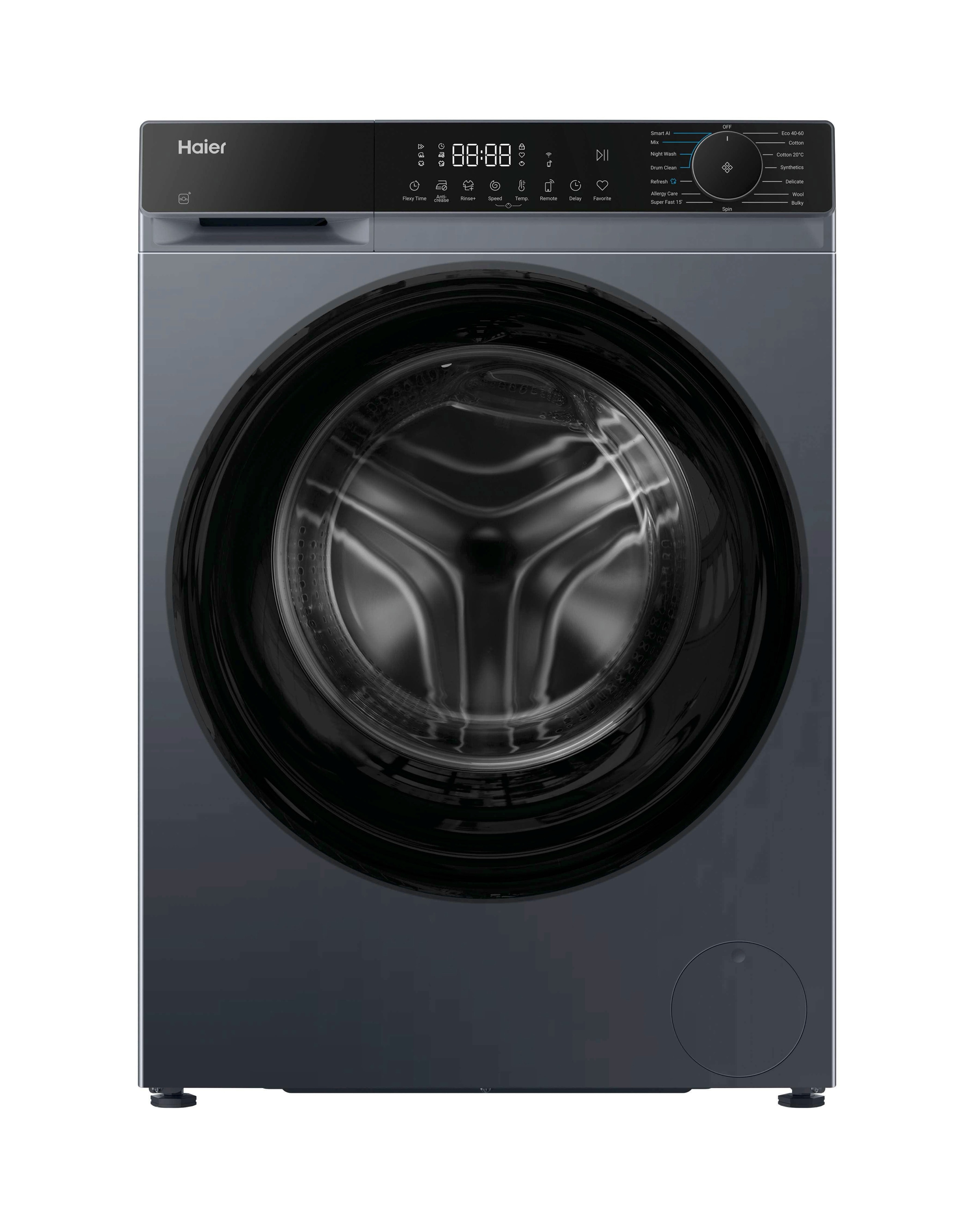
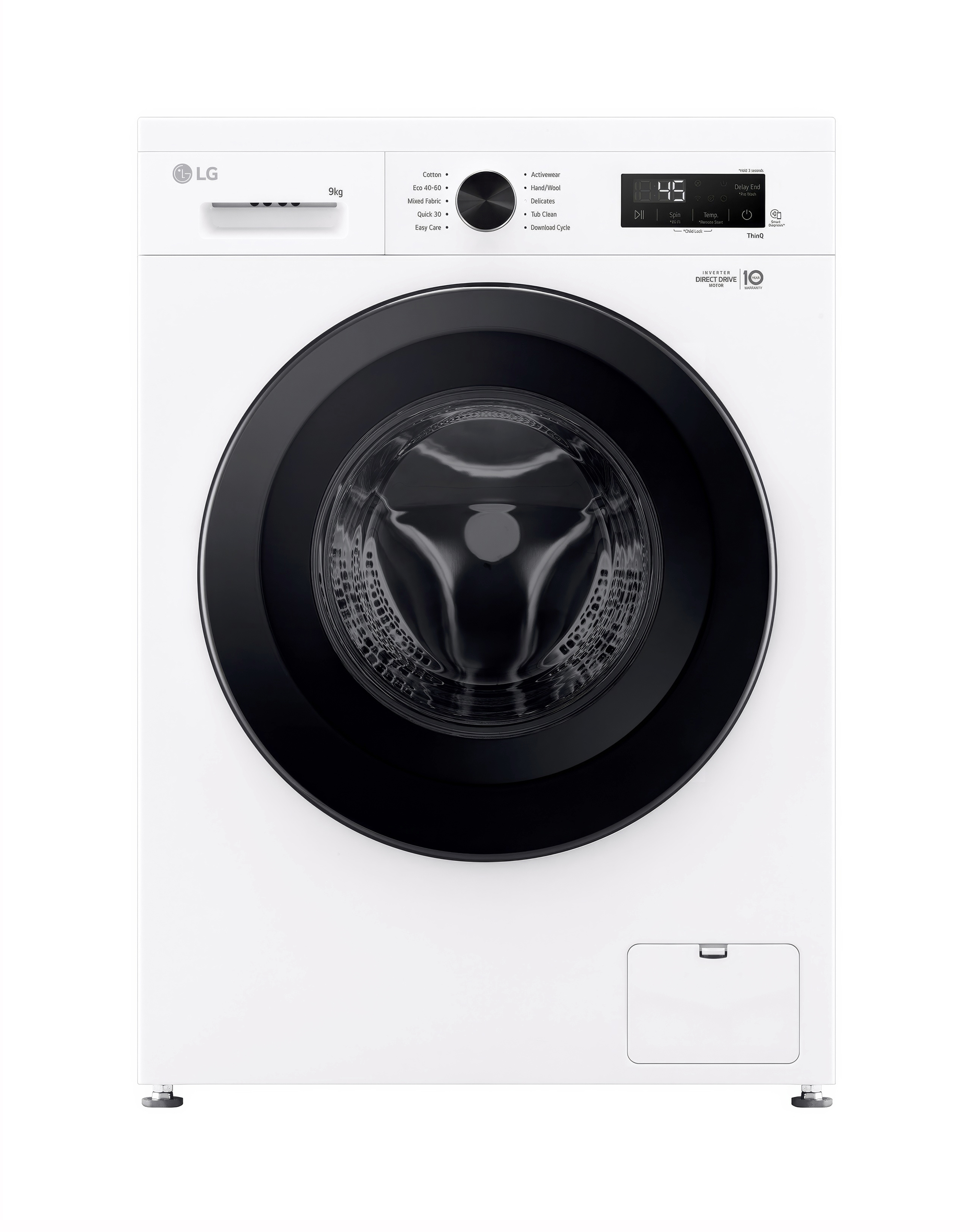
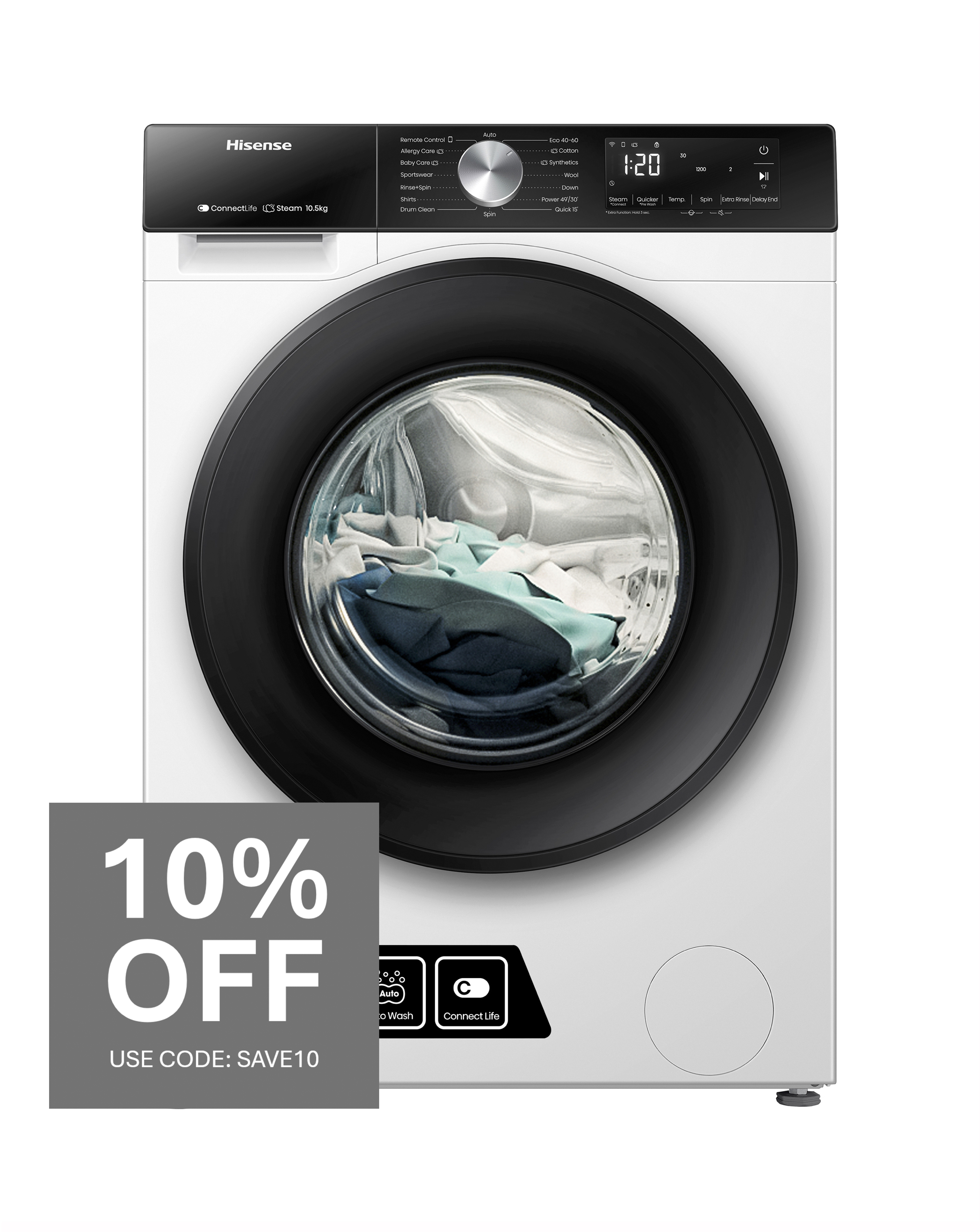
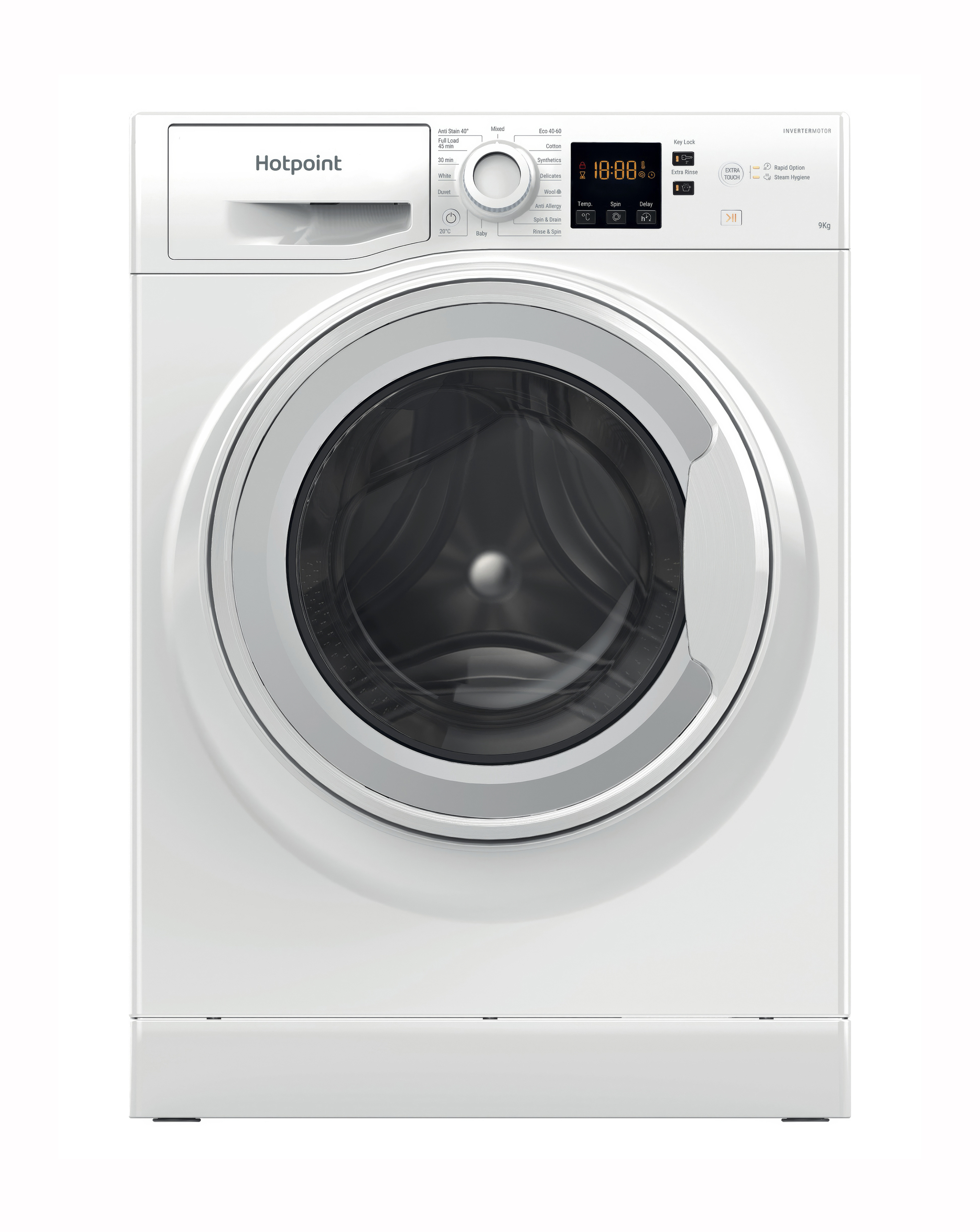
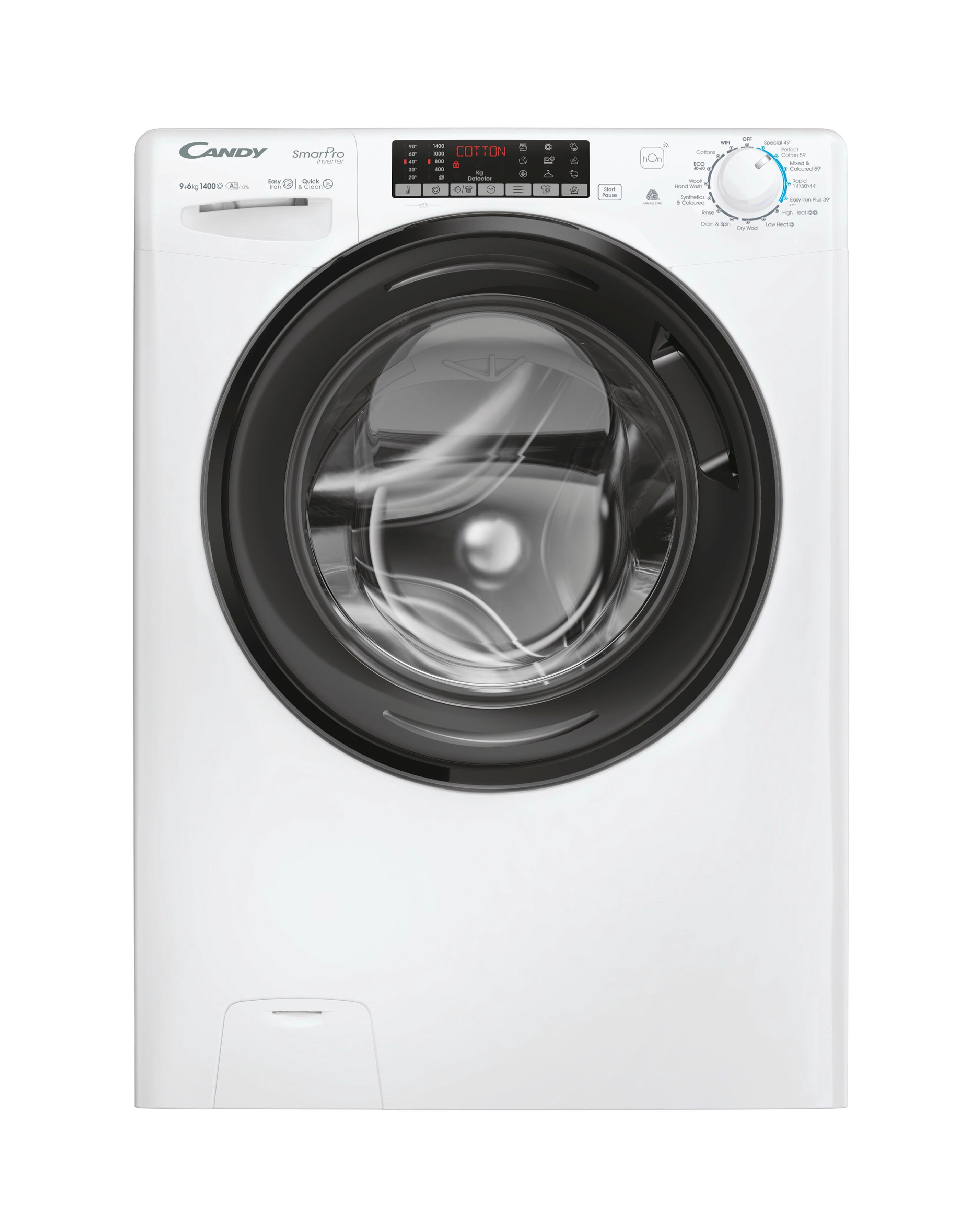
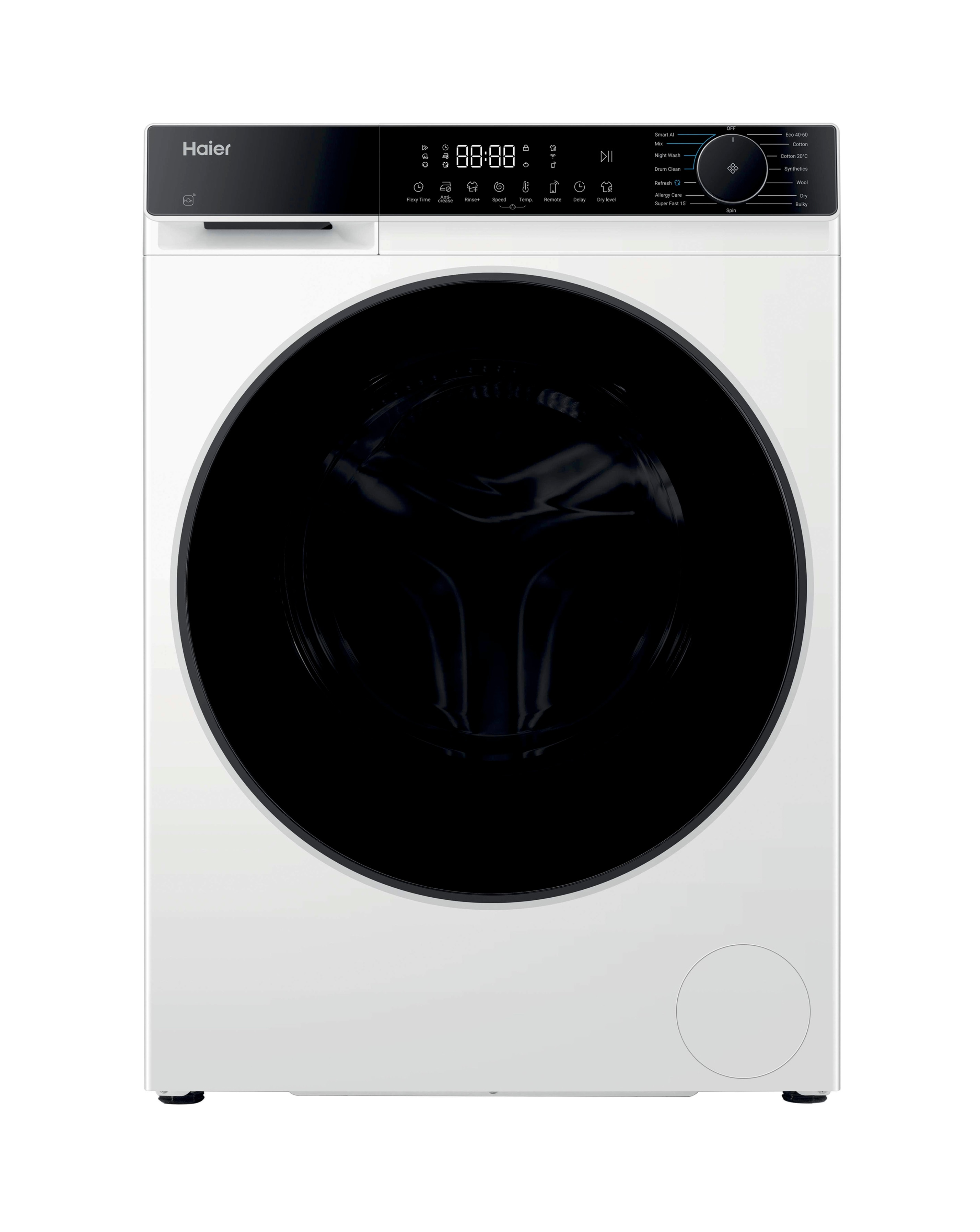
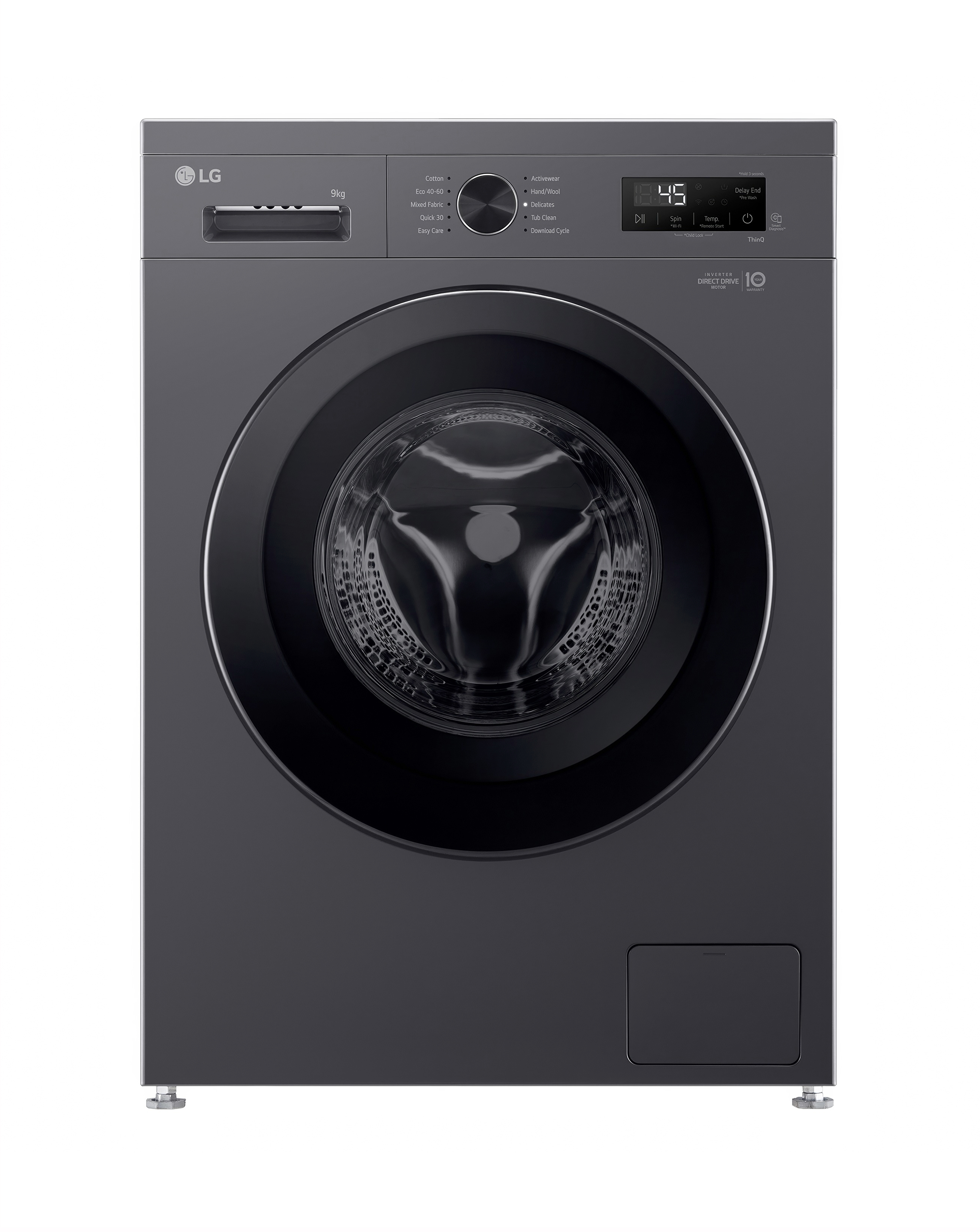
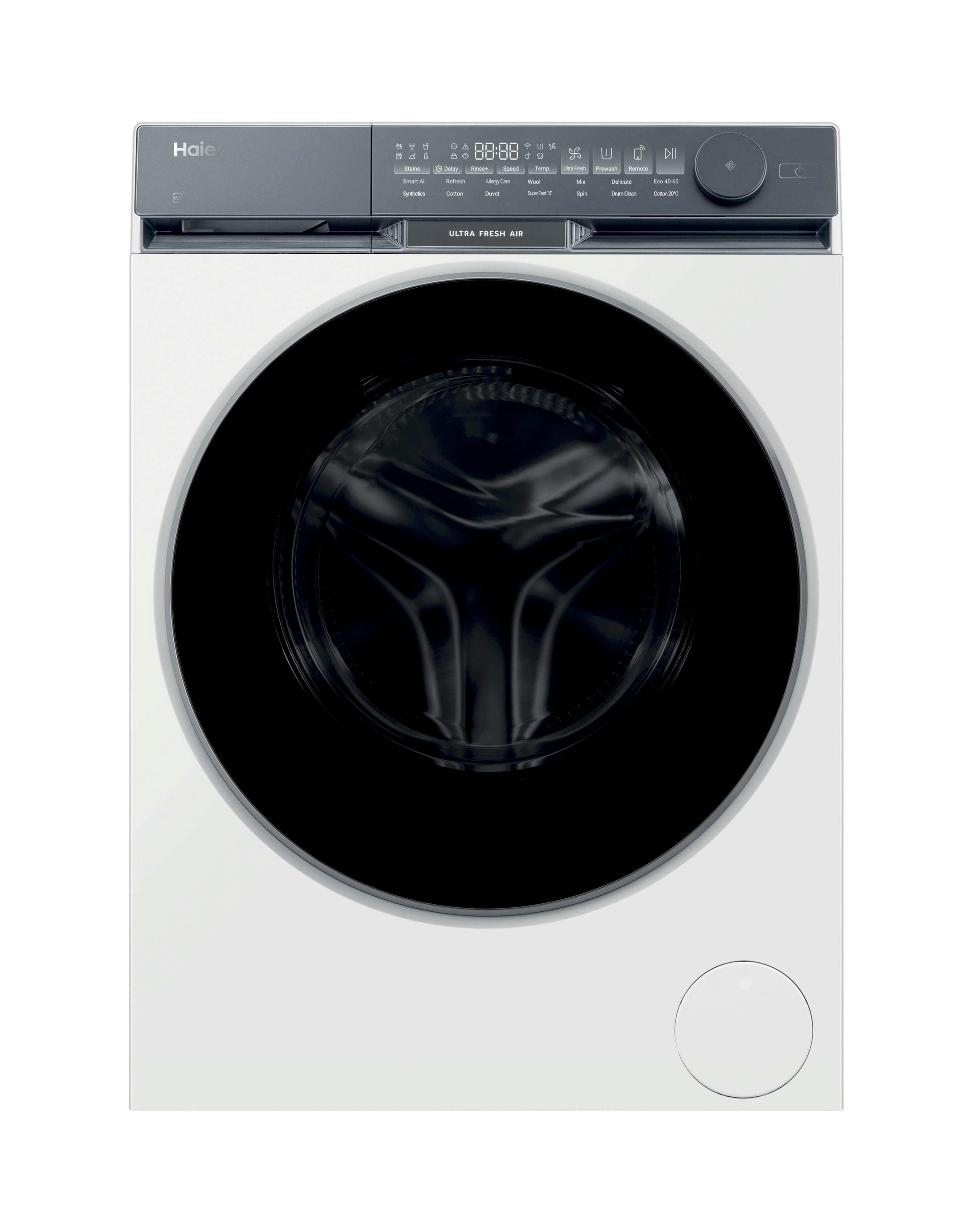
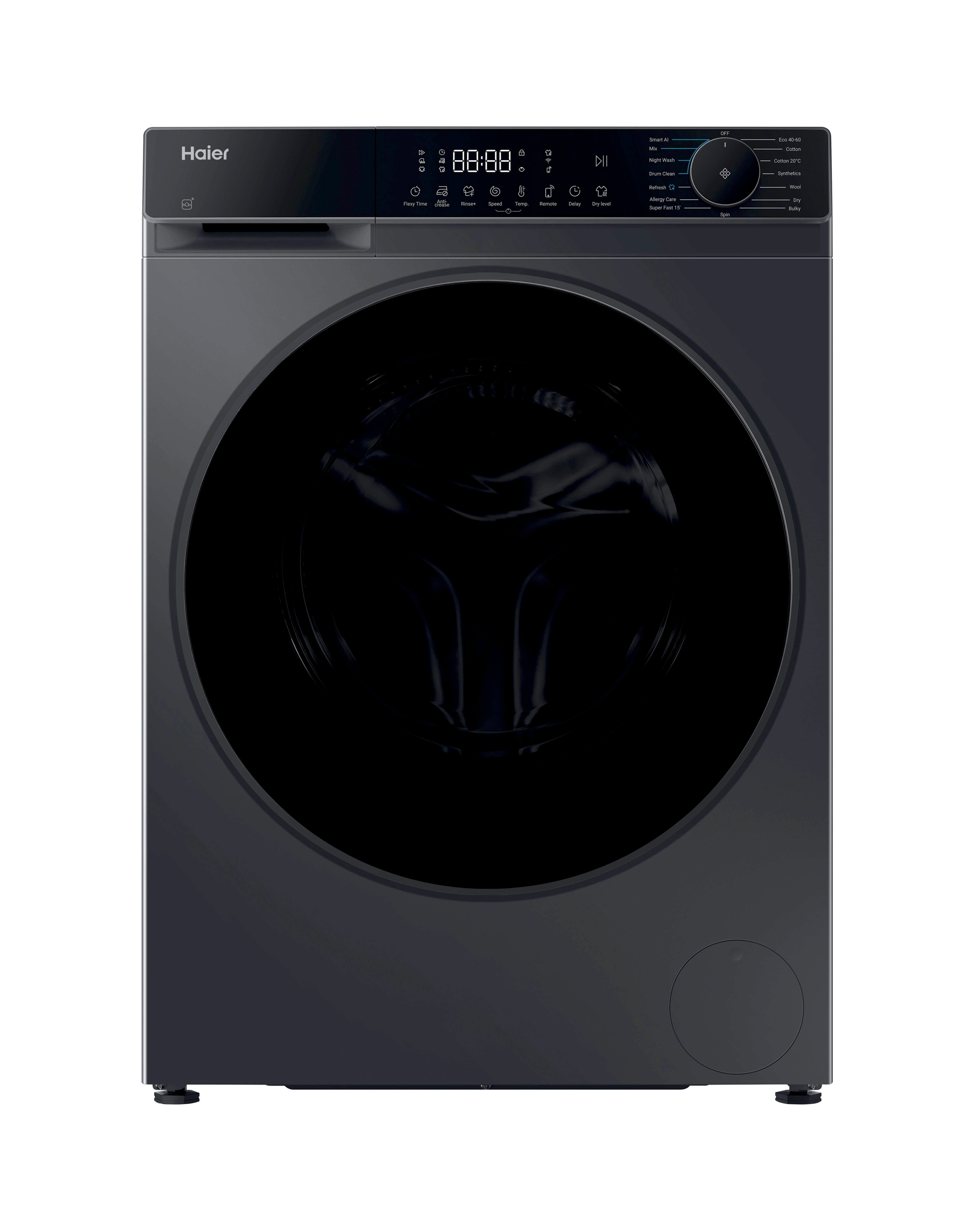
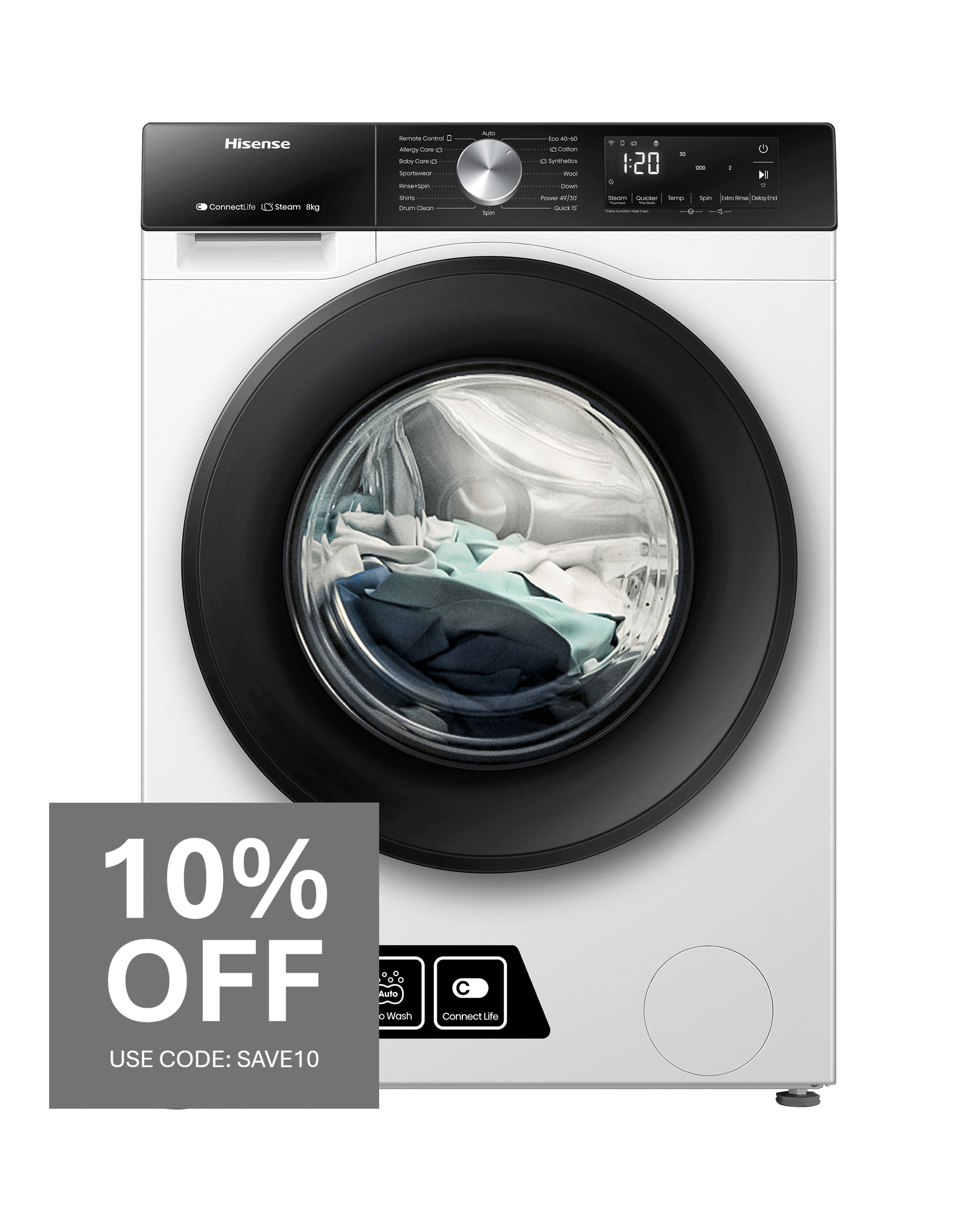
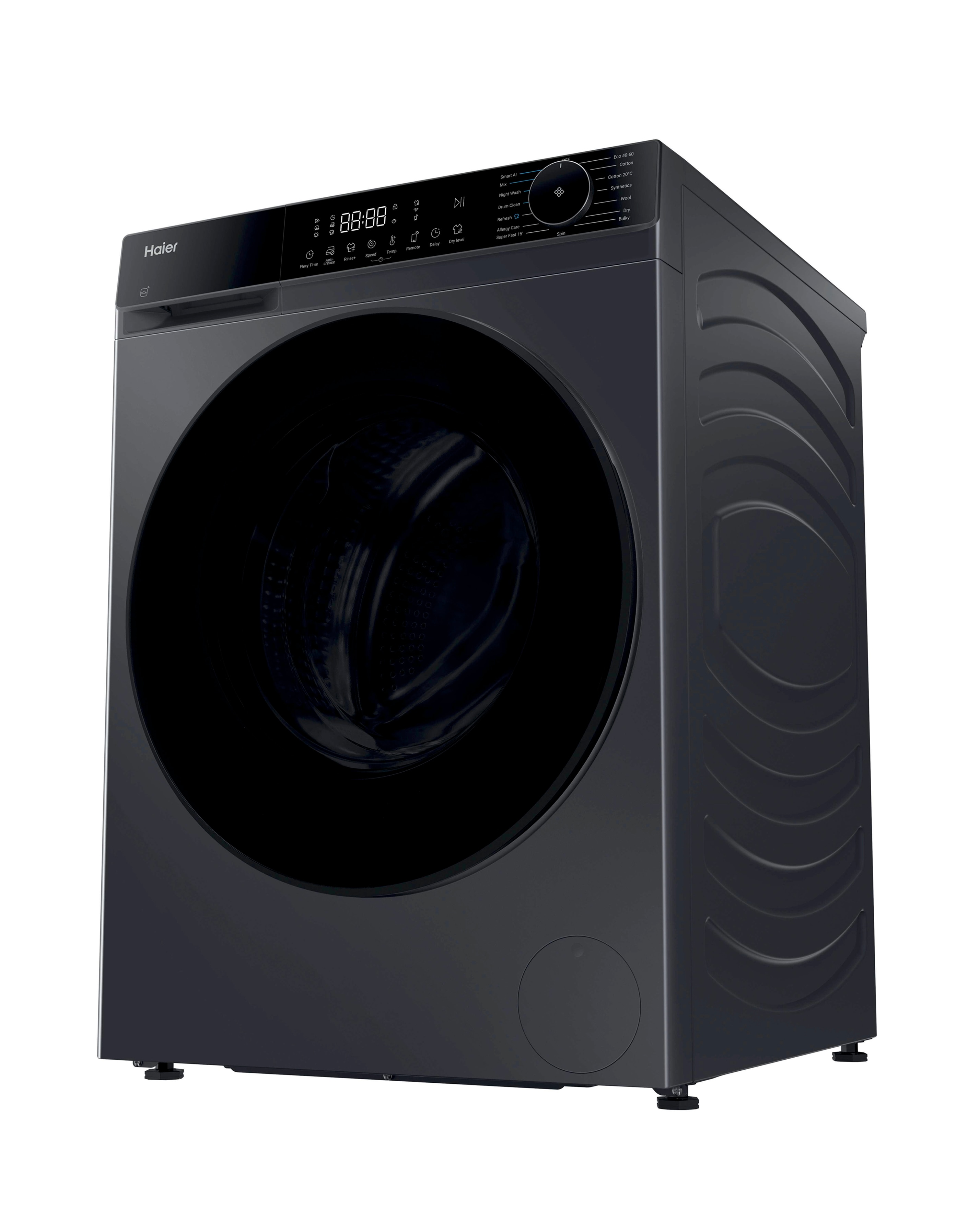
Discover the convenience of wifi laundry appliances, designed to simplify your laundry routine and enhance your home experience. These innovative machines allow you to control and monitor your laundry from anywhere using your smartphone, making it easier to manage your time. With features like energy-efficient cycles, multiple wash and dry settings, and smart notifications, you can enjoy a seamless laundry experience tailored to your needs. Whether you're washing delicate fabrics or tackling heavy loads, wifi laundry appliances offer versatility and efficiency, ensuring your clothes are cared for with the utmost precision.
What are wifi laundry appliances?
- Wifi laundry appliances are washing machines and washer dryers equipped with smart technology that allows you to control them remotely via a smartphone app. This feature enables you to start, stop, and monitor your laundry cycles from anywhere in your home or even while you're out. They often include additional functionalities like cycle notifications and energy usage tracking.
How do wifi laundry appliances work?
- Wifi laundry appliances connect to your home Wi-Fi network, allowing you to interact with them through a dedicated app on your smartphone. You can select wash cycles, receive alerts when your laundry is done, and even troubleshoot issues remotely. This connectivity enhances convenience and efficiency in managing your laundry tasks.
What are the benefits of using wifi laundry appliances?
- The primary benefits of wifi laundry appliances include convenience, time-saving features, and improved energy efficiency. You can schedule washes to start during off-peak energy hours, receive notifications, and monitor your laundry remotely. This technology not only simplifies your routine but can also help reduce energy costs.
Are wifi laundry appliances more expensive than traditional models?
- Wifi laundry appliances may have a higher upfront cost compared to traditional models due to their advanced technology and features. However, the long-term savings on energy bills and the convenience they offer can make them a worthwhile investment. It's important to consider your laundry needs and how often you would benefit from the smart features.
Can wifi laundry appliances be used without a smartphone?
- While wifi laundry appliances are designed to be used with a smartphone for optimal convenience, many models still have manual controls that allow you to operate them without a smartphone. You can select cycles and settings directly on the machine, ensuring functionality even if you prefer not to use the app.