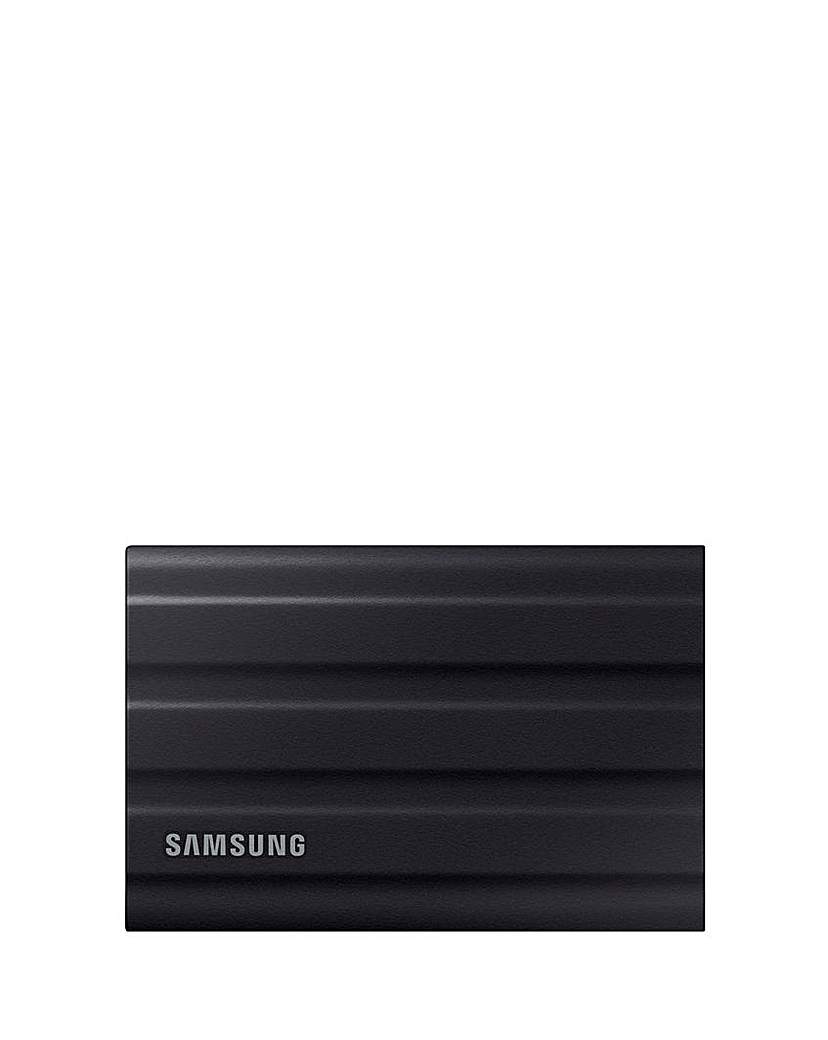
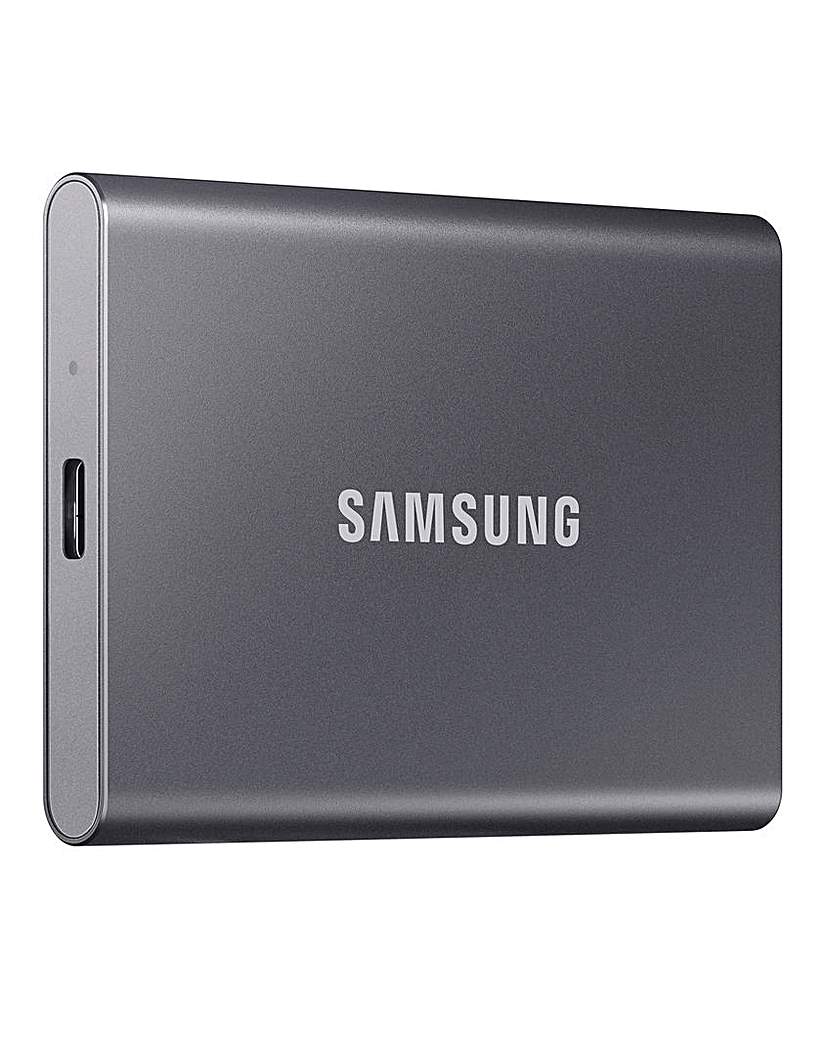
Discover the reliability and speed of solid-state drives for backup, designed to keep your data safe and accessible. These drives offer enhanced durability and faster data transfer rates compared to traditional hard drives, making them an ideal choice for safeguarding important files. With their compact size and lightweight design, solid-state drives are perfect for both home and professional use, allowing for easy portability and efficient storage solutions. Whether you're backing up documents, photos, or large media files, these drives provide a seamless experience, ensuring your data is protected and readily available whenever you need it.
What are solid-state drives used for?
- Solid-state drives (SSDs) are primarily used for data storage, providing faster access and retrieval times compared to traditional hard drives. They are ideal for backing up important files, running applications, and enhancing overall system performance. Their reliability and speed make them a popular choice for both personal and professional use.
How do solid-state drives compare to traditional hard drives for backup?
- Solid-state drives offer several advantages over traditional hard drives, including faster data transfer speeds, greater durability, and lower power consumption. Unlike hard drives, SSDs have no moving parts, making them less prone to mechanical failure. This makes SSDs a more reliable option for backing up important data.
Can solid-state drives be used for long-term data storage?
- Yes, solid-state drives can be used for long-term data storage, but it's important to consider regular backups and data migration. While SSDs are durable and reliable, they can experience data retention issues over time if not powered on regularly. Ensuring your data is backed up in multiple locations is always a good practice.
What capacity should I look for in a solid-state drive for backup?
- The capacity you need in a solid-state drive for backup depends on the amount of data you plan to store. Common capacities range from 250GB to several terabytes, allowing you to choose a drive that fits your storage needs. It's advisable to select a drive with a bit more capacity than your current data to accommodate future growth.
Are solid-state drives compatible with all devices?
- Most solid-state drives are compatible with a wide range of devices, including laptops, desktops, and gaming consoles. However, it's essential to check the connection type (such as USB, SATA, or NVMe) to ensure compatibility with your specific device. Many SSDs come with adapters or cables to facilitate easy connections.