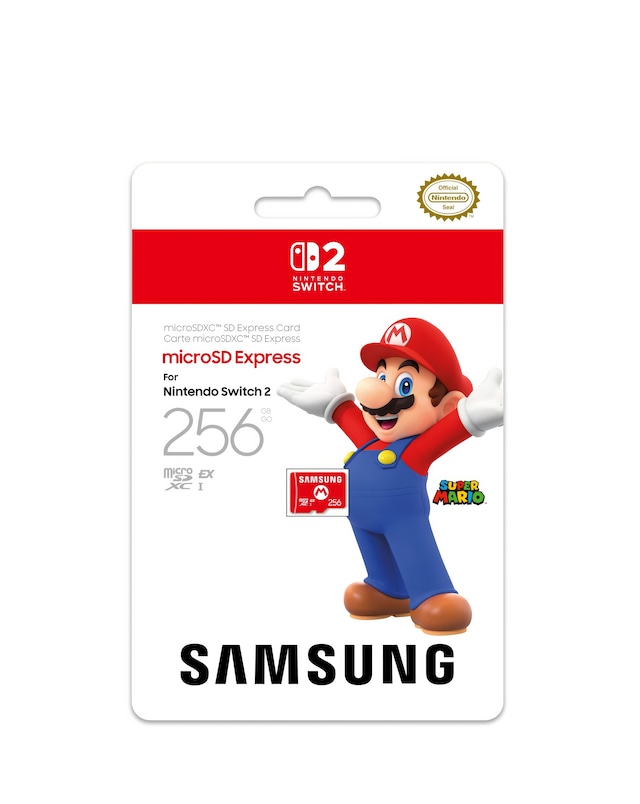
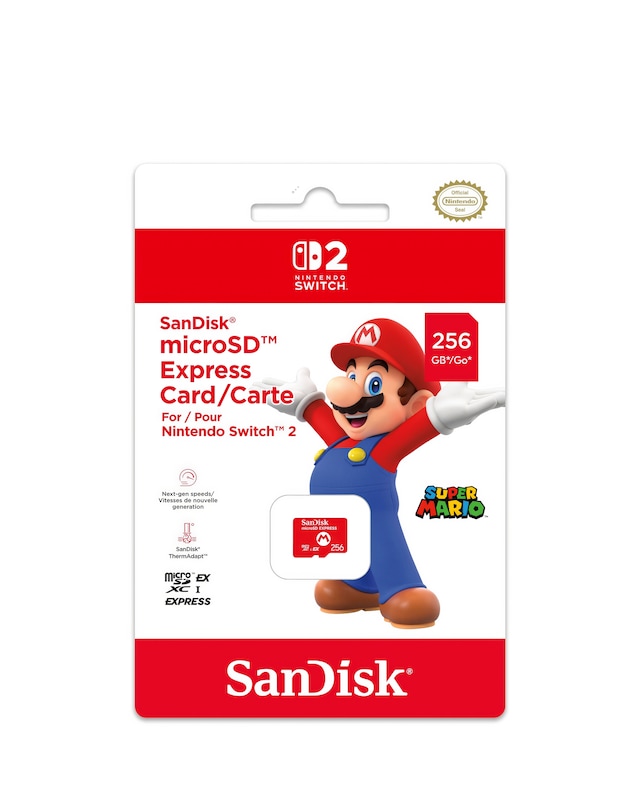
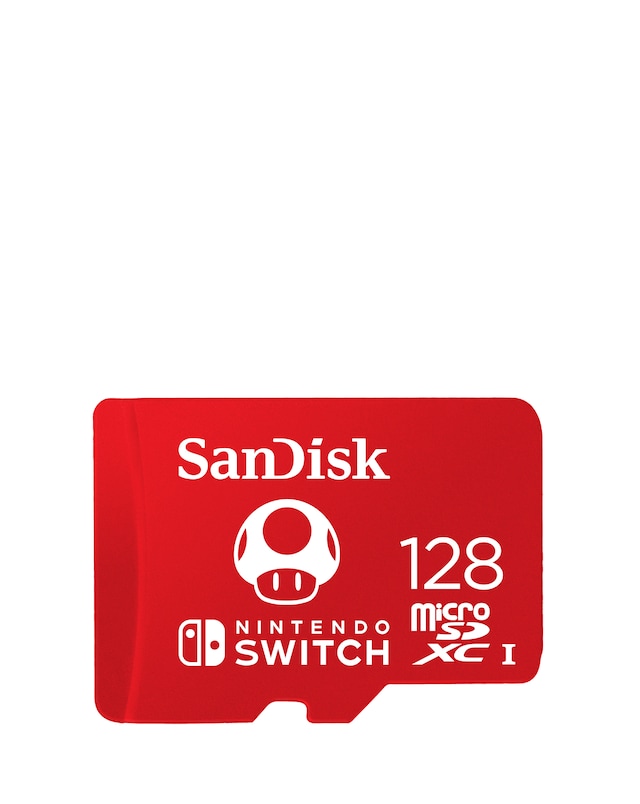
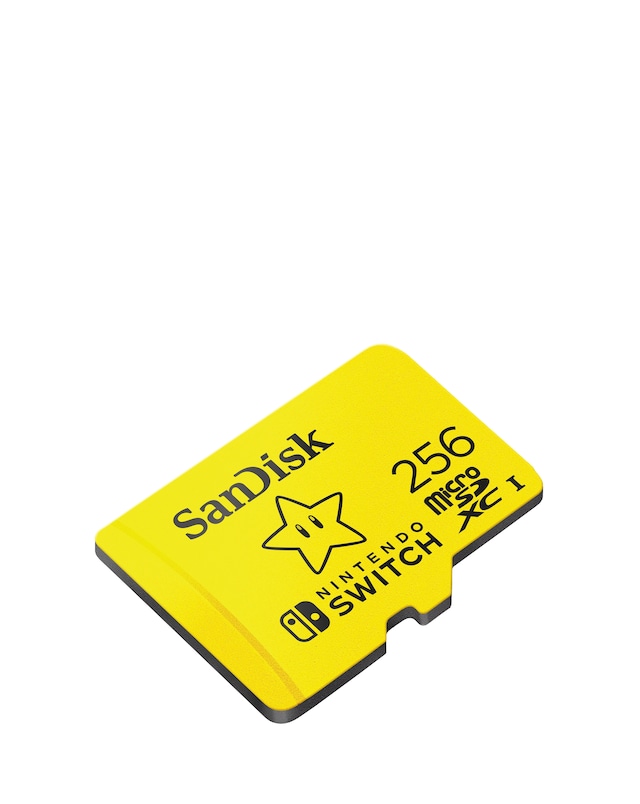
Enhance your gaming experience with our selection of microSDXC cards specifically designed for the Nintendo Switch. These high-speed cards offer ample storage capacity, allowing you to download and store your favourite games, DLCs, and updates without worry. With fast read and write speeds, you can enjoy seamless gameplay and quick loading times, making your gaming sessions more enjoyable. Whether you're a casual player or a dedicated gamer, our microSDXC cards provide the perfect solution for expanding your console's storage, ensuring you never run out of space for your gaming adventures.
What is a microSDXC card used for in a Nintendo Switch?
- A microSDXC card is used to expand the storage capacity of your Nintendo Switch, allowing you to download and store more games, updates, and downloadable content. This is particularly useful for players who enjoy a large library of games or frequently download new titles.
How much storage do I need for my Nintendo Switch?
- The amount of storage you need depends on your gaming habits. If you play a few games, a smaller capacity card may suffice. However, for avid gamers who download many titles, a higher capacity card is recommended to ensure you have enough space for all your games and updates.
Can I use any microSD card with my Nintendo Switch?
- While you can use any microSD card, it is recommended to use microSDXC cards for optimal performance and compatibility with the Nintendo Switch. These cards provide faster speeds and larger storage capacities, enhancing your overall gaming experience.
What is the difference between microSD and microSDXC?
- The main difference is the storage capacity and speed. microSD cards typically have a maximum capacity of 2GB, while microSDXC cards can hold up to 2TB. Additionally, microSDXC cards generally offer faster read and write speeds, making them more suitable for gaming applications.
How do I install a microSD card in my Nintendo Switch?
- To install a microSD card, first, power off your Nintendo Switch. Then, locate the microSD card slot behind the kickstand on the back of the console. Insert the card until it clicks into place, and then power on your device to start using the additional storage.