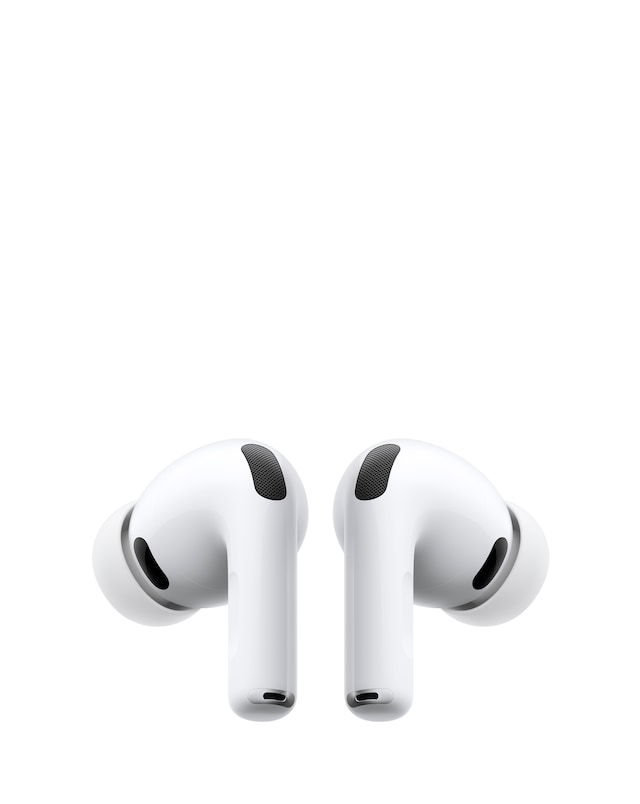
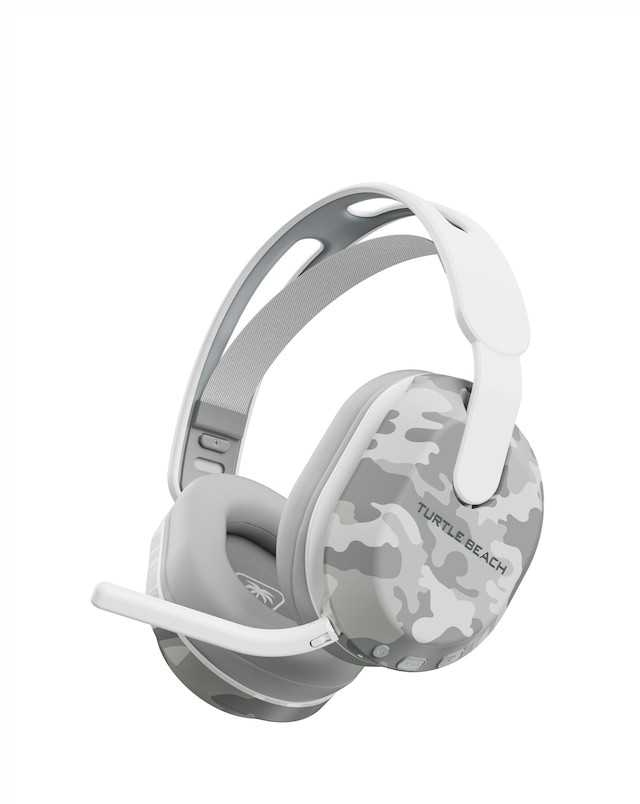
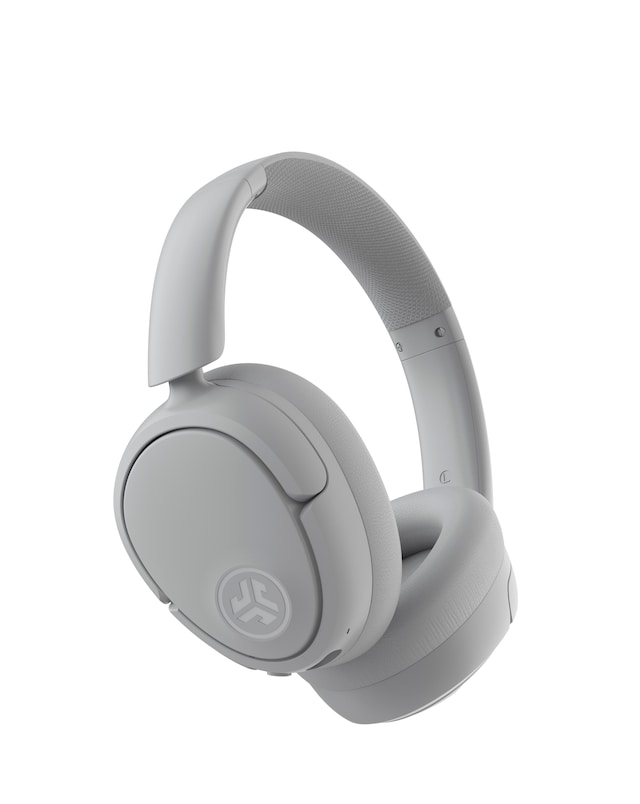
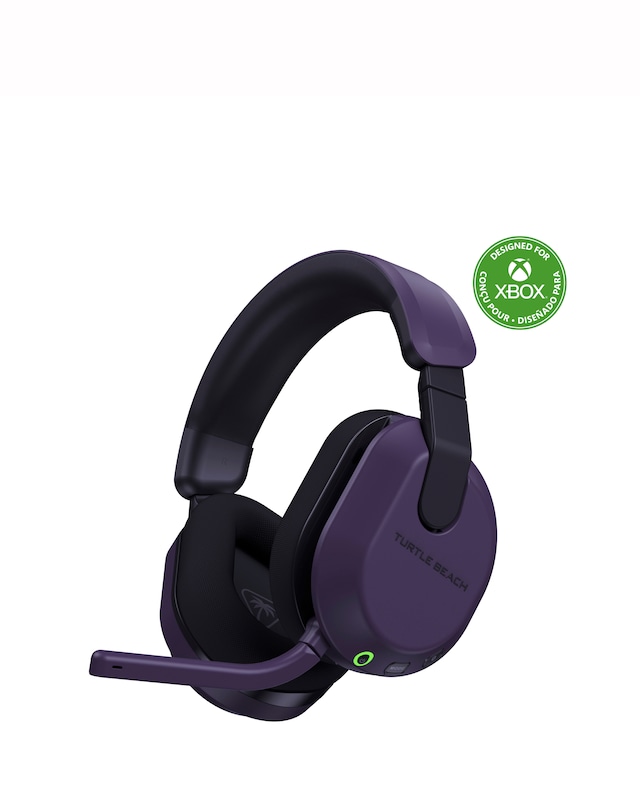
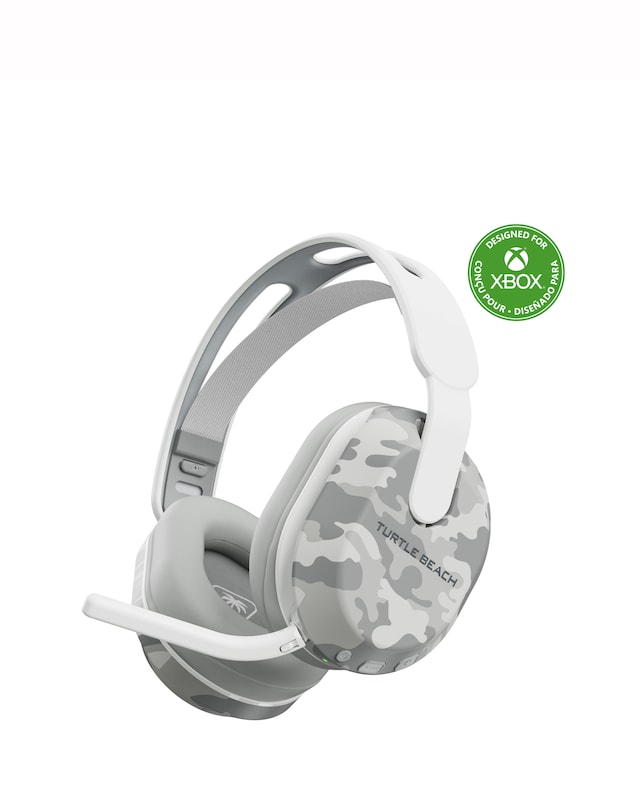
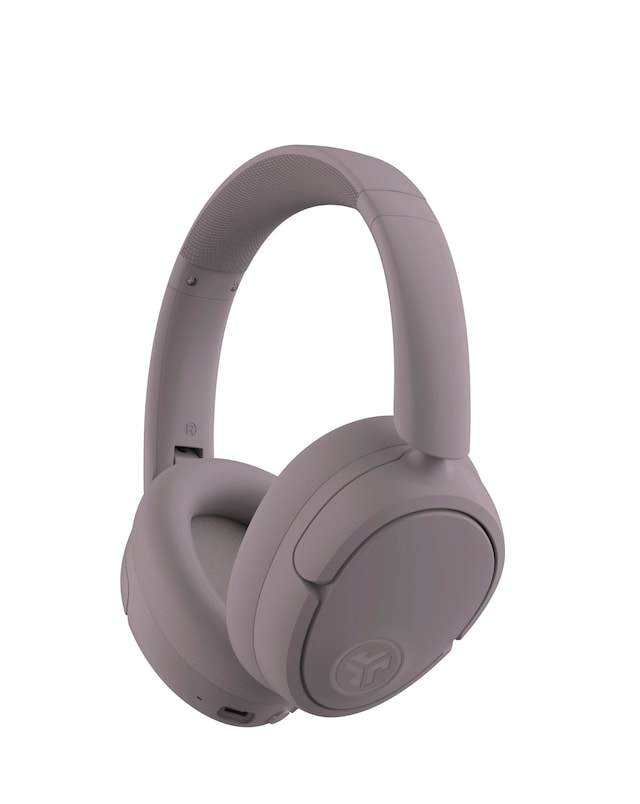
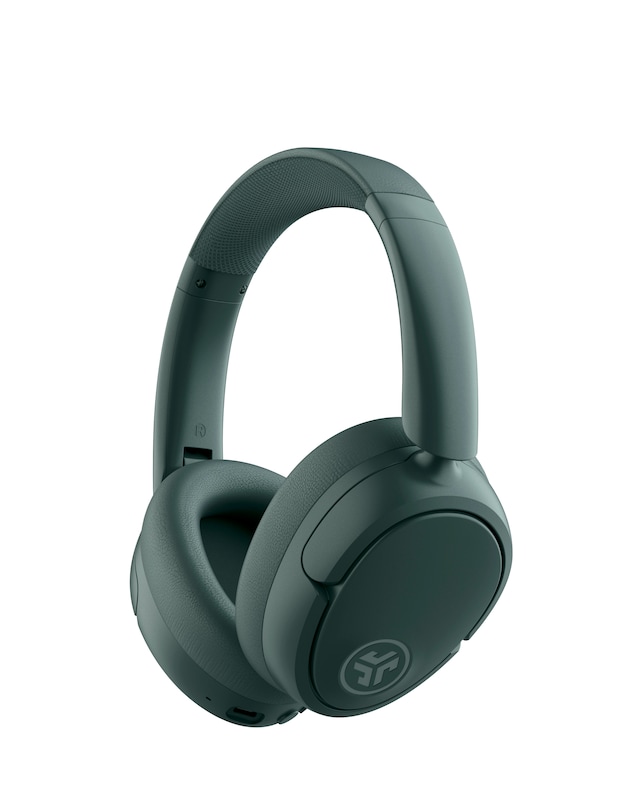
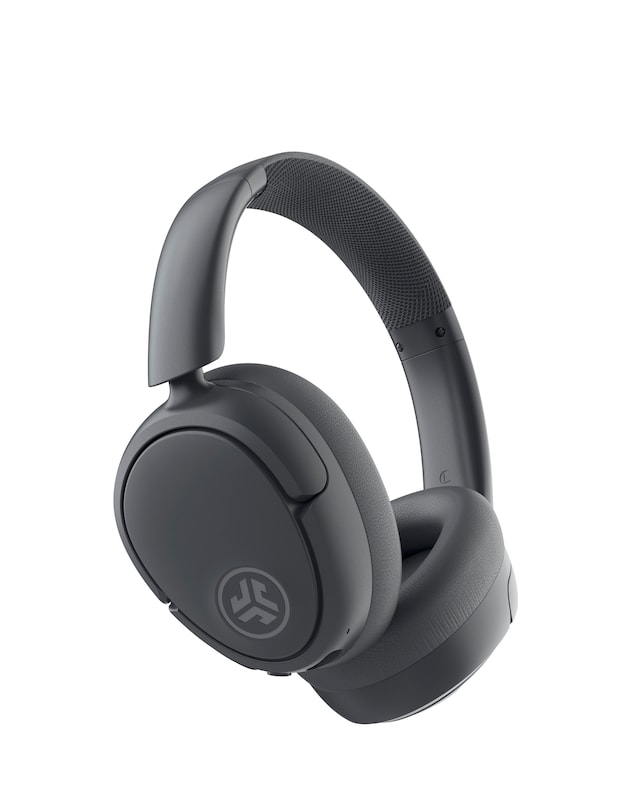
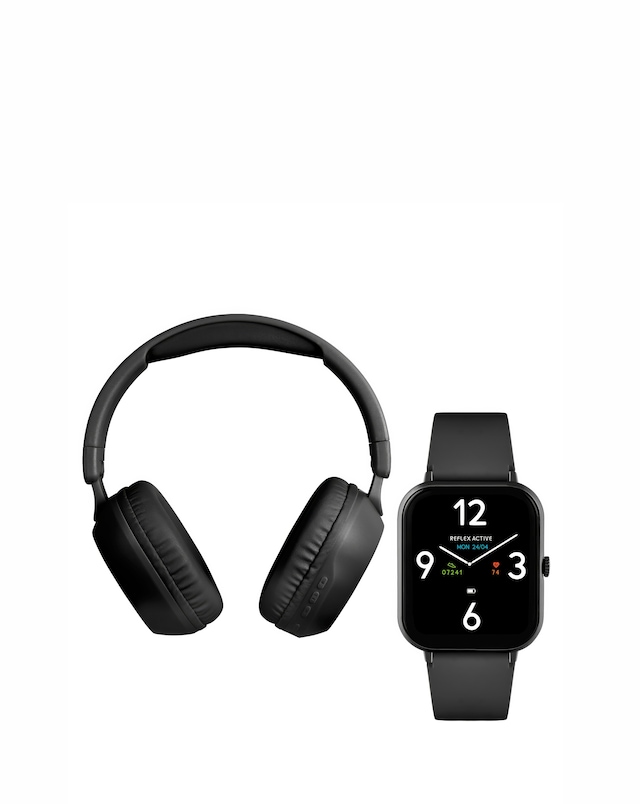
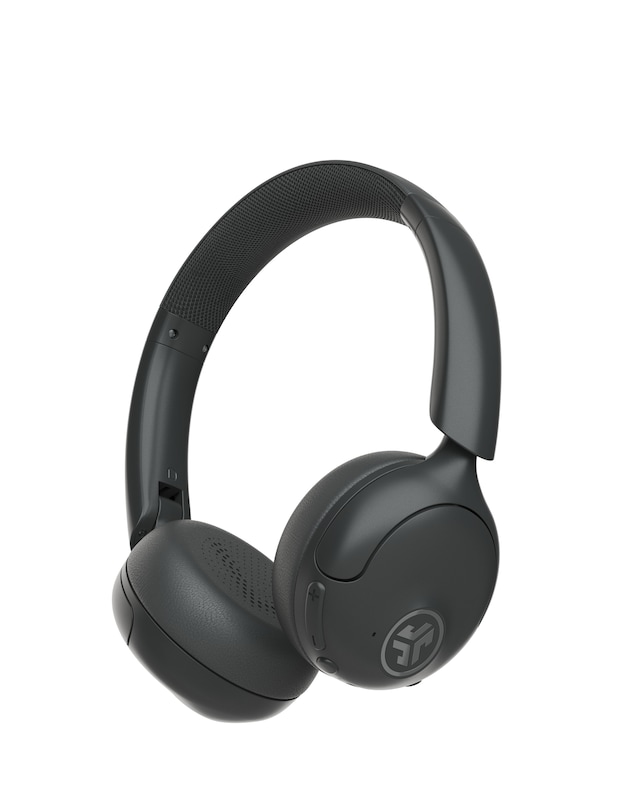
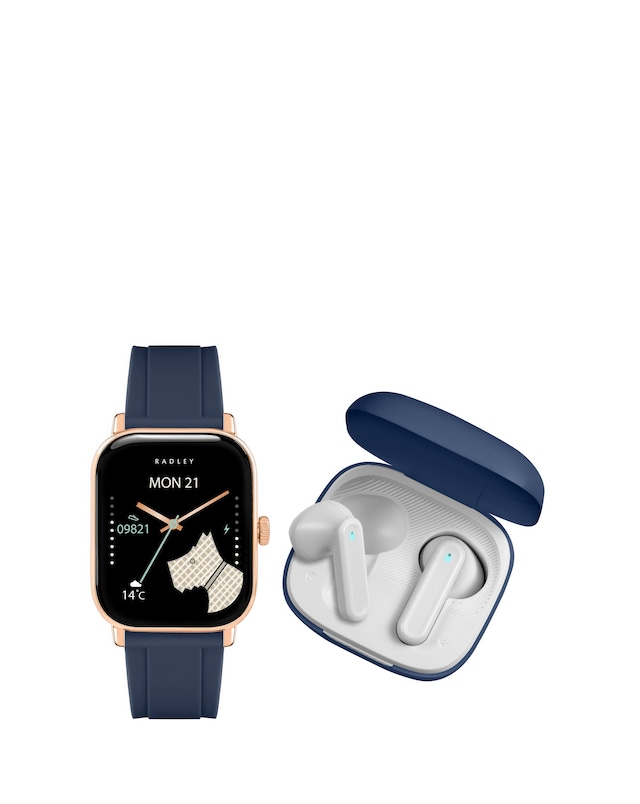
Discover the perfect audio companion with our selection of Bluetooth headphones for iOS, designed to enhance your listening experience with seamless connectivity and superior sound quality. These headphones offer a comfortable fit, making them ideal for extended use whether you're commuting, working out, or relaxing at home. With features like noise cancellation, long battery life, and intuitive controls, you can enjoy your favourite music, podcasts, and calls without interruption. Compatible with all iOS devices, our range ensures that you can easily switch between your iPhone, iPad, and other Apple products, providing a versatile audio solution for every lifestyle.
What are Bluetooth headphones for iOS?
- Bluetooth headphones for iOS are wireless audio devices specifically designed to connect seamlessly with Apple products. They provide high-quality sound and convenient features tailored for iPhone, iPad, and other iOS devices. This ensures an optimal listening experience across various applications.
Do Bluetooth headphones work with iPhones?
- Yes, Bluetooth headphones are fully compatible with iPhones, allowing for easy pairing and connectivity. Once connected, you can enjoy music, make calls, and use voice assistants without any wires. This wireless convenience enhances the overall user experience.
What features should I look for in Bluetooth headphones for iOS?
- When choosing Bluetooth headphones for iOS, consider features like sound quality, battery life, comfort, and noise cancellation. Additionally, look for easy pairing capabilities and controls that are compatible with iOS devices. These features will enhance your overall listening experience.
Can I use Bluetooth headphones for calls on my iPhone?
- Yes, Bluetooth headphones can be used for making and receiving calls on your iPhone. They typically come with built-in microphones and controls for answering calls, ensuring clear communication. This makes them a practical choice for hands-free conversations.
How do I connect Bluetooth headphones to my iPhone?
- To connect Bluetooth headphones to your iPhone, simply turn on the headphones and enable Bluetooth on your device. Then, select the headphones from the list of available devices in your iPhone's Bluetooth settings. Once paired, you can start enjoying your audio content wirelessly.